

🚀 Now Available - Early Access

Turn Any Document Into Data With a Photo

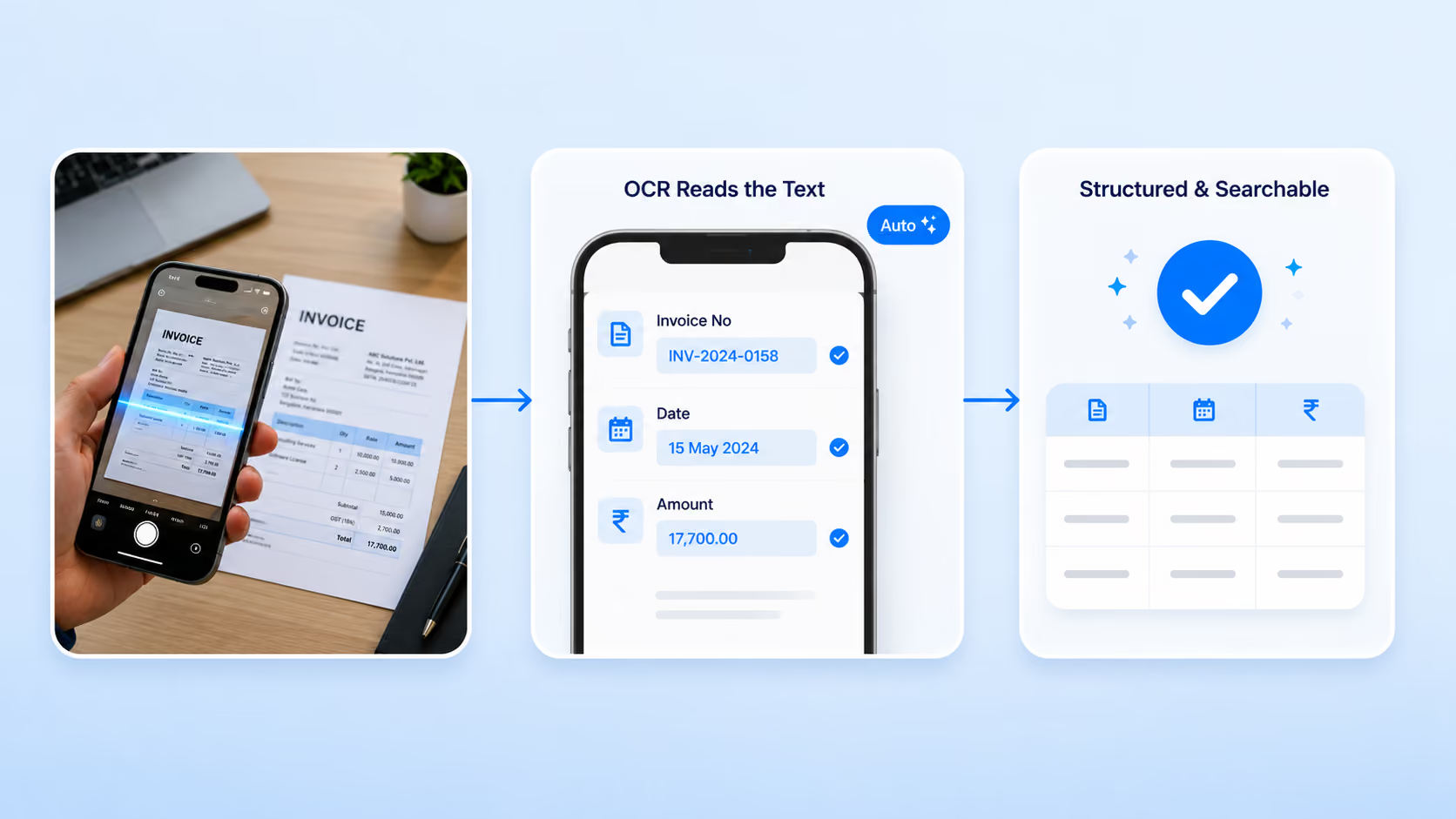
Point your phone at an invoice, label, ID card, serial number, or meter, and OCR reads the text straight into your form. No squinting at dials, no retyping, no transcription errors. Capture once, and the data is digital and searchable instantly.

Everything You Need to Capture Text Automatically

Stop typing what a camera can read for you

Read Text From Images

Extract printed text and numbers from photos of invoices, labels, and documents. The value lands in your form field, ready to use.

Capture Serial Numbers and IDs

Photograph an equipment plate, ID card, or serial number and pull the value automatically. No manual keying of long, error-prone strings.

Read Meters and Gauges

Snap analog or digital meters and extract the reading as a number. Cut billing disputes and transcription errors from utility and equipment readings.

Auto-Fill Your Forms

Extracted values drop straight into the right fields, so a document becomes a structured, submittable record in seconds.

Keep Photo Evidence

The source image stays attached to the submission with a timestamp, so every extracted value has an audit trail behind it.

Works on the Phones You Have

Runs on the smartphone cameras your team already carries. No scanners, no special hardware, no desktop station required.

Built for Real Operations

From back-office invoices to field meter reads, wherever typing slows you down

Invoice Processing

Photograph invoices, delivery notes, or bills and extract key values into a form. Skip manual data entry and keep the original image on file.

Asset & Serial Capture

Read equipment nameplates, serial numbers, and asset IDs from a photo during audits and onboarding. No mistyped strings, no re-checks.

Meter & Gauge Reading

Field teams snap utility meters, pressure gauges, and odometers, and OCR pulls the numbers automatically with photo evidence and timestamps.

How It Works

From a photo to structured data in seconds
1
Snap the Document
Use your phone to photograph the invoice, label, ID, meter, or serial number, right where you are.
2
OCR Reads the Text
Clappia's OCR extracts the text and numbers from the image and identifies the values you need.
3
Fields Auto-Fill
The extracted values populate your form fields. Review, correct anything if needed, and you're done.
4
Submit and Store
Hit submit and the record logs with the source image attached, ready for search, reporting, and workflows.

Works With the Tools You Already Have

No scanners, no new hardware, no vendor lock-in
Uploaded Images
Smartphone Camera
Existing Clappia Apps
Workflows & Reports
💡 Already drowning in paperwork?
You don't need a scanning department. Clappia's OCR turns the phone in your team's pocket into a document capture tool. Tell us what you process, and we'll show you how it fits.

See It in Action

Watch how a single photo becomes structured, searchable data inside your Clappia workflow, no manual typing in between.
Have a specific document type in mind? Tell us when you book, and we'll show you how OCR handles it.
