


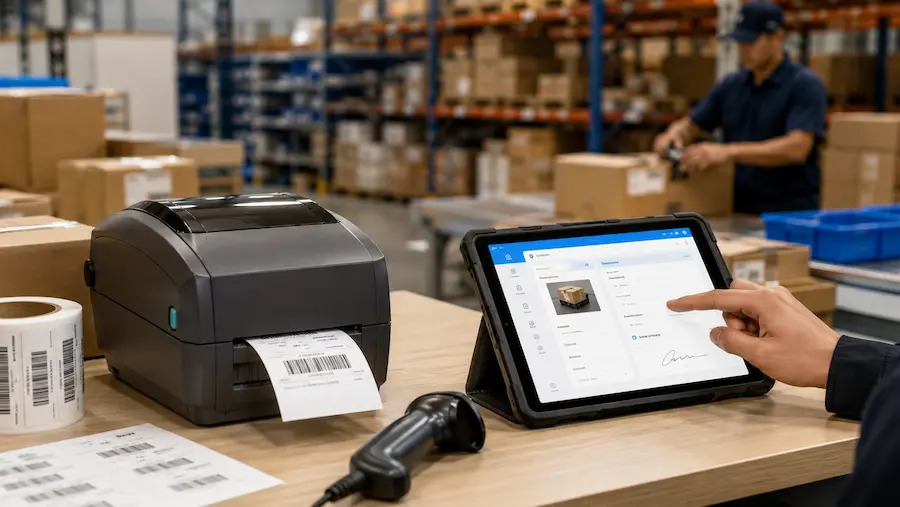
Before you spend on a thermal printer, it helps to know a hard truth about warehouse labeling: the printer is rarely the bottleneck. The slow part is everything that happens before the label prints. Someone reads a SKU off one screen, retypes it into BarTender or NiceLabel, fixes the template, then finally prints. The fastest printer on the floor still sits idle while a person keys in data by hand.
So this guide does two things. It ranks the best thermal printers for warehouse use in 2026 by what actually matters on a busy floor. And it shows you how to feed any of them label data straight from a form on a phone or desktop, so the retyping step disappears entirely. That second part is where most buying guides go quiet, and it's where the real time savings live.
If you want to see the second part in action first, here's how barcode and label printing works inside a Clappia workflow: capture data once, generate the label automatically, print on the hardware you already own. Now, the printers.
What Makes a Thermal Printer "Warehouse-Grade"
Plenty of machines are sold as "label printers." Few survive a receiving dock running multiple shifts. Here's what separates a real warehouse printer from a desktop unit that jams by month three.
Build and duty cycle. A warehouse-grade unit has a metal frame and a continuous duty rating, built to run full shifts without overheating. Plastic-housed desktop printers are made for 50 to 150 labels a day. Put one on a dock printing 2,000 labels a shift and the printhead wears out in months.
Connectivity. Industrial and performance printers connect over Ethernet or Wi-Fi, not just USB. A USB-only printer is tied to one computer, fine for a single packing station, a dead end once multiple stations or a warehouse system need to send jobs.
Resolution and speed. Most warehouse barcodes scan fine at 203 DPI. You only need 300 DPI for dense 2D codes (QR, DataMatrix) or small compliance labels. Speed (inches per second) matters when an operator waits on a batch; for single on-demand labels, it rarely does.
How it gets its data. This is the factor every other guide ignores, and the one that decides whether your expensive printer actually saves time. A printer is only as fast as the workflow feeding it. We'll come back to this after the picks, because it changes how you should read the whole list.
Direct Thermal vs Thermal Transfer
Direct thermal printers use heat-sensitive labels that darken under the printhead. No ink, no ribbon, lower running cost. The tradeoff: labels fade with heat and sunlight, lasting 6 to 12 months. Ideal for shipping labels and short-life inventory tags.
Thermal transfer printers melt a ribbon onto the label, producing a mark that resists moisture, abrasion, and chemicals for years. For bin tags, pallet IDs, compliance labels, and cold or outdoor storage, thermal transfer is the right call. Most warehouse labels use a wax-resin ribbon; resin is for extreme conditions.
The rule: under a year in a climate-controlled space, direct thermal saves money. Longer or exposed to the elements, choose thermal transfer.
The Best Thermal Printers for Warehouse Use
Each pick below includes the one thing the other guides leave out: how you actually get accurate data onto the label without retyping it.
Zebra ZT411 - Best for High-Volume Industrial Labeling
The ZT411 is the most widely deployed mid-range industrial printer in Zebra's lineup. All-metal chassis built for 24/7 operation, prints up to 14 IPS, available in 203, 300, and 600 DPI. Connects over Gigabit Ethernet, USB, and serial, with optional Wi-Fi, Bluetooth, and RFID.
It earns its place when daily label counts run into the thousands or the environment is hot, dusty, or vibration-heavy. It speaks ZPL natively.
How it works with Clappia: because Clappia generates standard ZPL, your receiving or production team captures data in a form, and the label prints on the ZT411 with zero manual data entry. At thousands of labels a shift, removing the retype step is where the ZT411's speed actually pays off.
Best for: distribution centers, 3PLs, manufacturing lines printing 2,000+ labels per shift.
Zebra ZD621 - Best Desktop Printer for Mid-Volume Operations
The ZD621 is the performance tier of Zebra's desktop range. Prints at 8 IPS at 203 DPI (33% faster than the ZD421), ships with Ethernet, Wi-Fi, and Bluetooth as standard, optional color touchscreen. Handles direct thermal and thermal transfer.
It fits warehouses that need shared network printing and durable labels but don't hit industrial volumes.
How it works with Clappia: multiple stations capture data into the same Clappia app and each prints to a networked ZD621. One shared source of truth, labels printing locally at every desk, no one exporting spreadsheets between stations.
Best for: mid-size warehouses, receiving desks, multi-station operations under 2,000 labels a day.
Zebra ZD421 — Best Value Desktop for Single Stations
The ZD421 covers about 80% of desktop labeling needs. Prints at 6 IPS, supports direct thermal and thermal transfer, and uses a Modular Connectivity Slot so you can start with USB and add Wi-Fi later. Reads ZPL and EPL natively.
How it works with Clappia: this is the sweet-spot setup for a single receiving or packing station. A worker scans an item with their phone using Clappia's built-in scanner, the form auto-fills, they hit print, and the label prints on the ZD421 beside them. No PC tethered to label software in between.
Best for: dedicated workstations, light-to-moderate volume, teams that want upgrade headroom.
Honeywell PM43 — Best for Existing Honeywell or Intermec Fleets
If your facility already runs Honeywell or Intermec hardware, the PM43 is a seamless industrial replacement. Rugged mechanism, high-volume capable, connects cleanly to enterprise systems using Honeywell's native languages.
How it works with Clappia: you don't have to rip out hardware to modernize the workflow. Clappia integrates with existing print setups, so the PM43 keeps running while the manual data-entry step in front of it goes away.
Best for: facilities standardized on Honeywell, high-volume environments avoiding re-tooling.
Brother TD-4550DNWB — Best for High-Detail Labels
The Brother TD-4550DNWB prints at 300 DPI, its defining feature. For small components, dense barcodes, or fine compliance text, that resolution produces crisp, first-scan output. Includes Ethernet, Wi-Fi, Bluetooth, USB, and works with non-proprietary labels.
How it works with Clappia: Clappia generates the barcode or QR from your form fields at the resolution the label needs, then prints to the Brother. Dense data, captured once, printed sharp, with nothing retyped.
Best for: small-item labeling, dense 2D barcodes, maximum connectivity and detail.
How to Choose the Right Warehouse Printer
Match the printer to your operation across four dimensions, not brand.
Volume per shift. Under 500 labels a day at one station: a desktop ZD421. Past 2,000 a shift or across multiple shifts: an industrial ZT411 or PM43 with a metal chassis and continuous duty rating.
Connectivity. One computer, one printer: USB is fine. Multiple stations or system-driven printing: Ethernet or Wi-Fi. This alone disqualifies most consumer "label printers."
Label lifespan. Controlled and used within a year: direct thermal. Outdoor, cold storage, or multi-year: thermal transfer with the right ribbon.
Three-year cost. Purchase price is the start. Add labels, ribbon if thermal transfer, and printhead replacement, the cost most buyers forget. Industrial printheads are field-replaceable and rated for tens of millions of inches; budget units often aren't worth repairing.
What Label Sizes Do Warehouses Use?
4x6 inches is standard for shipping (UPS, FedEx, USPS). Internal inventory, bin, and location labels run 2x1, 3x1, or 4x2 inches depending on information density. Any 4-inch printer above covers the range.
The Factor That Decides Whether Any of These Save You Time
Here's the part the affiliate roundups skip, because they have nothing to sell beyond the printer. A thermal printer doesn't create label data. It only prints what something else hands it. In most warehouses, that something is a person reading a value off a screen and typing it into label software, then matching it to a template, for every job. Buy the fastest printer on this list and that manual step is still there, still slow, still where the wrong digit sneaks onto the label.
This is the gap Clappia's barcode and label printing closes, and it's worth understanding before you buy any printer.
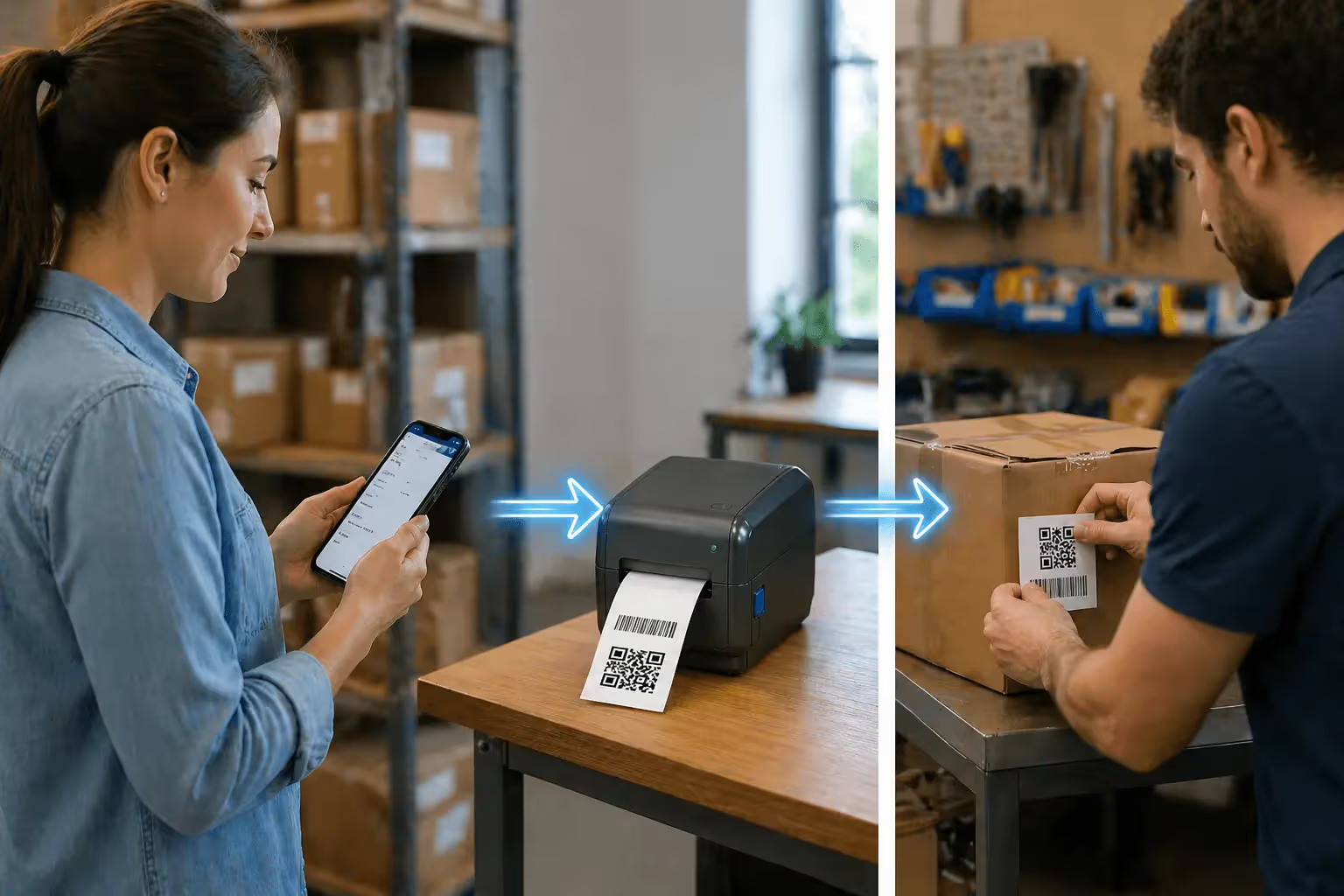
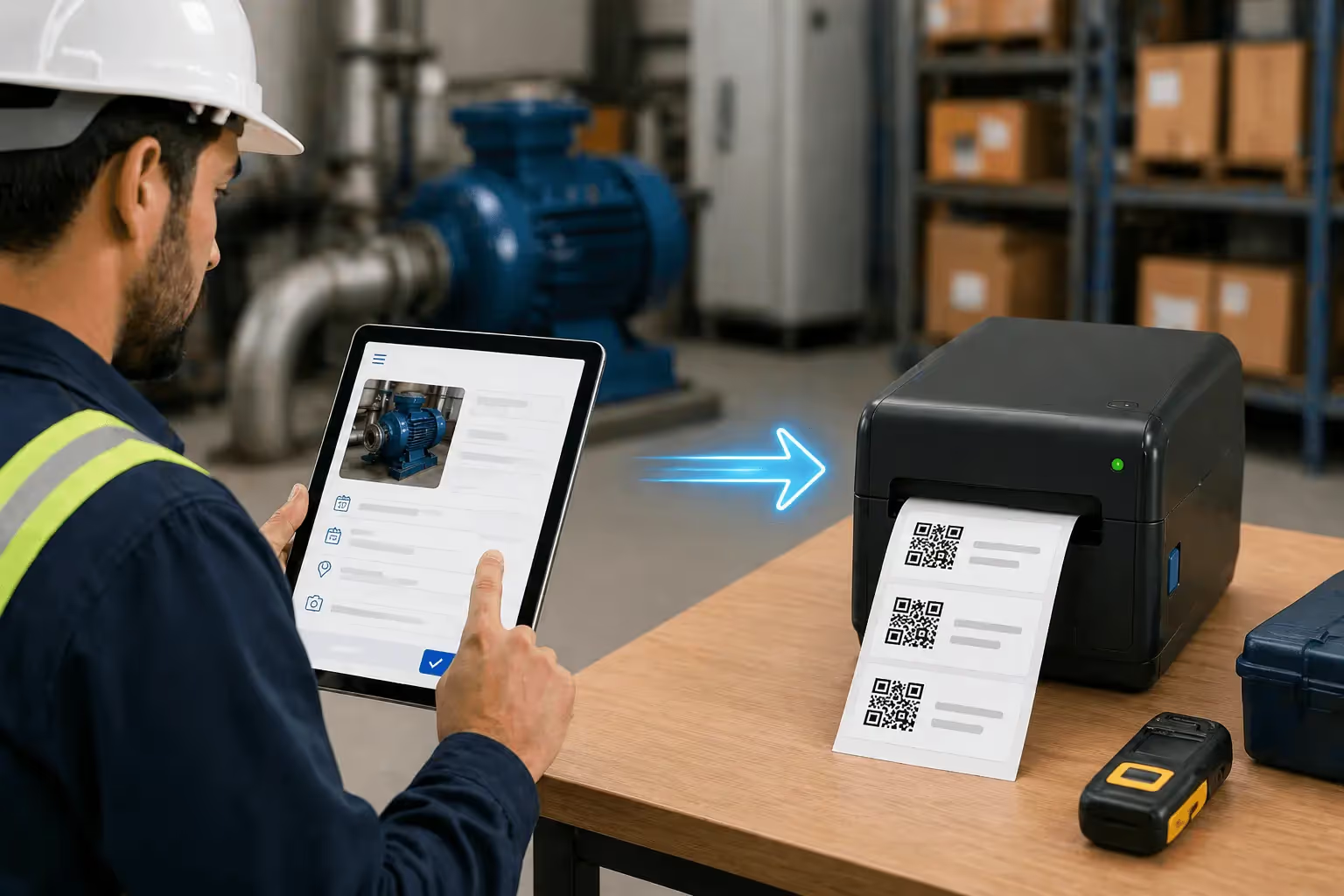
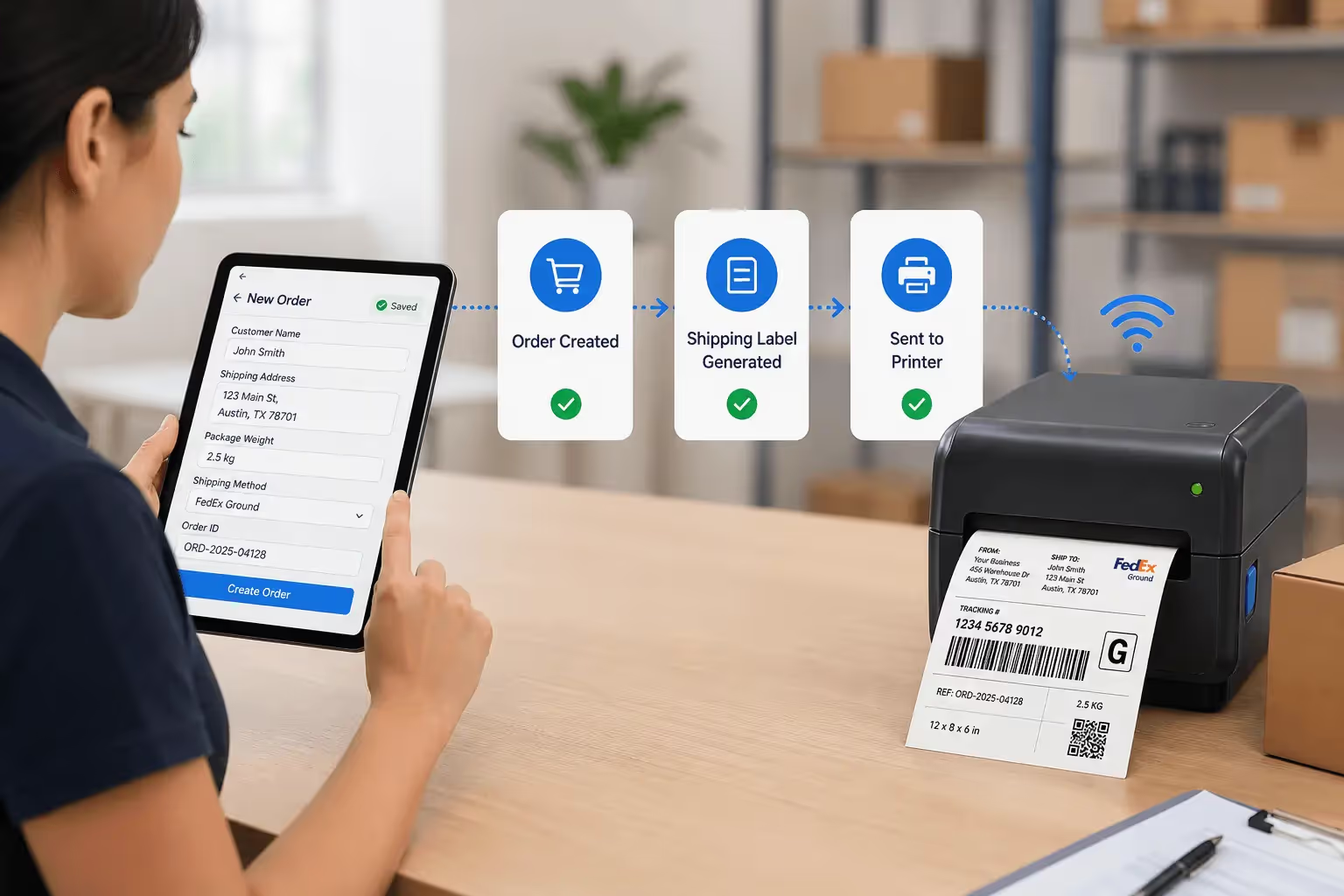
Your team captures data once in a Clappia form, on a phone in the aisle or a desktop at the dock. They can scan an existing barcode with the phone camera using Clappia's QR code and barcode scanner to auto-fill the SKU, quantity, and supplier, so even the capture step skips typing. On submit, Clappia generates the barcode or QR code from those field values, formats it on your label template, and sends it to your thermal printer. Open the record, click Print, the label prints. To label a whole shipment, select the records in the submissions table and bulk print the lot.
What you capture is what prints. No retyping into BarTender, no template remapping per job, no transcription errors. The printer finally runs at the speed it was sold at, because nothing slow sits in front of it.
And you're not locked to one brand. Clappia outputs standard ZPL for Zebra hardware and works with existing setups, whether that's a network printer, a print server like Printnode, or a non-Zebra thermal unit. Every printer on this list can be the output end of this workflow. If you already own one, you can keep it and just delete the manual data-entry step.
The practical takeaway: choose your printer from the picks above based on volume and durability, then decide how data reaches it. The hardware is a one-time choice. The workflow feeding it is a cost you pay every single shift.
Frequently Asked Questions
What is the best thermal printer for warehouse use in 2026?For high-volume industrial labeling, the Zebra ZT411 is the strongest all-around choice: metal chassis, 24/7 duty rating, ZPL support. For mid-volume networked operations, the Zebra ZD621 balances speed and standard connectivity. For single stations, the ZD421 is the best value. Whichever you choose, pairing it with a workflow tool like Clappia removes the manual data entry that otherwise slows every print job.
Do thermal printers need ink?No. Direct thermal printers use heat-sensitive paper, no ink, toner, or ribbon. Thermal transfer printers use a ribbon but no ink cartridges. The only ongoing cost for direct thermal is the labels.
How long do thermal labels last before fading?Direct thermal labels last 6 months to 2 years depending on heat and sunlight. Thermal transfer labels last several years and resist moisture, abrasion, and chemicals.
Direct thermal or thermal transfer for warehouse labels?Direct thermal for shipping labels and short-life tags in controlled spaces. Thermal transfer for bin tags, pallet IDs, outdoor labels, and cold storage, anywhere a label must last over a year or face the elements.
Can I print warehouse labels without separate label software?Yes. With Clappia, the label is generated from your form data and printed straight to your thermal printer through a local bridge, so there's no separate design tool to retype data into. It outputs ZPL for Zebra printers and integrates with existing print setups.
Can I capture label data on a phone and print to a warehouse printer?Yes. A worker captures or scans data in the Clappia mobile app, and the label prints to a connected thermal printer at the station or office. This mobile-to-label flow is what removes the retyping step most warehouses lose time to.
Do I need a 203 or 300 DPI printer?203 DPI suits standard barcodes and shipping labels. Choose 300 DPI for small 2D codes, dense compliance text, or small-component labels where fine detail affects scan reliability.
Bringing It Together
The right warehouse printer comes down to volume, connectivity, label lifespan, and three-year cost. The Zebra ZT411 leads for industrial volume, the ZD621 for networked mid-volume, the ZD421 for single stations, with the Honeywell PM43 and Brother TD-4550DNWB covering fleet-continuity and high-detail needs.
But the printer is a one-time purchase. The workflow that feeds it is a cost you pay every shift, and that's where the real savings hide. If your team is still retyping data into label software, even the best printer on this list is waiting on a person with a keyboard.
See how barcode and label printing works inside a Clappia workflow. Capture data once on mobile or desktop, print on the hardware you already own, and take the retyping out of every label you make. Start with the free plan, or book a demo and tell us what printers you run, we'll show you how it fits.




.svg)



