.jpg)
GoCanvas is a mobile-first field operations platform used to replace paper forms with digital forms, checklists, and dispatch scheduling for teams working on-site. It's widely used in construction, oil and gas, transportation, and field service businesses that need compliance forms and inspection checklists in one tool.
Looking for a GoCanvas alternative? You may be looking for pricing that doesn't require a three-user minimum, a lower cost per user, forms tied to approvals and reporting rather than just dispatch, or simply a platform that's easier to scale down for a smaller field team. GoCanvas is a capable field operations tool, but its pricing structure and user minimums don't work for every business.
If you're looking for the best GoCanvas alternatives in 2026, this guide compares some of the top GoCanvas competitors. Whether you need mobile forms for inspections, field data collection with offline access, or a platform that connects field data to broader business workflows, these alternatives offer different capabilities to help you choose the right fit.
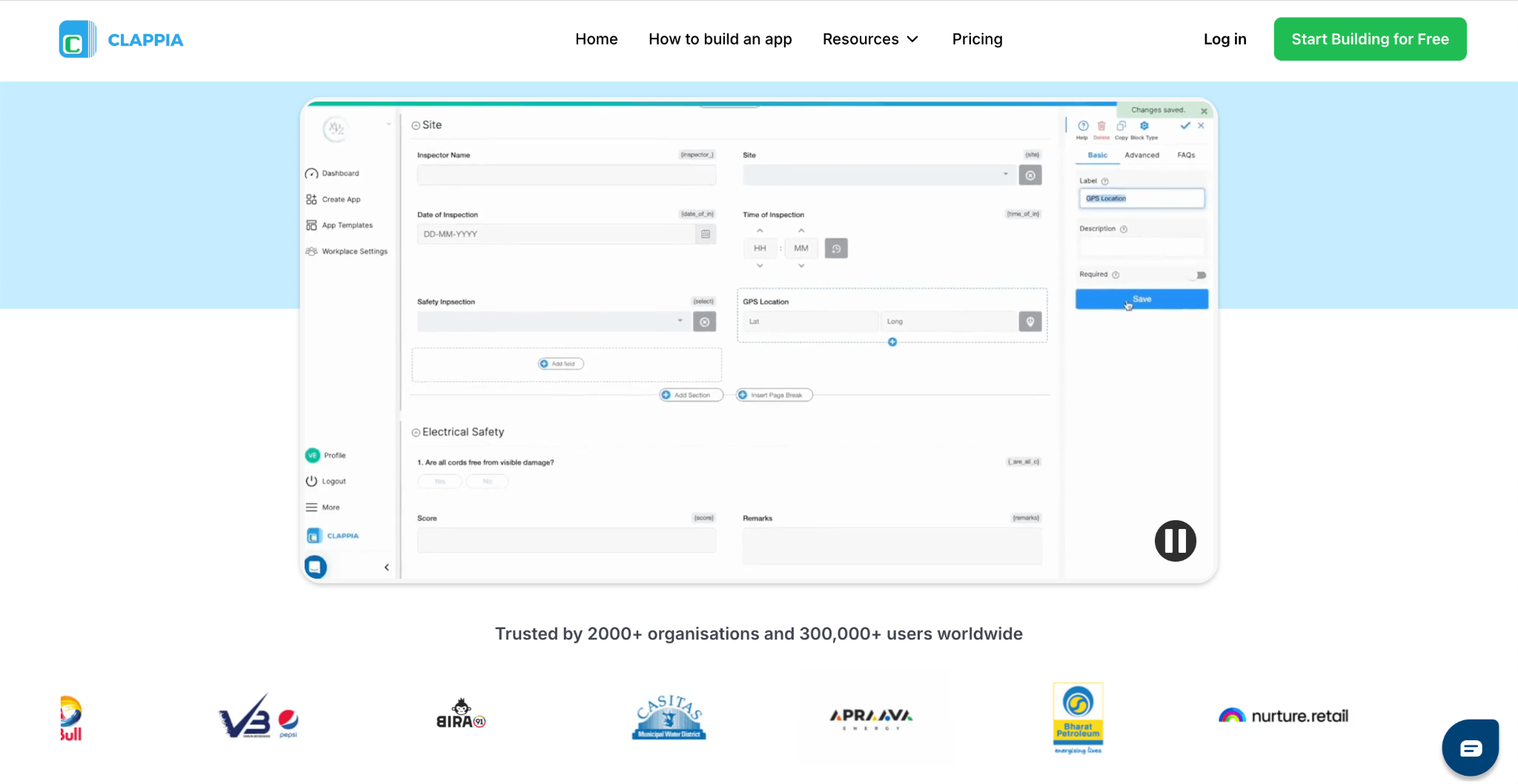
Clappia is a flexible digital forms and app builder that replaces paper checklists and field forms, making it a strong alternative to GoCanvas for businesses that don't want to commit to a three-user minimum or steep per-user pricing. You can build inspection checklists, work orders, compliance forms, and virtually any other field form without coding. Unlike GoCanvas, which requires a minimum of three paid users even for a single-person team, Clappia lets you start with one user on a free plan and scale up only as your team actually grows. Whether you need a simple digital checklist or a solution that supports more advanced field operations, Clappia gives you the flexibility to do both without paying for seats you don't need.
Key Features
Pricing
Clappia offers a free plan. Paid plans start at $8 per user/month, with Professional and Enterprise plans offering additional features and custom pricing for larger organisations.
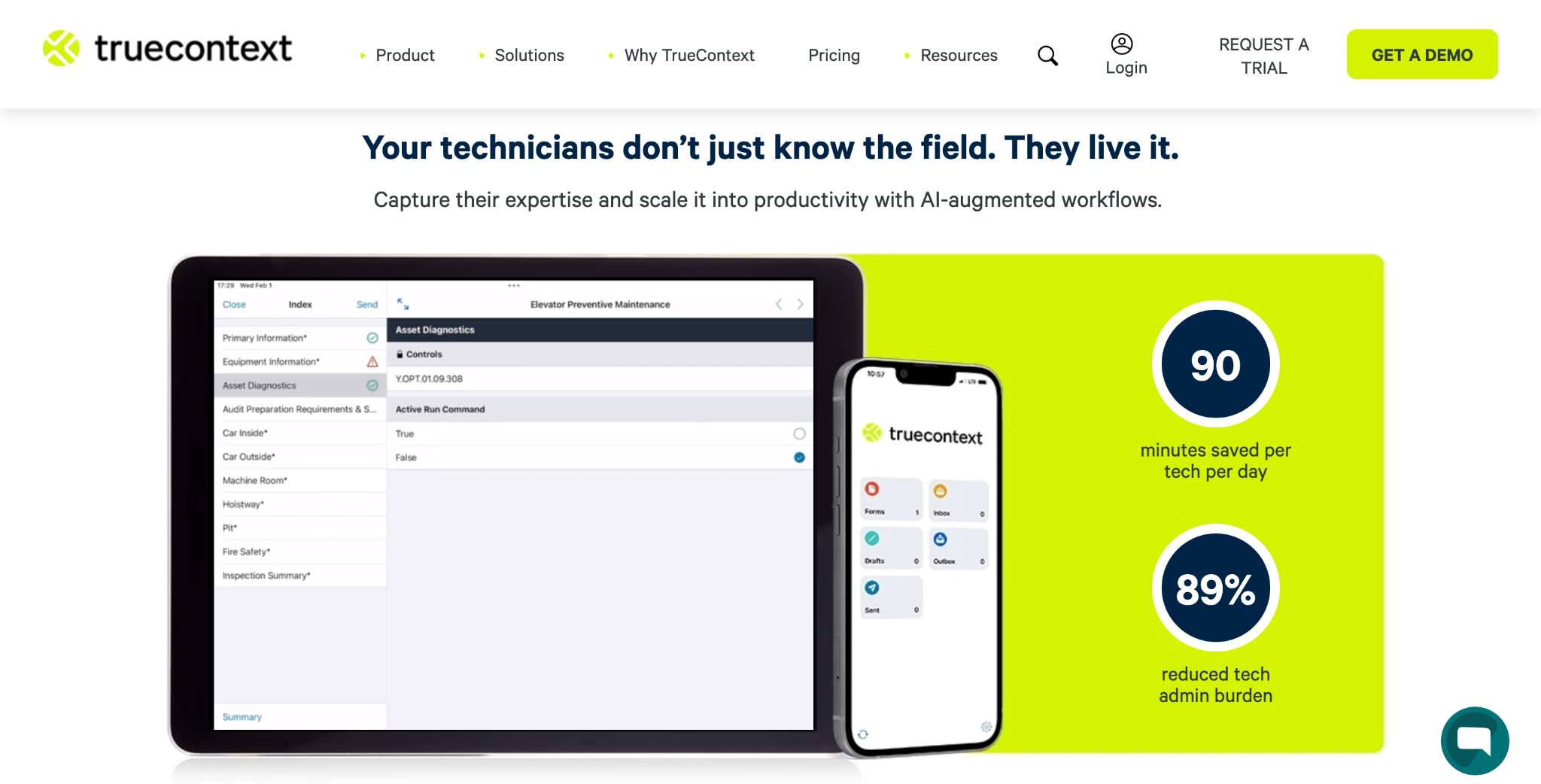
TrueContext, formerly known as ProntoForms, is recognised for transforming paper-based field forms into structured digital workflows for heavy industries such as oil and gas, utilities, and medical equipment servicing. It's commonly used by enterprises that need detailed, rule-based forms to standardise how technicians capture information across a large, distributed workforce. TrueContext's depth of customisation is a genuine strength for complex deployments, but it comes with a steeper learning curve than simpler field forms platforms.
Key Features
Pricing
TrueContext's Digital plan starts at $400 per month, priced for the whole team (billed annually). Intelligent and Elite plans are available at custom pricing for larger deployments.
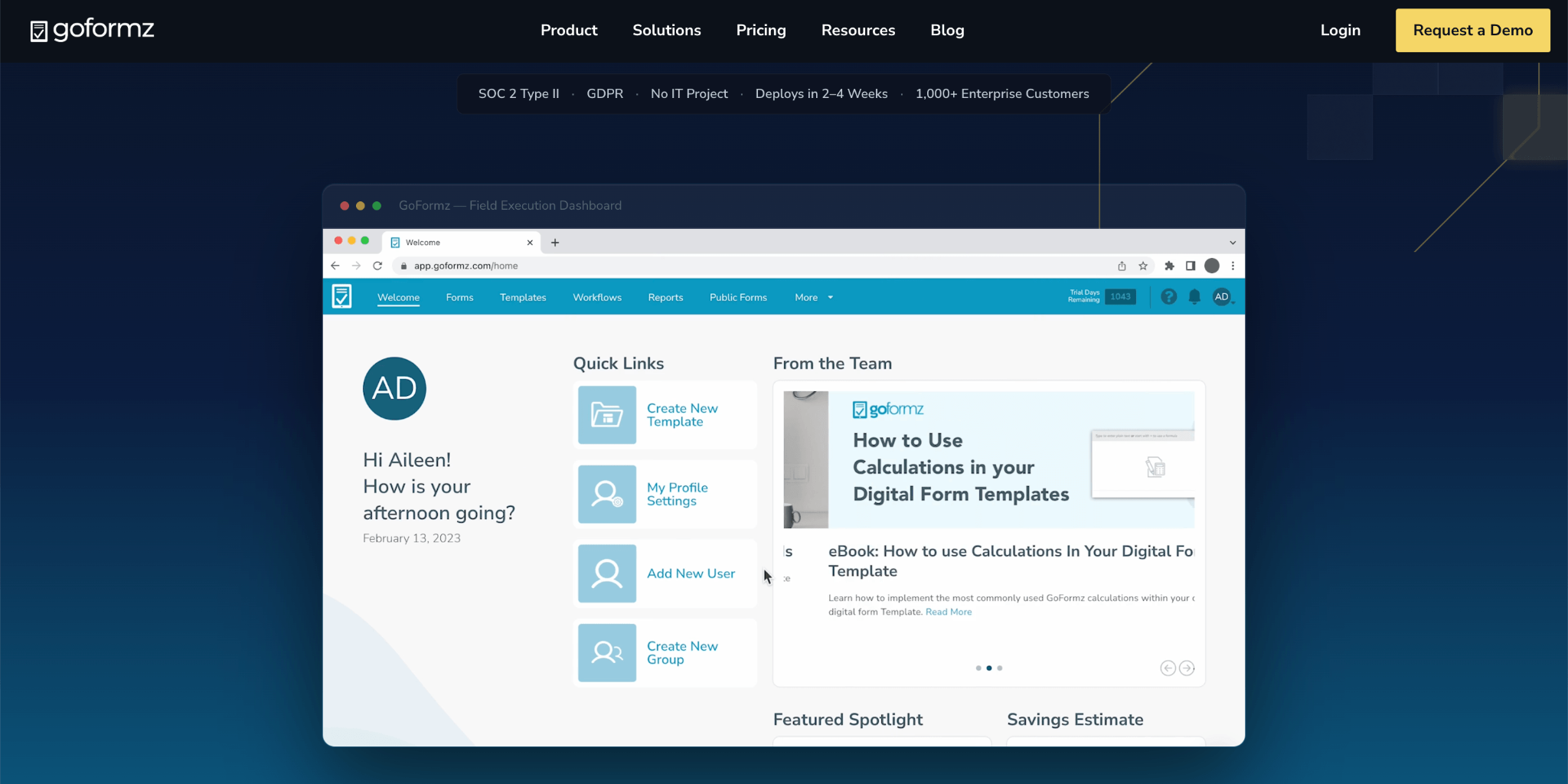
GoFormz is known for its WYSIWYG form builder that recreates an existing paper form or PDF exactly as a digital version, which appeals to businesses that don't want to redesign a form they already use. It's widely used across construction, mining, and field service businesses that need to digitise a specific branded form, such as a work order or inspection sheet, without changing its layout. GoFormz covers form replication well, but it's narrower in scope than platforms built for broader workflow automation.
Key Features
Pricing
GoFormz offers a Starter plan at $499 per month (or $4,999 per year) for up to 10 users. Organisations requiring additional scale and advanced capabilities can choose the Enterprise plan with custom pricing.
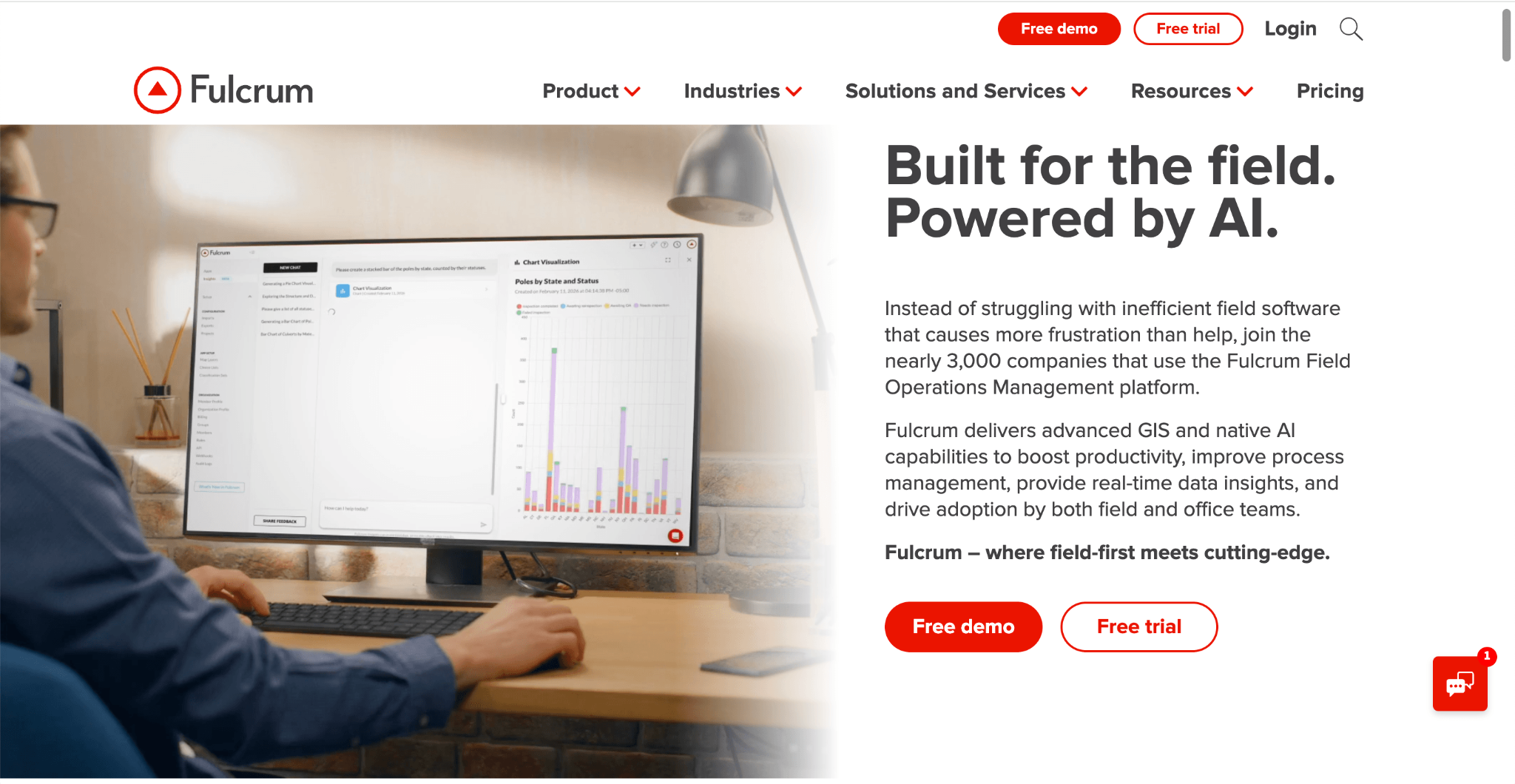
Fulcrum is recognised as a field-first platform built specifically for geospatial data collection, with direct integrations into GIS and mapping tools that GoCanvas doesn't offer. It's used by utilities, environmental, and infrastructure organisations that need field data tied to a map, not just a form submission. Fulcrum's geospatial depth is a genuine differentiator, but its five-user minimum makes it a harder fit for smaller field teams.
Key Features
Pricing
Fulcrum's Professional plan starts at around $43/user/month (billed annually, five-user minimum), with an Elite plan at $55/user/month and custom Enterprise pricing available.
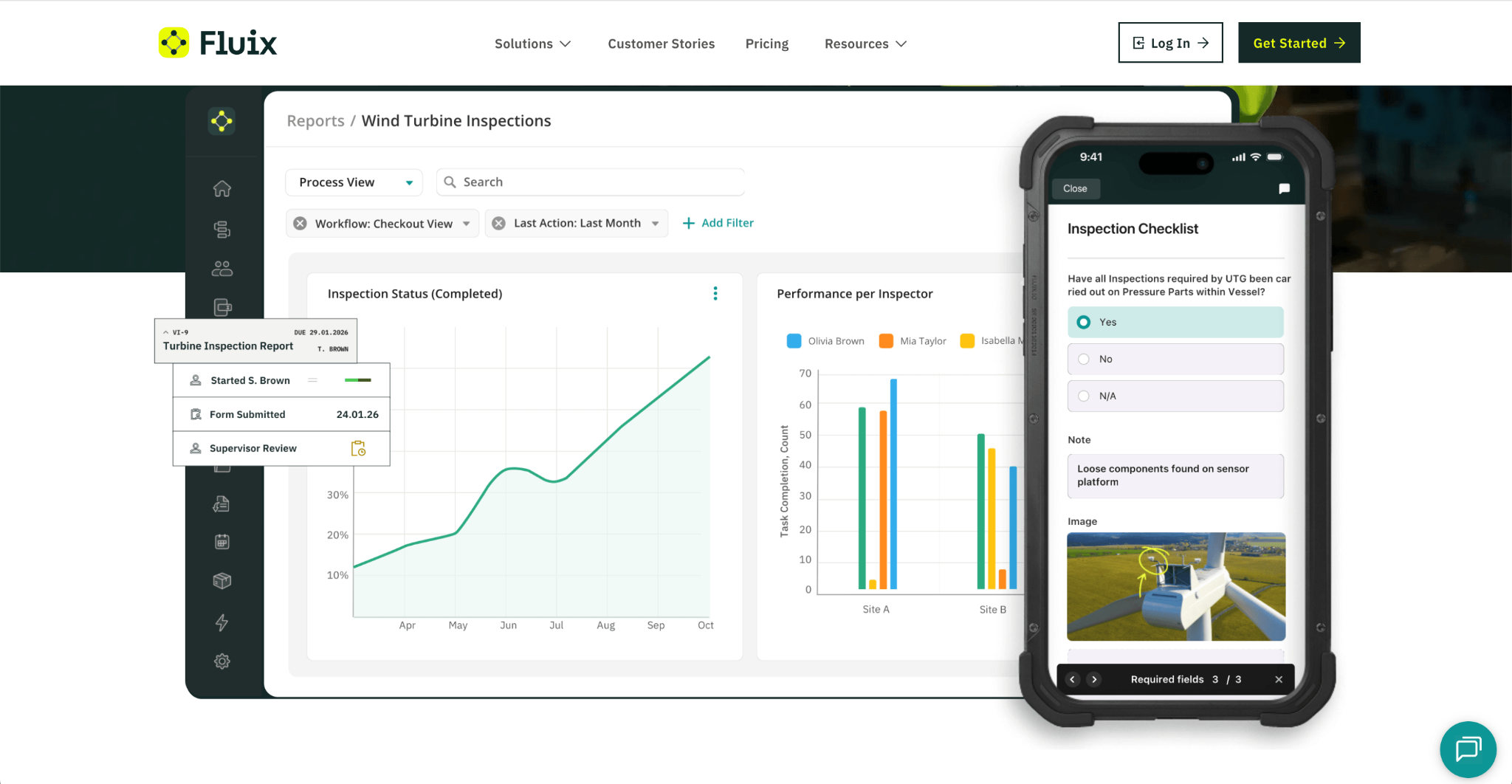
Fluix is known as a document workflow and mobile forms platform built for field service teams in construction, aviation, and energy that need a completed form to move through a defined review process, not just get filed. It's commonly used by businesses that want field data to automatically trigger the next step, such as a sign-off or compliance review. Fluix is built for teams of 10 or more users, which makes it a less natural fit for smaller field teams or single-site businesses.
Key Features
Pricing
Fluix's CREWS plan starts at $29/user/month, with OPERATIONS at $49/user/month and ENTERPRIZE at $75/user/month for teams that need advanced integrations and analytics.
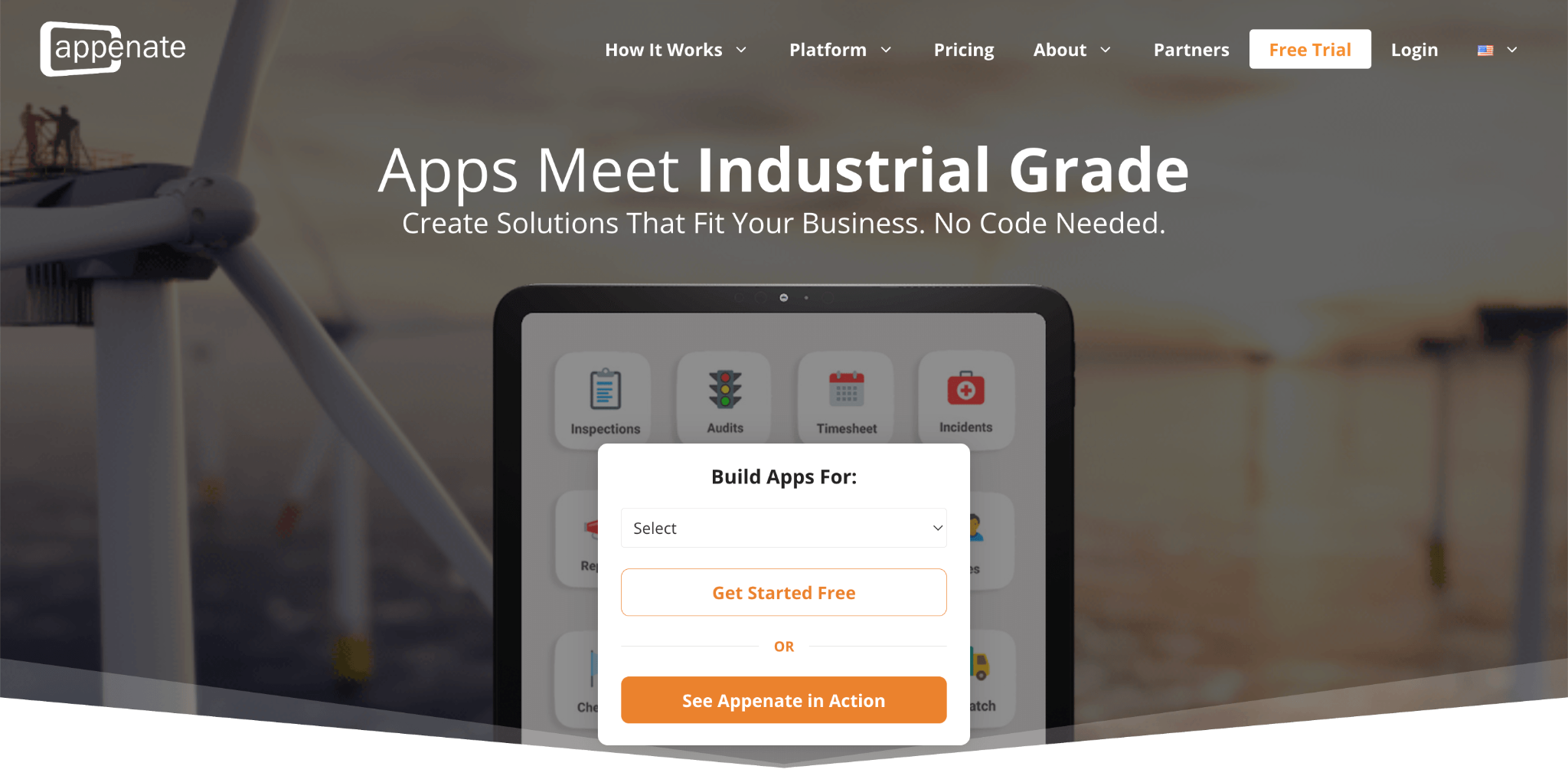
Forms On Fire (acquired by Appenate) is recognised for its library of more than 140 pre-designed form apps alongside a drag-and-drop builder, making it quick for field teams to get started without building every form from scratch. It's used across construction, agriculture, food safety, and utilities businesses that need to align a digital form closely with an existing Word or Excel document. Forms On Fire covers a broad range of field data types, though some reviewers note pricing rises for premium connectors and enterprise add-ons.
Key Features
Pricing
Forms On Fire's Standard Edition starts at $20/user/month (billed annually), with a Premium Edition at $28/user/month and custom Enterprise Add-Ons pricing available.
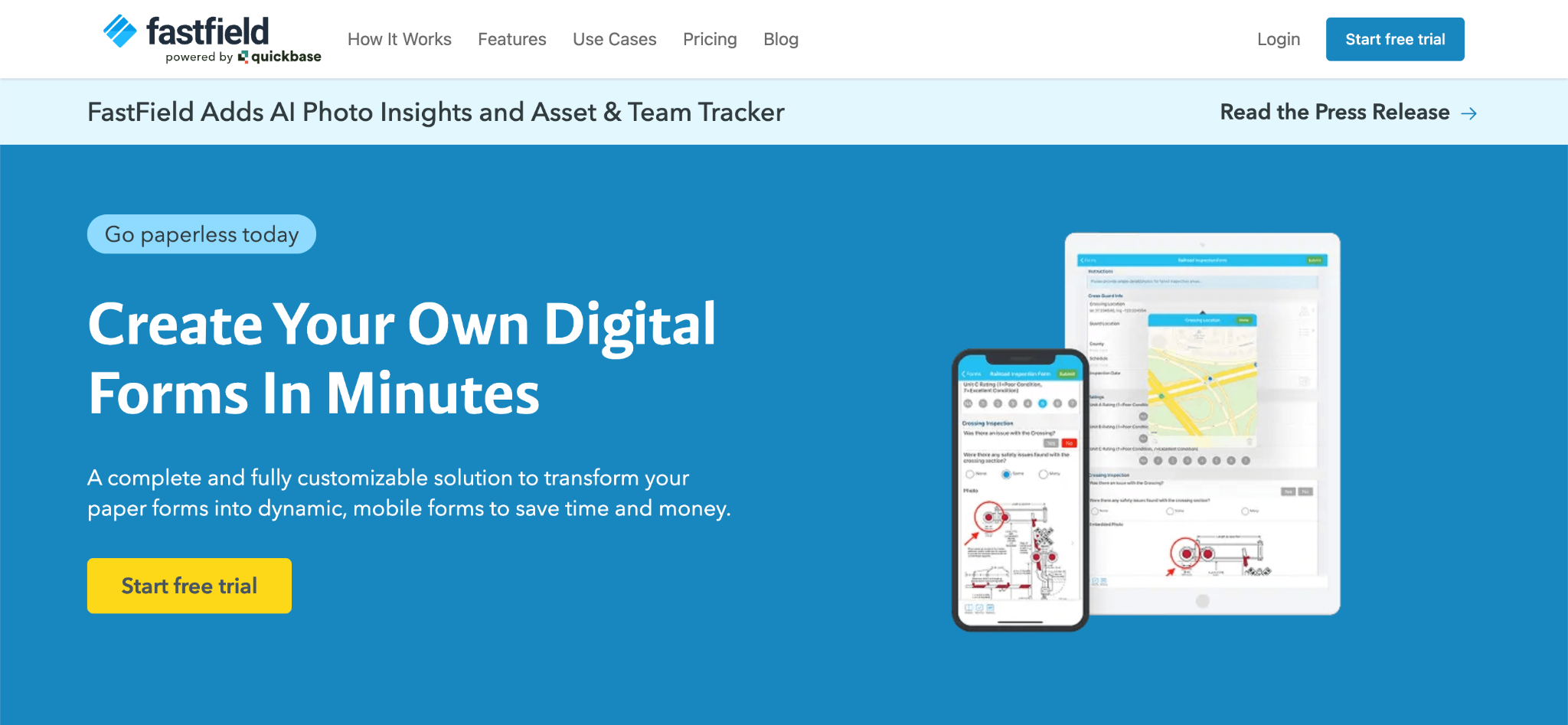
FastField is known for its straightforward, single-tier pricing and focus on core field data collection, without the multiple plan tiers or add-on modules some competitors use to gate features. It's used by construction, utilities, and environmental services businesses that need offline inspection forms, dynamic skip logic, and business insight dashboards without a complex setup. FastField's simpler structure is easier to evaluate upfront, though it offers less depth in geospatial or enterprise workflow features than some competitors.
Key Features
Pricing
FastField's Core plan starts at $24 per user per month, followed by the Pro plan at $36 per user per month. Enterprise pricing is available upon request.
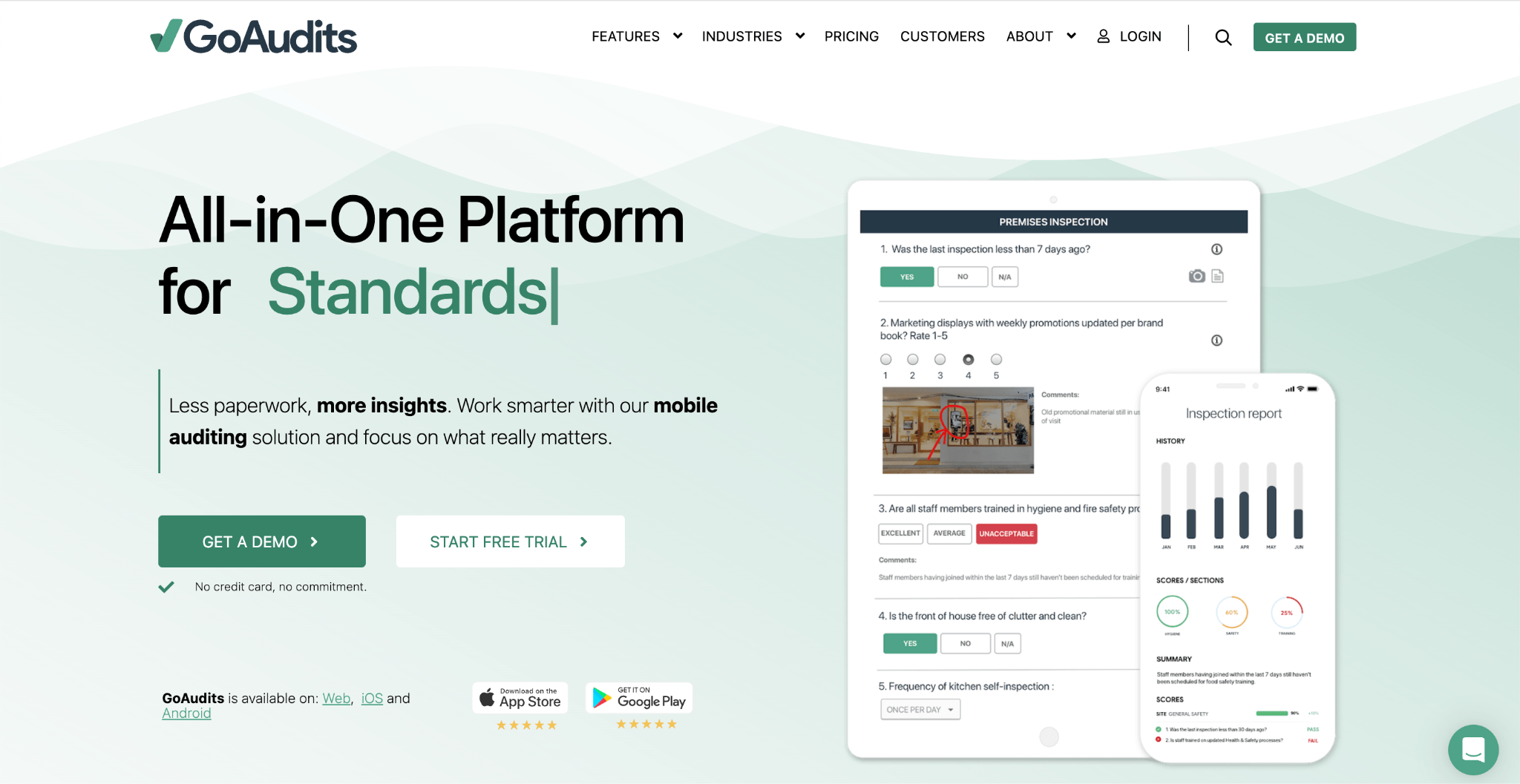
GoAudits is recognised as an affordable, audit-focused alternative built specifically around inspections, checklists, and automated reporting rather than broader field operations or dispatch. It's used across hospitality, food and beverage, healthcare, and manufacturing businesses that need to standardise quality, safety, and compliance checks with minimal setup. GoAudits trades GoCanvas's broader dispatch and scheduling features for a narrower, lower-cost focus on audits and corrective action tracking.
Key Features
Pricing
GoAudits' Starter plan starts at $10/user/month (billed annually), with an Enterprise plan at $30/user/month for organisations needing unlimited locations and advanced permissions.
If you're comparing GoCanvas alternatives, the three-user minimum and per-user pricing are usually what push teams to look elsewhere, especially if your field crew doesn't need that many seats yet. You want a platform that scales with your team size, not one that charges for seats before you need them.
Here's why many businesses and field teams choose Clappia as their GoCanvas alternative:
Whether you're digitising inspection checklists, work orders, or compliance forms, Clappia gives you a field forms platform that replaces paper as effectively as GoCanvas does, without requiring you to pay for users you don't have yet.
The best GoCanvas alternative depends on your team size, whether you need geospatial data collection, and whether field data needs to trigger approvals or just get logged. Clappia is the strongest overall pick for smaller field teams that don't want to pay for a forced user minimum, while Fulcrum suits GIS-heavy data collection and GoAudits suits audit-focused teams on a tighter budget.
Choosing the right GoCanvas alternative depends on how many users you need to license, whether your field data needs to connect to mapping tools or approval workflows, and how much you want to pay per user. While some GoCanvas competitors are built for large, standardised deployments, others are designed for smaller teams that just need affordable digital forms.
Before selecting a field forms platform, consider whether it can support your current team size as well as the workflow needs you're likely to have as your team grows.
What should you look for in a GoCanvas alternative?
A good GoCanvas alternative should match your team size and budget without forcing you into a minimum seat count, while still supporting offline data collection, field-specific inputs, and reporting. Check whether a platform's advertised per-user price already assumes three or more paid seats before you compare it to GoCanvas.
Does the alternative require a minimum number of users?
Some do. GoCanvas requires a three-user minimum on its plans, and Fulcrum requires a five-user minimum on its Professional plan. Clappia has no forced minimum, letting a single user start on a free plan and add seats only as the team grows.
Can the alternative work without an internet connection?
Yes, in most cases. GoCanvas, Clappia, TrueContext, Fulcrum, Fluix, Forms On Fire, FastField, and GoAudits all support offline data collection, since that's a baseline requirement for field work. The differences show up in pricing, seat minimums, and what happens to a form after it's submitted.
Which GoCanvas alternative is best for GIS and mapping data?
For field data tied to spatial analysis, Fulcrum is generally the strongest GoCanvas alternative, given its direct integrations with ArcGIS and CARTO. This makes it a better fit for utilities and infrastructure teams than for general inspection or dispatch use cases.
Which GoCanvas alternative is best for audits specifically?
For teams focused specifically on audits, inspections, and corrective action tracking rather than broader field operations, GoAudits is generally the strongest and most affordable GoCanvas alternative, starting at $10/user/month.
Which GoCanvas alternative is best for smaller field teams?
For smaller field teams, Clappia is generally the strongest GoCanvas alternative. It combines offline-capable digital forms, field data capture, dashboards, and approvals with no forced user minimum, so a team of one or two can get started without paying for seats they don't need yet.
GoCanvas is a capable field operations platform, but its three-user minimum and per-user pricing may not fit every team, especially smaller field crews just getting started with digital forms. Whether you need affordable offline forms, GIS-heavy data collection, or an audit-focused tool on a tighter budget, the GoCanvas alternatives above offer different strengths to match your needs.
If you're looking for a field forms platform that scales with your team size instead of ahead of it, Clappia is worth exploring. With a free plan, no forced user minimum, offline support, and pricing that starts at $8/user/month, it's built to be the GoCanvas alternative your business won't outgrow or overpay for.
L374, 1st Floor, 5th Main Rd, Sector 6, HSR Layout, Bengaluru, Karnataka 560102, India
3500 S DuPont Hwy, Dover,
Kent 19901, Delaware, USA


.svg)




3500 S DuPont Hwy, Dover,
Kent 19901, Delaware, USA
L374, 1st Floor, 5th Main Rd, Sector 6, HSR Layout, Bengaluru, Karnataka 560102, India

.avif)