MaintainX is a mobile-first CMMS (computerised maintenance management system) used by maintenance and operations teams to manage work orders, schedule preventive maintenance, track assets, and run inspections and checklists. It replaces paper-based maintenance tracking with a mobile app, so technicians can create, assign, and complete work orders from the field.
MaintainX works well for teams that want a simple, mobile-first way to track work orders, however, it may not always be the right fit for every organisation. Some businesses need an asset hierarchy that goes deeper than MaintainX's structure allows, while others are looking for lower per-user costs at scale, deeper inventory management, or a platform that can be shaped around their own maintenance process instead of a fixed set of fields and workflows.
If you're looking for a MaintainX alternative, this guide compares some of the best MaintainX competitors available in 2026. Whether you need CMMS software, work order management, preventive maintenance scheduling, or a customisable platform for equipment and facility maintenance, these alternatives offer a variety of features to suit different business and project needs.
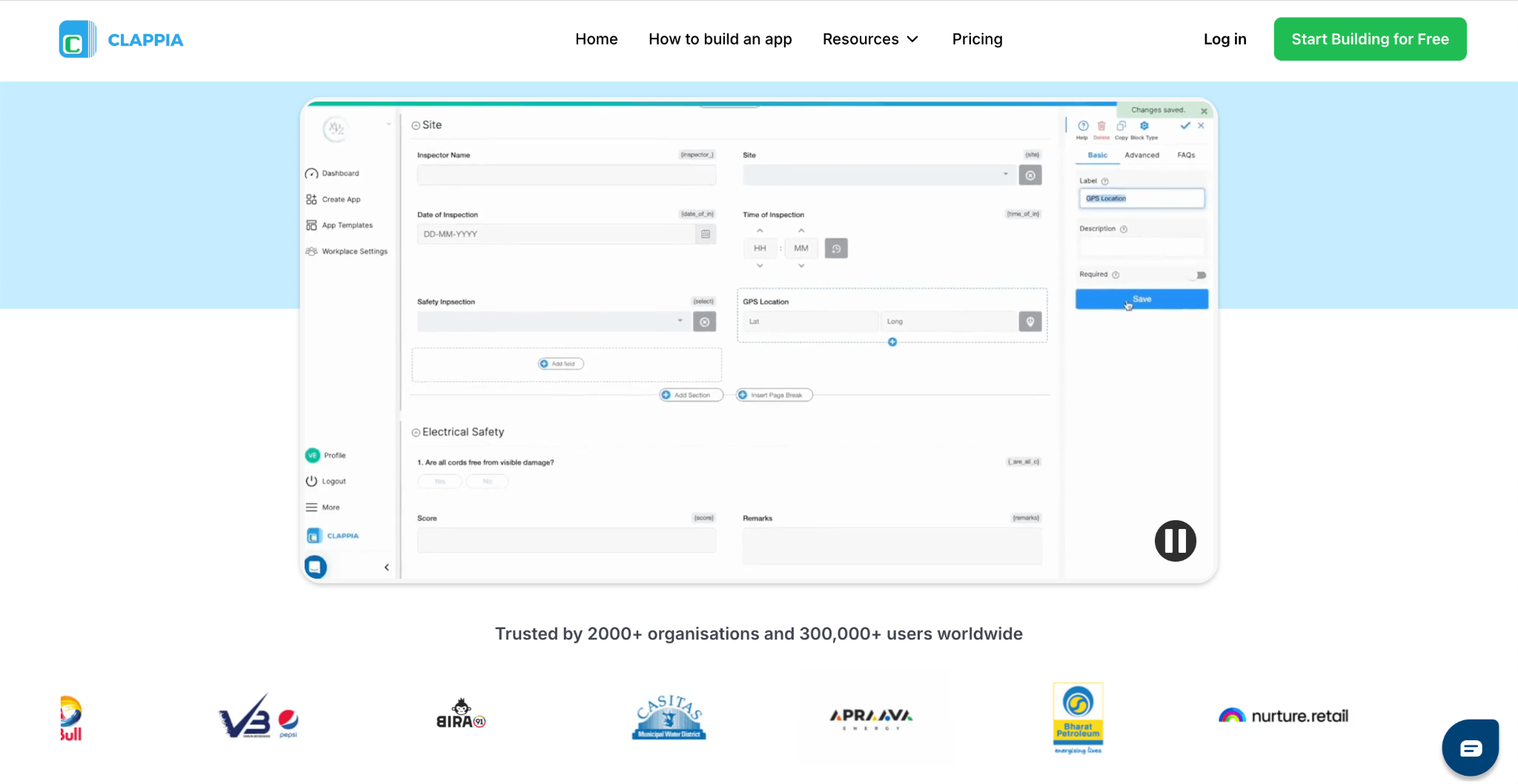
Clappia helps organisations build work order, preventive maintenance, and equipment inspection apps tailored to their own maintenance process, without coding. It supports offline data collection, allowing maintenance teams to log work orders and complete checklists even without an internet connection, syncing automatically once connectivity is restored. Rather than fitting your maintenance operations into a fixed CMMS structure, Clappia lets you build the workflow around how your team actually works, making it a strong MaintainX alternative for businesses that need more flexibility.
Clappia is suitable for businesses of all sizes and can be customised for any industry. It is widely used across manufacturing, facilities management, construction, and field service businesses that need work order management, equipment maintenance, or facility maintenance apps built around their own process, not a fixed template.
Key Features:
Pricing:
Clappia offers a free plan. Paid plans start at $8 per user/month, with Professional and Enterprise plans available for businesses requiring advanced features and enterprise capabilities.
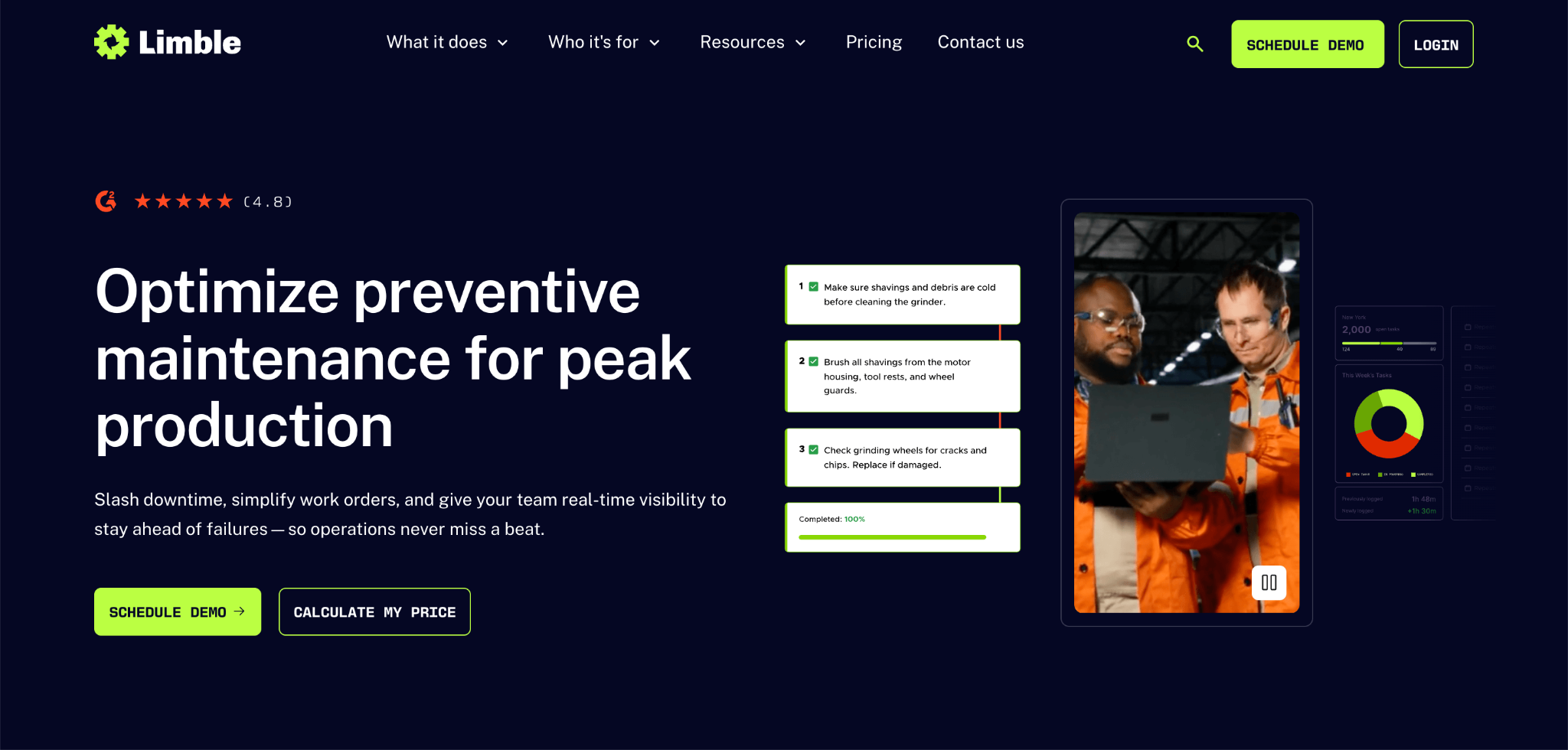
Limble is recognised as one of the highest-rated CMMS platforms for ease of use and implementation speed, making it a common first alternative considered by teams evaluating MaintainX. It's used across manufacturing, food and beverage, and healthcare facilities that want more configurable dashboards and workflows than MaintainX's more rigid structure allows. Limble's per-user pricing is not published directly and often requires a calculator or sales conversation to confirm.
Key Features
Pricing
Limble does not publicly disclose its pricing. It offers Standard, Premium+, and Enterprise plans. Organisations can calculate an estimated price using Limble's pricing calculator or contact the sales team for a customised quote.
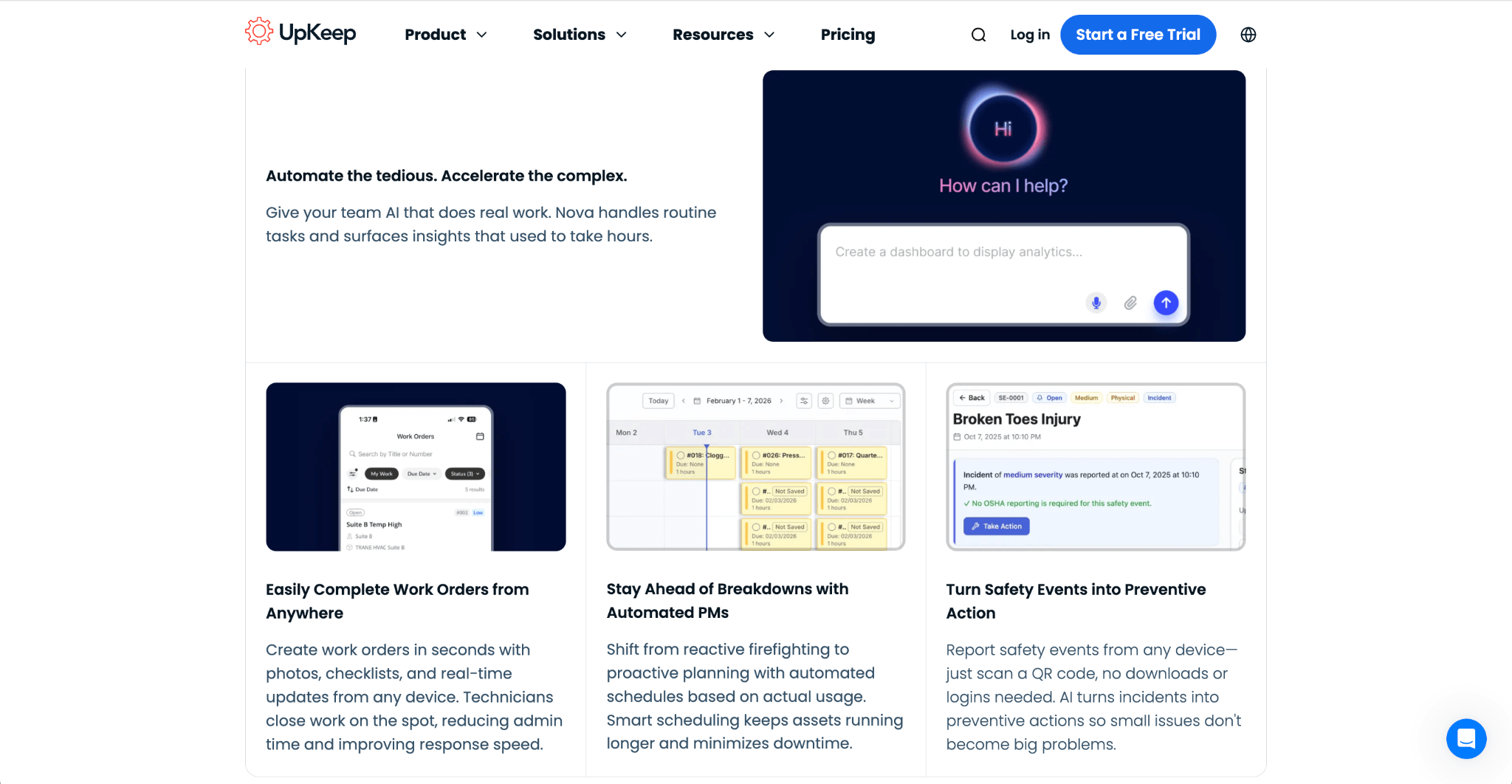
UpKeep is a mobile-first CMMS that stands out for its clean, easy-to-adopt technician app, appealing to maintenance teams that prioritise usability over deep configurability. It's commonly used by small to mid-sized teams in manufacturing, facilities, and property management. Higher-tier features like advanced PM optimisation, deeper reporting, and inventory costing are locked behind its Premium and Professional plans.
Key Features
Pricing
UpKeep's Essential plan starts at $24 per user per month, with Premium at $55 per user per month. Professional and Enterprise plans are available on a Request a Quote basis. A free trial is available for the Essential and Premium plans.
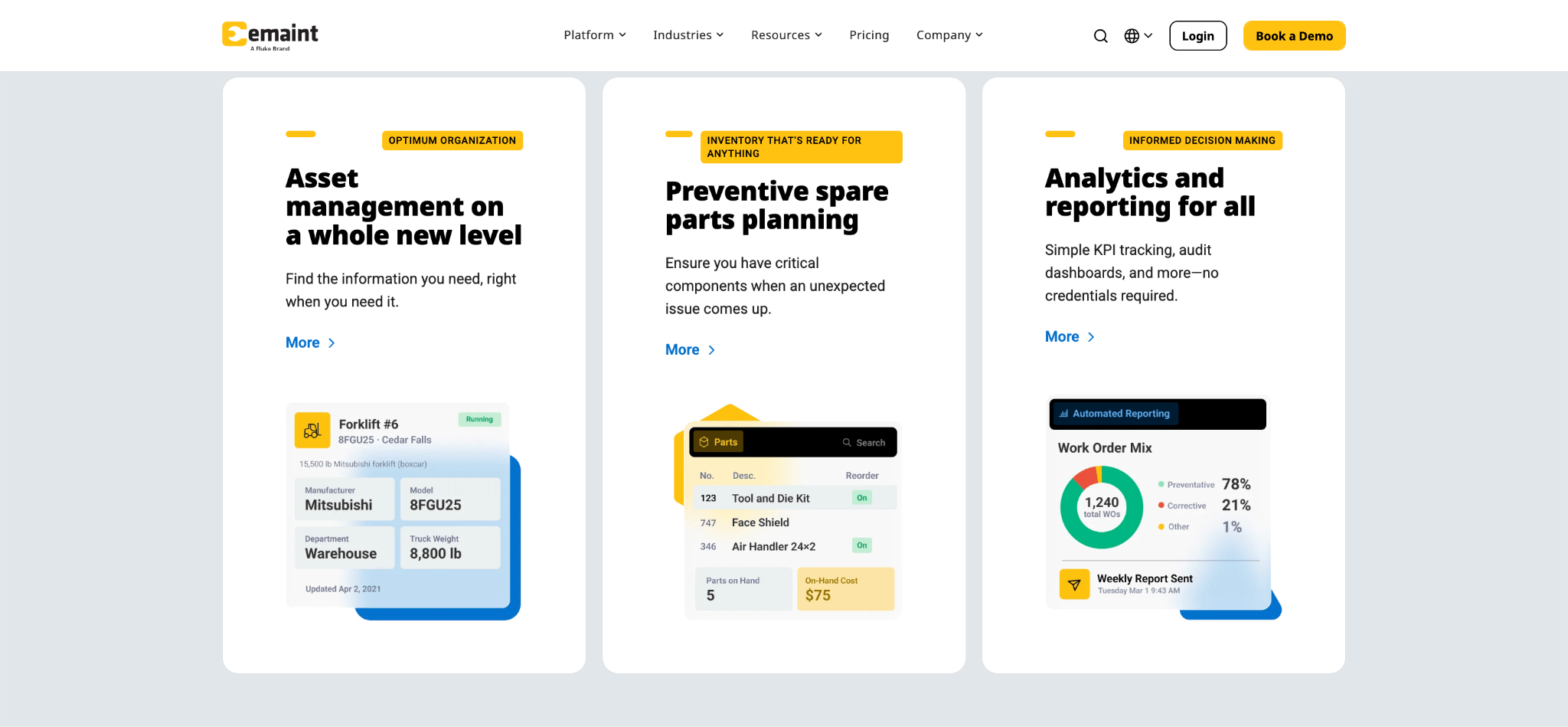
eMaint, a Fluke company, is recognised for its depth in asset lifecycle management and compliance features, making it a common alternative for larger, asset-heavy operations that outgrow simpler CMMS platforms. It's used in manufacturing, healthcare, and utilities that need detailed condition monitoring and multi-site governance. eMaint's configurability comes with a steeper learning curve, particularly around reporting and workflow automation.
Key Features
Pricing
eMaint offers Professional and Enterprise plans with customised pricing. Organisations need to book a demo or contact the sales team for a quote. While the official website no longer publishes pricing, reputable third-party sources have previously listed pricing starting from $69 per user per month, with higher tiers available at additional cost.
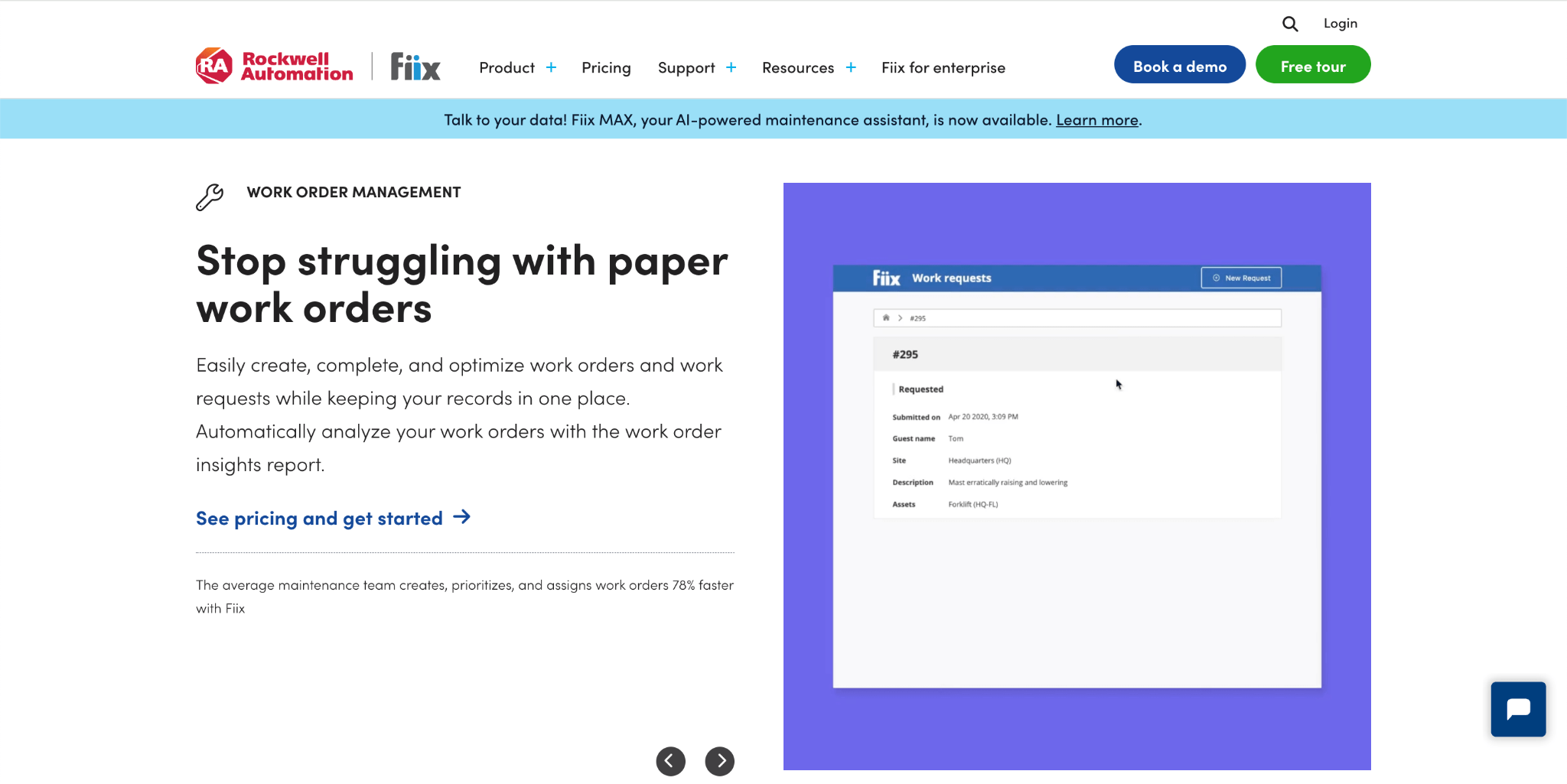
Fiix is known for transparent, published pricing and a genuinely usable free plan, making it a straightforward comparison point for teams that want to model CMMS costs before a sales call. It's used across manufacturing, healthcare, and facilities management for standard work order, PM, and asset tracking needs. Fiix's reporting is less deep than some higher-priced competitors, according to user reviews.
Key Features
Pricing
Fiix offers a free plan for basic use. Paid plans start at $45 per user per month for Basic, with Professional at $75 per user per month, and custom Enterprise pricing available.
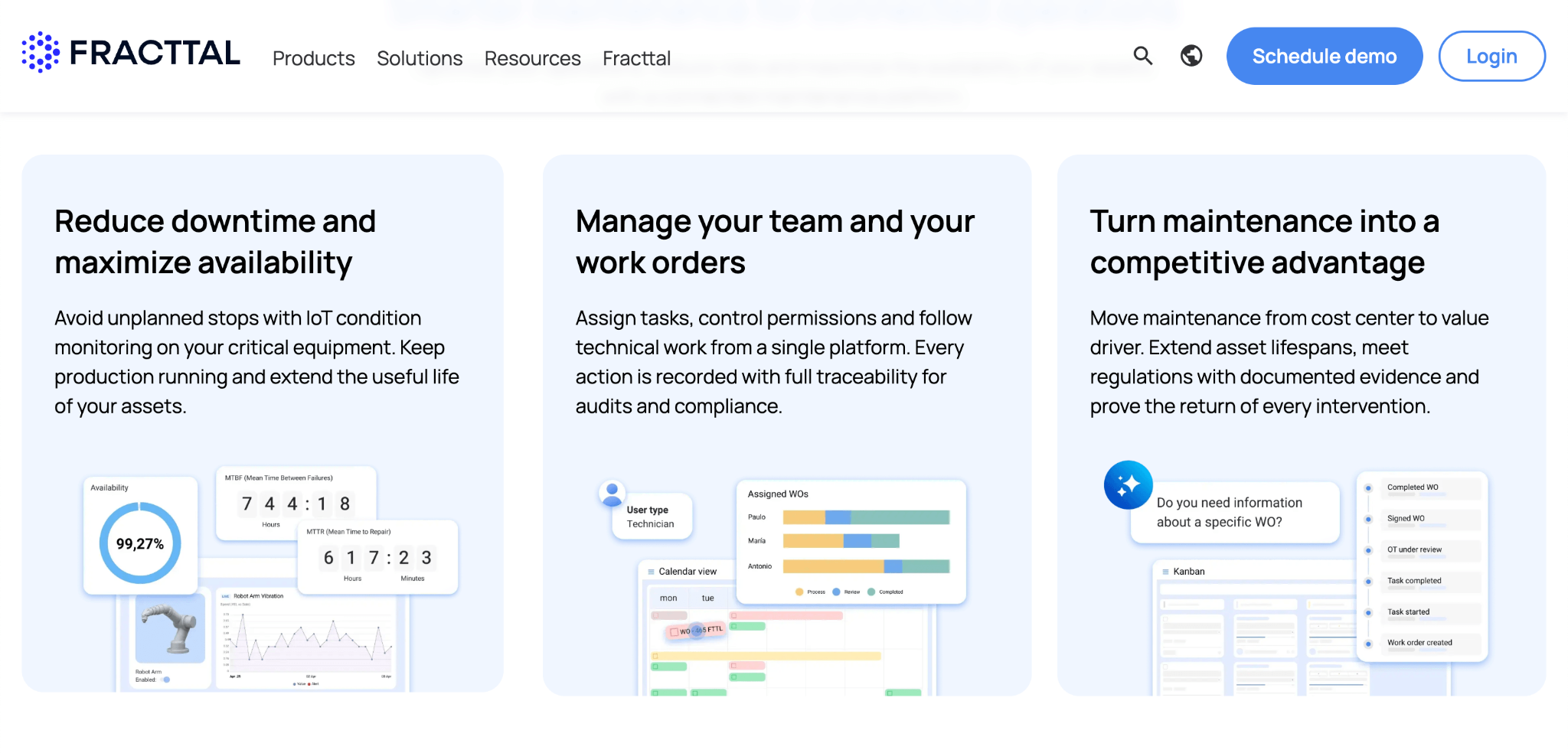
Fracttal One is recognised for adding augmented reality and AI-based capabilities on top of standard CMMS functionality, appealing to teams that want a more modern, visually guided maintenance experience. It's used across manufacturing and facilities management businesses looking for an intuitive interface that requires minimal training for new users. Teams needing deeper reporting or advanced workflow features may need to look at higher tiers or other alternatives.
Key Features
Pricing
Fracttal One does not publicly disclose its pricing. Organisations need to request pricing or schedule a demo to receive a customised quote based on their requirements.
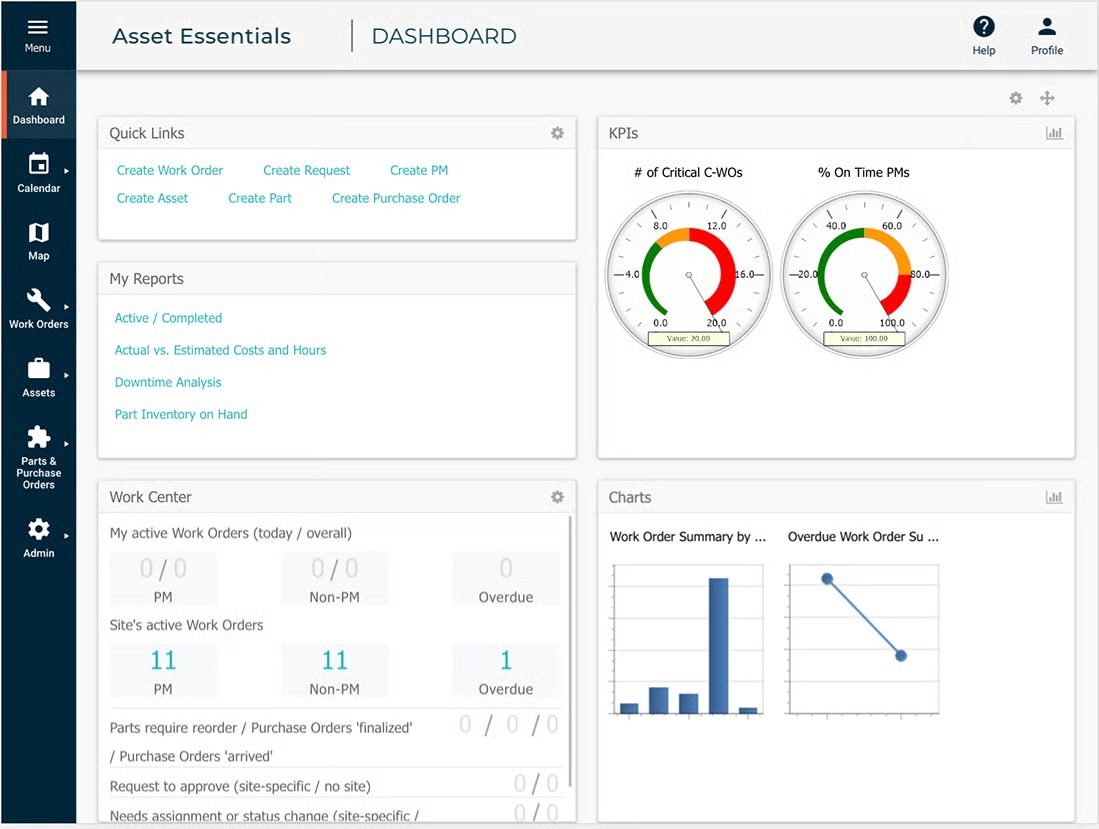
Brightly Asset Essentials is recognised in education, government, and healthcare facilities for its detailed asset tracking and reporting, backed by Brightly's broader suite of facility and capital planning tools. It's used by organisations that need to manage buildings, grounds, and equipment across large public-sector or institutional campuses. Its pricing isn't published, so most organisations need to request a custom quote to understand total cost.
Key Features
Pricing
Brightly Asset Essentials does not publish standard pricing. Organisations need to contact Brightly's sales team for a custom quote based on their portfolio size and requirements.
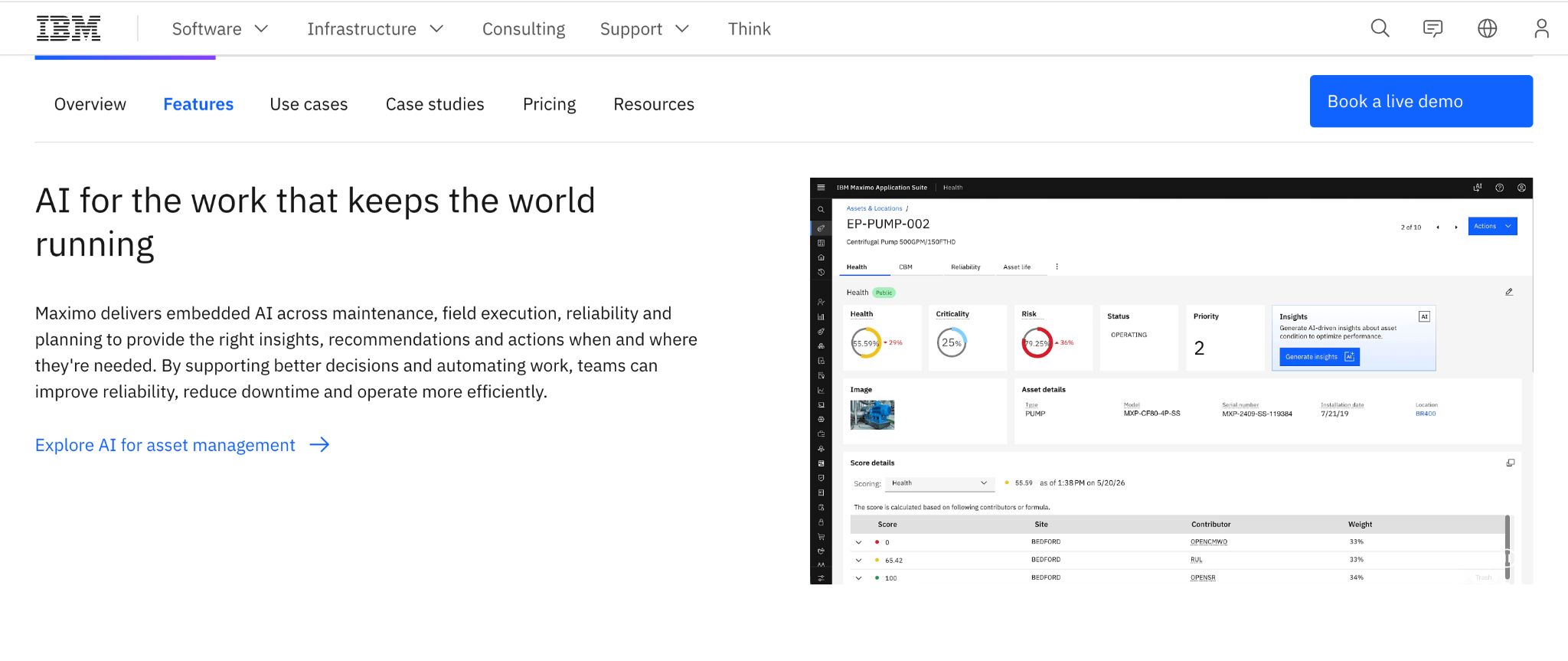
IBM Maximo is an enterprise asset management platform built for large, asset-intensive organisations that need asset lifecycle depth well beyond what a mid-market CMMS offers. It's used in utilities, oil and gas, and large-scale manufacturing that need deep ERP integration, reliability-centred maintenance, and multi-year asset planning. Maximo's depth comes with significant implementation and infrastructure costs beyond the subscription itself.
Key Features
Pricing
IBM Maximo Application Suite pricing is based on IBM's AppPoints licensing model and is available as client-managed software or Software as a Service (SaaS). It requires organisations to request a quote or get a price estimate. Reputable third-party sources list Maintenance Essentials starting at $3,150 per month, Inspection Essentials at $3,675 per month, Standard at $7,272 per month, while Premium is available with custom pricing.
If you're looking for a MaintainX alternative, you're probably not just comparing work order features. You're also thinking about whether the platform can match how your maintenance operation actually runs, or whether you'll end up adjusting your processes to fit the software instead.
Here's why many organisations choose Clappia:
Whether you need work order management, preventive maintenance scheduling, equipment tracking, or facility maintenance checklists, Clappia gives you the flexibility to build a maintenance solution around your own process, instead of adopting a fixed CMMS and working around its limits.
The best MaintainX alternative depends on how your maintenance team works, how complex your asset structure is, and whether you need maintenance software alone or a platform that can support other operations too.
Choosing the right MaintainX alternative depends on your organisation's goals, the complexity of your equipment and facilities, and how you plan to use your maintenance data. While some platforms are built as fixed, ready-to-use CMMS systems, others are designed to be shaped around your own maintenance process.
Before selecting a MaintainX alternative, consider whether the platform can support your current requirements as well as future needs. A tool that works well for basic work order tracking may not always be the right choice when your asset structure grows more complex or you need maintenance data connected to other business operations.
Does the MaintainX alternative fit how your team already works?
Some CMMS platforms expect you to adopt their fixed statuses, fields, and workflows. Others let you shape the software around your existing maintenance process. Consider whether you want to adapt your operations to the software, or the other way around.
Can it handle your actual asset structure?
Many CMMS platforms cap how many levels of equipment or sub-assets you can track, which can force complex plants to flatten their real structure into a simplified hierarchy. Check whether a platform's asset structure matches how your equipment is actually organised.
Does it combine maintenance with your other operations, or is it a single-purpose tool?
Some MaintainX alternatives focus only on maintenance, while others let you build inspections, safety checks, and other business processes on the same platform. Decide whether you want a dedicated CMMS or a platform that covers more of your operations.
How does the cost change as your maintenance team grows?
Most CMMS platforms price per user, and per-user costs can rise quickly as you add technicians, especially on premium tiers with advanced reporting or inventory management. Check the real cost at your expected team size, not just the entry-level price.
Is it built for your industry's specific maintenance needs?
Some platforms are built for asset-heavy, regulated industries like oil, gas, and utilities, while others are designed for lighter facility or equipment maintenance needs. Choose a platform whose depth matches your industry's actual requirements, rather than paying for enterprise capabilities you won't use.
By considering these factors, you can choose a MaintainX alternative that matches your current maintenance requirements while giving your organisation the flexibility to handle future needs.
Whether you need straightforward work order tracking or a flexible platform for managing broader maintenance and facility operations, the right MaintainX alternative should fit your process instead of limiting how you work.
If you're comparing MaintainX alternatives, MaintainX competitors, or CMMS software in general, evaluate platforms based on your asset structure, team size, and how much flexibility you need beyond standard work order management.
For affordable, flexible, and easy-to-build maintenance and equipment tracking software, Clappia is worth exploring. With offline data collection, mobile support, and customisable app-building capabilities, it can support use cases ranging from work order management and preventive maintenance to asset tracking and everyday facility maintenance.
L374, 1st Floor, 5th Main Rd, Sector 6, HSR Layout, Bengaluru, Karnataka 560102, India
3500 S DuPont Hwy, Dover,
Kent 19901, Delaware, USA


.svg)




3500 S DuPont Hwy, Dover,
Kent 19901, Delaware, USA
L374, 1st Floor, 5th Main Rd, Sector 6, HSR Layout, Bengaluru, Karnataka 560102, India




.jpg)