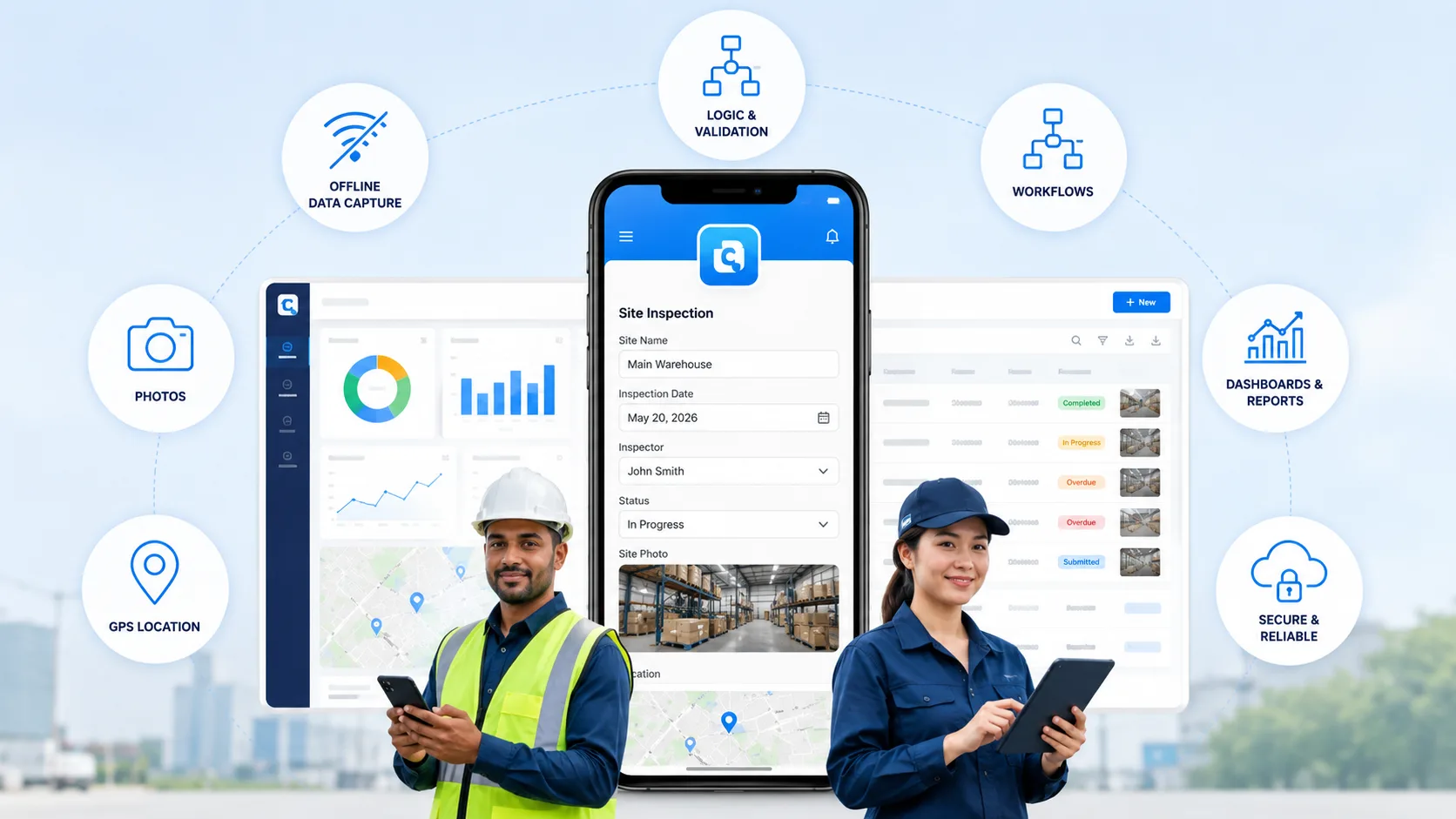
Your field team is two hours into a site survey when the signal drops. On paper that feels fine - until someone has to decipher the handwriting next week, re-key it into a spreadsheet, and hunt for the photos that never got attached to the right record. That single moment is what choosing a mobile data collection tool is really about: capturing clean, structured data at the source, online or off, and getting it somewhere useful without anyone re-typing it.
Here's the catch: most "data collection tools" are really general app-builders - Microsoft Power Apps, Google AppSheet, Airtable and the like. They're capable platforms, but they're built for general apps, not the phone-in-hand reality of field data collection - offline capture, photos, GPS, and a workflow that fires the moment a form is submitted. This guide ranks the eight that actually matter for mobile data collection on those field-first terms, and shows why an affordable, purpose-built no-code platform like Clappia earns the top spot.
Judge each tool on what fieldwork actually demands: offline capture, photos/GPS/signatures/barcodes, conditional logic, workflows and approvals, dashboards and export, and one app for web + mobile. A general app-builder can technically do some of this, but if offline field capture and follow-up actions aren't first-class, you'll feel it on day one. As analysts like Gartner and IBM note, low-code and no-code platforms are how most teams build these apps now - the question is which one is built for the field.
Clappia is a no-code app builder made for exactly this: turning a field process into a custom mobile app without code or IT. You drag in the fields you need - text, numbers, photos, GPS, signatures, barcodes - add conditional logic, and publish to web and mobile at once. Every submission is captured offline and syncs automatically when a device reconnects.
It's purpose-built for the exact job the big general platforms only adapt to. Beyond the form, it adds multi-level approvals, email and WhatsApp notifications, live dashboards, and integrations via URL auto-fill, REST API, and webhooks.
Where it beats the general app-builders:
Pros:
Cons:
Pricing: Free plan (free forever); paid plans from $6/user/month.
G2 rating: 4.7/5
Best for: teams that need a custom field data collection app - offline, with logic, workflows, and dashboards - at the lowest entry price.
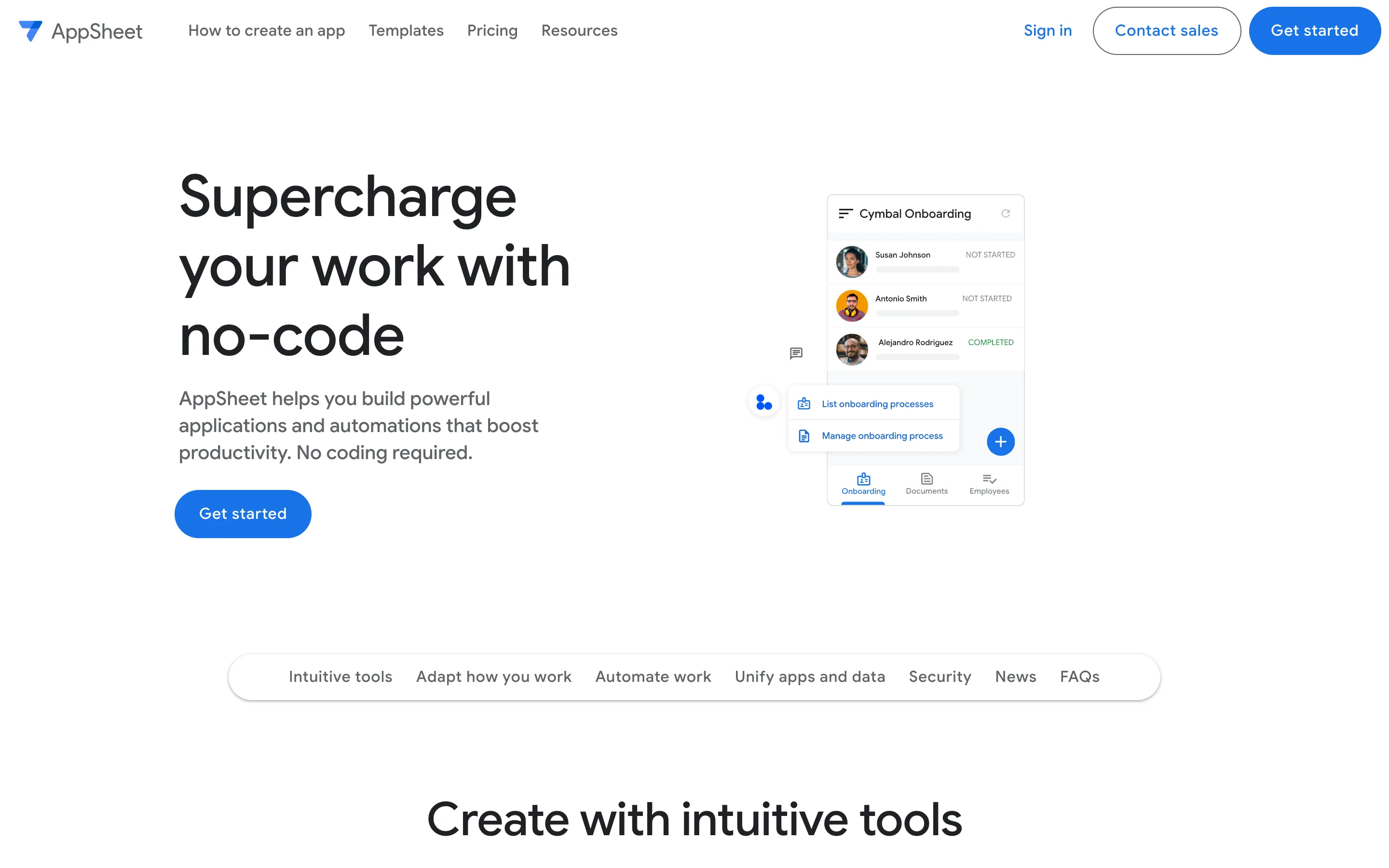
AppSheet builds mobile apps directly from Google Sheets, Excel, or a database, which makes it a natural pick for teams already inside Google Workspace. It handles offline capture, photos, and GPS, and its free tier (up to 10 users) makes it easy to start. For spreadsheet-driven data collection, it's genuinely strong.
The trade-off is that your app is only as clean as the spreadsheet behind it, and complex logic can get fiddly.
Where it fits:
Pros:
Cons:
Pricing: Free for up to 10 users; Starter from $5/user/month.
G2 rating: 4.8/5
Best for: Google-first teams building apps from spreadsheets.
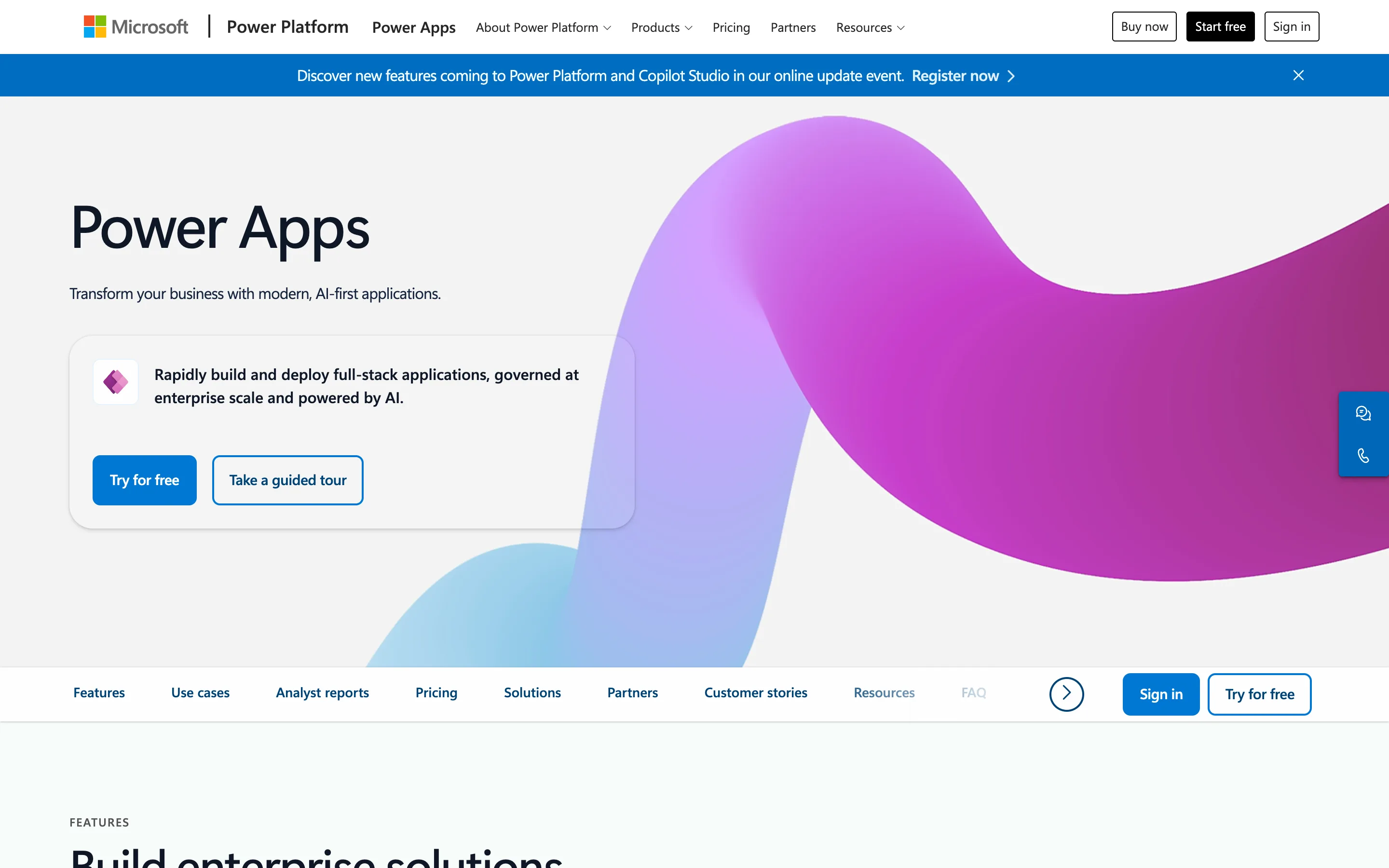
Power Apps is the default for enterprises deep in Microsoft 365, connecting to Dataverse, SharePoint, Excel, and SQL. It's powerful and enterprise-grade, with offline support and tight security. If you're a Microsoft shop with IT resources, it's a safe, capable choice.
But it's genuinely IT-led - licensing is complex and it's the priciest option here for full functionality.
Where it fits:
Pros:
Cons:
Pricing: No free plan (trial); from $20/user/month.
G2 rating: 4.3/5
Best for: Microsoft-heavy enterprises with IT support.
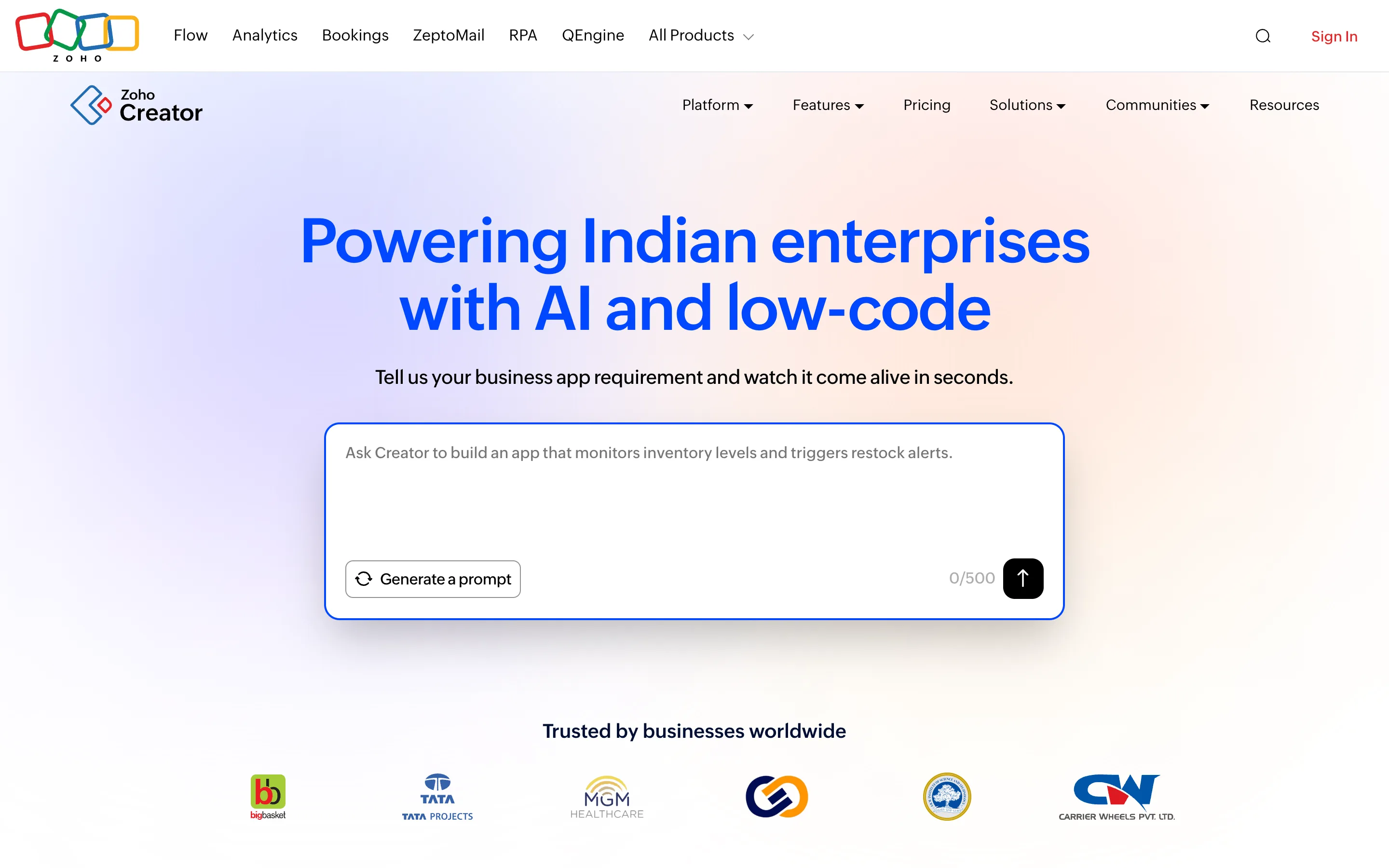
Zoho Creator is a low-code app builder that shines if you already run on Zoho, integrating tightly with the rest of the suite. It supports mobile and offline capture and can handle more complex app logic than a pure form tool. For existing Zoho customers, it's a logical extension.
Being low-code, it has a steeper learning curve, and there's no free plan.
Where it fits:
Pros:
Cons:
Pricing: No free plan (15-day trial); Standard from $8/user/month.
G2 rating: 4.3/5
Best for: teams already invested in Zoho.
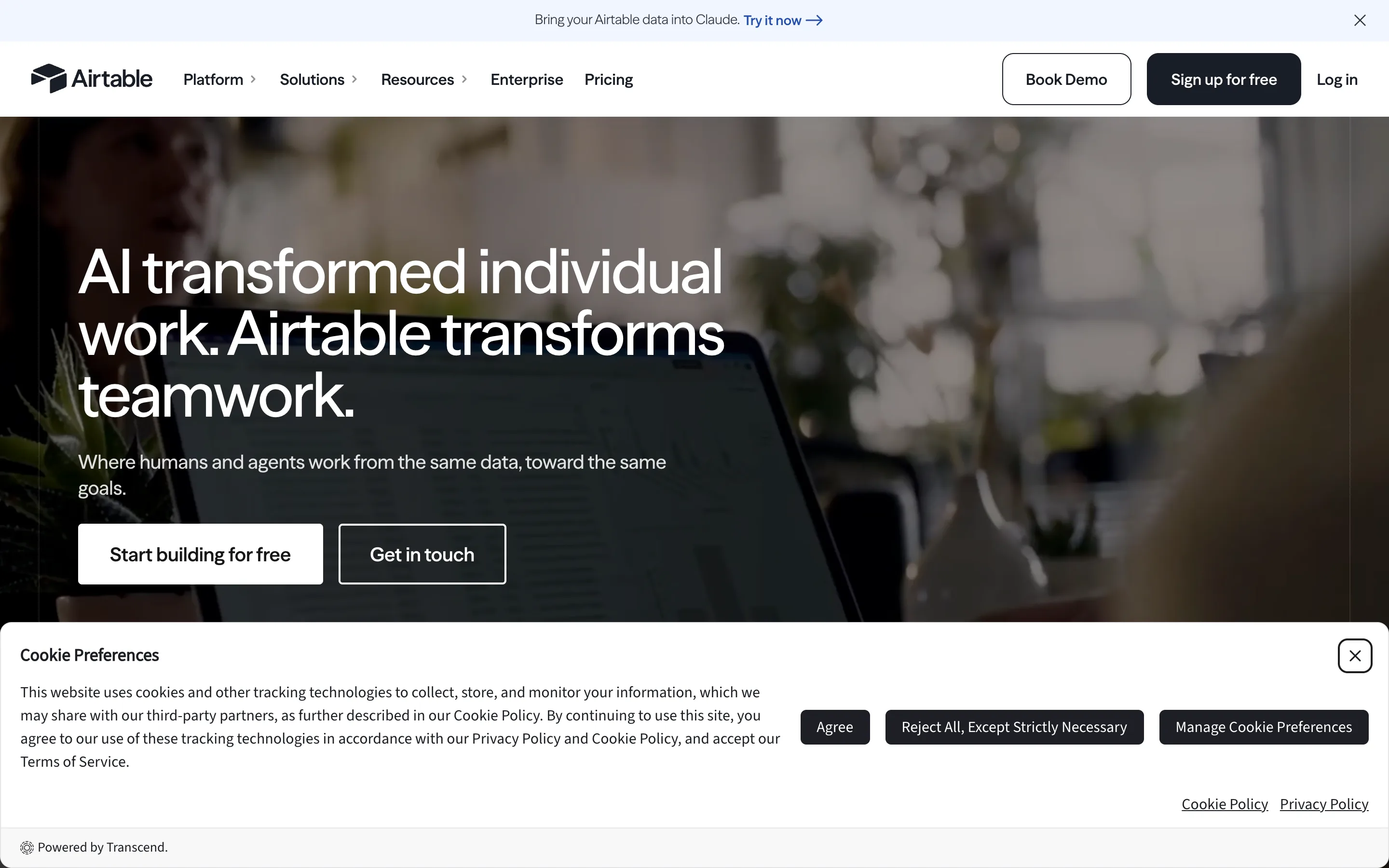
Airtable is a superb flexible database with forms and views, and it's a favorite for organizing collected data. For structuring, filtering, and collaborating on data, few tools are as pleasant. Its free plan is genuinely useful for small teams.
But it's a database first: offline mobile field capture is limited, so it's better at holding data than gathering it in the field.
Where it fits:
Pros:
Cons:
Pricing: Free plan; Team from $20/user/month.
G2 rating: 4.5/5
Best for: organizing and analyzing data more than capturing it in the field.
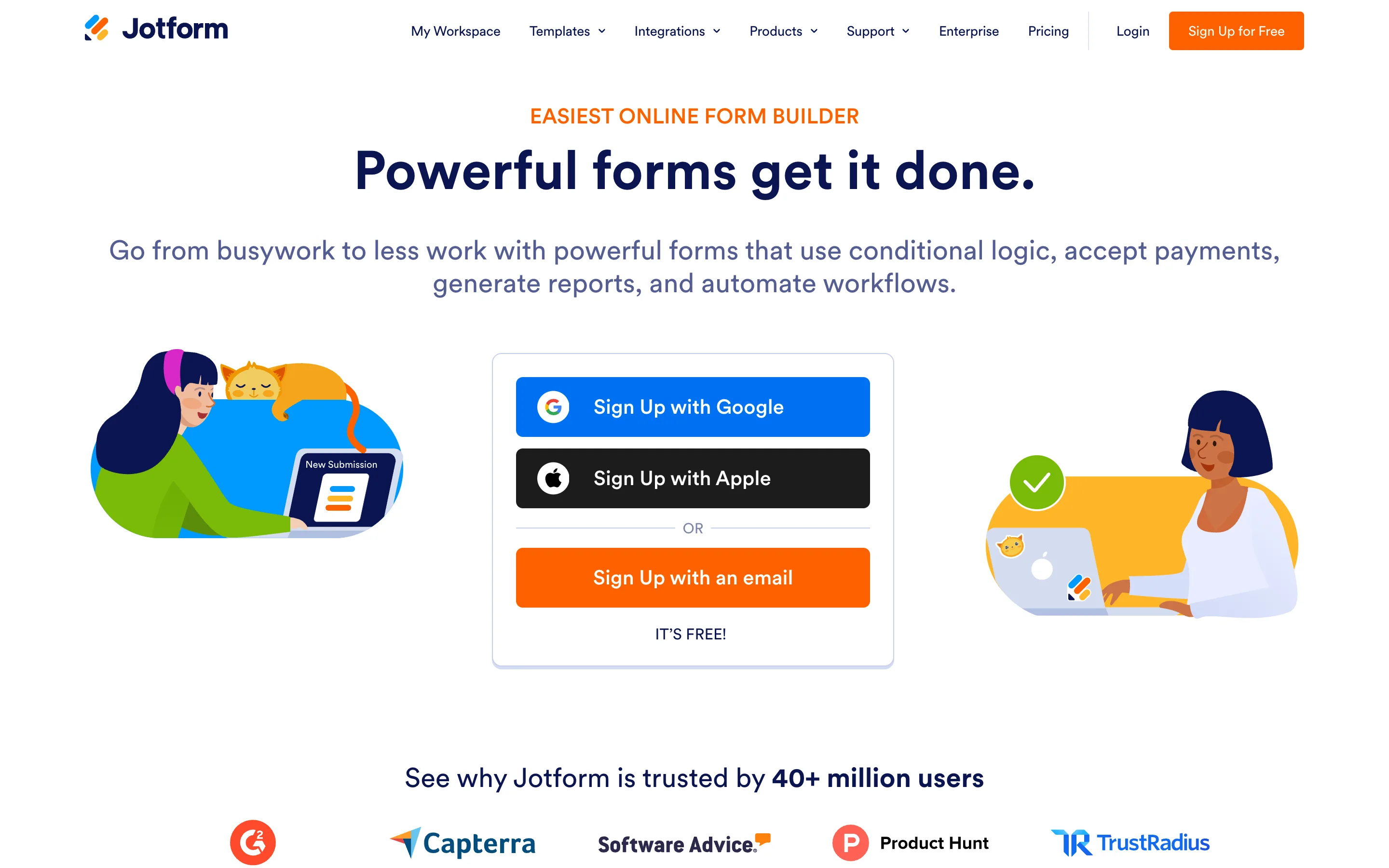
Jotform is one of the most popular form builders in the world, with a huge library of templates and widgets for online data collection. It's excellent for surveys, registrations, and lead capture, and its free Starter plan makes it easy to try. Mobile and offline exist but aren't its core focus.
For a true field app with offline-first workflows, it's less specialized than the field tools here.
Where it fits:
Pros:
Cons:
Pricing: Free Starter (limited); paid from $34/month.
G2 rating: 4.7/5
Best for: teams that mainly need advanced online forms.
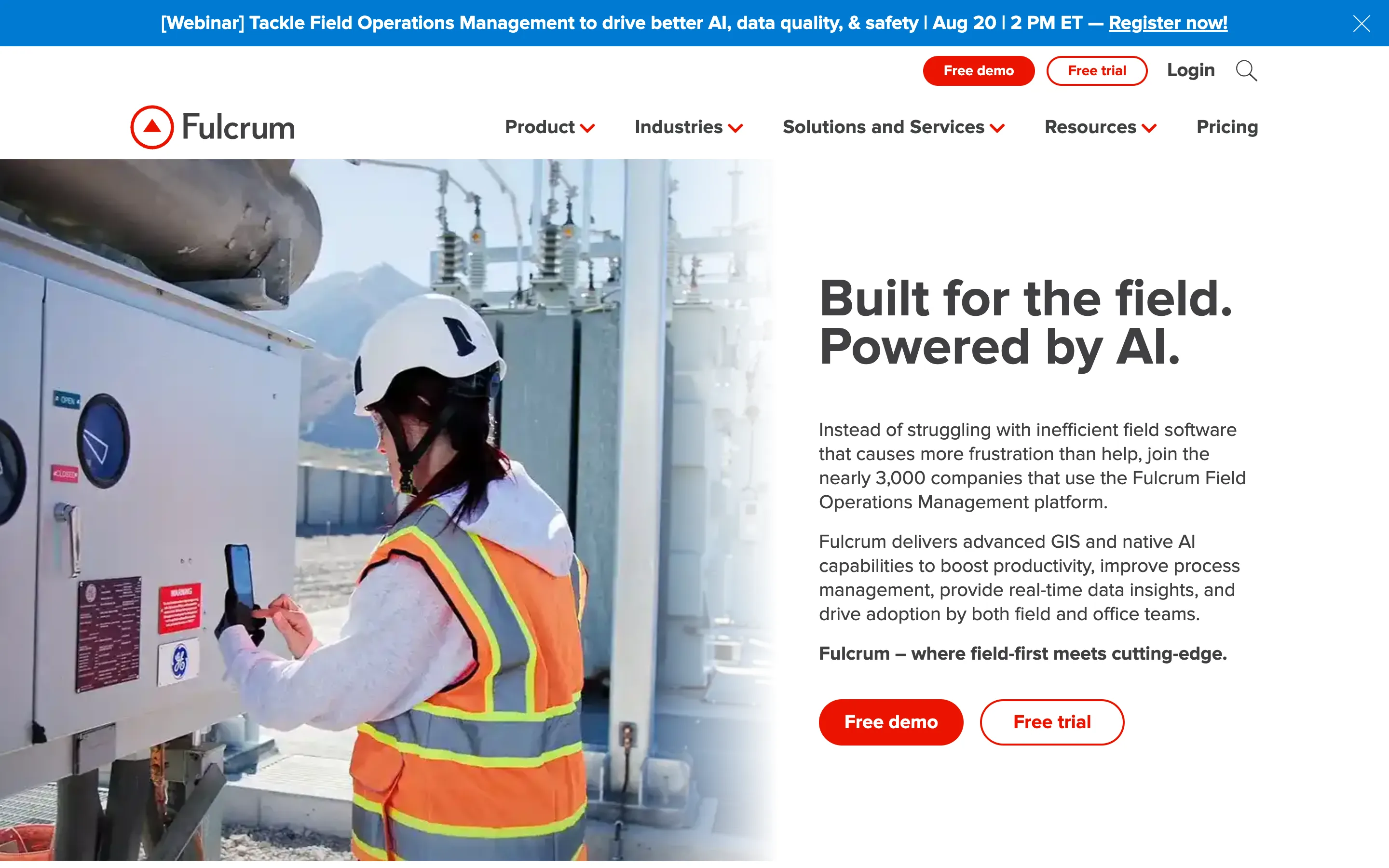
Fulcrum is a field-first platform with unusually strong location capabilities, ideal for surveys, environmental work, and asset inspection across large areas. Its map-based interface, GPS tagging, and GIS integrations tie data precisely to place, and offline capture with map syncing is a core strength. Where AppSheet and Power Apps are general, Fulcrum is unapologetically geospatial.
That focus means lighter business workflow and approvals, and a high entry price.
Where it fits:
Pros:
Cons:
Pricing: No free plan (trial); from $43/user/month.
G2 rating: 4.6/5
Best for: teams collecting geotagged data across large or outdoor sites.
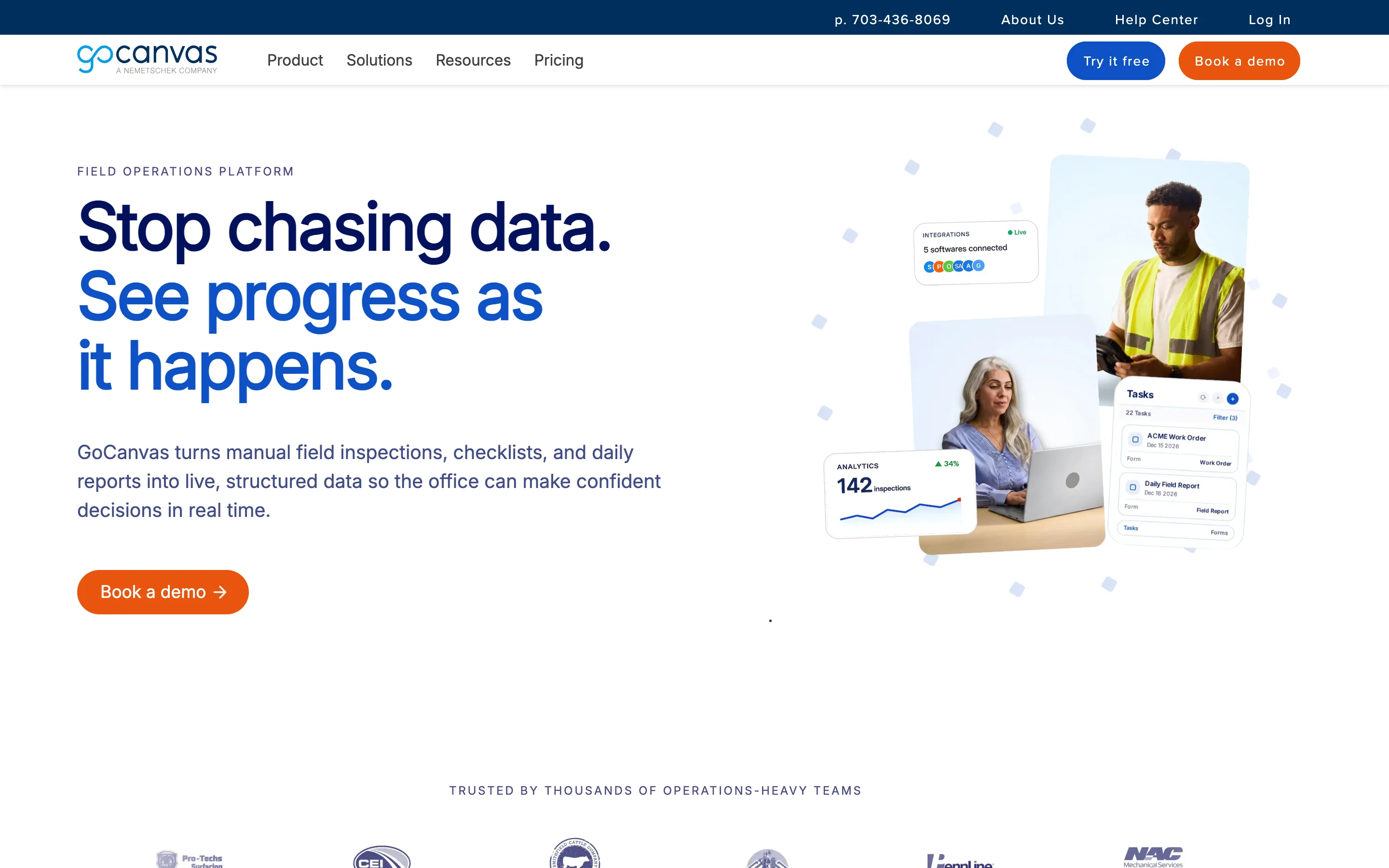
GoCanvas is built for field teams that want proven mobile forms fast, with a large template library for inspections, work orders, and safety checks. It captures signatures, photos, and calculations, and works offline, which suits trades and field service. You work within its form model rather than building an arbitrary app.
It's mature and field-focused, but pricing and the three-user minimum are less friendly for small teams.
Where it fits:
Pros:
Cons:
Pricing: No free plan (trial); from $29/user/month (3-user minimum).
G2 rating: 4.3/5
Best for: field-service teams that want templated mobile forms out of the box.
Rankings are based on a real field use case: digitizing a recurring site survey with photo evidence, GPS, offline capture, and a follow-up action after each submission. I weighed how faithfully each tool runs that end-to-end, how quickly a non-technical lead could stand it up, and the true cost for a small team - including whether the "free" option is a genuine free plan or a trial. It mirrors how we approach simplifying mobile data collection in the field.
The best data collection tool isn't the one with the biggest name - it's the one that still works when the signal drops. For a boardroom app, Power Apps or Airtable are fine answers. For a technician in a basement with no connection, the honest answer is a field-first tool that captures offline, attaches the photo and GPS, and turns the submission into an action - a very different, and much shorter, list.
If your team is already locked into an ecosystem, the default choice is clear: AppSheet for Google Workspace, Power Apps for Microsoft 365, or Zoho Creator for Zoho users. For simple database structuring, Airtable works well, while Jotform handles basic web forms, and Fulcrum or GoCanvas suit specialized mapping and templated forms.
However, if you need a flexible, truly no-code platform built specifically for field execution - without high per-seat costs or heavy IT setup - Clappia is the strongest all-around choice. It gives you enterprise-grade field capabilities at the lowest entry price, and it's free to start.
Finding the right tool ultimately comes down to where your team operates and how quickly you need to move.
The fastest way to see the difference is to rebuild one field process as an app. You can start building for free in Clappia and have a working mobile data collection app - with offline capture, photos, GPS, and dashboards - live the same day. For worked examples, see our field data collection guide and how to build an end-to-end field survey app.
The main options are Clappia, Google AppSheet, Microsoft Power Apps, Zoho Creator, Airtable, Jotform, Fulcrum, and GoCanvas. Power Apps, AppSheet and Airtable are general app-builders; the field-first choices are Clappia, Fulcrum and GoCanvas. For a fully custom app with offline capture, photos, GPS, and workflows, Clappia is often the best fit, and you can build unlimited apps free on its free plan before you ever pay.
Yes. Power Apps and AppSheet are powerful general platforms, but for custom business and field data collection specifically, Clappia is often the better fit - it's fully no-code, works offline, and adds workflows, approvals, and dashboards out of the box. You can build and test it completely free on the free plan, and only pay ($6/user/month) when it's ready.
Clappia, Google AppSheet, Microsoft Power Apps, Fulcrum, and GoCanvas support offline capture that syncs when a device reconnects. Airtable, Jotform, and Zoho Creator have more limited offline behavior, so confirm it before committing for fieldwork.
For a field-ready app - offline capture, photos, GPS, conditional logic, workflows, and dashboards - Clappia is the best overall, and you can build it free first on the free plan. Google AppSheet is strong if your data lives in Google; Microsoft Power Apps suits Microsoft-heavy IT teams; Fulcrum and GoCanvas are good for GPS-heavy or templated field forms.
No for the no-code tools. Clappia, AppSheet, Airtable, and Jotform are built for business users. Microsoft Power Apps and Zoho Creator are low-code and often need IT involvement for anything advanced. Clappia keeps it fully no-code while still offering workflows and approvals - and you can try it all free.
Clappia offers the most advanced feature set for mobile data collection at an affordable price - offline capture, photos and GPS, no-code multi-level approvals, live dashboards, and REST API and webhook integrations - all from $6/user/month, and free to build and test first. Google AppSheet is slightly cheaper at $5/user/month, but it is built around a spreadsheet and tied to the Google ecosystem, and its approvals and dashboards take more setup - so for the widest capability per dollar, Clappia comes out ahead.
Clappia has a genuine free plan where you can build unlimited apps, use almost every field type, create workflows, and try most features - share the app with your team, test it end to end, and only pay when it meets your requirements. AppSheet (up to 10 users), Airtable, and Jotform also offer free tiers, but with tighter limits.
 Get Started – It’s Free
L374, 1st Floor, 5th Main Rd, Sector 6, HSR Layout, Bengaluru, Karnataka 560102, India
3500 S DuPont Hwy, Dover,
Kent 19901, Delaware, USA


.svg)




3500 S DuPont Hwy, Dover,
Kent 19901, Delaware, USA
L374, 1st Floor, 5th Main Rd, Sector 6, HSR Layout, Bengaluru, Karnataka 560102, India
.avif)
.webp)

.avif)