Google Forms is one of the most popular tools for creating online forms, surveys, quizzes, and questionnaires. It's free, easy to use, and works well for collecting responses when users have a reliable internet connection.
However, one limitation of Google Forms is that it doesn't support true offline data collection. If you're collecting information in remote locations, construction sites, warehouses, farms, factories, disaster-affected areas, or places with unreliable internet, you need an app that allows users to continue collecting data offline and automatically sync submissions once connectivity is restored.
Fortunately, several Google Forms alternatives offer offline data collection while also supporting features such as GPS capture, photo uploads, signatures, barcode scanning, calculations, reporting, and mobile-friendly forms.
If you're looking for the best Google Forms alternative for offline data collection, this guide compares some of the top options available in 2026.
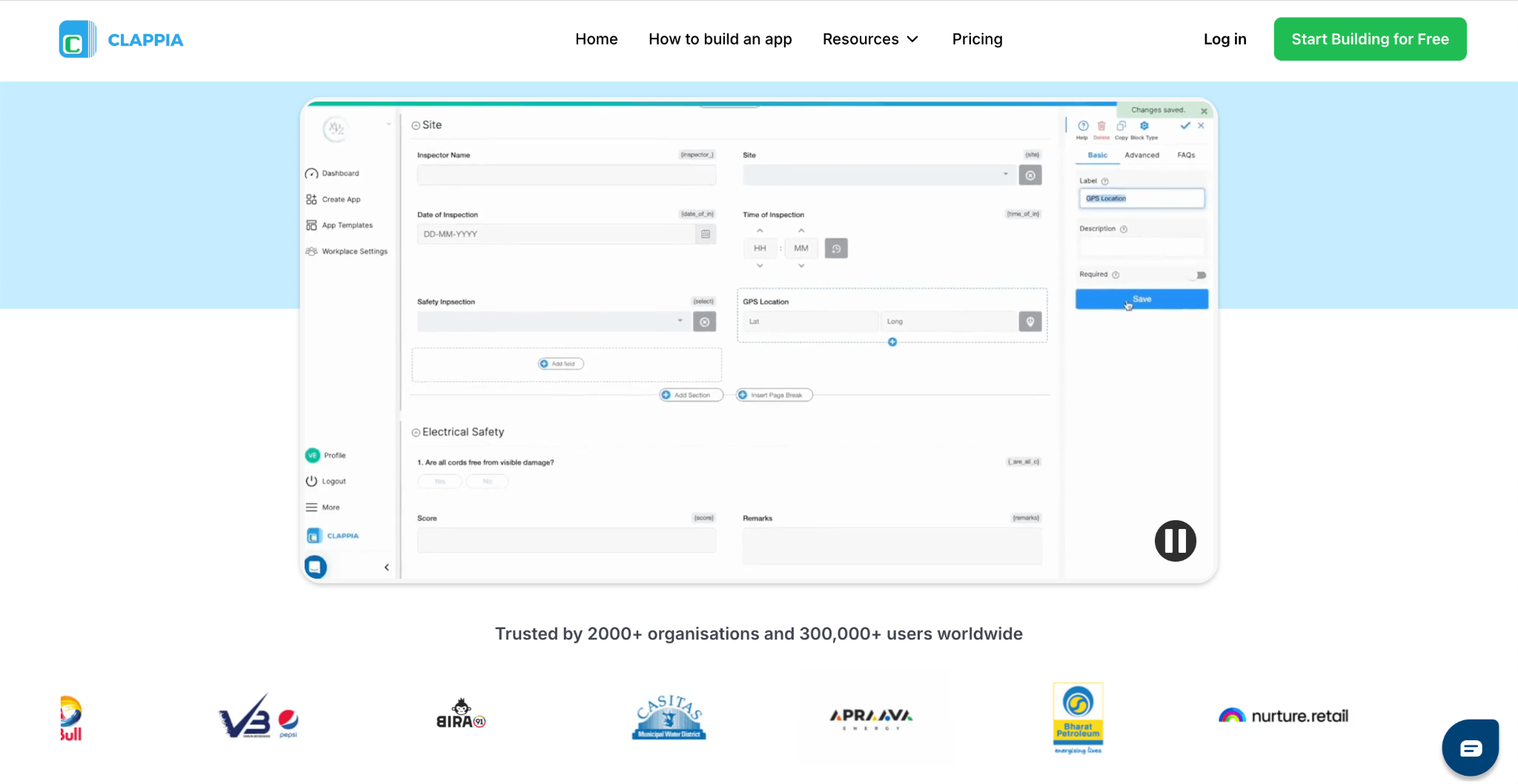
Clappia is widely used as an offline data collection software that allows organisations to collect surveys, inspections, audits, checklists, field reports, and other information even without an internet connection. Data collected offline is automatically synchronised once the device reconnects to the internet, making it a practical Google Forms offline alternative for teams working in the field.
Unlike Google Forms, Clappia supports much more than simple questionnaires. It is used across manufacturing, construction, healthcare, logistics, retail, government, education, and many other industries to digitise field data collection while adapting forms and processes to their specific operational requirements.
Available on both Android and iPhone, you get a consistent experience for field and office teams, allowing users to collect, review, and manage information from anywhere while keeping everyone connected to the same data. Once a form is created, no additional setup is required to use it offline.
Key Features:
Pricing: Free plan available. Paid plans start at $8 per user/month, with Professional and Enterprise plans for larger organisations.
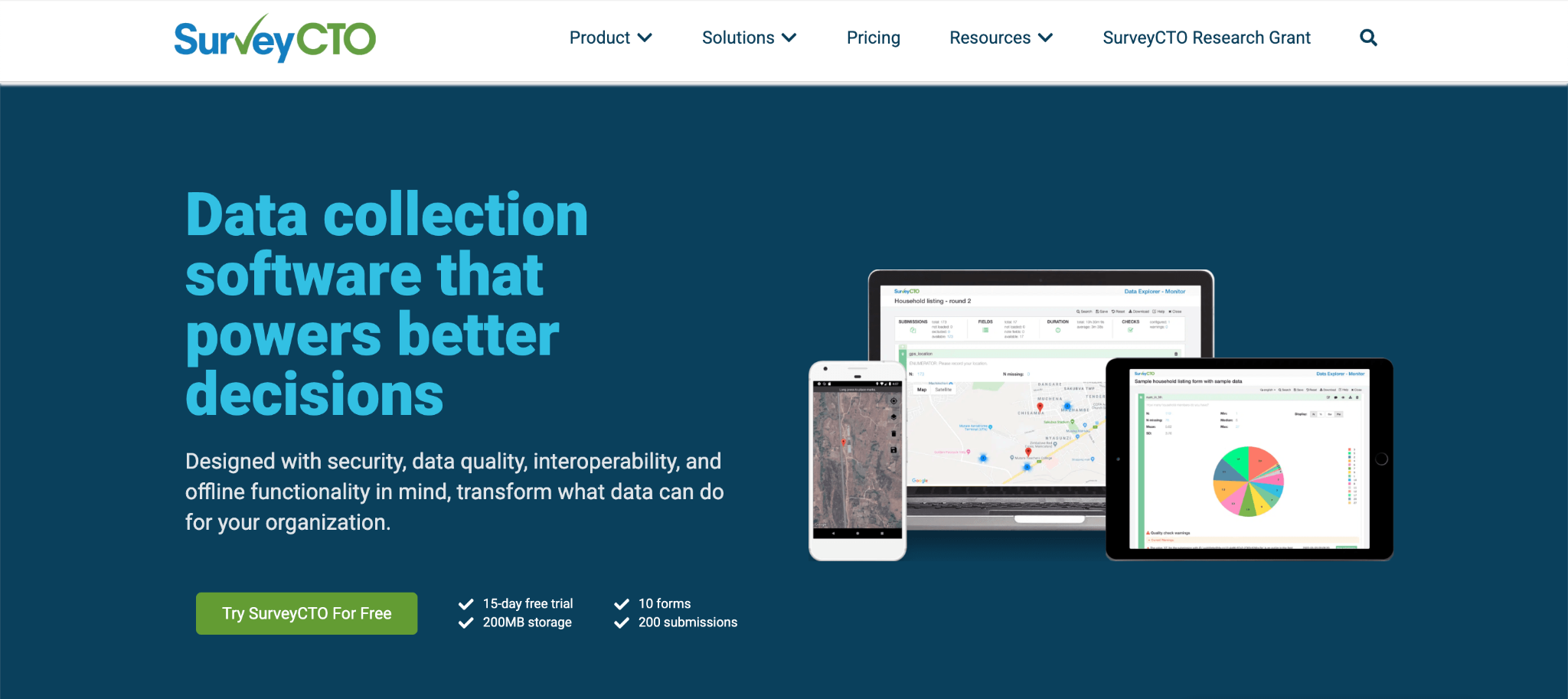
SurveyCTO is a mobile data collection platform designed for organisations that need secure, reliable survey collection. Built around digital surveys rather than general-purpose forms, it offers tools for collecting information in the field without an internet connection, and maintaining high data quality through advanced survey logic and validation.
It is widely used for research studies, monitoring and evaluation (M&E), and public health projects, where accurate field data collection is essential.
Key Features:
Pricing: SurveyCTO offers a free 15-day trial. Paid plans start at $250/month for the Basic plan when billed monthly, or $225/month when billed annually. Pro, Advanced, and Enterprise plans are also available for organisations with higher requirements.
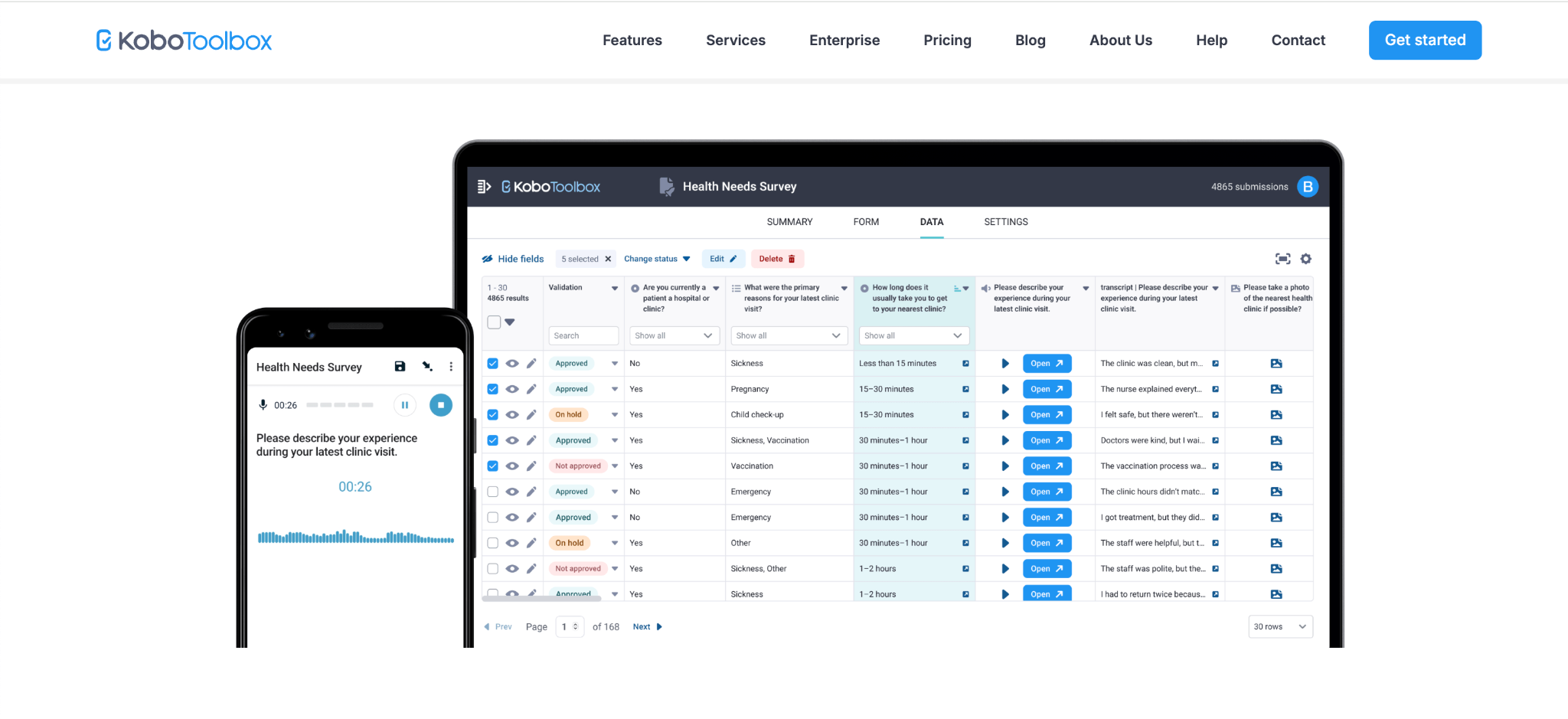
KoboToolbox is a mobile data collection platform that helps users create digital questionnaires and collect field data. It supports offline data collection and is designed for organisations looking for a simple way to manage surveys and field data collection, offering an easy-to-use interface for designing forms, collecting responses, and reviewing submitted information.
It is commonly used for humanitarian programs, community surveys, and development projects that require simple field data collection.
Key Features:
Pricing: Free Community plan available for eligible organisations. Paid plans start from $21/month with higher limits and additional features.
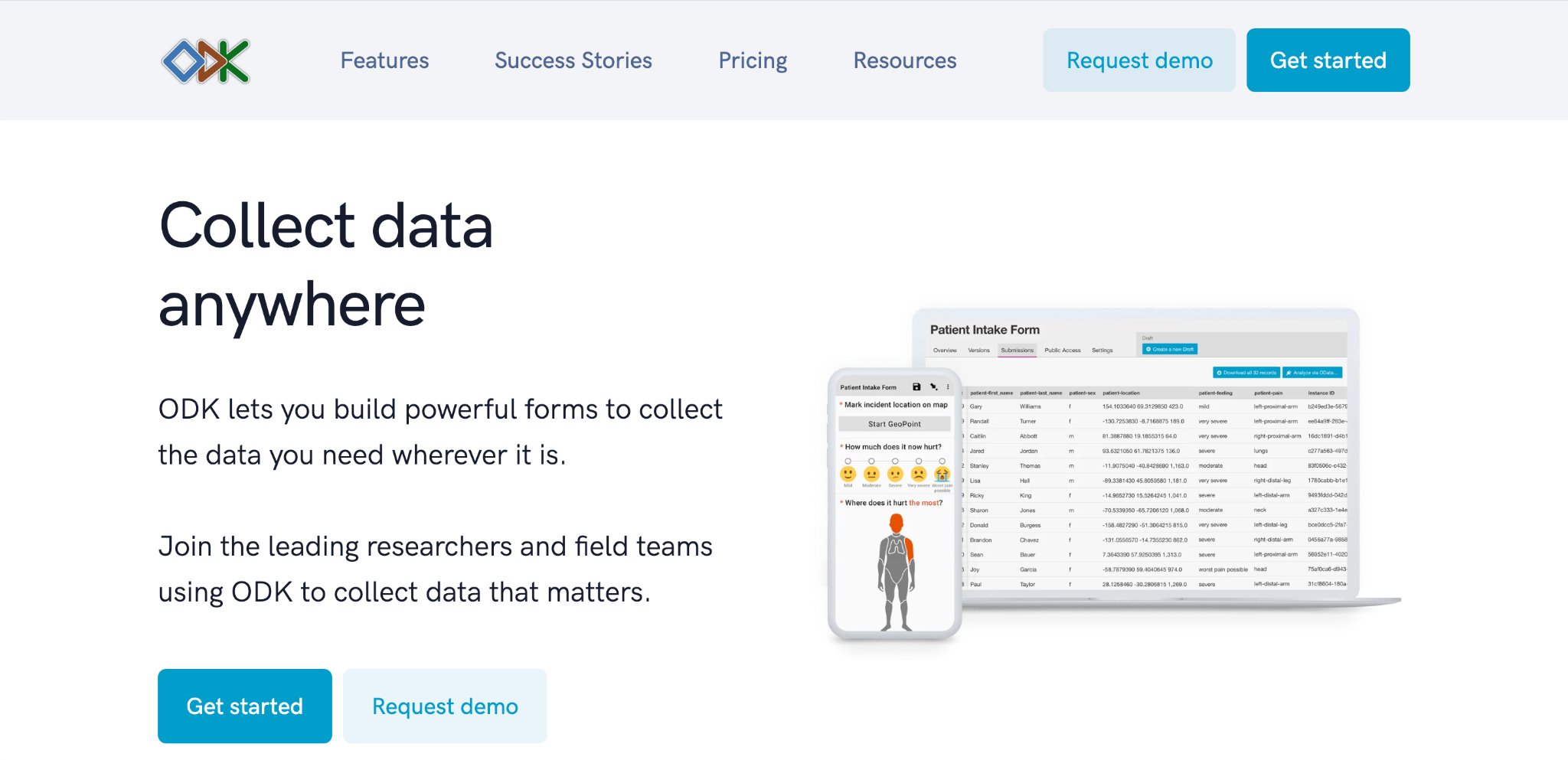
ODK Collect is an open-source mobile data collection platform that enables users to build digital forms and collect data in areas with limited or no internet connectivity. It gives organisations complete control over how they deploy and manage their data by allowing them to self-host their infrastructure or use ODK Cloud. As one of the longest-established field data collection platforms, ODK is a popular choice for organisations looking for a flexible and highly customisable alternative to Google Forms.
It is commonly used for research, agriculture, and environmental studies that require flexible and customisable field data collection.
Key Features:
Pricing: ODK is open source and can be self-hosted for free. ODK Cloud paid plans start at $199/month, with Professional and Enterprise plans available for organisations requiring additional users, storage, and support.
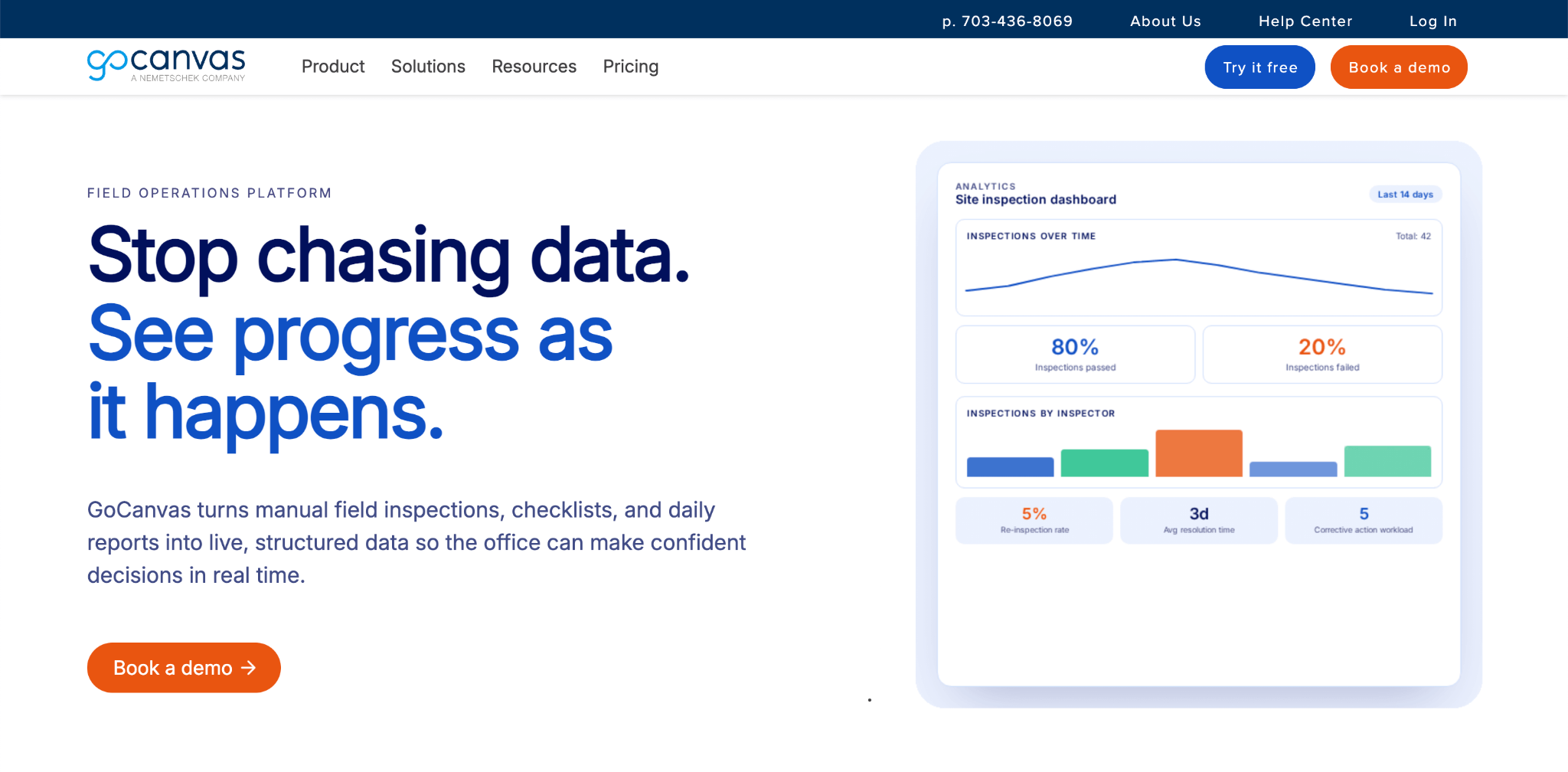
GoCanvas is a mobile forms and field data collection platform that helps organisations replace paper forms with digital workflows. It enables teams to collect information from the field using mobile devices, standardise inspections and work orders, and improve documentation across field operations.
GoCanvas is commonly used for inspections, safety checklists, maintenance, quality control, and other operational processes where paper forms are still widely used.
Key Features:
Pricing: Paid plans start at $29 per user/month (minimum 3 users, billed annually). Pro and Max plans are available with additional workflow, integration, and enterprise capabilities.
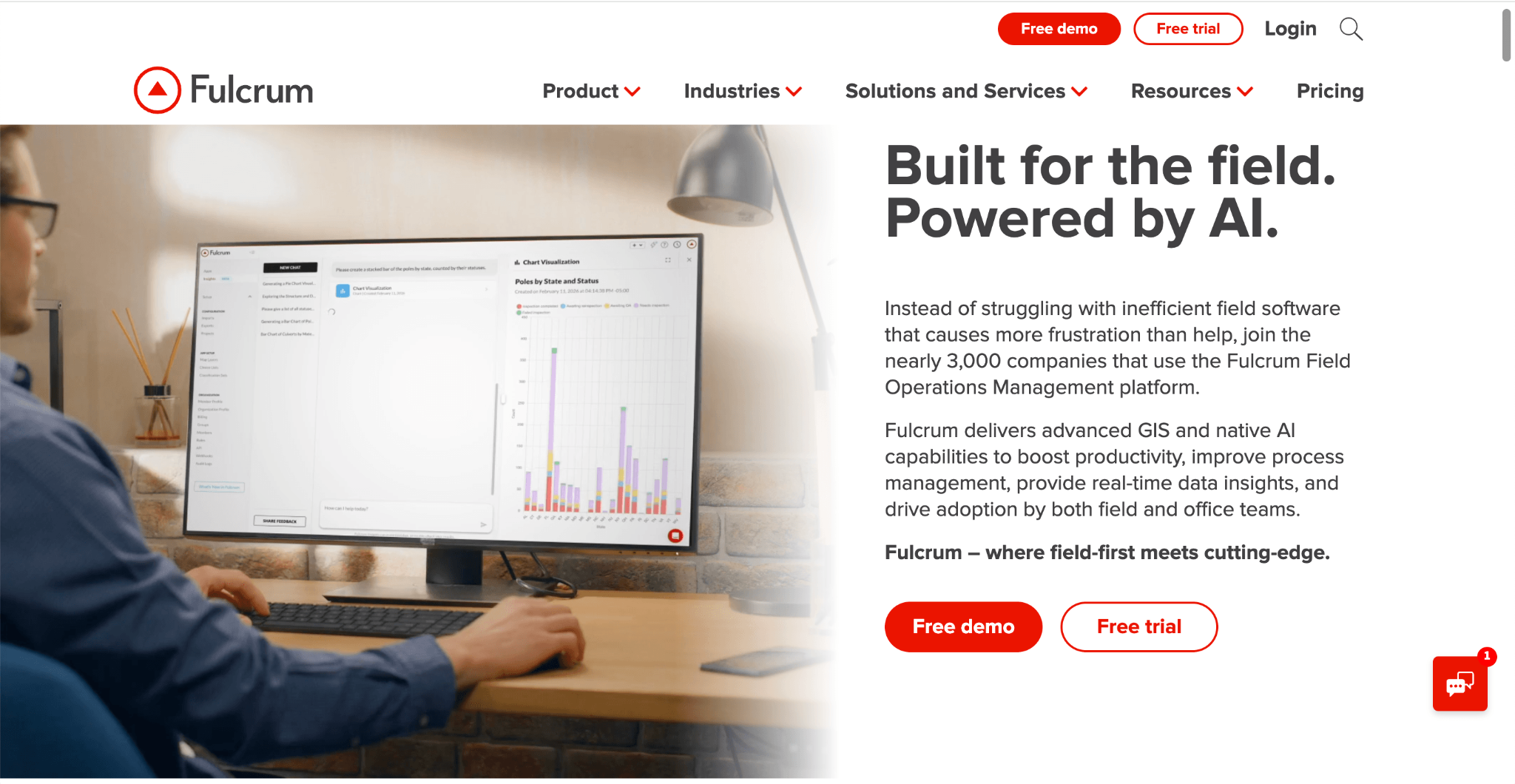
Fulcrum is a field data collection platform that helps organisations replace paper-based processes with digital forms for inspections, assessments, surveys, audits, and other field activities. It allows teams to collect, organise, and manage field information from mobile devices while maintaining consistent records across projects and locations.
The platform is commonly used by organisations that need structured field documentation and standardised data collection. It is commonly used for asset inspections, utility operations, and environmental fieldwork.
Key Features:
Pricing: Fulcrum offers a free Community plan with limited features. Paid plans start at $22 per user/month (billed annually), with Professional and Enterprise plans available.
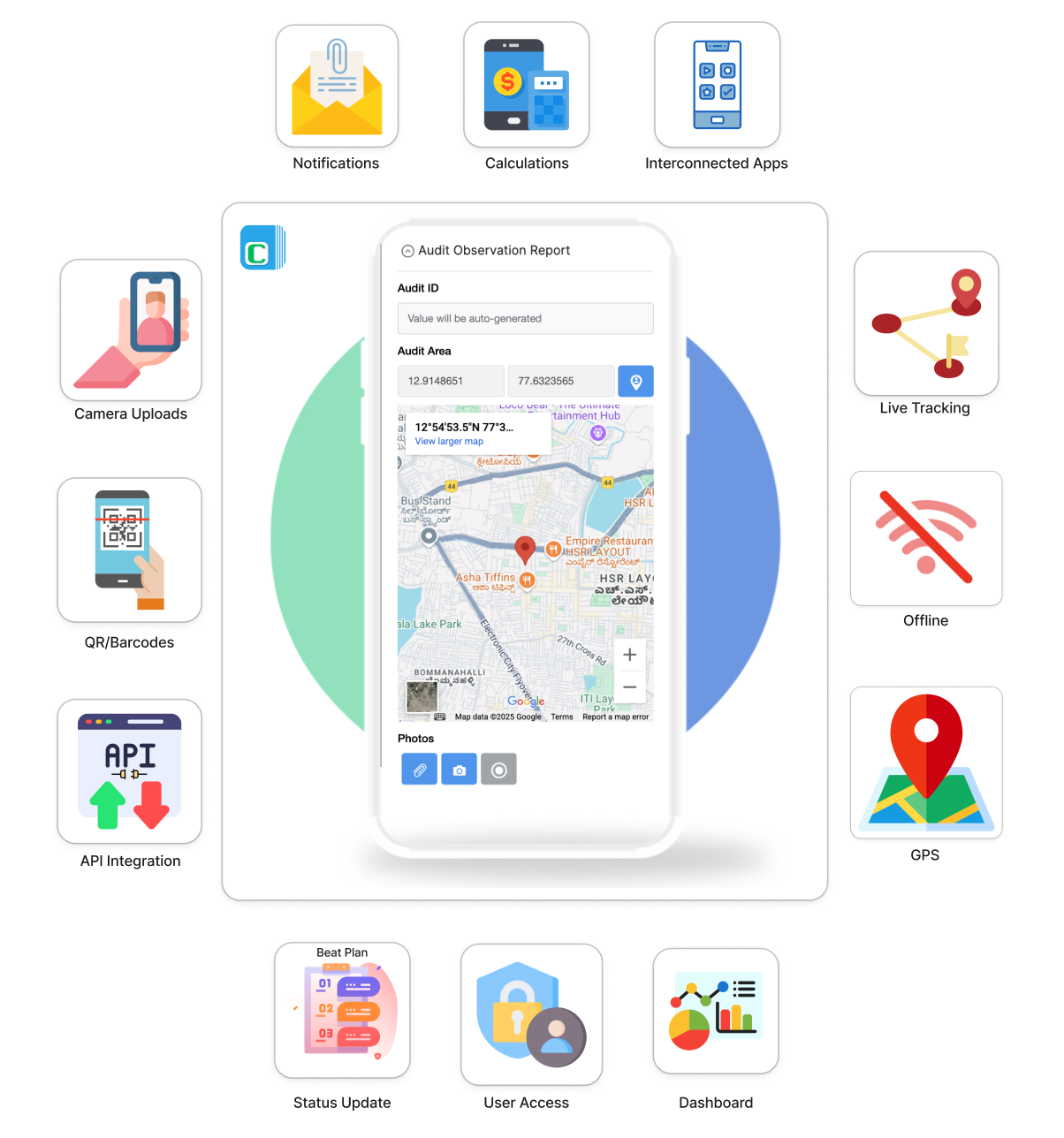
If you're searching for a Google Forms alternative with offline support, the ability to collect data without an internet connection is only part of the decision. The right platform should also make offline data collection practical for everyday use, whether you're collecting a few hundred records or managing data collection across multiple teams, locations, and business processes.
Here's why many organisations choose Clappia:
Whether you're collecting offline surveys, conducting field inspections, completing audits, or managing everyday offline data collection, Clappia provides the flexibility to replace Google Forms today while continuing to support your data collection requirements as they evolve.
Does it truly work offline?
A good Google Forms alternative should allow users to open forms, collect information, edit submissions, and continue working even without an internet connection. The offline experience should be as reliable and straightforward as working online, so field teams can focus on collecting data instead of dealing with connectivity issues.
What type of information can it collect?
Different organisations collect different types of data. Beyond survey responses, you may need to capture photos, GPS locations, signatures, barcode or QR code scans, file attachments, timestamps, and calculated values. Choose software that supports the information your teams need to collect.
How easy is it to create and update forms?
An offline data collection platform should make it easy to build new forms, update existing ones, and roll out changes quickly. This helps organizations respond to changing business requirements without lengthy development or deployment cycles.
Is it easy for your teams to use?
Offline data collection software should simplify field work, not create additional training or technical challenges. Consider how quickly users can start collecting data and whether the mobile experience is intuitive for everyday use.
Will it continue to support your organisation as it grows?
Many organisations start by replacing Google Forms for surveys but later expand into inspections, audits, inventory management, maintenance, quality checks, and other operational processes. Choosing a flexible platform helps you support different requirements without moving to another solution.
Choosing the right Google Forms offline alternative comes down to finding a platform that fits the way your team collects and manages data. While some tools focus primarily on surveys and research, others provide the flexibility to support a wider range of field operations and business processes.
If you're looking for an easy-to-use Google Forms offline alternative with reliable offline data collection, customisable mobile apps, and room to grow beyond simple forms, Clappia is worth exploring.
L374, 1st Floor, 5th Main Rd, Sector 6, HSR Layout, Bengaluru, Karnataka 560102, India
3500 S DuPont Hwy, Dover,
Kent 19901, Delaware, USA


.svg)




3500 S DuPont Hwy, Dover,
Kent 19901, Delaware, USA
L374, 1st Floor, 5th Main Rd, Sector 6, HSR Layout, Bengaluru, Karnataka 560102, India



.jpg)