

TrueContext, formerly known as ProntoForms, is a field service workflow platform used to build mobile forms, guide technicians through structured jobs, and connect field data to enterprise systems like Salesforce and SAP. It's used across oil and gas, utilities, and manufacturing to standardise how technicians capture information on installation, maintenance, and inspection jobs.
TrueContext requires a sales conversation before you see pricing, and its Digital plan starts at $400 per month for a team. Some businesses want to see pricing upfront, a faster setup, or a platform that isn't built primarily around one industry's compliance needs.
If you're looking for a TrueContext alternative, this guide compares some of the best TrueContext competitors available in 2026. Whether you need mobile forms for field service, inspections, work orders, or a customisable platform for technician workflows, these alternatives offer a variety of features to suit different business and project needs.
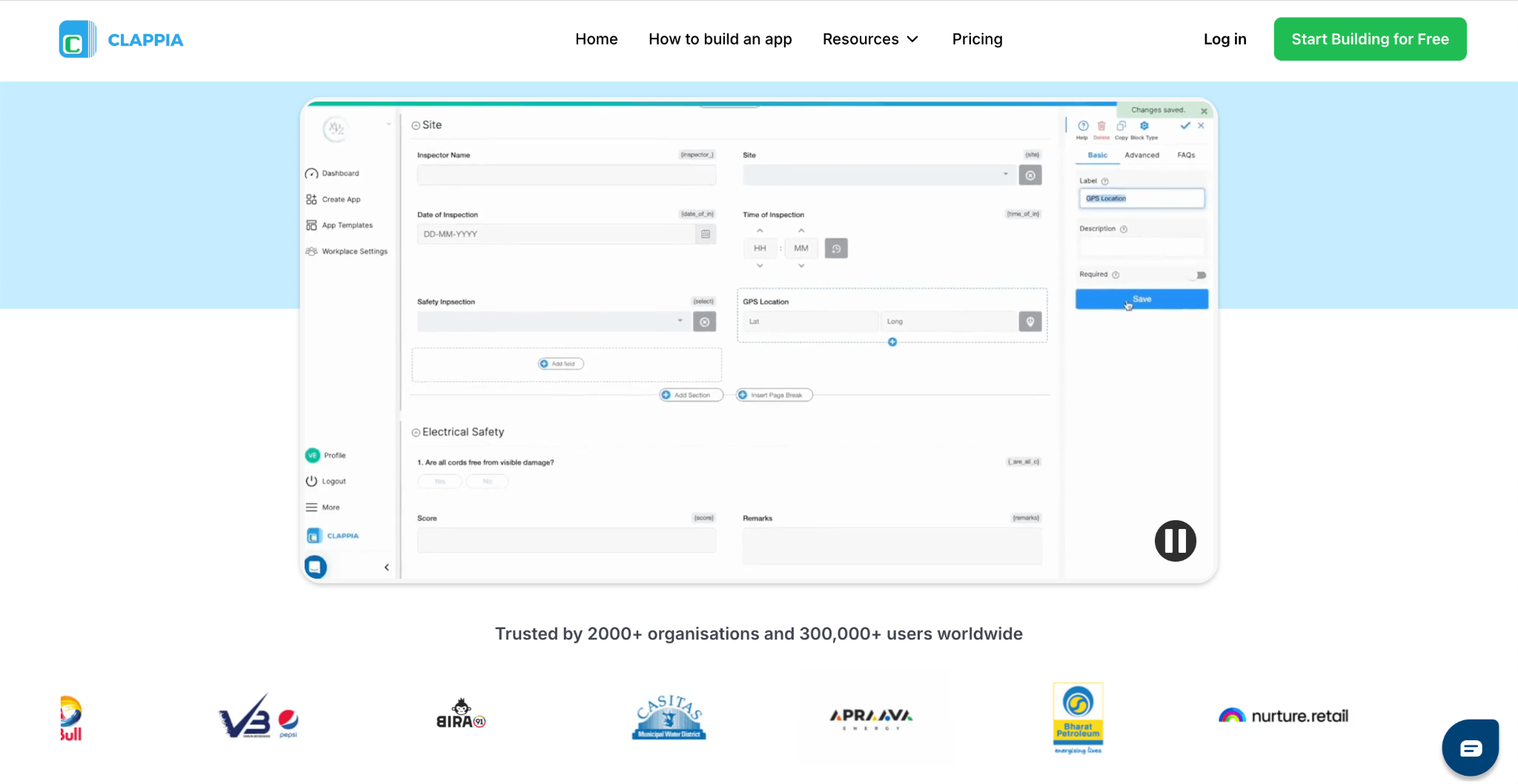
Clappia helps organisations build field service, work order, and technician job apps tailored to their own process, without extensive coding. It publishes its pricing directly, so you can see the cost of a plan without a sales call. Clappia is widely used across field service, construction, utilities, and manufacturing businesses that need technician job forms, dispatch-style workflows, or inspection apps built around their own process, not a fixed enterprise template.
Key Features:
Pricing:
Clappia offers a free plan. Paid plans start at $8 per user/month, with Professional and Enterprise plans available for businesses requiring advanced features and enterprise capabilities.
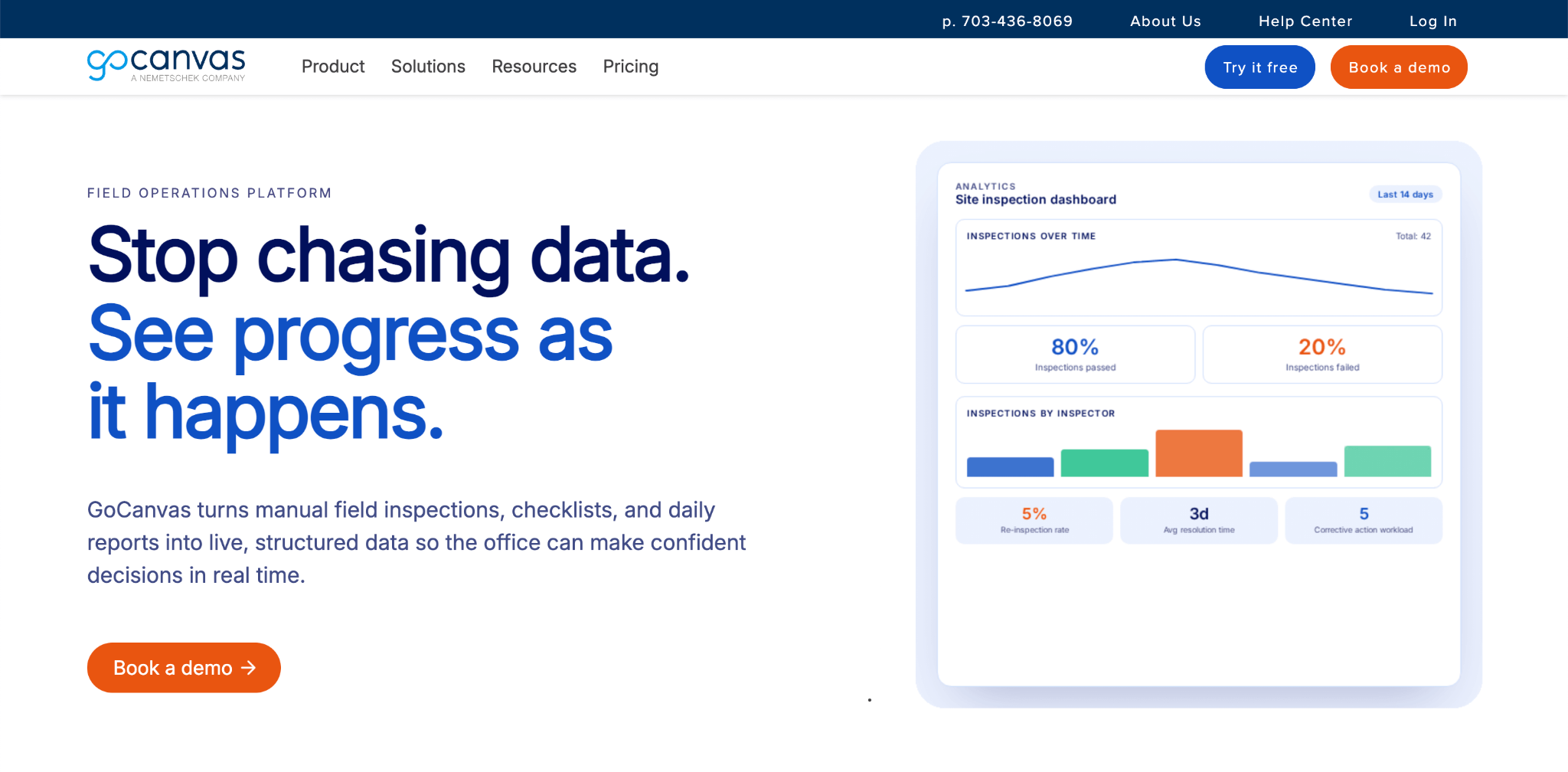
GoCanvas is a mobile forms and field operations platform used to digitise inspections, work orders, and safety checklists, and to schedule and dispatch jobs to field workers. It's used by trade and field service businesses such as electricians, plumbers, roofers, and HVAC contractors, alongside construction and oil and gas companies. GoCanvas is owned by the Nemetschek Group, and it grew out of a general mobile forms tool into a broader field operations platform with dispatch and scheduling built in.
Key Features
Pricing
GoCanvas's Essentials plan starts at $29 per user per month, with Pro at $39 per user per month and Max at $49 per user per month, all billed annually with a three-user minimum.
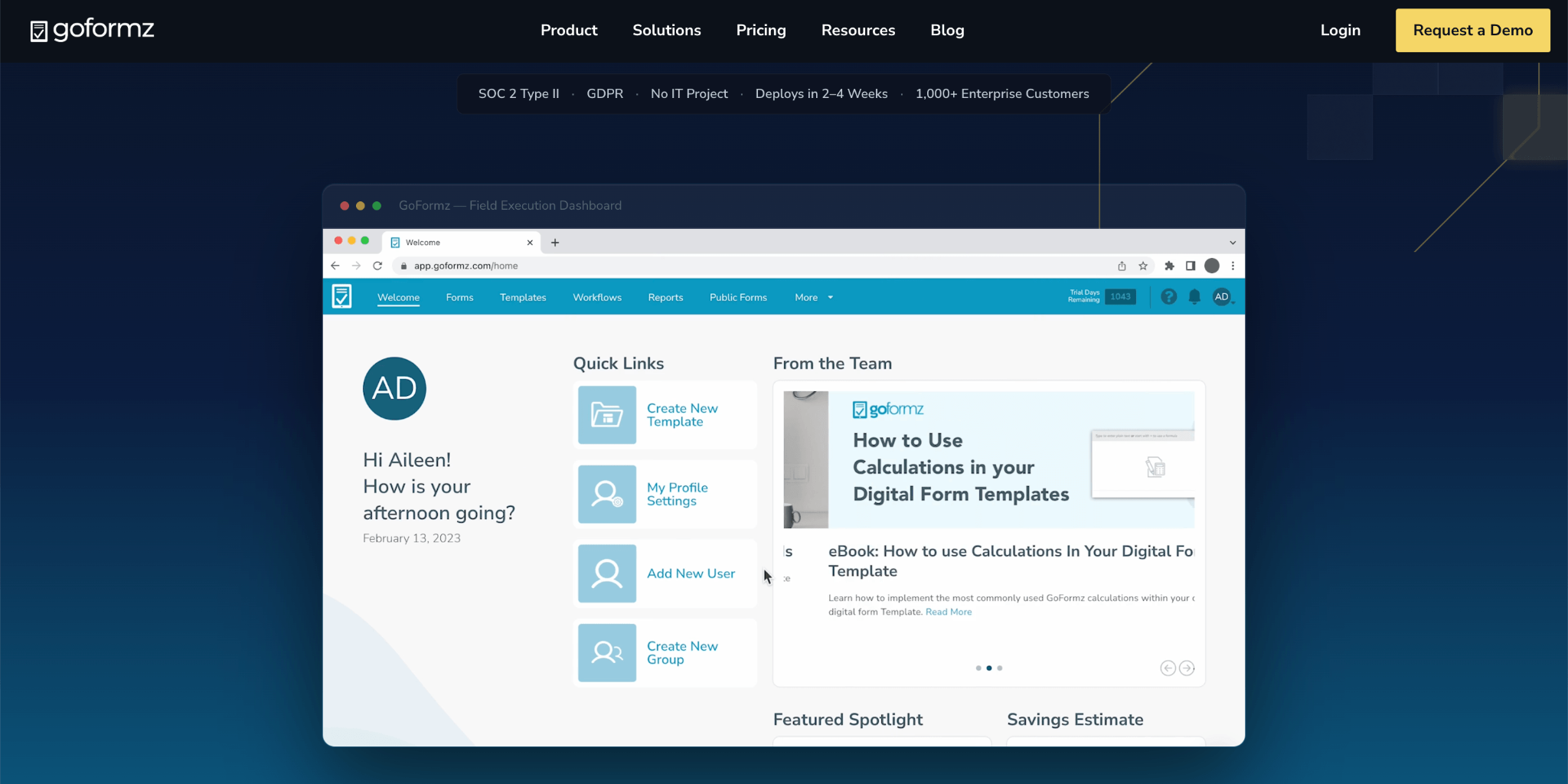
GoFormz is a digital forms platform used to turn an existing paper form into a mobile and web version, so field teams can fill it out on a phone or tablet instead of on paper. It's used in construction, energy, and field service to digitise work orders, inspections, and safety forms. GoFormz built its reputation specifically on replicating a company's exact paper form layout, which suits teams with a specific, brand-approved document they don't want to redesign, and it recently moved from per-user pricing to a flat monthly rate for its entry plan.
Key Features
Pricing
GoFormz's Starter plan costs $499 per month, or $4,999 per year, and includes up to 10 users and up to 30 templates. Enterprise pricing is a custom quote scoped to team size and integration needs.
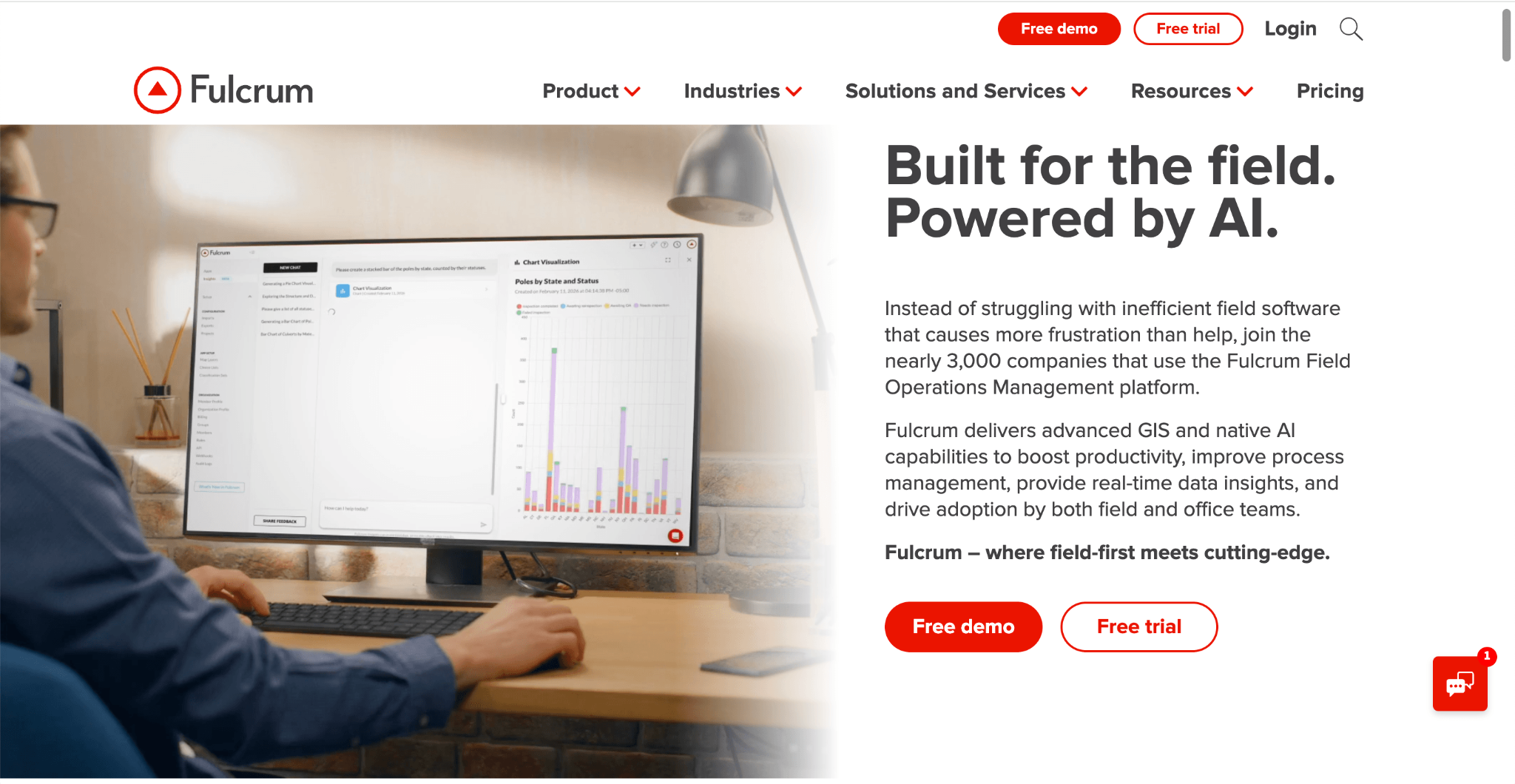
Fulcrum is a field data collection platform used to build custom forms and capture data tied to a specific location. It's used by utilities, environmental, and infrastructure teams that need field data linked to maps and spatial analysis, not just a form submission. Fulcrum grew out of geospatial and mapping use cases before expanding into general field operations, which is why its strongest customer base remains in location-driven industries. Its Professional plan requires a minimum of five users.
Key Features
Pricing
Fulcrum's Professional plan starts at around $43/user/month (billed annually, five-user minimum), with an Elite plan at $55/user/month and custom Enterprise pricing available.
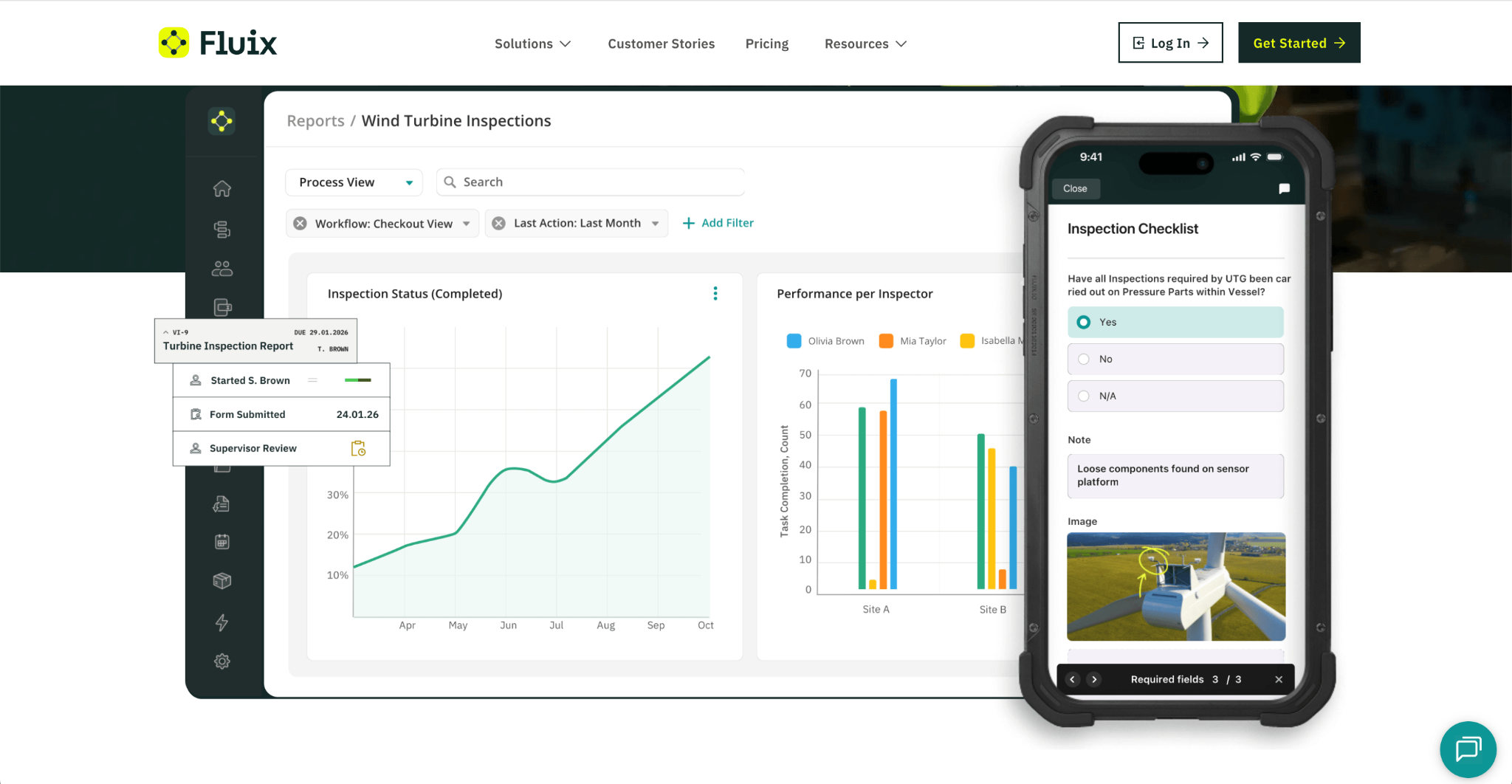
Fluix is a mobile forms and document workflow platform used to digitise inspections and route completed forms through approvals. It's used by field teams of five or more users in construction, aviation, wind energy, and utilities. Fluix positions itself specifically around industries where a completed form typically needs to move through more than one layer of sign-off before it's considered closed. Its plans require a minimum of five, fifteen, or twenty-five users depending on the tier.
Key Features
Pricing
Fluix's CREWS plan starts at $29 per user per month (5-plus users), with OPERATIONS at $49 per user per month (15-plus users), and custom Enterprise pricing for organisations with 25 or more users.
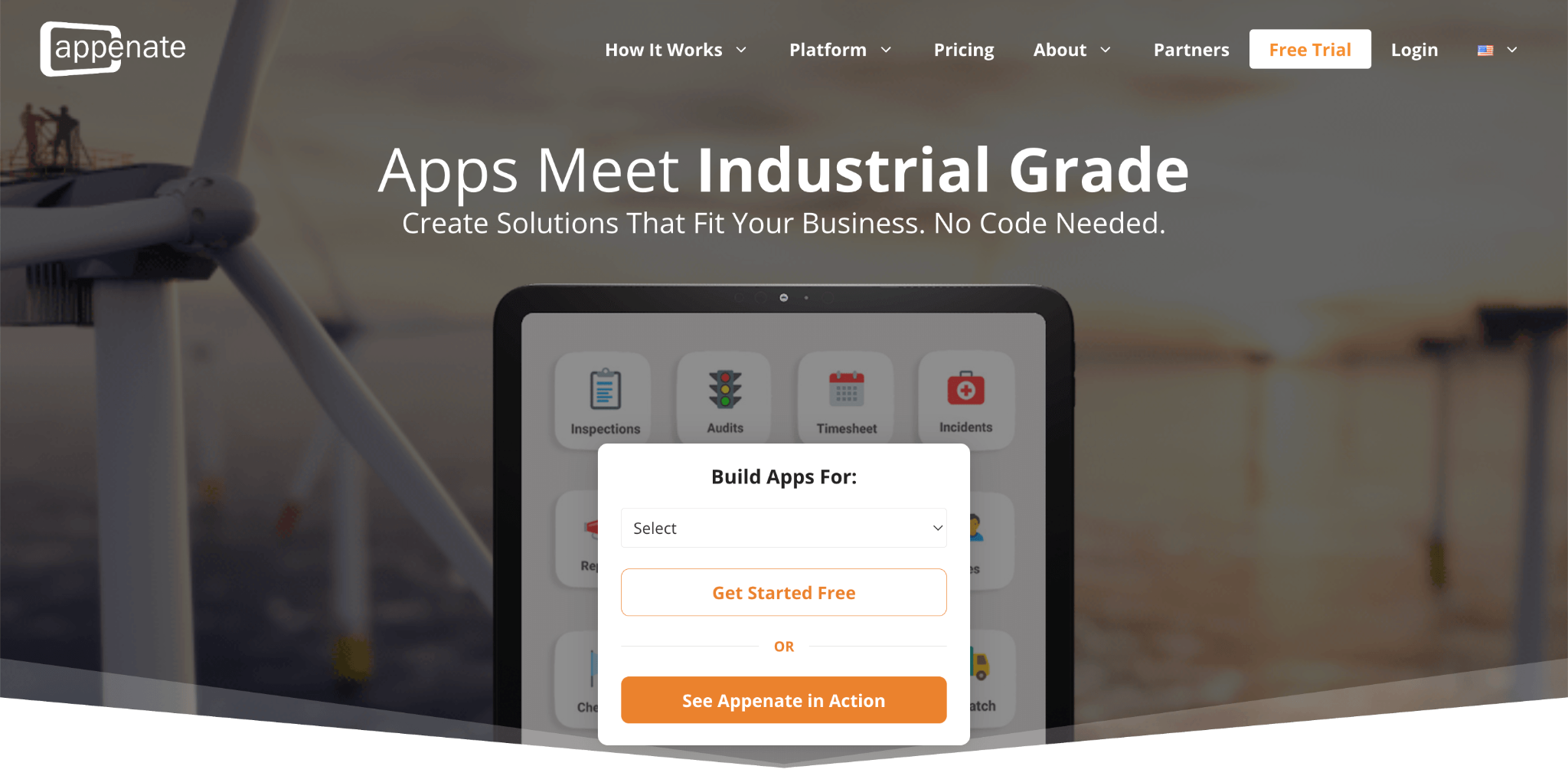
Appenate is a no-code app builder used to create custom mobile forms and field data collection apps from scratch, rather than starting from a fixed template. It's used across mining, oil and gas, manufacturing, and field service businesses that need forms tailored to their own process. Appenate differentiates itself through white-label reselling, letting agencies and consultants build and resell field apps under their own brand rather than Appenate's. Its AI form generator is only included on its top Pro tier, not the entry plan.
Key Features
Pricing
Appenate's Standard plan starts at $20 per user per month billed annually ($25 billed monthly), with Premium at $28 per user per month ($35 billed monthly) and Pro at $36 per user per month ($45 billed monthly), all with a five-user minimum.
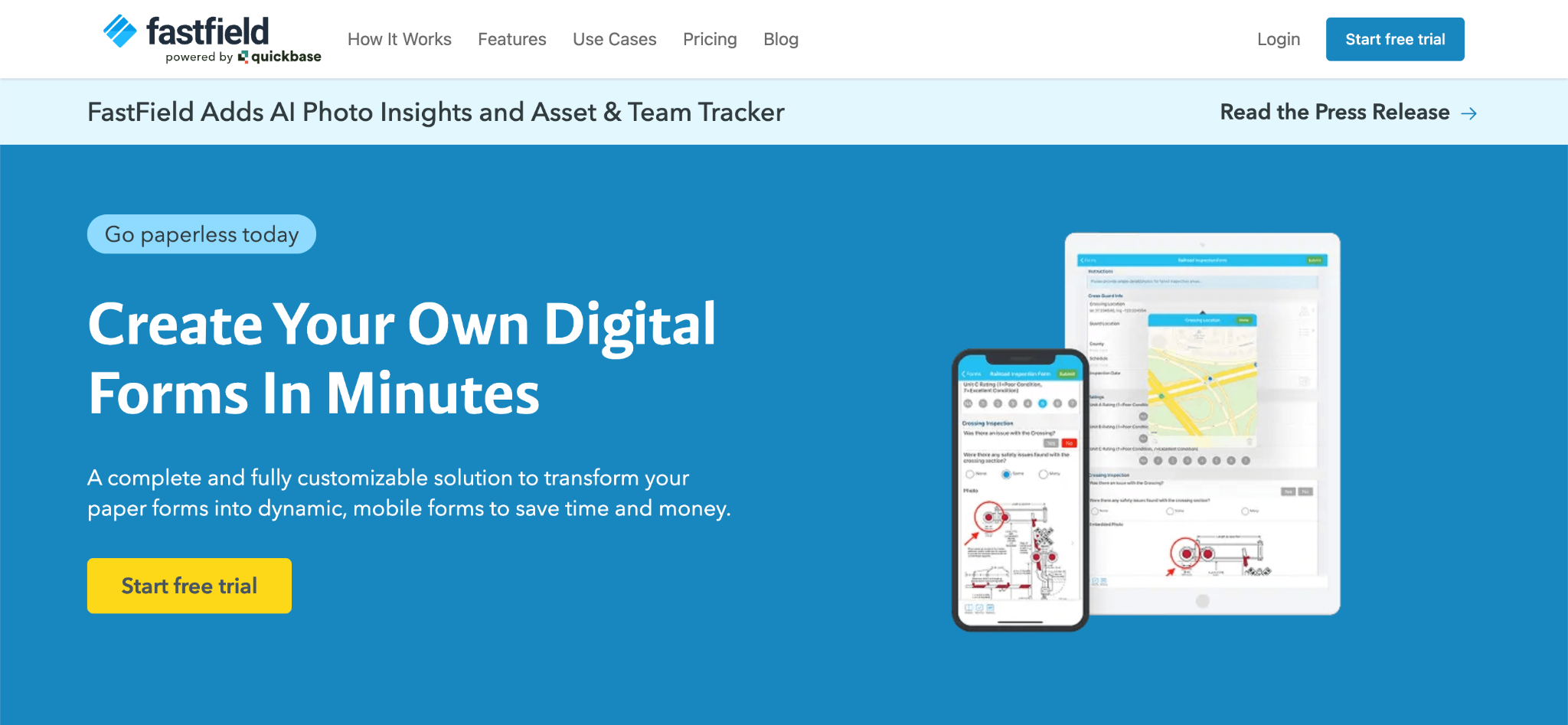
FastField (quickbase) is a mobile forms platform used to digitise inspections, work orders, and safety checklists, and convert submitted forms into formatted PDF or Word reports. It's used across construction, utilities, and inspection-heavy field service businesses. FastField has stayed a single-tier pricing tool rather than expanding into multiple plan levels, which appeals to teams that want to calculate cost upfront without a multi-tier sales pitch. Anonymous third-party form submissions are billed separately per submission.
Key Features
Pricing
FastField's published starting price is $35 per user per month, with custom Enterprise pricing available for larger teams.
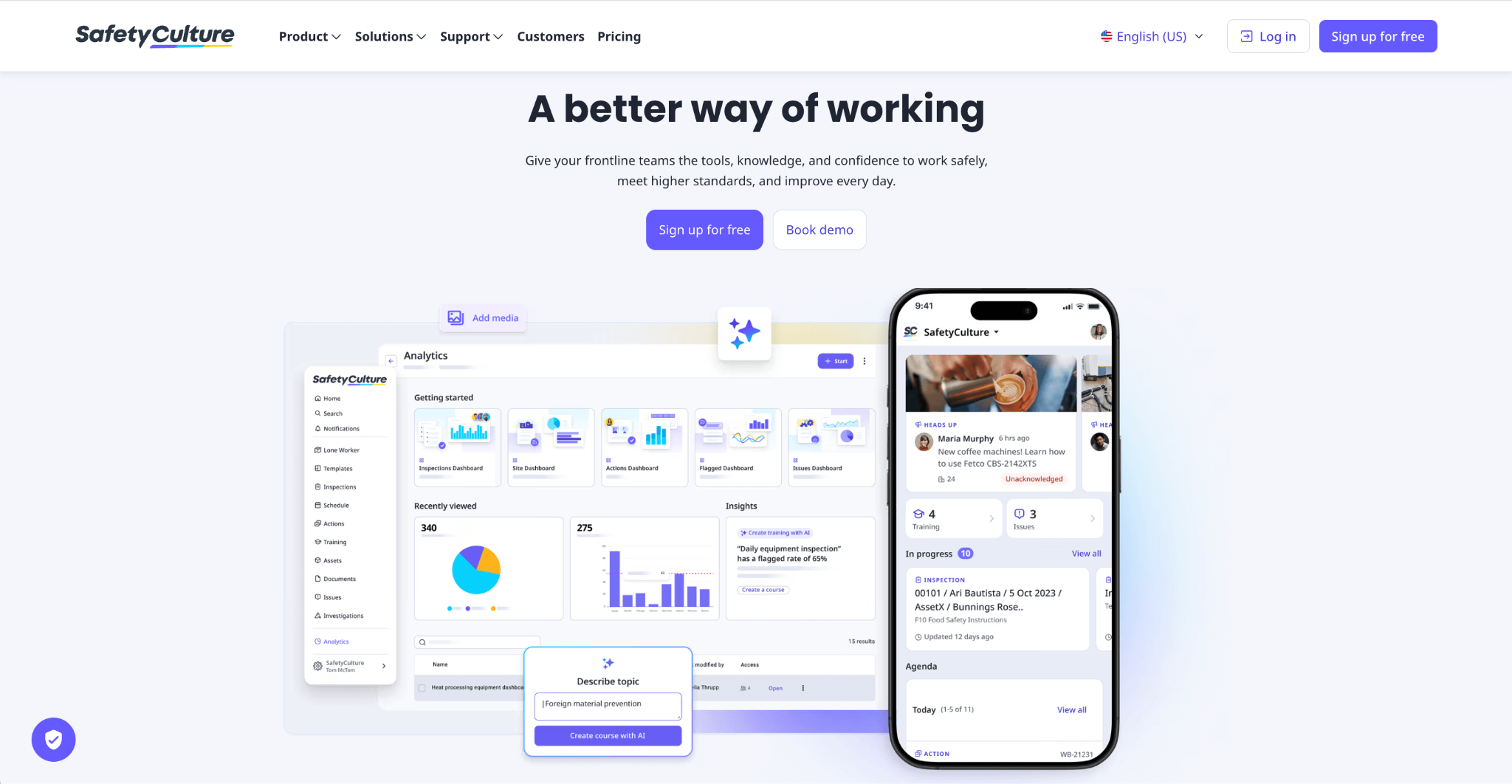
SafetyCulture, formerly known as iAuditor, is an inspection and workplace operations platform used to build checklists, run inspections, and manage assets and corrective actions. It's used in manufacturing, construction, food production, and hospitality, and it covers field service use cases like equipment checks and job documentation alongside its core inspection features. SafetyCulture grew out of inspection checklists and has since expanded into a broader operations platform, which is why it's compared against both inspection tools and field service platforms. Its free plan supports up to 10 users.
Key Features
Pricing
SafetyCulture offers a free plan for up to 10 users. The Premium plan costs $24 per user per month billed annually ($29 billed monthly), with custom Enterprise pricing for larger organisations.
Here's why many businesses and field teams choose Clappia:
Whether you're building technician job forms, work orders, inspections, or dispatch workflows, Clappia gives you a field service platform that's simple to start with and capable enough to support your business as your requirements change.
Choosing the right TrueContext alternative depends on your organisation's size, the complexity of your field workflows, and how much you value transparent, self-serve pricing versus a guided, sales-led rollout.
Before selecting a TrueContext alternative, consider whether the platform's pricing model, user minimums, and setup process actually match how your field team operates.
Does the alternative fit how your field team already works?
Some platforms expect you to adopt their fixed job statuses, fields, and dispatch structure. Others let you shape the software around your existing process. Consider whether you want to adapt your operations to the software, or the other way around.
Can you see pricing before committing to a sales call?
Some field service platforms only reveal pricing after a demo or sales conversation, which makes it harder to compare costs upfront. Look for a platform that publishes its pricing directly, so you can evaluate the cost before you invest time in a sales process.
Does the alternative require a minimum number of users?
Several field service platforms set a minimum number of paid seats regardless of your actual team size, which raises the effective starting cost for smaller teams. Check whether a platform's advertised per-user price already assumes a minimum seat count before you compare it to others.
Is the alternative built for a specific industry or general field service use?
Some platforms are built around a specific vertical, such as geospatial utility work or aviation compliance, with features that go deep in that one area. Others are built for general field service use across a wider range of industries. Match the platform's depth to what your team actually needs.
Can it grow with your team without a renegotiated contract?
Some platforms require a new sales conversation every time your team crosses a size threshold or needs a higher tier. A platform with clear, published pricing at every tier makes it easier to predict costs as your team grows.
By considering these factors, you can choose a TrueContext alternative that matches your current field service requirements while giving your organisation the flexibility to handle future needs.
Whether you need straightforward job forms or a broader field service workflow platform, the right TrueContext alternative should let you see real pricing and get started without a lengthy sales process.
If you're comparing TrueContext alternatives, TrueContext competitors, or field service software in general, evaluate platforms based on your team size, user minimums, and how quickly you need to be up and running.
For affordable, flexible, and quick-to-build field service software, Clappia is worth exploring. With offline data collection, mobile support, and customisable workflow automation for field teams, it can support use cases ranging from technician job forms and dispatch to inspections and everyday field data collection.
 Get Started – It’s Free
L374, 1st Floor, 5th Main Rd, Sector 6, HSR Layout, Bengaluru, Karnataka 560102, India
3500 S DuPont Hwy, Dover,
Kent 19901, Delaware, USA


.svg)




3500 S DuPont Hwy, Dover,
Kent 19901, Delaware, USA
L374, 1st Floor, 5th Main Rd, Sector 6, HSR Layout, Bengaluru, Karnataka 560102, India


.avif)

