


A construction site inspection is only as good as the tool you record it with. Paper checklists get lost, photos end up scattered across phones, and a hazard spotted at 8 a.m. can sit unreported until the end of the week. The right checklist app fixes that — capturing inspections offline, tagging photos and locations, and routing issues to the right person the moment they're found. This guide compares the 8 best checklist apps for construction site inspections in 2026, so you can match the tool to how your crews actually work.
The best construction site inspection checklist apps in 2026 are: Clappia (best no-code custom app), SafetyCulture (best template library), Fieldwire (best for punch lists), Raken (best for daily reports), Procore (best for large contractors), GoAudits (best for scored audits), Fulcrum (best for GPS/location data), and Buildertrend (best for home builders). Here's the at-a-glance comparison, then a closer look at each.
| App | Best for | Offline | Starting price |
|---|---|---|---|
| Clappia | Advanced, fully customizable construction checklists | Yes | Free plan; Starter plan from $6/user/mo |
| Mitti | Ready-made safety templates | Yes | Free tier; paid per seat |
| Fieldwire | Punch lists & QA | Yes | Free plan; paid per user |
| Raken | Daily reports + inspections | Yes | Quote-based |
| Procore | Large contractors | Partial | Quote-based |
| GoAudits | Scored audits & reports | Yes | $10/user/mo |
| Fulcrum | GPS / location data | Yes | $43/user/mo |
| JobTread | Residential construction management | Yes | From $199/mo |
Before comparing brands, decide which capabilities are non-negotiable for your sites:
For adjacent workflows, see our guides to construction daily reports and near miss reporting.
We weighed each app on offline reliability, photo/GPS/signature capture, corrective-action workflows, reporting quality, and how easily you can tailor checklists — plus price and how well it scales from a single crew to a full contractor. Tools that do more than checklists (dashboards, approvals, a full custom app) scored higher, since most teams would rather consolidate than add another app.
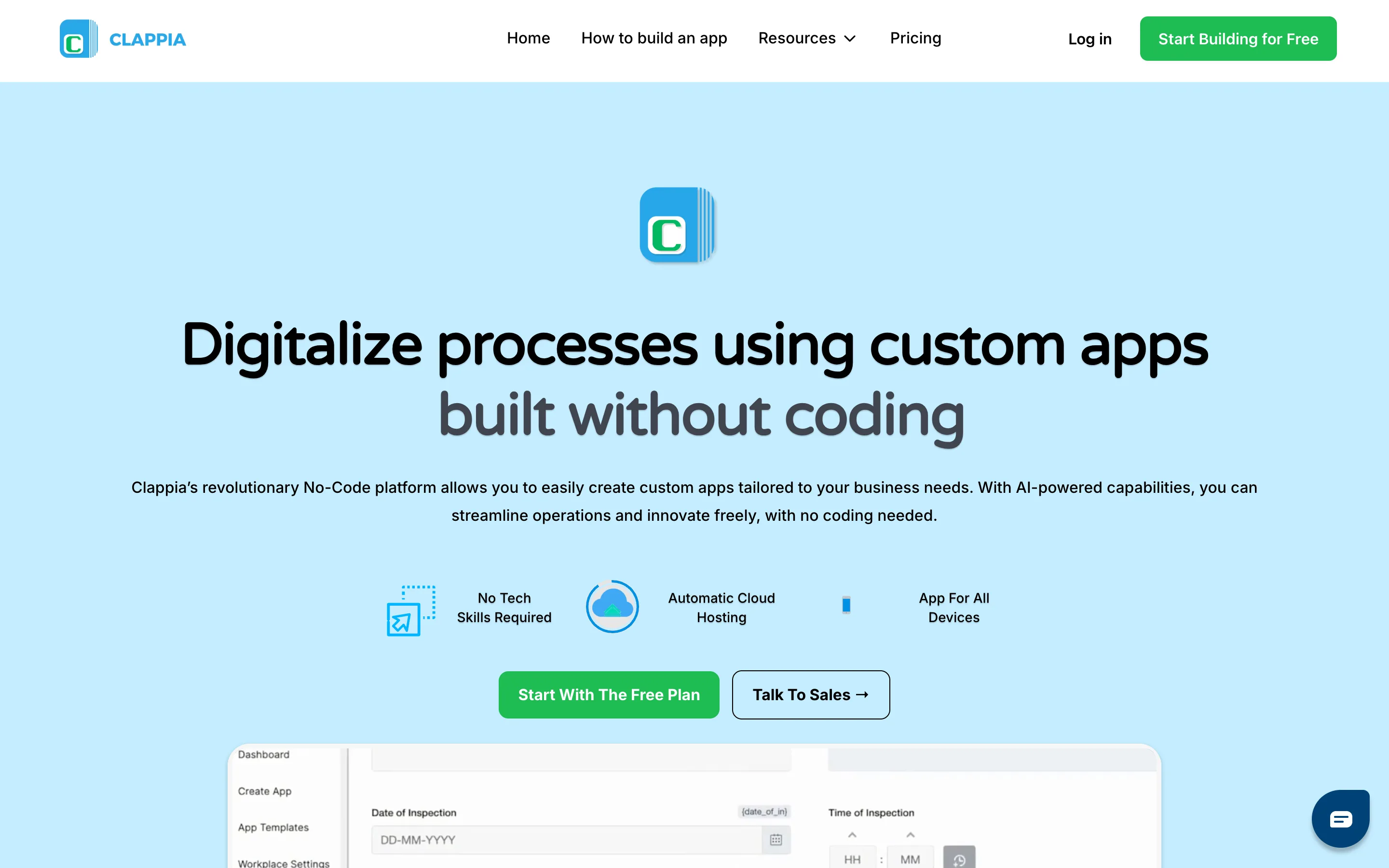
Clappia lets you build a custom inspection app from drag-and-drop blocks — no code — and publish it to your crews' phones the same day. Instead of forcing your checks into a fixed template, you shape the fields, scoring, workflows, and dashboards around your own safety and quality process.
Where it stands out:
Pros: Fully no-code; one app for checklists, workflow, and reporting; fast to launch; affordable.
Cons: As an app builder it offers more than a single-purpose checklist tool, so there's a little setup up front.
Pricing: Free plan available, Paid plans start at $6/user/month.
Bottom line: The most flexible pick if you want an inspection app tailored to your sites rather than a generic template.
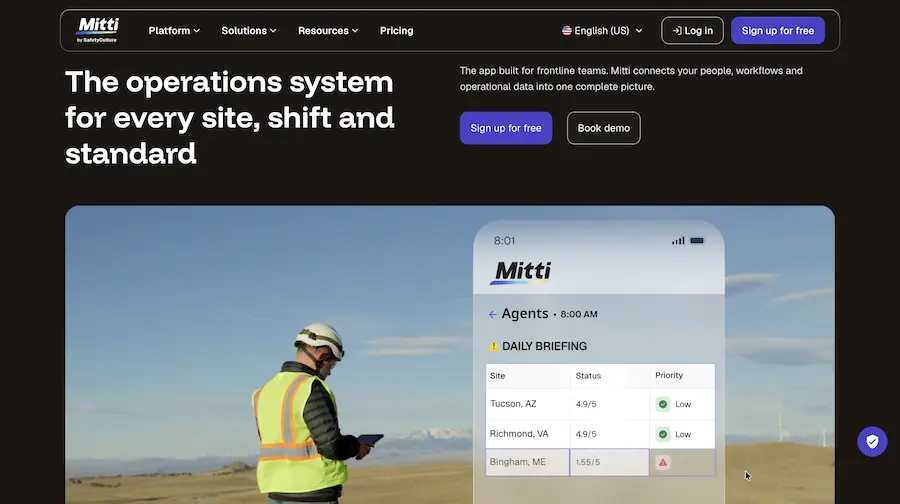
Mitti is built around a large library of ready-made workplace inspection, safety, and audit templates, helping teams start inspections quickly instead of building every checklist from scratch. Its platform also supports digital reporting and accountability across workplace operations.
Pros: Massive template library; strong analytics; free tier to start; reliable offline.
Cons: Deep customization and integrations sit in higher tiers; can feel heavy for a small crew.
Pricing: Free tier; paid plans scale per seat.
Bottom line: A great fit for compliance-driven teams that want proven templates out of the box.
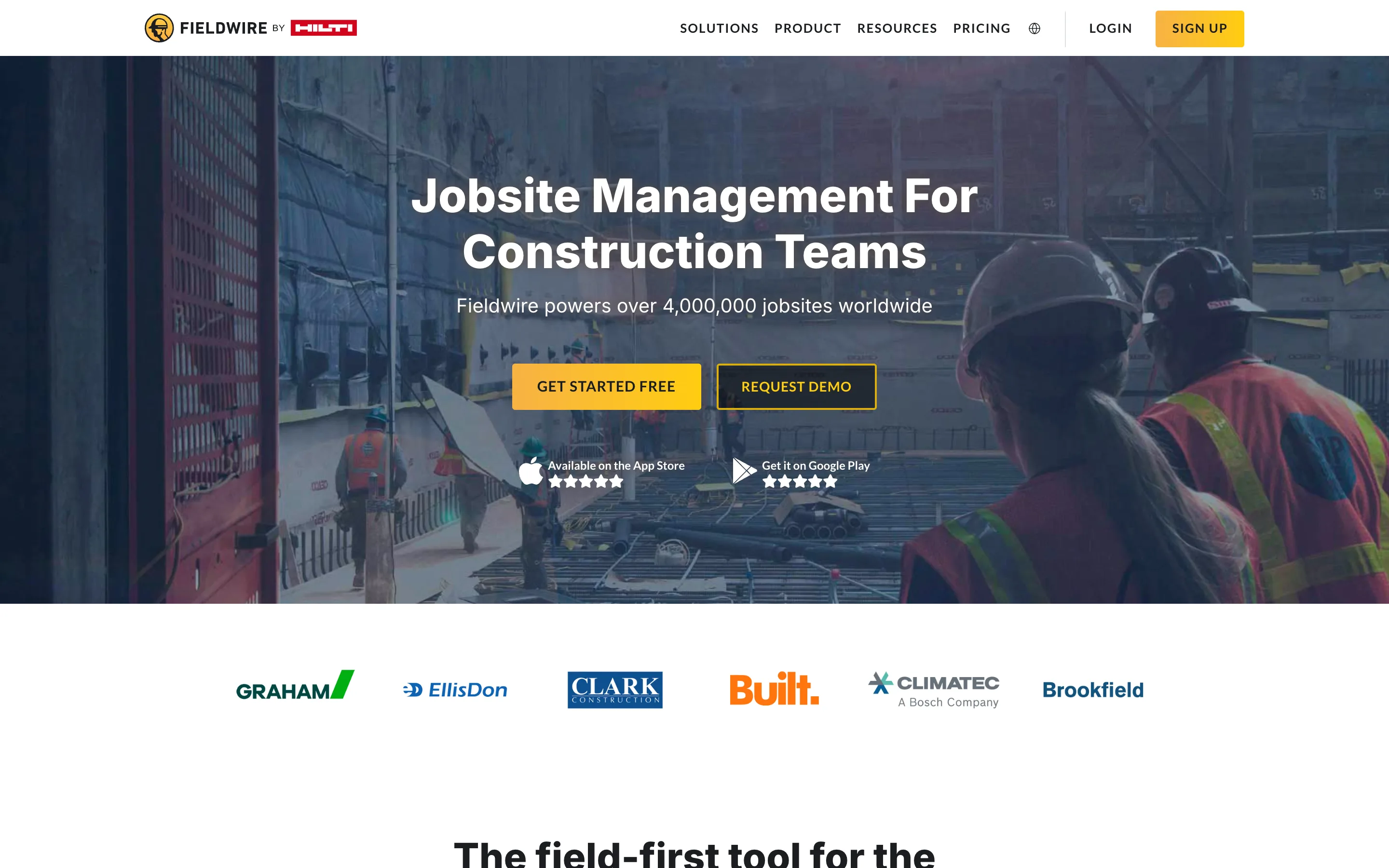
Fieldwire is a mobile-first construction platform for task management, punch lists, and on-site inspections. It shines when inspections are part of broader site coordination and quality control.
Pros: Excellent punch-list and task workflows; plan/drawing markup; free plan to start.
Cons: More project-management than pure inspections; reporting is lighter than dedicated audit tools.
Pricing: Free plan; paid tiers per user.
Bottom line: Best for QA teams managing punch lists alongside inspections.
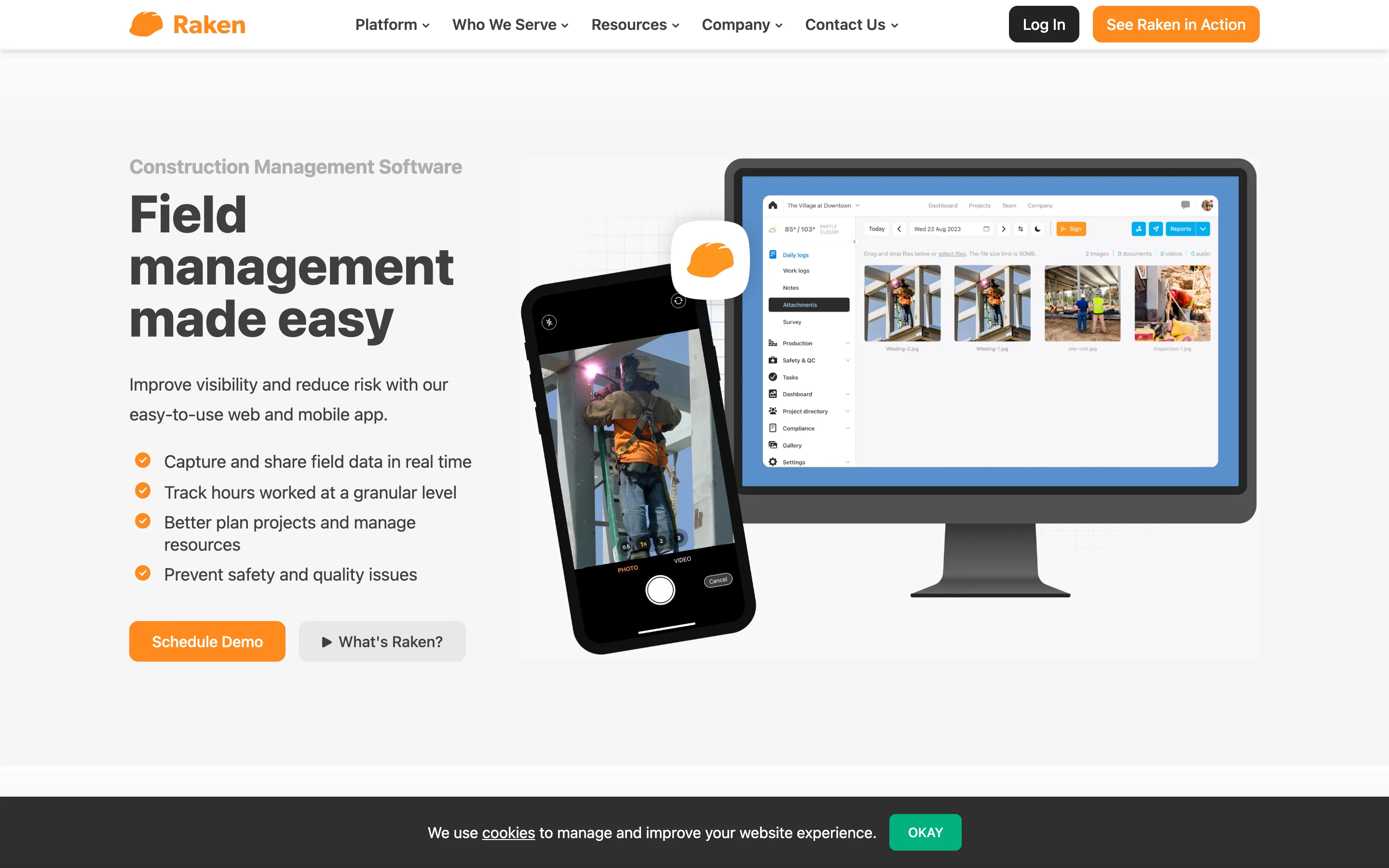
Raken pairs daily construction reporting with safety inspections, capturing photos, notes, and checklists from the field. It's popular with crews that want one place for the daily log and the safety check.
Pros: Fast daily reports; strong photo capture; simple for field crews.
Cons: Less suited to complex scored audits; advanced features raise the price.
Pricing: Quote-based.
Bottom line: Ideal when daily reporting and inspections should live together.
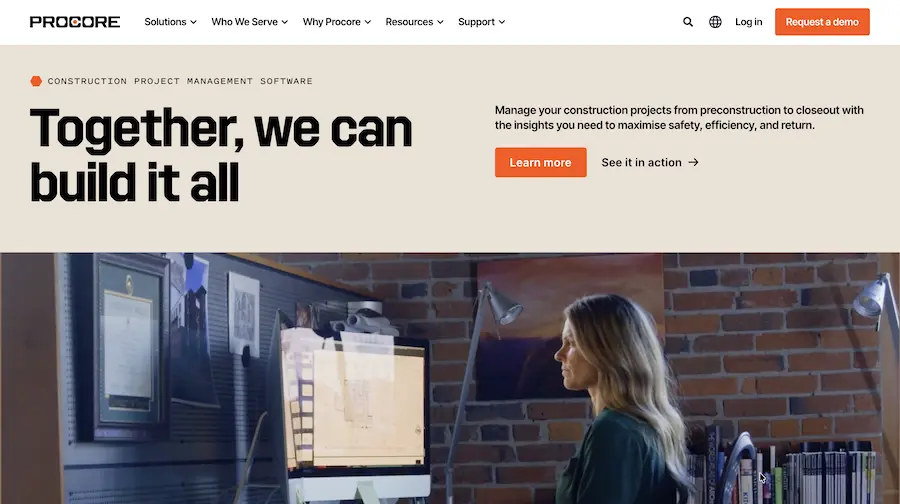
Procore is an enterprise construction management platform with inspections as one module among many — from budgeting to scheduling. For large general contractors already standardized on Procore, running inspections in the same system keeps everything connected.
Pros: End-to-end construction management; deep integrations; enterprise support.
Cons: Expensive and heavyweight for inspection-only needs; longer rollout.
Pricing: Quote-based.
Bottom line: Best when inspections are part of a full enterprise construction stack.
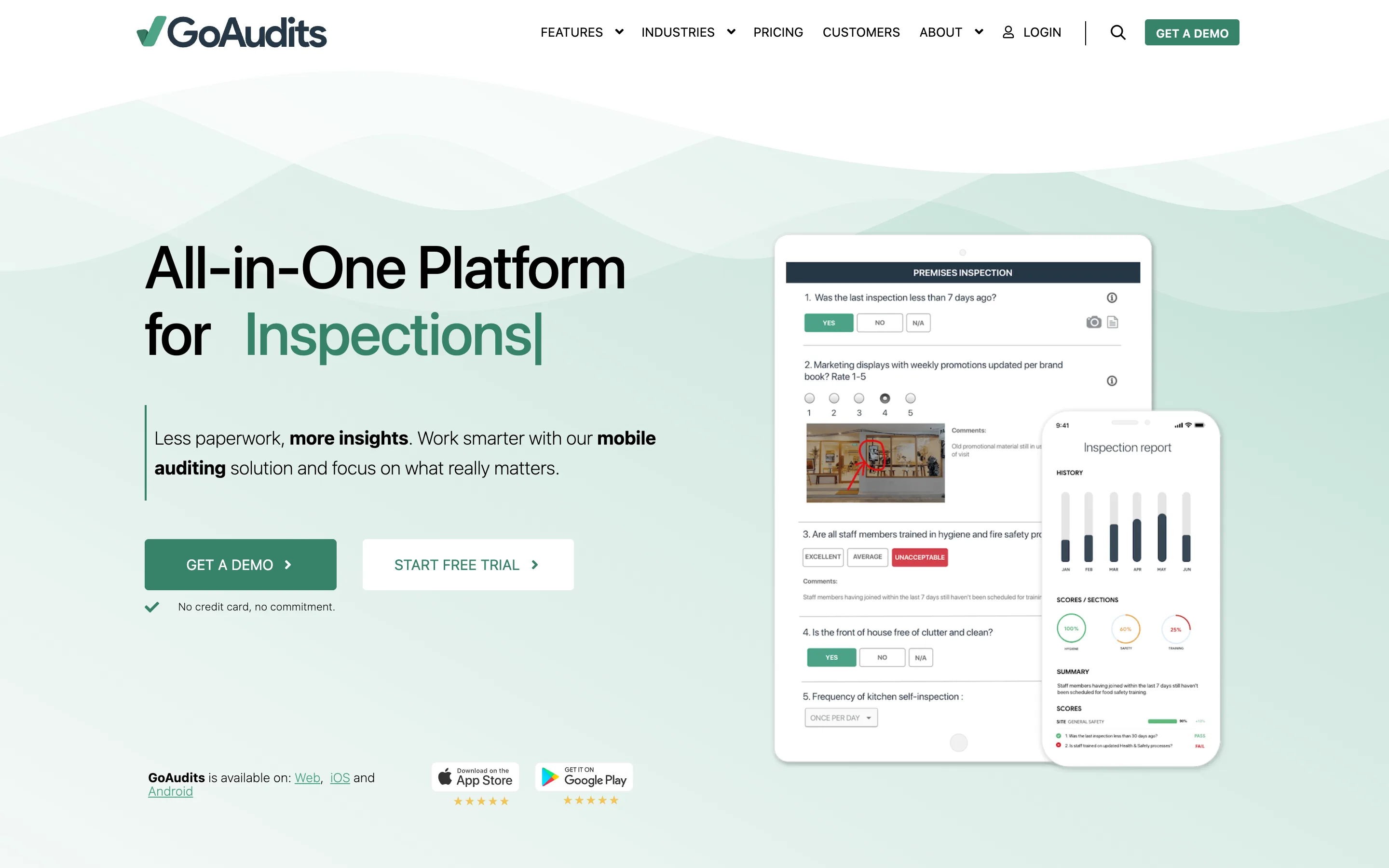
GoAudits focuses on structured audits with automatic scoring, instant branded reports, and corrective-action tracking across locations. It's a clean choice for teams that grade every inspection.
Pros: Scoring and analytics; branded reports; affordable entry price; solid offline.
Cons: Narrower than a full app builder; fewer non-audit workflows.
Pricing: From $10/user/mo.
Bottom line: A strong pick when scored, report-ready audits are the goal.

Fulcrum is purpose-built for location-first data collection, with GPS stamping, geocoding, and mapping. For site inspections tied tightly to coordinates and assets, its geospatial depth stands out.
Pros: Excellent GPS/mapping; clean form builder; reliable offline.
Cons: Pricier; no native corrective-action workflow; overkill for simple checklists.
Pricing: From $43/user/mo.
Bottom line: Best when location and mapping are central to your inspections.
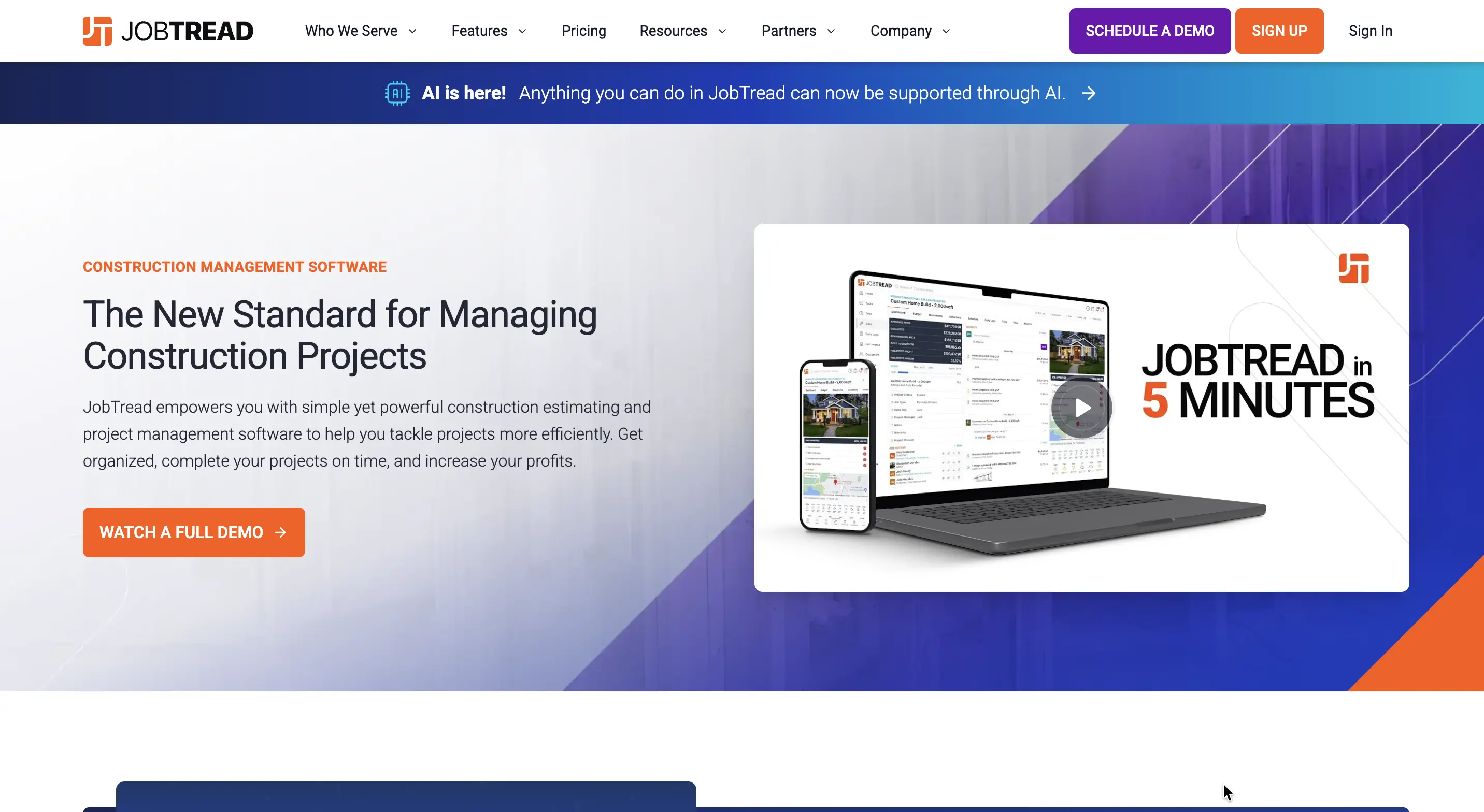
JobTread is construction management software for home builders and remodelers, combining estimating, scheduling, daily logs, task management, photos, workflows, and customer communication. It works well for residential teams that want inspections and site tasks connected to the broader project workflow.
Pros: Strong scheduling and task management; good fit for home builders; mobile app and daily logs; customer and vendor portals.
Cons: More focused on full construction management than inspection workflows; can be more than inspection-only teams need.
Pricing: From $199/month plus $20/month per additional internal user; annual plans offer 20% savings.
Bottom line: Best for residential builders who want inspections and site tasks connected to estimating, scheduling, project management, and customer communication.
Whatever you shortlist, confirm the app captures photos offline, assigns corrective actions with owners, and exports a clean report — the three things that separate a real inspection tool from a digital form. If offline is critical, our roundup of offline inspection apps for field teams and offline survey apps goes deeper, and teams replacing older tools may want our FastField alternatives comparison.
Every app here can run a solid site inspection, but Clappia is the most complete choice for most contractors: it captures inspections offline, routes corrective actions, and reports live - all in a no-code app you shape to your own checks and own outright. Template-first teams will be happy with SafetyCulture; QA-heavy crews with Fieldwire; but if you want one tool that grows with your sites, start with Clappia
 Get Started – It’s Free
Paper inspection checklists get lost and photos scatter across phones. The 8 best construction inspection apps - led by Clappia -capture checks offline with photos and GPS, route corrective actions and produce instant reports, so you can pick the right fit for your crew and budget.
L374, 1st Floor, 5th Main Rd, Sector 6, HSR Layout, Bengaluru, Karnataka 560102, India
3500 S DuPont Hwy, Dover,
Kent 19901, Delaware, USA


.svg)




3500 S DuPont Hwy, Dover,
Kent 19901, Delaware, USA
L374, 1st Floor, 5th Main Rd, Sector 6, HSR Layout, Bengaluru, Karnataka 560102, India




.avif)