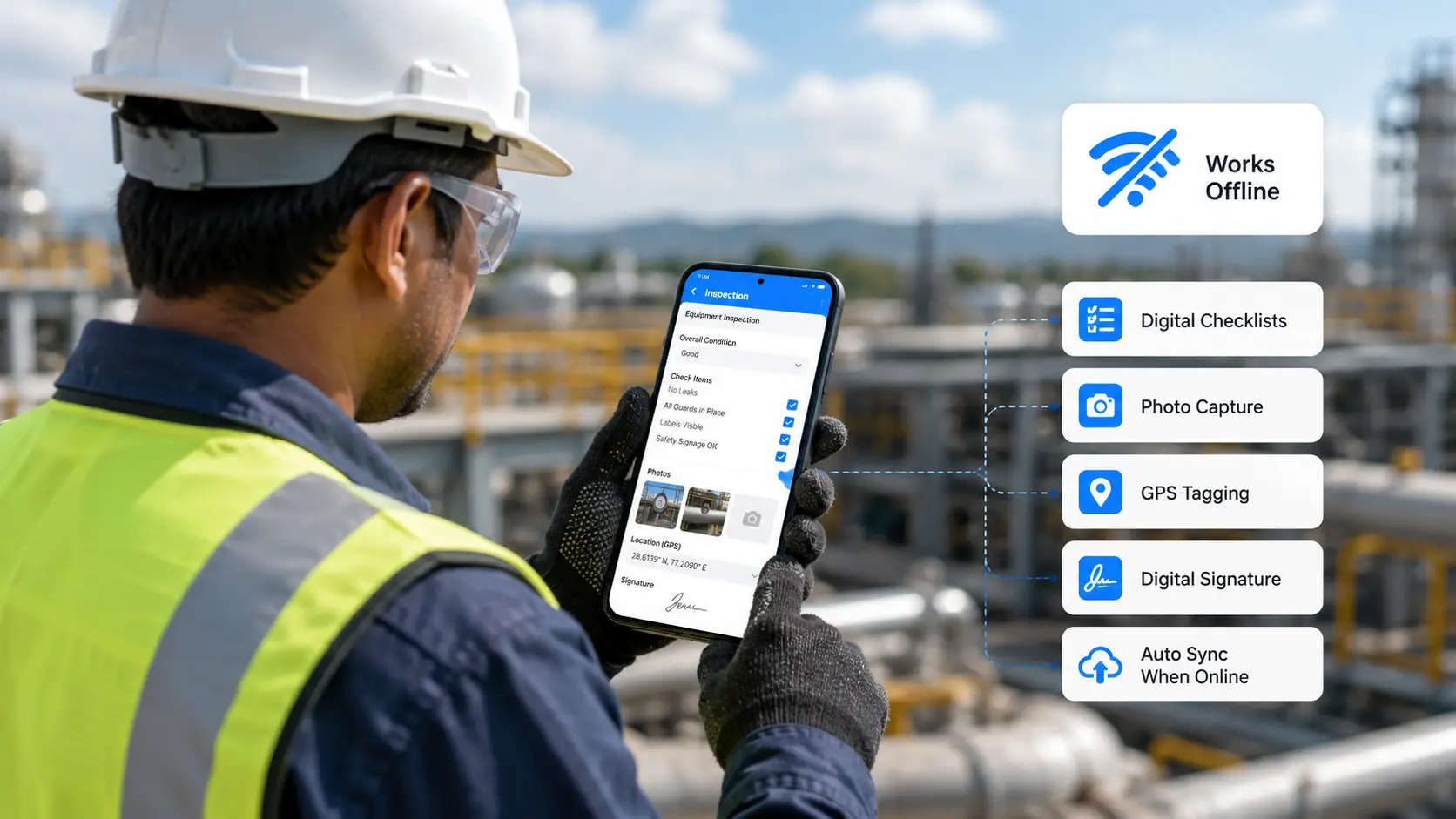
Field teams rarely work where the signal is strong. Basements, remote sites, tunnels, warehouses, and rural routes are exactly where inspections happen - and exactly where a cloud-only app fails. An offline inspection app fixes that: it stores every check, photo, and signature on the device and syncs automatically once you're back in range, so nothing is lost and no one waits. This guide compares the 8 best offline inspection apps for field teams in 2026 on offline reliability, media capture, workflows, and price.
The best offline inspection apps for field teams in 2026 are: Clappia (best no-code app), SafetyCulture (best templates), Fluix (best inspection workflows), Fulcrum (best for GPS/GIS), Forms On Fire (best AI form building), GoCanvas (best for dispatch), Kizeo Forms (best budget), and TrueContext (best enterprise). Here's the comparison, then a look at each.
"Offline" is a feature that's easy to claim and hard to get right. When it fails, the costs are real:
The best offline apps guarantee that the entire inspection - fields, photos, GPS, and signatures - is saved on-device and reconciled automatically later. For a deeper look, see our guides to offline mobile data collection software and collecting data anywhere.
We weighed genuine offline reliability (including media), capture types (photo, GPS, signature, barcode), corrective-action and approval workflows, reporting, and price - favoring tools that do more than forms, since field teams would rather run inspections, workflows, and dashboards in one place.
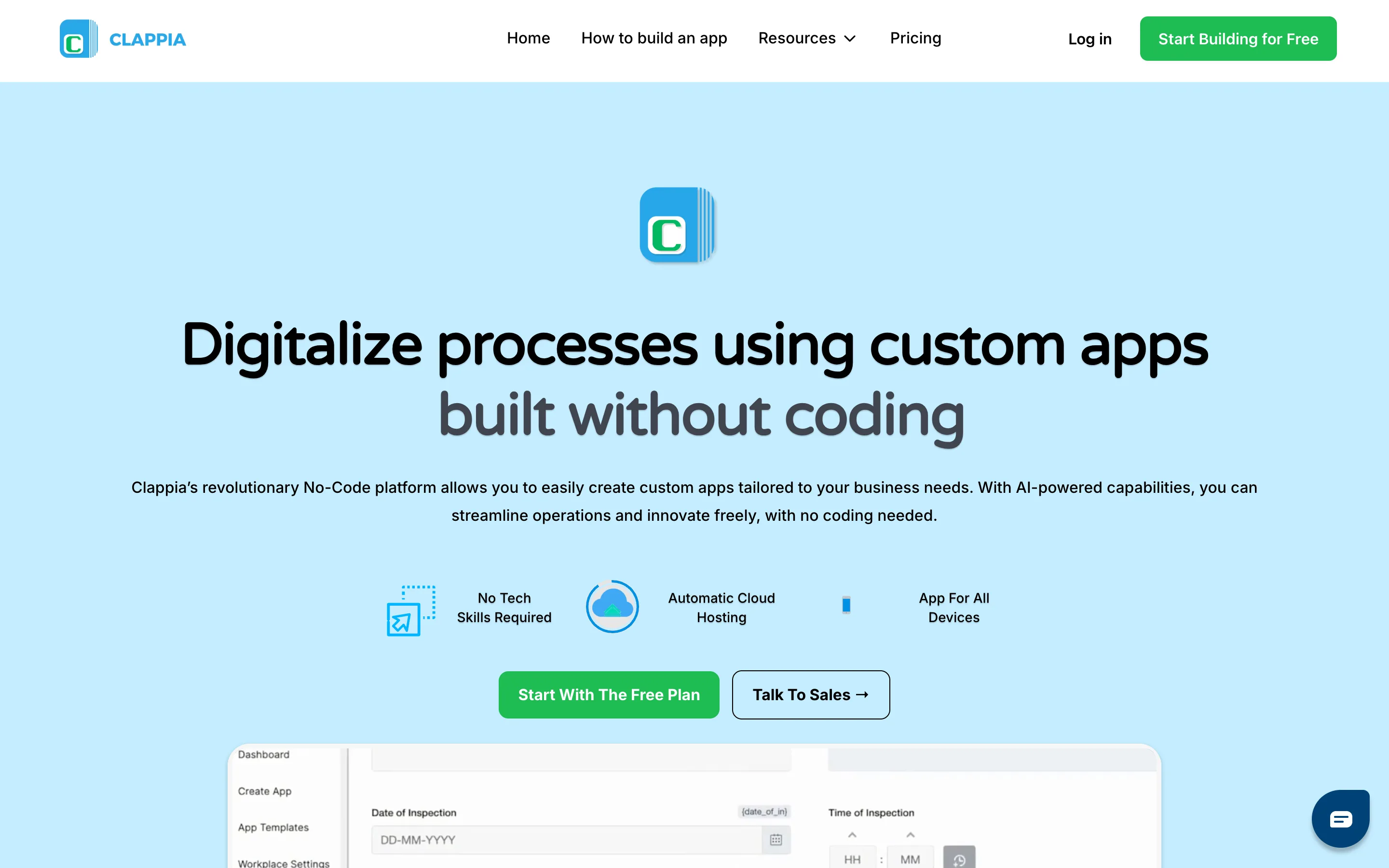
Clappia lets you build a custom inspection app from drag-and-drop blocks and run it fully offline. Inspectors capture checks, photos, GPS, and signatures with no signal; everything syncs automatically when they reconnect - and because it's your app, the fields and workflows match your process exactly.
Where it stands out:
Pros: Fully no-code; one app for inspections, workflow, and reporting; affordable; fast to deploy.
Cons: More flexible than a fixed template, so a little setup up front.
Pricing: Free plan; Starter from $6/user/month.
Bottom line: The most adaptable offline inspection app for teams that want it shaped to their work.
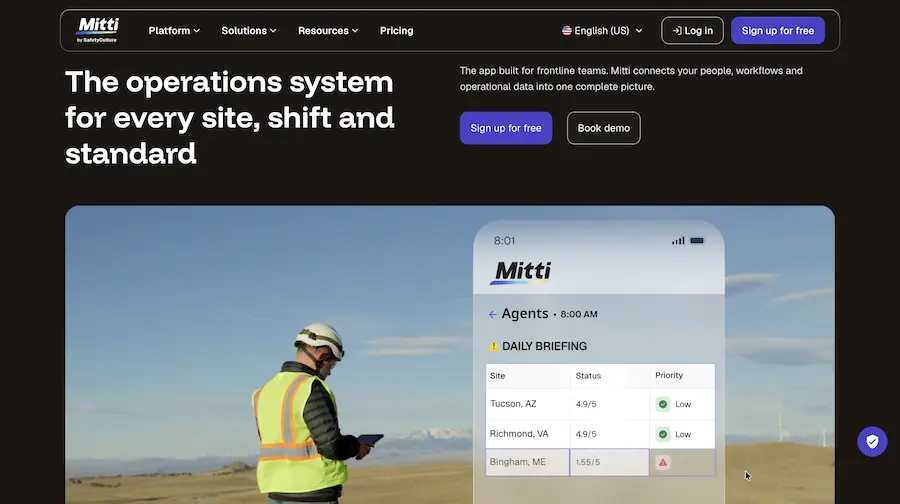
Mitti (by SafetyCulture) combines a large library of ready-made inspection and safety templates with offline mobile inspections, so field teams can start with proven checklists and sync their work when back online. It also supports issue tracking, corrective actions, and reporting across teams and sites.
Pros: Huge template library; solid offline; strong analytics; free tier.
Cons: Deep customization sits in higher tiers; can feel heavy for a small crew.
Pricing: Free plan; Premium at $24/seat/month billed annually or $29/seat/month billed monthly.
Bottom line: Best when you want proven templates that also work offline.
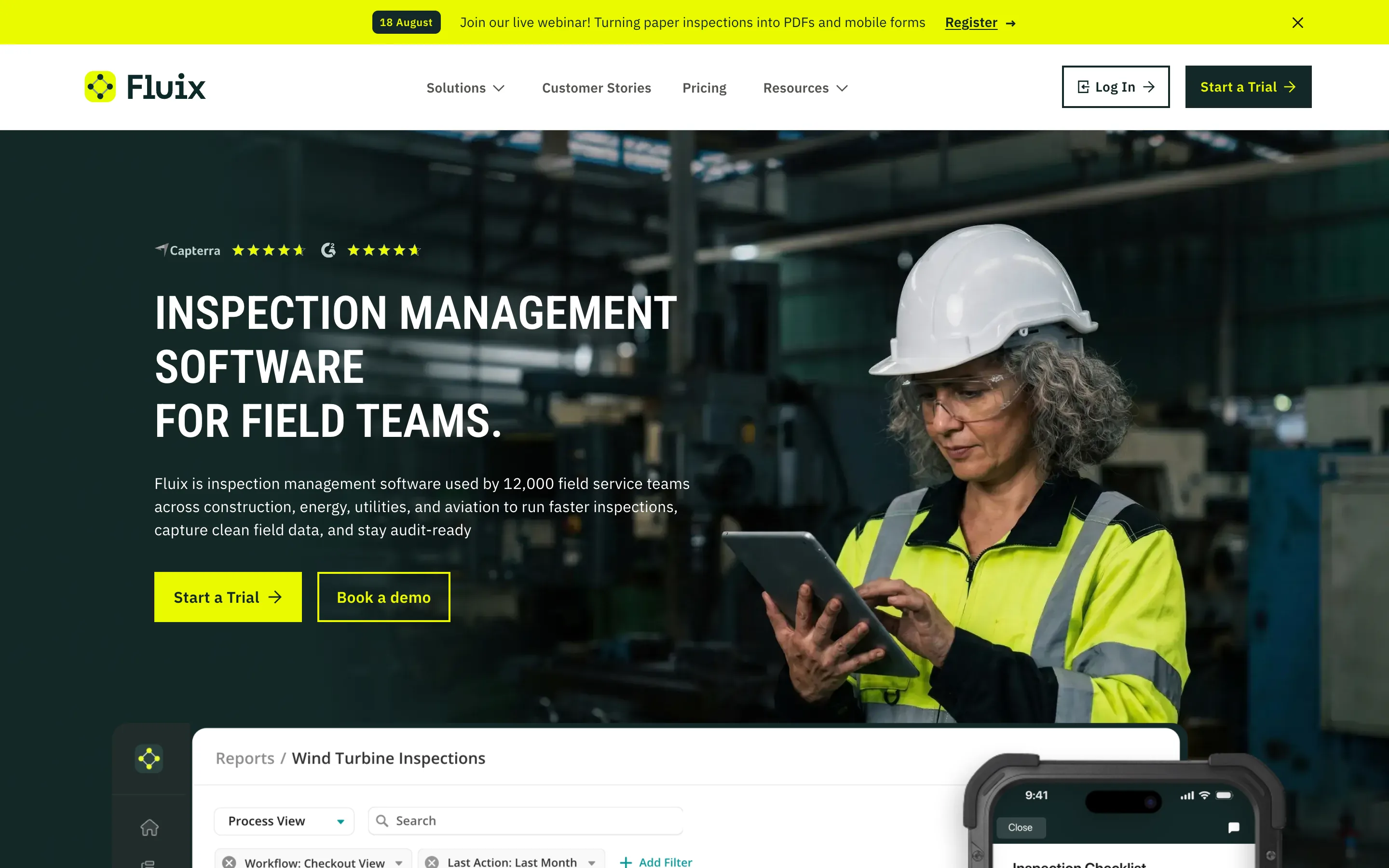
Fluix is built for field teams that collect and route lots of data, with offline mode that reliably syncs photos and an end-to-end capture-to-approval workflow.
Pros: Trustworthy offline including images; full workflow with approvals; external user access included.
Cons: Setup takes time; Android trails iOS.
Pricing: From $29/user/mo.
Bottom line: Strong for structured offline inspections that need approvals - see our FastField alternatives guide for more field-forms options.
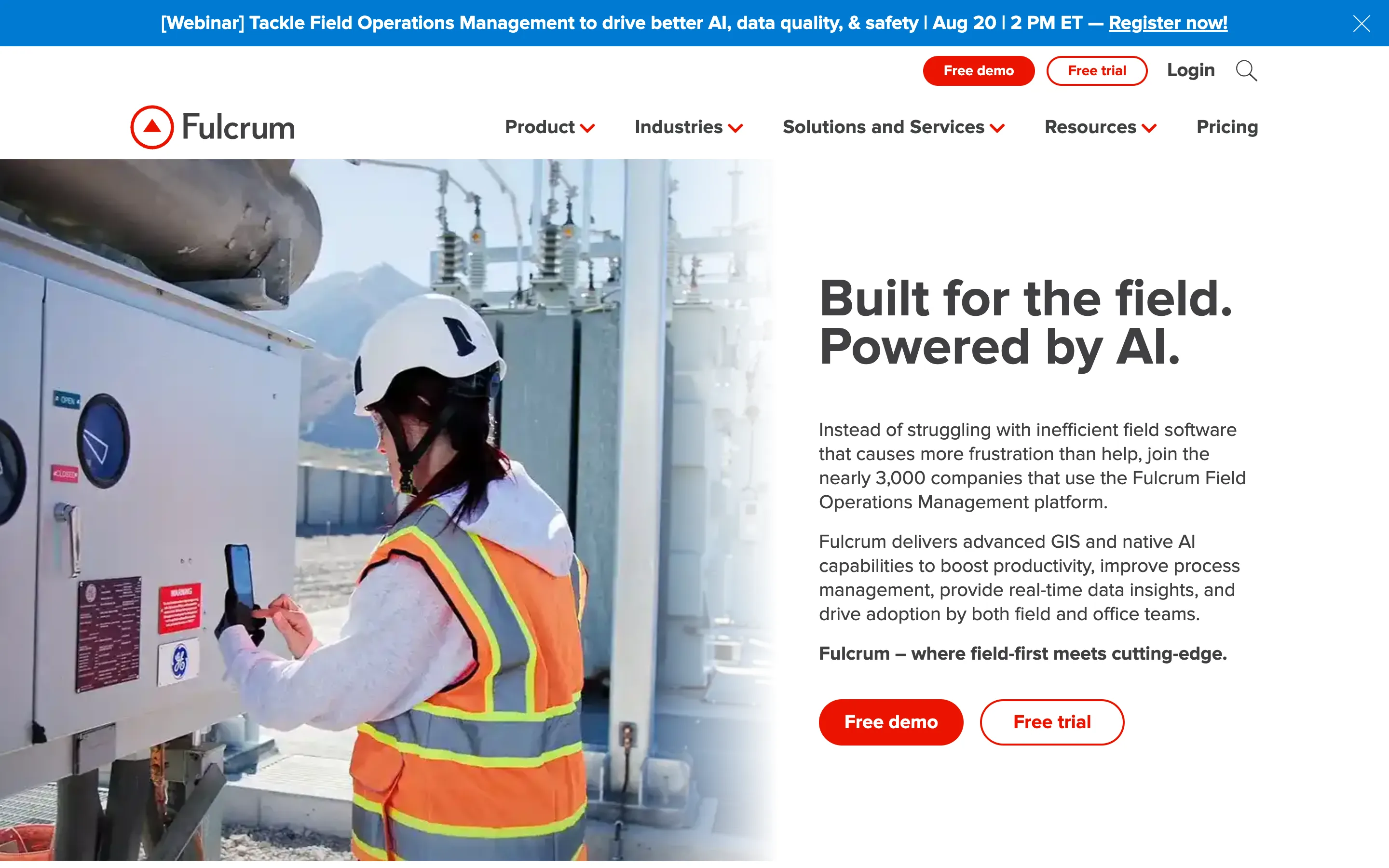
Fulcrum specializes in location-first data collection, capturing GPS, geotags, and mapping data offline for environmental, utility, and survey inspections.
Pros: Excellent GPS/mapping; reliable offline; clean builder.
Cons: Pricier; no native corrective-action workflow; overkill for simple checks.
Pricing: From $43/user/mo.
Bottom line: Best when your inspections are tied to precise locations and maps.
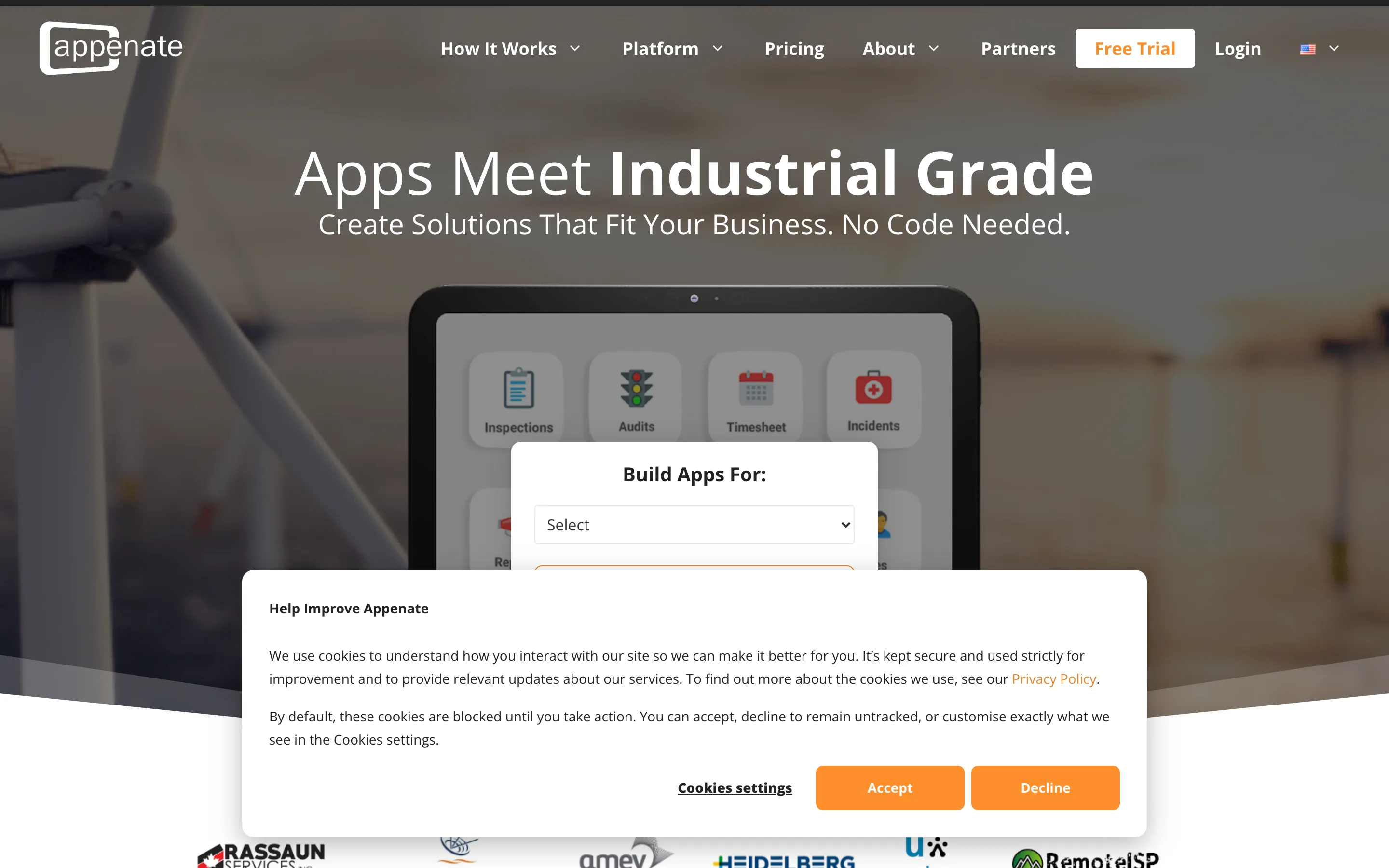
Forms On Fire offers offline mobile forms with rich capture and an AI builder that generates forms from a voice prompt or an uploaded PDF.
Pros: Strong AI form generation; photo/audio/GPS/barcode/signature; free support.
Cons: Standard plan caps entries; workflow/dispatch need a higher tier.
Pricing: From $20/user/mo.
Bottom line: Great for converting paper inspections to offline forms quickly.
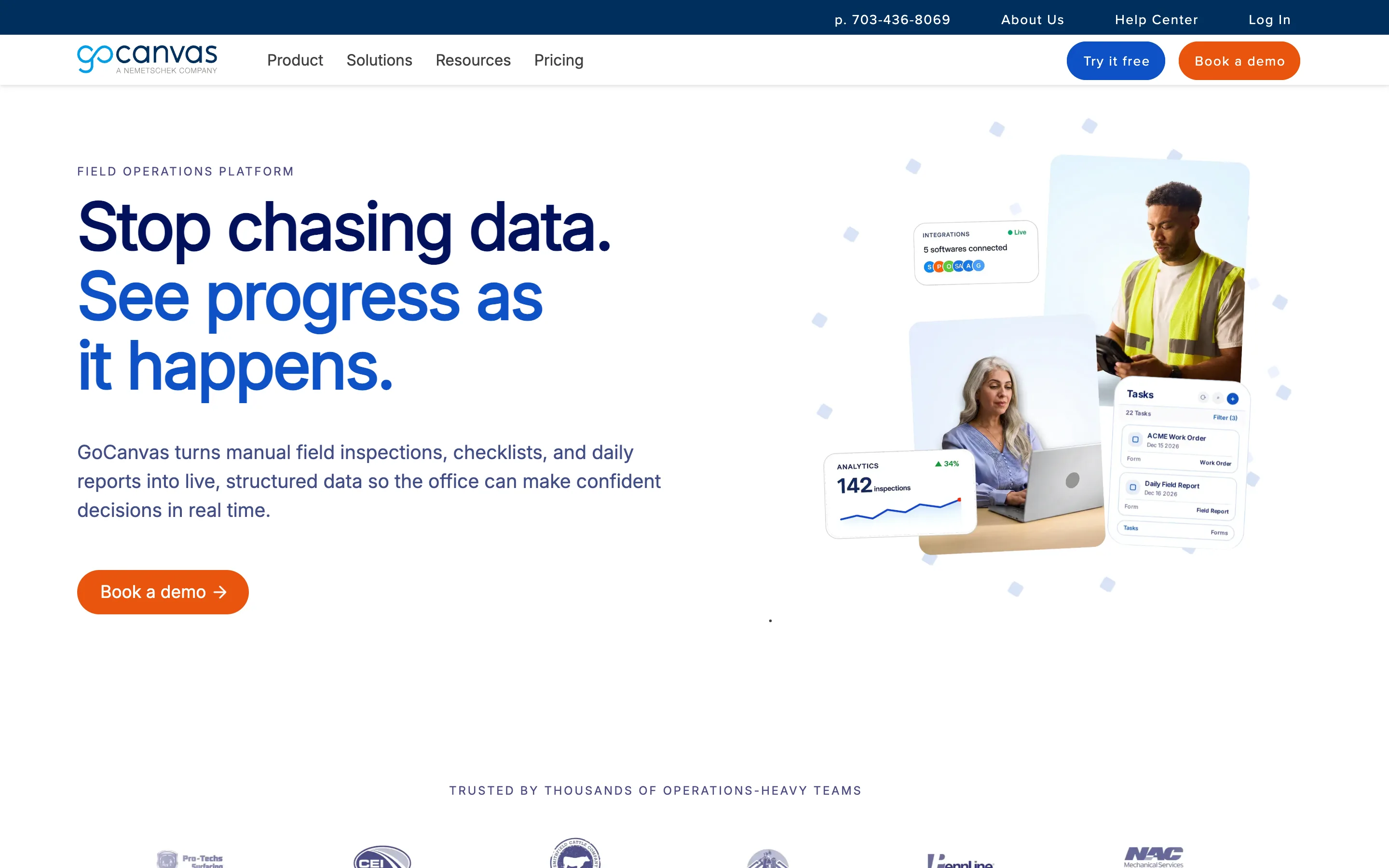
GoCanvas provides offline mobile forms with a large template library, dispatch/scheduling, and a strong custom PDF designer - handy when inspections feed branded documents.
Pros: Offline capture; dispatch tools; polished PDF output.
Cons: Advanced automation in higher tiers; more forms-and-dispatch than a full app builder.
Pricing: From roughly $29/user/mo.
Bottom line: Best for field service teams that dispatch jobs and need clean PDFs.
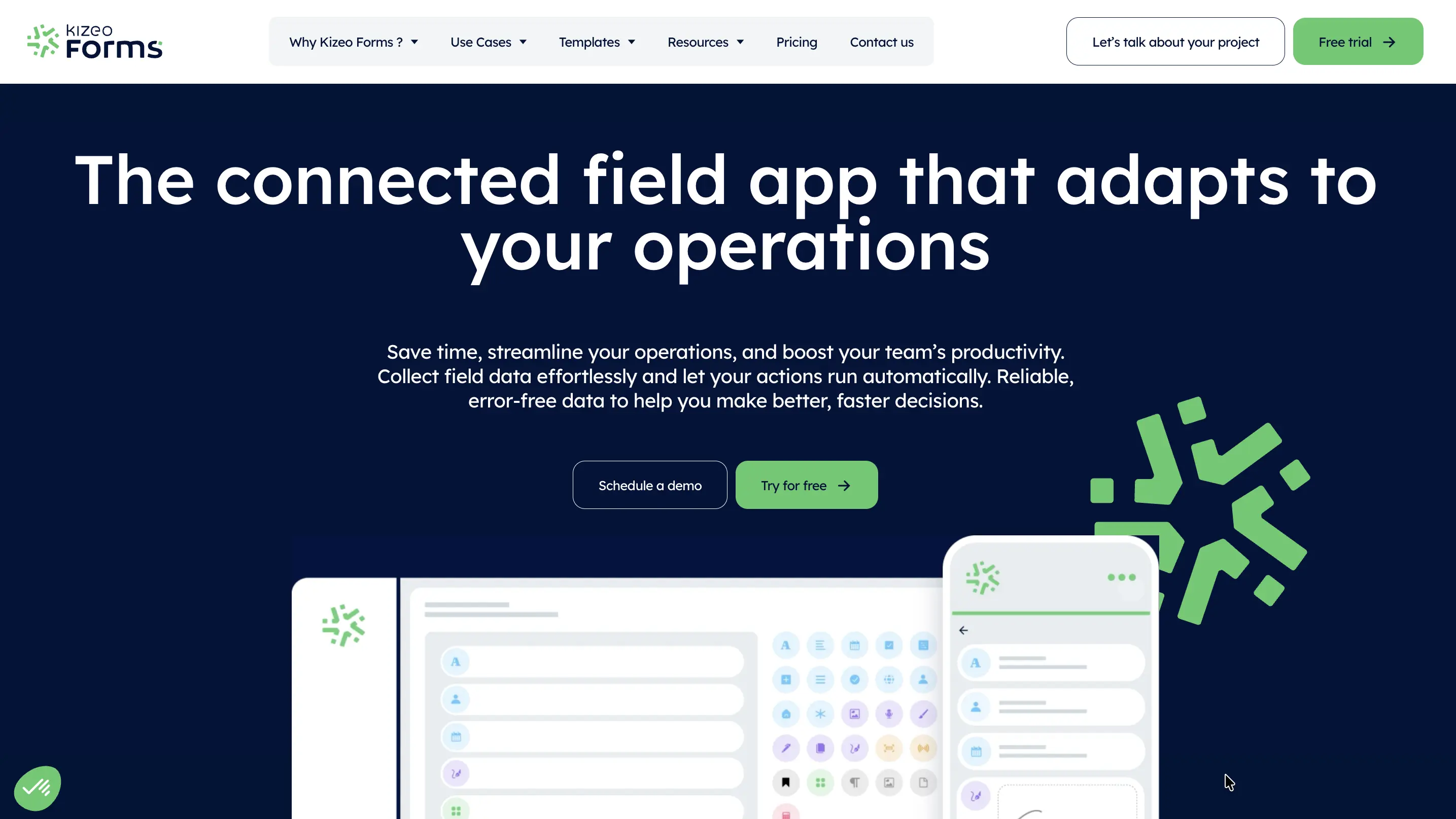
Kizeo Forms is an affordable, dependable offline forms tool with customizable forms, GPS, and photo capture - the essentials without an enterprise price.
Pros: Low cost; reliable offline; quick to deploy.
Cons: Fewer workflow and dashboard features; light reporting.
Pricing: From £15/user/month when billed annually.
Bottom line: A sensible pick for small field teams on a budget.
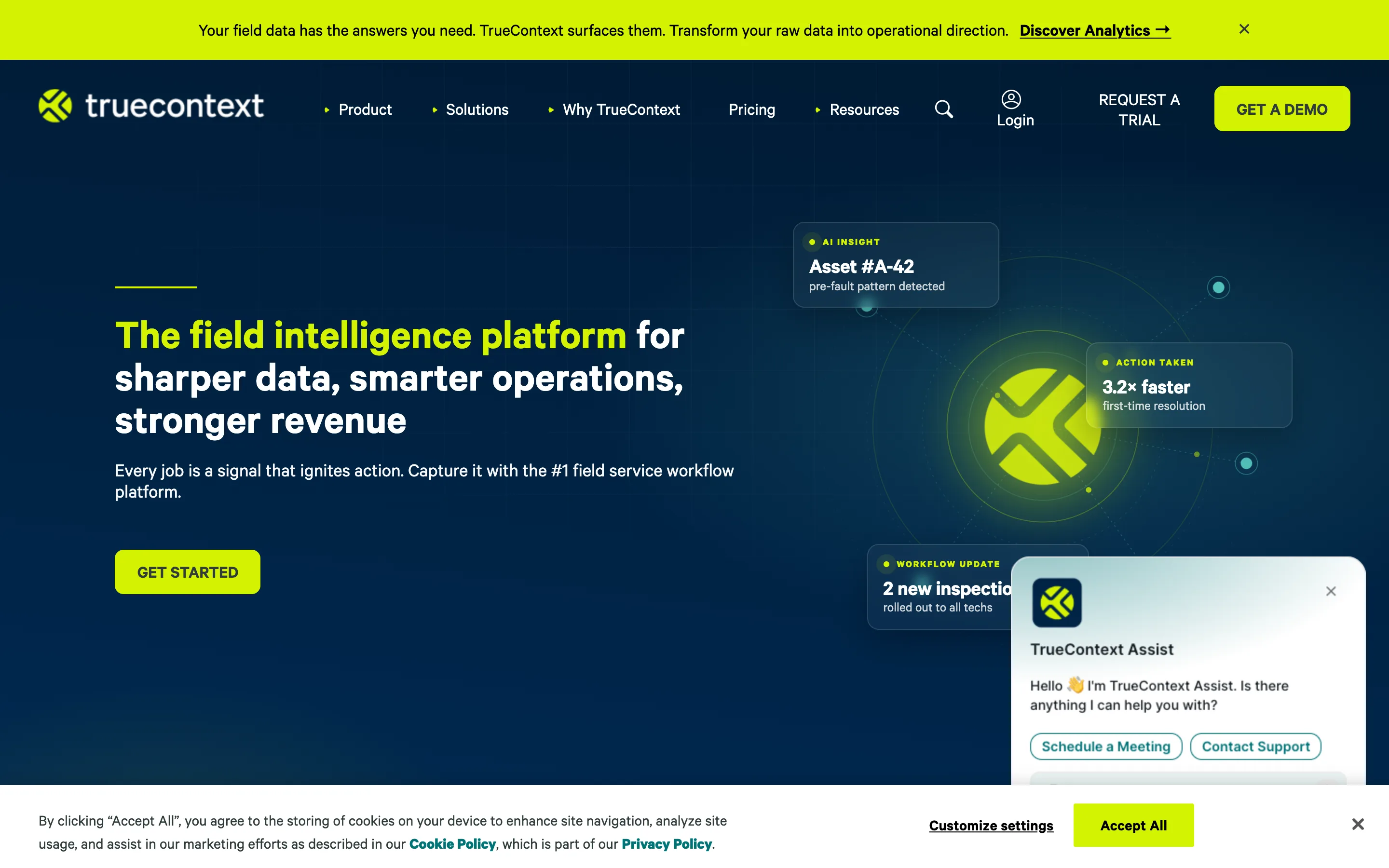
TrueContext (formerly ProntoForms) is an enterprise field-service platform with offline data capture and deep back-office integrations, built for large, complex field operations.
Pros: Reliable offline; strong enterprise integrations and security.
Cons: High entry price; lower tiers cap questions and rules; dated mobile UI.
Pricing: From roughly $400/mo for the team.
Bottom line: Best when offline inspections must plug into enterprise systems.
Before committing, test the one thing that matters most: put the app in airplane mode, complete an inspection with photos, then reconnect and confirm everything - including the images - syncs cleanly. If it does, you've found a tool your field teams can trust. See also our roundups of inspection checklist apps and multi-site audit software.
Every app here captures inspections offline, but Clappia is the most complete for most field teams: it syncs forms and photos reliably, routes corrective actions, and reports live - in a no-code app you shape to your own inspections and own outright. Template-first teams will like SafetyCulture, and enterprises with integration needs will lean to TrueContext, but for a flexible offline inspection app that grows with you, start with Clappia.
 Get Started – It’s Free
L374, 1st Floor, 5th Main Rd, Sector 6, HSR Layout, Bengaluru, Karnataka 560102, India
3500 S DuPont Hwy, Dover,
Kent 19901, Delaware, USA


.svg)




3500 S DuPont Hwy, Dover,
Kent 19901, Delaware, USA
L374, 1st Floor, 5th Main Rd, Sector 6, HSR Layout, Bengaluru, Karnataka 560102, India


%20inventory%20management%20.jpg)


.avif)