
TL;DR:
Digitizing the CAPA process ensures compliance with regulatory standards and enforces critical workflow milestones.
A digital system with predefined fields and automated controls helps prevent common failures like closing without verification or mixing containment with corrective actions.
The CAPA process (Corrective and Preventive Action) is a risk-based, closed-loop quality methodology that identifies root causes of existing nonconformities and eliminates the causes of potential ones before they occur. The direct recommendation: digitize it. A paper-based or spreadsheet-driven CAPA system cannot reliably enforce the milestones, evidence requirements, and independent effectiveness checks that FDA and ICH Q10 expect. A no-code platform like Clappia lets operations and quality teams build a compliant, automated CAPA workflow without writing a line of code.
Every digital CAPA workflow must enforce these milestones in sequence:
Pro Tip: Set your effectiveness check acceptance criteria before you implement any action. Defining "zero recurrence in 30 production days" upfront prevents teams from inventing convenient criteria after the fact.
A well-structured CAPA methodology follows a consistent logic across industries, from medical devices and pharmaceuticals to aerospace and food manufacturing. The steps below map directly to a digital workflow.

CAPA triggers include customer complaints, internal audit findings, nonconformance reports (NCRs), supplier deviations, out-of-specification (OOS) results, and trend data from process monitoring. Any of these can open a CAPA record.
Core steps in sequence:
Common RCA methods include 5 Whys, Fishbone (Ishikawa) diagrams, and the 8D framework. The 8D approach is particularly useful for cross-functional teams because it formalizes team formation, containment, and verification as discrete, documented steps. All of these align with the Plan-Do-Check-Act (PDCA) cycle that underpins most quality management systems.
FDA and ICH Q10 guidance is explicit: the level of effort, formality, and documentation in a CAPA investigation must be commensurate with the risk. Not every deviation warrants a multi-week cross-functional investigation.
A practical triage model uses three response tiers:
Governance matters as much as the triage criteria. Define who signs off at each tier, set timelines proportional to risk; high-risk CAPAs typically close faster than lower-risk ones, and specify clear escalation pathways to a Quality Review Board.
Pro Tip: Overusing CAPA creates backlogs; underusing it lets systemic issues grow. Publish your triage criteria in the app itself so every intake reviewer applies the same standard.

The single most common failure point is closing a CAPA without a valid effectiveness check. Teams implement a quick fix, mark the ticket closed, and never verify that recurrence was actually prevented. The loop stays open.
Other frequent failure modes:
Digital workflows fix each of these with specific controls: required fields that cannot be bypassed, separate containment and corrective action sections, mandatory evidence uploads before status advances, approval gates at each milestone, and automated reminders when due dates pass.
Pro Tip: Define acceptance criteria before implementation — for example, "no related complaints in 45 days" or "zero defects in the next 500 units." Build that criteria field into the CAPA record so it is locked in at the RCA stage, not invented at closure.
A pre-structured CAPA record reduces audit rejections and prevents teams from skipping required steps. The table below defines the essential fields, their purpose, and the enforcement rule each one requires.
Workflow states to enforce in sequence: Intake → Triage → Containment Complete → RCA Complete → Actions Implemented → Verification of Implementation → Effectiveness Check → Closed.
Verification of implementation and the effectiveness check are distinct milestones and must be recorded separately. Verification confirms the action happened as planned. The effectiveness check, run later, confirms the problem did not recur.
Mature quality organizations use CAPA data for trending and performance indicators to surface systemic weaknesses before major failures occur. That shift from reactive to proactive is where CAPA delivers its highest value.
Key performance indicators to track:
Dashboard components that support management review: a triage queue showing new and overdue items, a root-cause trending chart by category (equipment, process, supplier, human factors), a read-across opportunity log, and a scheduled management review pack. Automated report generation removes the manual effort of compiling these packs before each review cycle.
Future-oriented CAPA programs use non-exception data — trend analysis, continuous improvement indicators, and industry surveillance — to trigger preventive actions before a nonconformance ever occurs.
Pro Tip: Tag every CAPA with a root-cause category at closure. After 90 days, filter by category to find which process areas generate the most issues. That list becomes your next preventive action project.
Implementation effort depends on process complexity, not platform complexity. A no-code build is significantly faster than a custom-coded solution, but the phases are the same.
Typical phases and timeboxes:
Primary cost drivers:
A practical resourcing model: one internal process owner who knows the CAPA procedure, one no-code builder who configures the app, one QA or validation contact who reviews the evidence packet, and IT for integration work. Digitizing this kind of business process management typically delivers faster cycle times and fewer audit findings within the first quarter after go-live.
Pro Tip: Run your pilot with at least five real CAPA cases, not test data. Real cases expose gaps in your effectiveness check logic and read-across fields that synthetic data never will.
For U.S. organizations, ISO and regulatory standards including 21 CFR 820.100 and ISO 13485 require documented investigation, action, review, and verification within a QMS. Electronic records add a second layer of requirements.
Audit readiness checklist:
21 CFR Part 11 considerations to verify with your platform vendor:
Integration priorities: connect to your ERP or PLM for part and process mapping, link your ticketing or incident system for automatic CAPA intake, integrate with your document management system for change control references, and connect BI tools for trending dashboards.
For data protection, confirm your platform vendor provides a Data Processing Addendum (DPA) and hosts on a vetted cloud provider. Clappia runs on AWS with enterprise-grade security controls and provides a Data Processing Addendum for compliance documentation.
This is a practical walkthrough for teams ready to move from spreadsheets to a working digital CAPA system using Clappia's no-code platform.
Clappia's quality management capabilities support offline evidence capture for field teams, GPS-stamped photos, e-signatures, and role-based access — all hosted on AWS. Trusted by 2,000+ organizations and 300,000+ users, the platform handles the compliance infrastructure so your team focuses on the process, not the tooling.
Pilot acceptance criteria checklist:
A compliant digital CAPA system enforces a closed-loop workflow with mandatory evidence, independent effectiveness checks, and risk-scaled investigation depth at every milestone.
PointDetailsRisk-scaled investigationFDA and ICH Q10 require effort and documentation to match risk — not every deviation needs a full multi-week CAPA.Effectiveness check is mandatoryThe most common CAPA failure is closing without verified acceptance criteria; enforce it as a separate, required milestone.Containment ≠ corrective actionKeep these in separate fields to prevent teams from skipping root cause investigation.CAPA data drives preventionTrend root-cause categories over 90-day periods to identify systemic weaknesses and trigger preventive actions proactively.Clappia for no-code implementationClappia's drag-and-drop builder, AWS hosting, and offline evidence capture let teams deploy a compliant CAPA workflow in weeks.
The conventional argument against no-code for regulated processes is that customization is limited and validation is harder. That argument was reasonable five years ago. It is not accurate today.
Modern no-code platforms support complex conditional logic, multi-tier approval flows, role-based access, API integrations, and tamper-proof audit trails. The validation effort is actually lower than for custom-coded systems because the platform's core infrastructure is already tested — you are validating your configuration, not the underlying engine.
The stronger argument for no-code is speed of change. Quality processes evolve. When a regulatory requirement shifts or an audit finding exposes a gap in your CAPA form, a no-code platform lets the process owner make the change in hours, not weeks. That agility is what keeps a CAPA system current and audit-ready rather than frozen in the state it was in when IT last had bandwidth.
The objection worth taking seriously is governance: no-code makes it easy to change things, which means you need a clear change control process for the app itself. Treat app configuration changes the same way you treat document revisions — version-controlled, approved, and logged.
Skip the months-long software implementation and the six-figure validation project. Clappia gives quality and operations teams a faster path: build a fully configured CAPA app with required fields, approval gates, evidence attachments, and automated management review reports in weeks, not quarters.
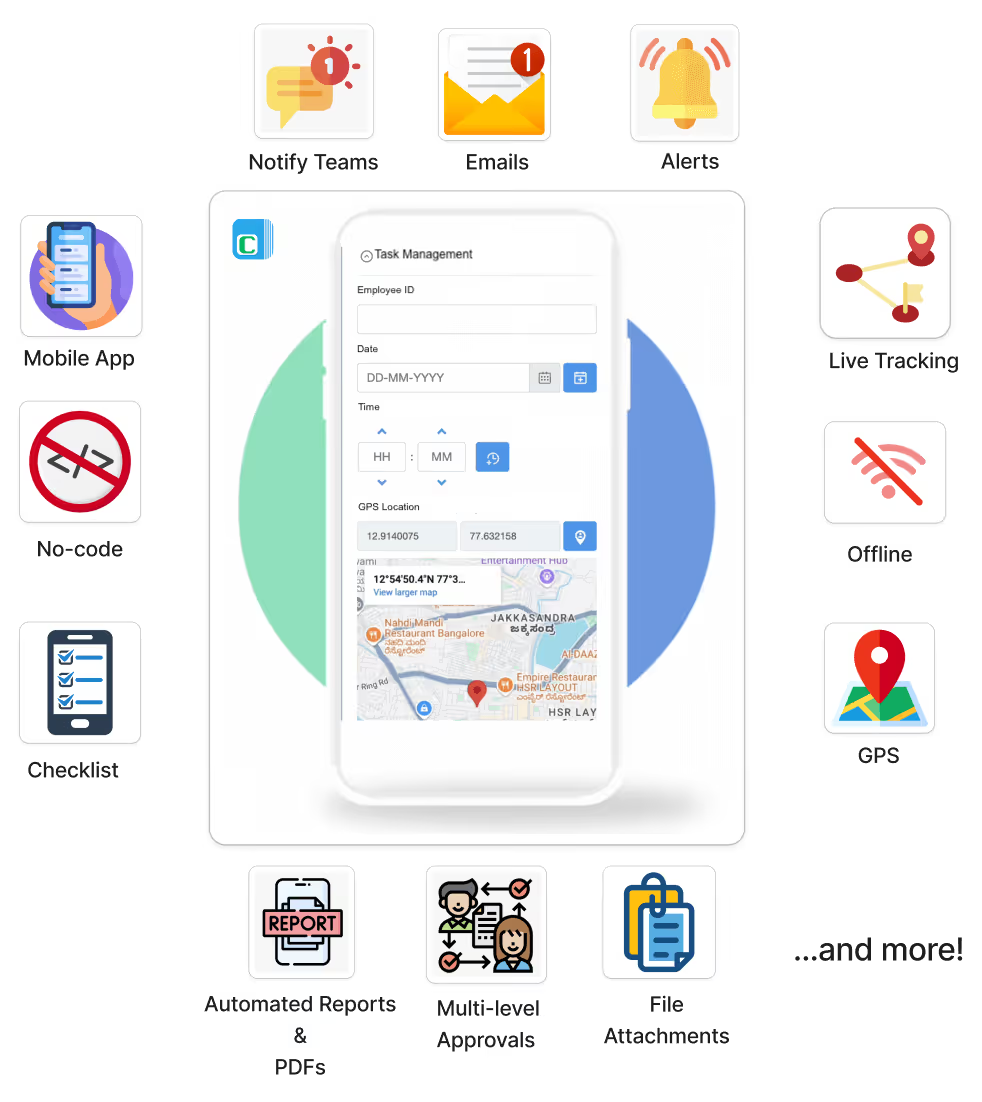
The platform runs on AWS, supports offline evidence capture for field teams, and provides role-based access controls that satisfy 21 CFR Part 11 audit trail requirements. Over 2,000 organizations and 300,000 users rely on Clappia to manage workflows that cannot afford gaps. For CAPA specifically, that means enforced effectiveness checks, tamper-proof timestamps, and exportable records ready for your next inspection.
Start with the no-code workflow automation guide to prototype your first CAPA app, or explore the no-code cheatsheet to map your process to a working build in under an hour.
The resources below are the authoritative references for CAPA regulatory requirements, RCA frameworks, and practical templates. Use the regulatory sources for compliance guidance and the practical guides for templates and implementation checklists.
Regulatory and standards guidance (use for compliance):
RCA frameworks and investigation methods:
Practical templates and implementation guides:
L374, 1st Floor, 5th Main Rd, Sector 6, HSR Layout, Bengaluru, Karnataka 560102, India
3500 S DuPont Hwy, Dover,
Kent 19901, Delaware, USA


.svg)




3500 S DuPont Hwy, Dover,
Kent 19901, Delaware, USA
L374, 1st Floor, 5th Main Rd, Sector 6, HSR Layout, Bengaluru, Karnataka 560102, India

.avif)

.avif)