Running a small field service business means wearing multiple hats. You're scheduling technicians, tracking jobs, sending invoices, and managing customer relationships—all while trying to keep costs low and operations simple. Traditional field force management software often overwhelms small teams with enterprise features they don't need and price tags they can't afford.
Small businesses need straightforward solutions that work immediately without weeks of training or implementation. The right field force app simplifies daily operations, improves team productivity, and grows with your business—without breaking the budget.
This guide evaluates five field force apps specifically chosen for small businesses prioritizing simplicity, affordability, and quick deployment.
Small field service teams face unique challenges that differ from enterprise operations. Budget constraints limit software spending to $50-100 monthly for basic plans. Team size typically ranges from 1-15 field employees, making per-user pricing models expensive quickly.
Technical expertise is often minimal, requiring intuitive interfaces that anyone can use without extensive training. Implementation time must be measured in days, not months. Small businesses can't afford lengthy deployment processes that disrupt operations.
Essential features for small teams include:
Advanced features like AI automation, predictive analytics, and enterprise integrations typically aren't necessary for teams under 20 people. Small businesses benefit more from tools that do the basics exceptionally well rather than platforms offering hundreds of features they'll never use.
Starting Price: Free forever (up to 100 users) | Paid Plans: From $6/user/month | Best For: Small businesses needing flexibility beyond rigid templates
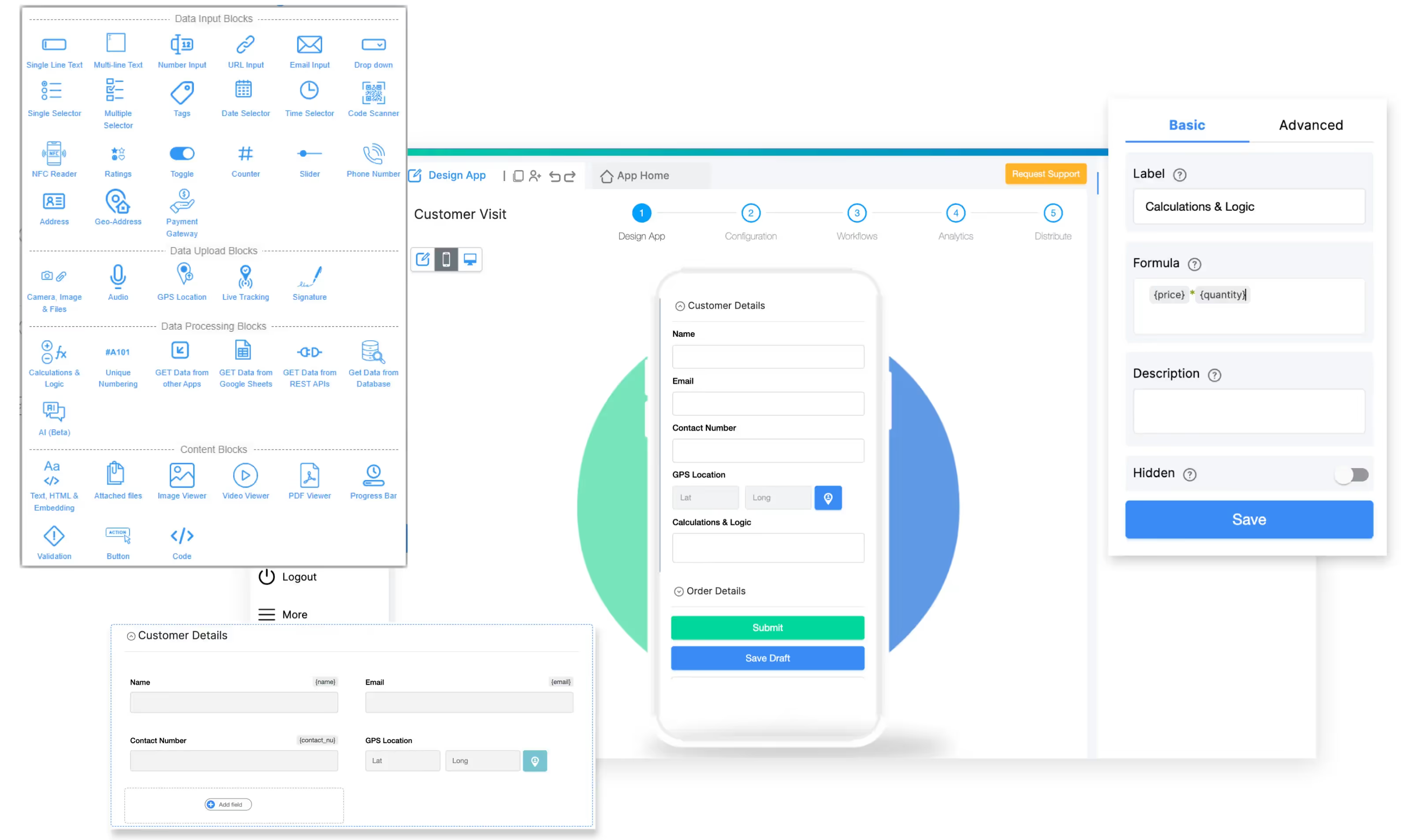
Clappia stands apart as the only no-code platform enabling small businesses to build custom field force apps matching their exact processes. While other tools force adaptation to predefined workflows, Clappia lets you design apps that work the way your business actually operates.
Why Small Businesses Choose Clappia:
The permanent free plan eliminates software costs entirely for teams up to 100 users with 400 monthly submissions. This isn't a trial—it's a fully functional free tier that includes unlimited app creation, GPS location tracking, live tracking, mobile apps for iOS and Android, and workflow automation.
Small businesses can start completely free, test the platform with real operations, and upgrade only when growth demands additional capacity. No credit card is required for signup, and the free plan never expires.
Simple Setup Process:
Building a basic field attendance app takes 10-15 minutes using drag-and-drop blocks. The app building process requires zero technical knowledge. Choose from 100+ pre-built blocks including GPS capture, photo uploads, signature collection, date pickers, and calculations.
For example, a landscaping company can create an attendance app where employees:
This entire app builds in under an hour without writing code, and the free plan handles operations indefinitely for small teams.
Mobile-First Design:
Field workers use native mobile apps that work offline in areas with poor connectivity. Offline functionality ensures productivity continues regardless of internet availability. All data captured offline syncs automatically when connection restores.
The mobile interface is clean and intuitive, requiring minimal training. Employees familiar with smartphone apps adapt immediately. This reduces onboarding time from days to hours.
Affordable Scaling:
When businesses outgrow the free plan, paid tiers start at just $6 per user monthly—far below enterprise competitors charging $50-150 per user. The Starter Plan includes everything in the free plan plus increased submission limits, unlimited PDF configurations, WhatsApp integration, priority support, and white-labeled mobile apps.
Real Small Business Example:
A 5-person plumbing company uses Clappia to manage service calls, track employee locations, and generate invoices. They started on the free plan, built their attendance and job tracking apps in two days, and haven't needed to upgrade after six months of daily use. Total software cost: $0.
Starting Price: $29/month (1 user) | Best For: Plumbers, HVAC technicians, landscapers, electricians
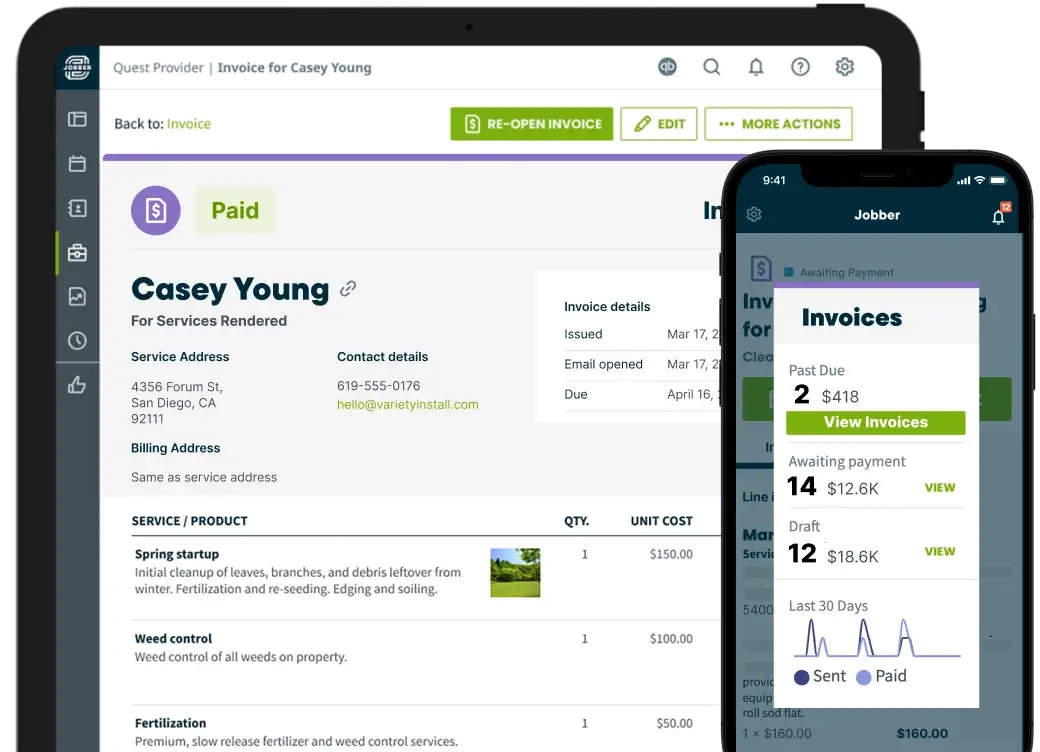
Jobber targets home service businesses with straightforward scheduling, quoting, and invoicing. The platform emphasizes simplicity over extensive features, making it accessible for owner-operators and small teams.
Key Features:
The client hub lets customers view service history, approve quotes, and pay invoices through a self-service portal. This reduces administrative workload by enabling customers to handle routine tasks independently. Automated follow-ups send maintenance reminders and review requests without manual effort.
Scheduling provides calendar views with drag-and-drop job assignments. Create recurring jobs for regular maintenance customers, set appointment reminders, and dispatch technicians with a few clicks. The mobile app allows field workers to view schedules, update job status, and collect payments on-site.
Pricing Structure:
Plans start at $29 monthly for solo operators, scaling to $129 for growing teams and $249 for established businesses requiring advanced features. Each tier accommodates specific user counts, with pricing increasing as teams grow.
Limitations for Small Businesses:
While Jobber excels for home service industries, customization options are limited. Businesses with unique processes may find rigid templates constraining. Reporting capabilities lack depth compared to enterprise platforms, and integration options are fewer than competitors.
Best Fit:
Solo contractors and teams of 2-10 in traditional home services like plumbing, HVAC, cleaning, and landscaping benefit most from Jobber's industry-specific design.
Starting Price: Free (up to 10 users) | Paid Plans: From $29/month for 30 users | Best For: Small teams needing all-in-one workforce management
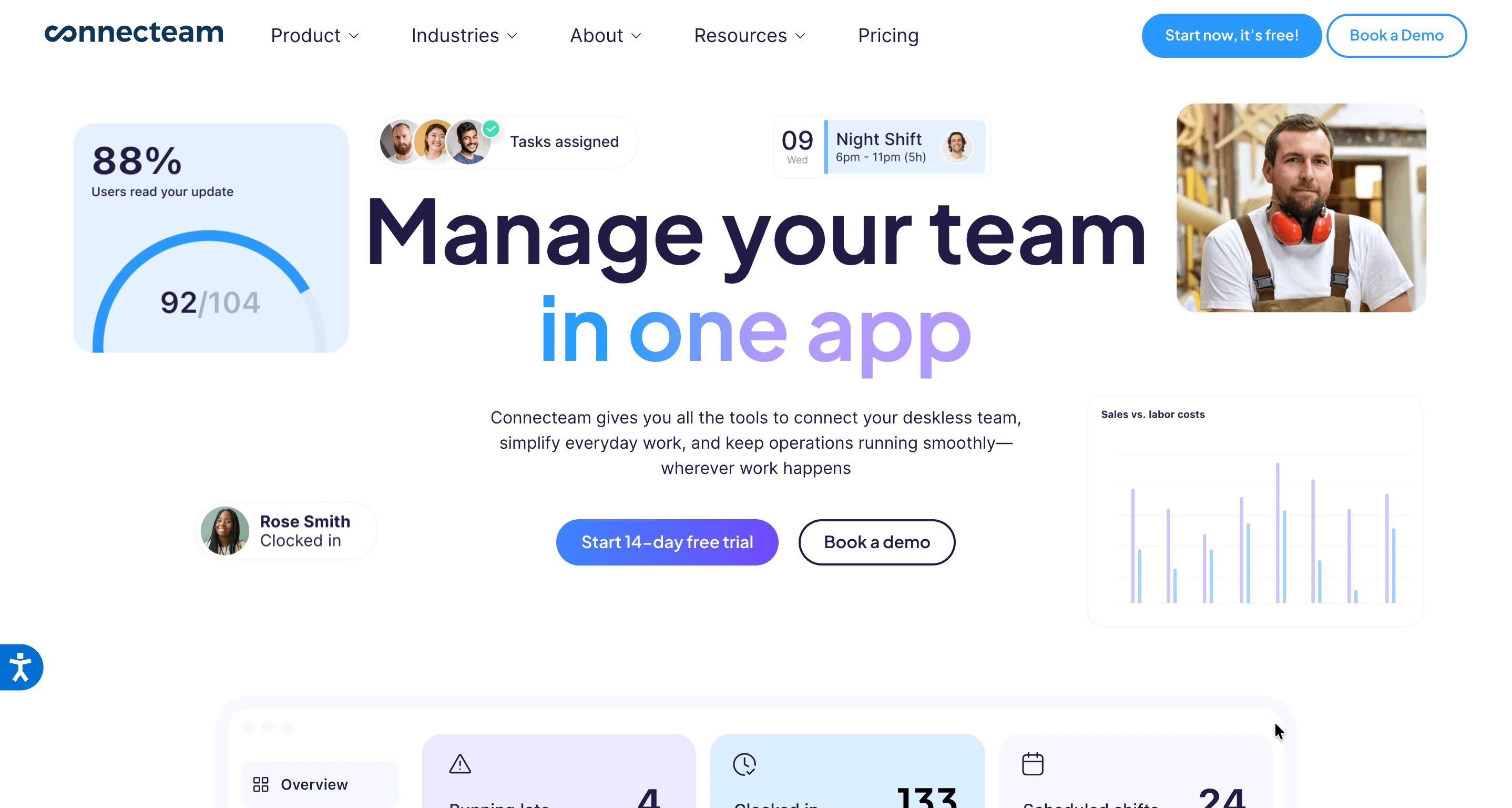
Connecteam provides comprehensive workforce management tools specifically designed for deskless teams. The permanently free plan for up to 10 users includes full feature access without limitations, making it ideal for very small businesses.
Complete Feature Set:
Time tracking with GPS verification, employee scheduling with shift templates, digital forms and checklists, task management, team communication through built-in chat, and employee training modules all integrate into a single platform. This eliminates the need for multiple point solutions.
The mobile app serves as a field worker's complete toolkit, providing access to schedules, timesheets, company updates, training materials, and communication channels. Employees manage all work-related activities through one interface.
Affordable Growth:
The free tier genuinely includes all features, not a stripped-down version. When businesses exceed 10 users, the small business plan costs $29 monthly for up to 30 users—approximately $1 per user, making it one of the most affordable options for teams of 11-30.
Considerations:
While Connecteam excels at workforce management, it lacks field service-specific features like advanced job costing, customer portals, or sophisticated invoicing. Businesses requiring comprehensive field service management may need supplementary tools.
Ideal Use Case:
Companies with 5-15 deskless employees prioritizing workforce management, internal communication, and training over customer-facing field service operations find exceptional value in Connecteam.
Starting Price: $59/month (1 user) | Best For: Mobile-focused contractors prioritizing field usability

Housecall Pro emphasizes mobile functionality, recognizing that field service businesses operate primarily through smartphones rather than desktops. The platform optimizes every feature for small screens and on-the-go usage.
Mobile Advantages:
The app enables complete job management from initial booking through payment collection entirely from mobile devices. Technicians view schedules, navigate to job sites, update work orders, create estimates, collect signatures, and process payments without touching a computer.
Offline capabilities ensure field workers remain productive in areas with limited connectivity. The app stores essential information locally, syncing changes when internet connection returns.
Customer Experience:
Automated appointment confirmations, technician en-route notifications, and follow-up reviews improve customer communication without manual effort. Online booking allows customers to schedule services 24/7 through a branded booking page, reducing phone call volume.
Pricing Reality:
While billed as affordable, the basic $59 monthly fee covers only a single user. Additional users cost extra, making Housecall Pro more expensive than alternatives for multi-person teams. However, the superior mobile experience may justify the premium for contractors spending most of their time in the field.
Best For:
Solo operators and small teams (2-5 people) in home services who work primarily from mobile devices and value streamlined field operations over desktop features.
Starting Price: $10/month (up to 15 employees) | Best For: Businesses prioritizing basic time tracking and attendance
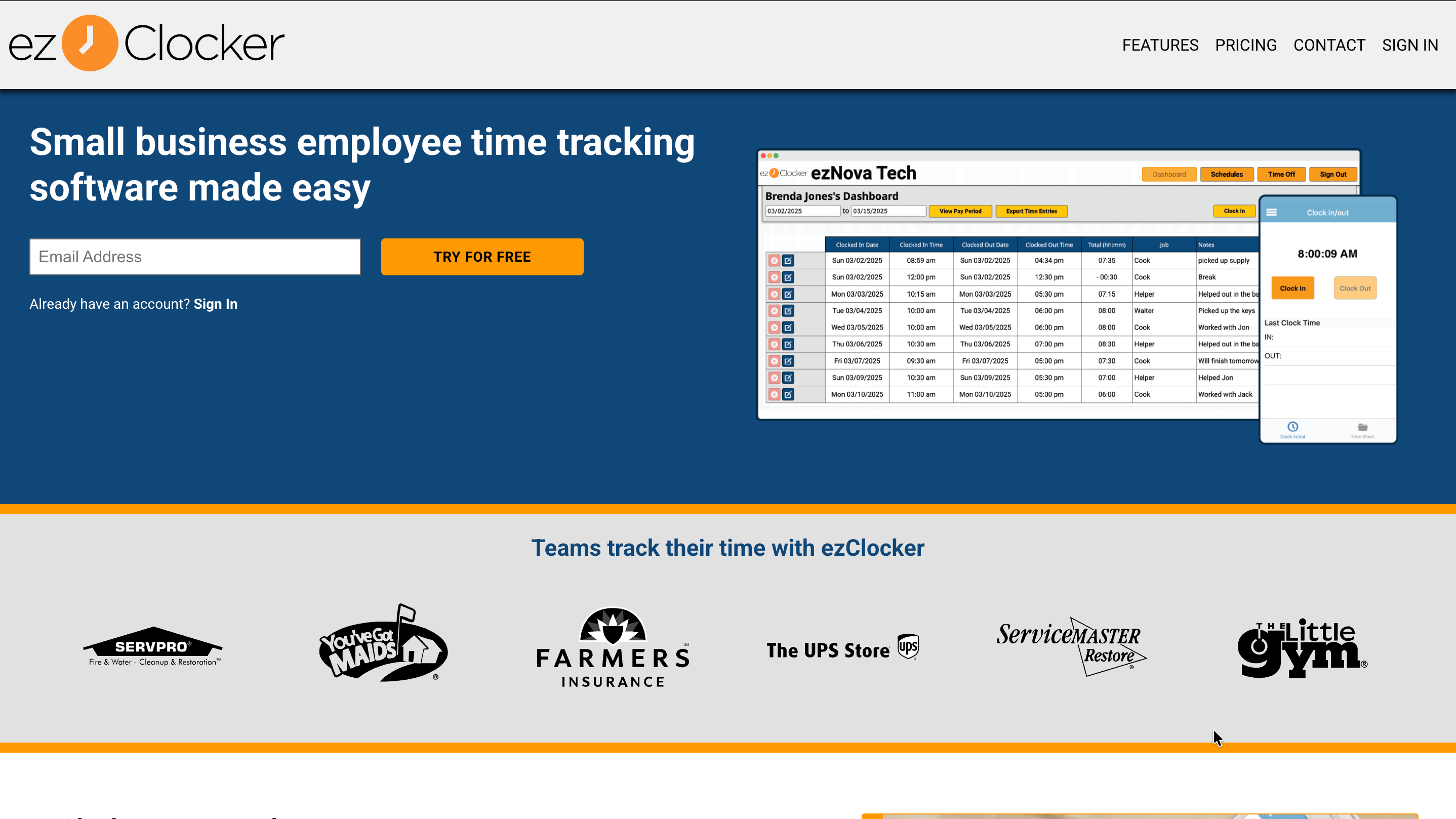
ezClocker strips away complexity to focus exclusively on time tracking and attendance management. This singular focus makes it the simplest option for small businesses needing only location-verified time tracking without comprehensive field service management.
Straightforward Functionality:
Employees clock in and out using smartphone apps that capture GPS coordinates, verifying their presence at designated work locations. Managers view timesheets, approve hours, and export data to payroll systems. That's essentially the entire feature set.
The kiosk mode allows multiple employees to punch in using a shared tablet at job sites, ideal for crews working together at single locations. PIN-based authentication prevents buddy punching while eliminating the need for individual devices.
Extreme Affordability:
At $10 monthly for up to 15 employees, ezClocker costs less than $1 per employee—the most affordable option available. This flat-rate pricing provides cost predictability regardless of actual user count within the limit.
What's Missing:
ezClocker doesn't offer job management, invoicing, customer portals, or advanced scheduling. It's purely a time tracking solution. Businesses requiring comprehensive field service management need supplementary tools.
Perfect For:
Small businesses (5-15 employees) needing only GPS-verified time tracking without additional field service features. Works well as a focused add-on to existing business software rather than a complete field management platform.
| Feature | Clappia | Jobber | Connecteam | Housecall Pro | ezClocker |
|---|---|---|---|---|---|
| Free Plan | Yes (up to 100 users) | No | Yes (up to 10 users) | No | No |
| Starting Price | Free / $6 per user | $29/month | Free / $29 for 30 users | $59/month | $10/month (15 users) |
| Setup Time | 10-15 minutes | 1-2 hours | 30 minutes | 1 hour | 5 minutes |
| Mobile Apps | iOS, Android, Web | iOS, Android | iOS, Android | iOS, Android | iOS, Android |
| Offline Mode | Full offline capability | Limited offline | Basic offline | Yes | No |
| Customization | Complete no-code | Templates only | Limited | Limited | None |
| GPS Tracking | Advanced geofencing | Basic GPS | GPS verification | GPS tracking | GPS clock-in |
| Invoicing | Yes (customizable) | Yes | No | Yes | No |
| Customer Portal | Yes (custom build) | Yes | No | Yes | No |
| Best For | Custom workflows, any industry | Home service contractors | Workforce management | Mobile-first contractors | Simple time tracking only |
Selecting field force software requires evaluating your specific priorities and constraints.
If budget is your primary concern: Start with Clappia's free plan or Connecteam's free tier. Both provide genuine functionality without time limits or feature restrictions. ezClocker offers the lowest per-employee cost at under $1 per user.
If you need maximum customization: Clappia's no-code platform enables building exactly what your business needs without compromising on predefined templates. Businesses with unique processes benefit from flexibility unavailable in rigid systems.
If you prioritize mobile experience: Housecall Pro delivers the most polished mobile-first interface, though at a higher price point. Field workers spending most of their time in the field appreciate the optimized mobile workflow.
If you're in traditional home services: Jobber provides industry-specific templates for plumbing, HVAC, landscaping, and electrical work. The familiar workflows reduce training time for teams accustomed to these trades.
If you only need time tracking: ezClocker's focused approach eliminates complexity while delivering reliable GPS-verified time tracking at minimal cost.
Implementation Timeline:
Small businesses should expect:
Unlike enterprise software requiring months of implementation, these small business tools deploy within days.
Small field service businesses don't need enterprise software complexity or premium pricing. The right field force app simplifies operations, improves team productivity, and scales affordably as the business grows.
For most small businesses, Clappia delivers the best combination of zero cost entry, complete customization freedom, and scalable pricing. The permanent free plan eliminates risk while providing genuine functionality that handles real business operations indefinitely.
Small teams with standard home service workflows find value in Jobber's industry-specific design. Budget-conscious businesses appreciate Connecteam's generous free tier and affordable scaling. Mobile-focused contractors prefer Housecall Pro's polished smartphone experience. Companies needing only time tracking benefit from ezClocker's simplicity and low cost.
Start building your free field force app with Clappia today. No credit card required, no time limits, unlimited apps.
 Get Started – It’s Free
Small business field force apps prioritize simplicity, affordability, and quick deployment over enterprise features. They offer free plans or low monthly costs (typically $10-60), require minimal setup time (hours to days, not months), provide intuitive interfaces needing little training, and focus on essential features like GPS tracking, scheduling, and basic invoicing rather than complex analytics and integrations. The best small business apps like Clappia offer permanent free tiers, while others like Jobber and Connecteam provide straightforward pricing without hidden costs. These tools recognize that small teams need functionality that works immediately without dedicated IT support or extensive configuration, making them accessible for owner-operators and teams under 20 people who can't afford enterprise software complexity or pricing.
L374, 1st Floor, 5th Main Rd, Sector 6, HSR Layout, Bengaluru, Karnataka 560102, India
3500 S DuPont Hwy, Dover,
Kent 19901, Delaware, USA


.svg)




3500 S DuPont Hwy, Dover,
Kent 19901, Delaware, USA
L374, 1st Floor, 5th Main Rd, Sector 6, HSR Layout, Bengaluru, Karnataka 560102, India
.avif)

.webp)
.avif)