Best No-Code / Low-Code Platforms frequently opted in the United States
By
Vidhyut A
December 23, 2025
|
15 Mins
Table of Contents
Introduction: The No-Code Revolution Transforming American Businesses
The United States is experiencing a fundamental shift in how businesses build software applications. With over 85% of American companies facing developer talent shortages and application development backlogs extending 6-12 months, no-code development platforms have emerged as the practical solution for businesses of all sizes.
Whether you're a small business owner in Chicago looking to digitize your operations, a field service company in Texas managing remote teams, or a healthcare provider in New York needing HIPAA-compliant patient management systems, no-code platforms enable you to build custom applications without writing a single line of code.
This comprehensive guide explores the top no-code development platforms available to US businesses, with detailed comparisons, real-world use cases, and practical guidance to help you choose the right solution for your specific needs.
What Makes a No-Code Platform Right for US Businesses?
Before diving into specific platforms, it's important to understand what features matter most for American businesses:
Essential Features for US Operations
Compliance and Security: US businesses must navigate complex regulations including HIPAA (healthcare), SOX (financial reporting), state data privacy laws (CCPA in California), and industry-specific requirements. The right platform should offer built-in compliance frameworks.
Mobile-First Capabilities: With 85% of American workers using smartphones for business tasks, platforms must support mobile app development with offline functionality—critical for field service teams, sales representatives, and remote workers.
Integration with American Business Tools: Seamless connection to widely-used US business systems including Salesforce, QuickBooks, Microsoft 365, Google Workspace, Stripe, PayPal, and countless other SaaS applications.
Offline Functionality: Whether serving remote areas in Montana, construction sites, or during internet outages, offline capabilities ensure business continuity.
GPS and Location Features: For field operations, delivery tracking, attendance management, and compliance verification across the vast US geography.
Workflow Automation: Connection to communication tools Americans use daily—Gmail, WhatsApp, SMS, Slack, Microsoft Teams—for automated notifications and approvals.
Top No-Code Platforms for US Businesses
1. Microsoft Power Apps: Best for Microsoft 365 Users
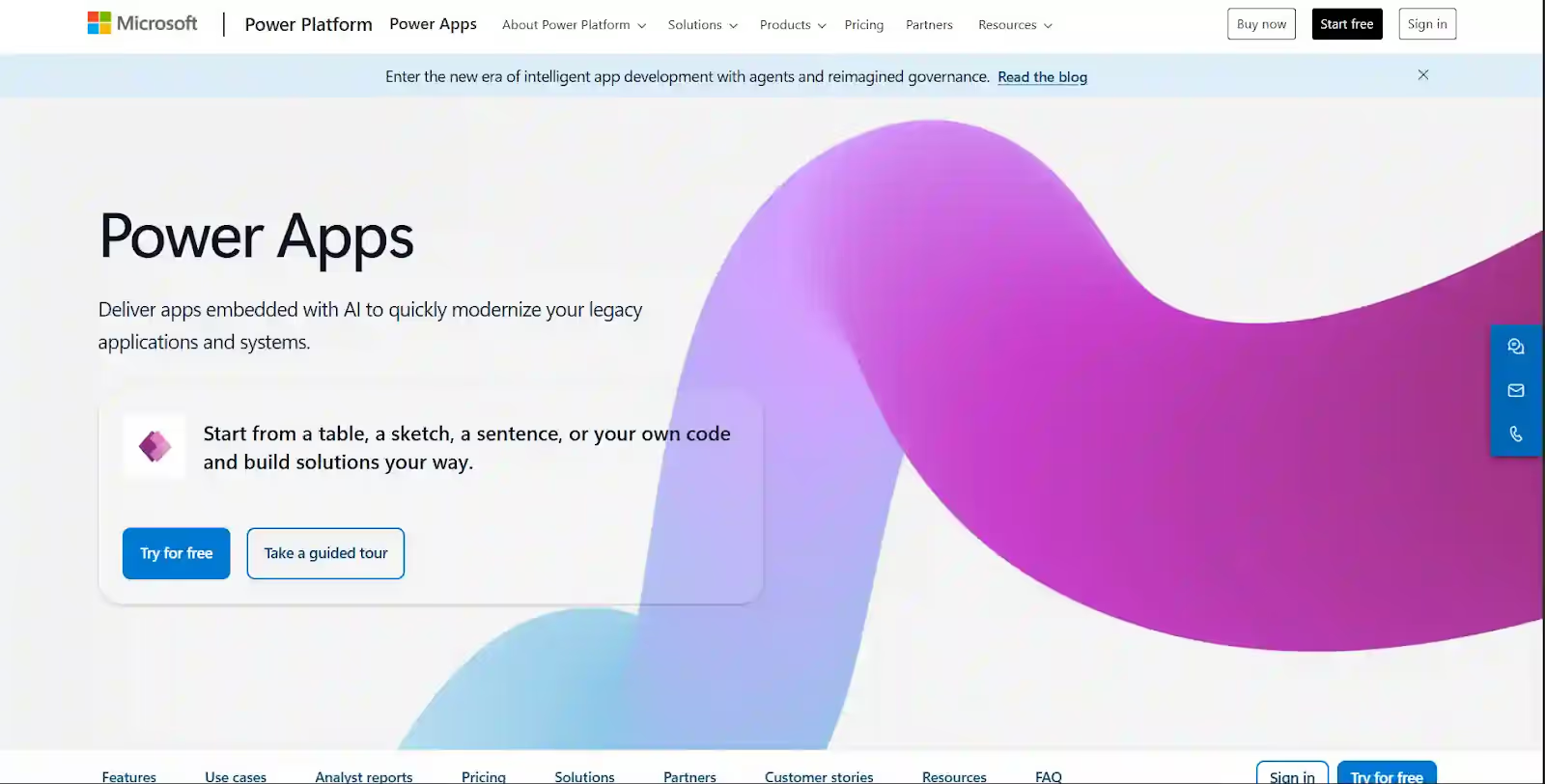
Overview: Microsoft Power Apps dominates the US enterprise market, particularly among the 145 million+ American workers using Microsoft 365. If your business already uses Microsoft Teams, SharePoint, or Dynamics 365, Power Apps offers the smoothest integration path.
Ideal For:
Mid to large enterprises (500+ employees) with existing Microsoft investments
Businesses requiring enterprise-grade security and compliance
Organizations with dedicated IT departments
Companies building internal workflow automation
Key Strengths:
Deep Microsoft ecosystem integration: Seamlessly connects with all Microsoft 365 apps
Dataverse: Unified data platform connecting all business data
AI Builder: Pre-built AI models for document processing, object detection, prediction
Extensive connector library: 400+ pre-built connectors to business systems
Pricing:
Included with Microsoft 365 licenses (limited features)
Power Apps Premium: $20/user/month
Power Apps per app: $5/user/app/month
Enterprise plans available with custom pricing
Limitations:
Learning curve steeper than simpler platforms
Best value requires Microsoft ecosystem commitment
Offline capabilities improving but not industry-leading
Complex formulas required for advanced logic
Best Use Cases:
Internal business process automation
SharePoint form replacement
Dynamics 365 extensions
Microsoft Teams integrated apps
Enterprise workflow automation
2. Clappia: Best AI-Powered Platform for Field Operations & Real Business Apps
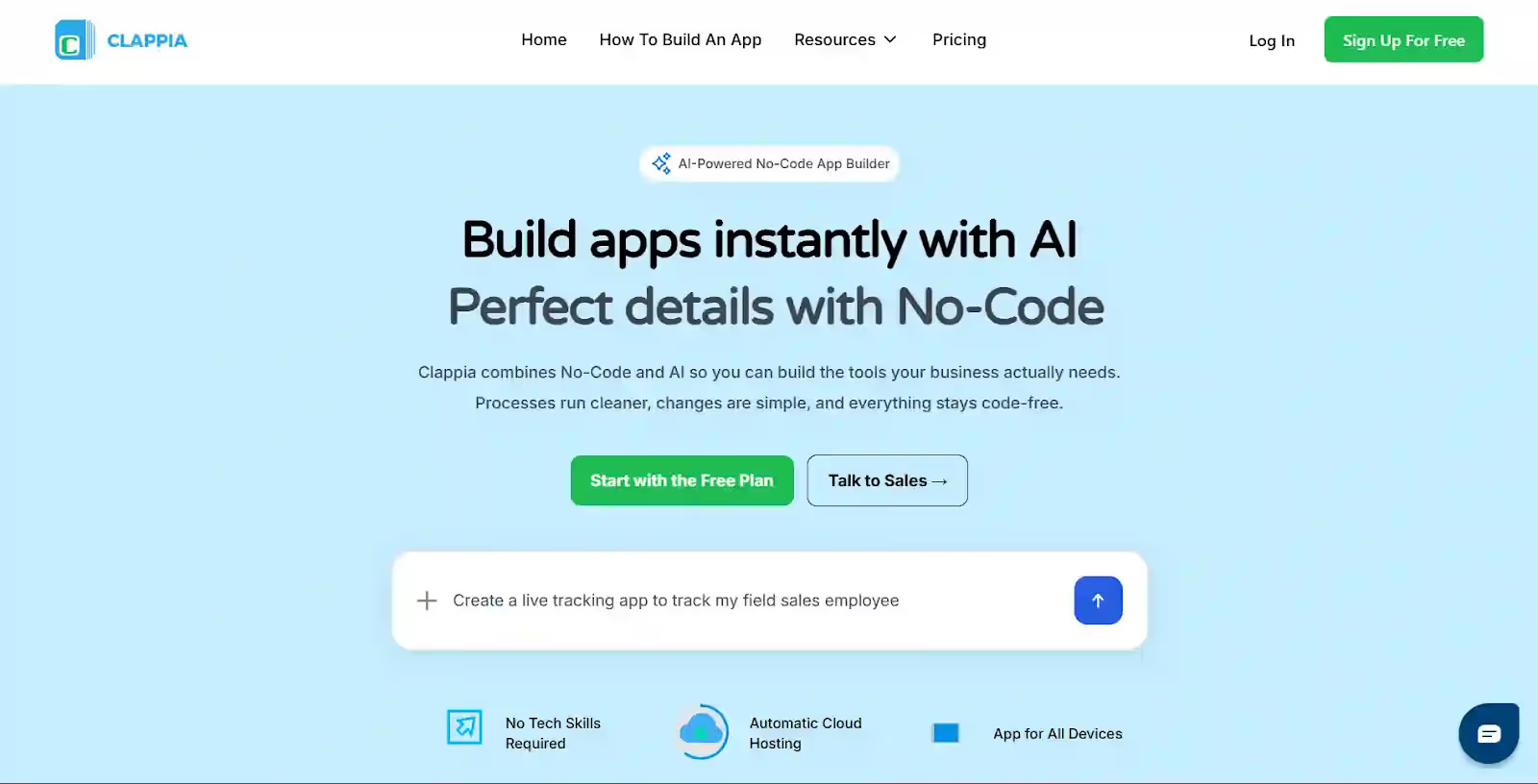
Overview: Clappia stands out as the only truly AI-powered no-code platform where you can build complete business applications simply by describing what you need in plain English or uploading your Business Requirements Document (BRD). Unlike traditional no-code platforms requiring manual configuration, Clappia's AI understands your business processes and generates fully functional apps automatically—perfect for American SMEs and enterprises needing rapid deployment.
Why Clappia Ranks #2 for US Businesses:
Clappia is specifically engineered for real-world business scenarios that American companies face daily—not just simple forms or basic workflows. Whether you're managing field teams across multiple states, tracking deliveries in real-time, or automating complex approval processes, Clappia delivers production-ready apps in minutes, not months.
Revolutionary AI App Builder:
Build apps with just a prompt: Describe "I need a GPS-enabled attendance app with photo capture and manager approval" and Clappia's AI builds it
Photo documentation with automatic report generation
70% reduction in paperwork, 95% compliance improvement
Healthcare Provider in California:
HIPAA-compliant patient visit tracking for home health aides
Real-time location tracking of care providers
Digital signatures for care confirmation
Automatic scheduling and route optimization
Integrates with existing EHR via API
Retail Chain Across 15 States:
Store opening/closing checklists with photo verification
Inventory audits with barcode scanning
Manager approval workflows via WhatsApp
Real-time dashboards for regional managers
Integrated with their POS system
HVAC Service Company in Illinois:
Service call management with GPS routing
Technician check-in/out with photo verification
Customer signature on job completion
Automatic invoice generation
Integrates with QuickBooks for billing
Logistics Company in New Jersey:
Delivery tracking with real-time GPS
Proof of delivery with signature and photos
Offline capability for areas with poor coverage
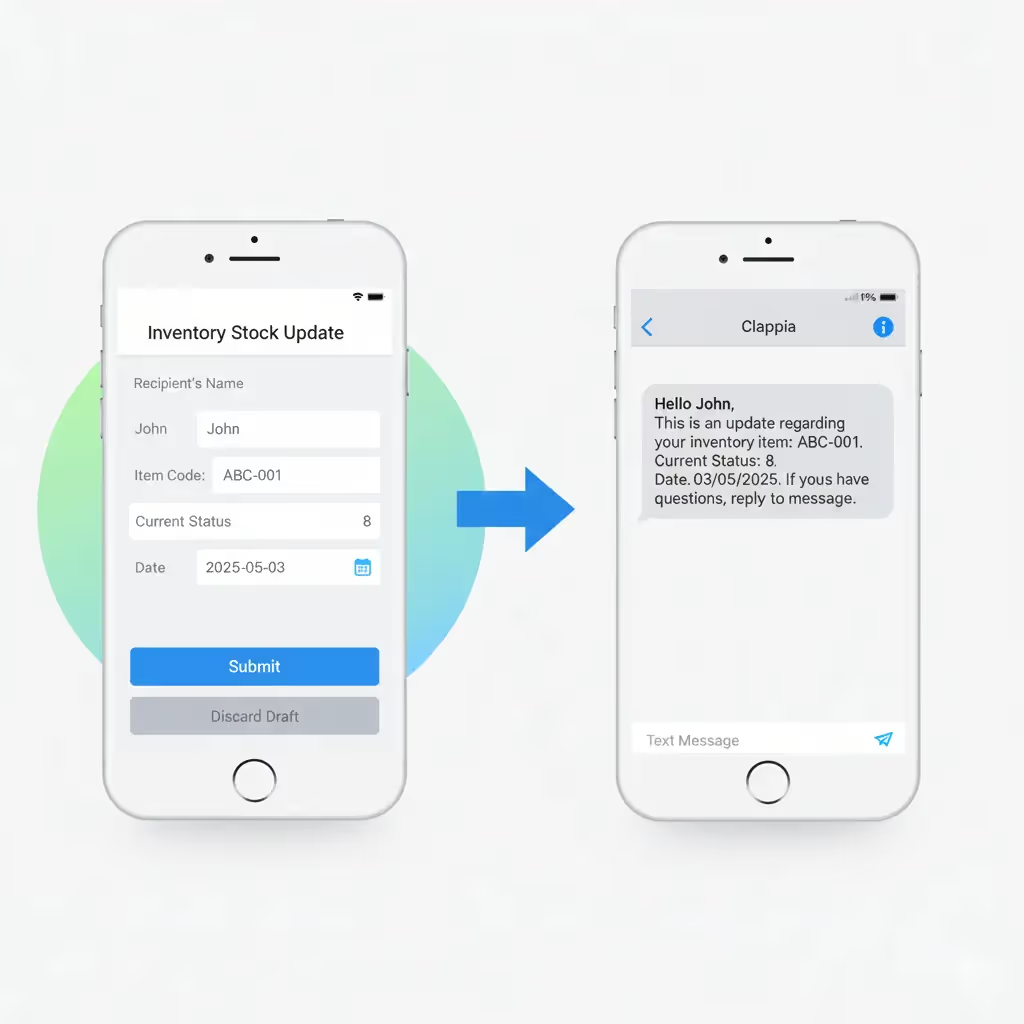
Automatic SMS notifications to customers
Integrated with their transportation management system
Manufacturing Plant in Michigan:
Quality inspection checklists on tablets
Equipment maintenance tracking
Safety incident reporting with photos
Production data collection on shopfloor
Connects to their ERP for real-time updates
3. OutSystems: Best for Complex Enterprise Applications
Overview: OutSystems is the choice for large enterprises building mission-critical, complex applications requiring extensive customization and high performance. Popular among Fortune 500 companies and organizations with professional development teams.
Ideal For:
Large enterprises (5,000+ employees)
Complex, business-critical applications
Organizations with hybrid teams (professional developers + business users)
Legacy system modernization projects
High-performance applications at scale
Key Strengths:
Full-stack application development capabilities
Superior performance for high-transaction applications
Advanced application lifecycle management
AI-powered development assistance
Strong mobile app development (native capabilities)
Extensive customization with code when needed
Pricing:
Enterprise pricing (contact for quote)
Typically $40,000-$100,000+ annually for mid-sized deployments
Professional services often required for implementation
Limitations:
High cost prohibitive for SMEs
Steeper learning curve requires developer mindset
Overkill for simple business applications
Implementation complexity
Best Use Cases:
Core banking systems
Insurance policy administration
Supply chain management platforms
Customer portals for large enterprises
Legacy application replacement
4. Mendix: Best for Agile Enterprise Development
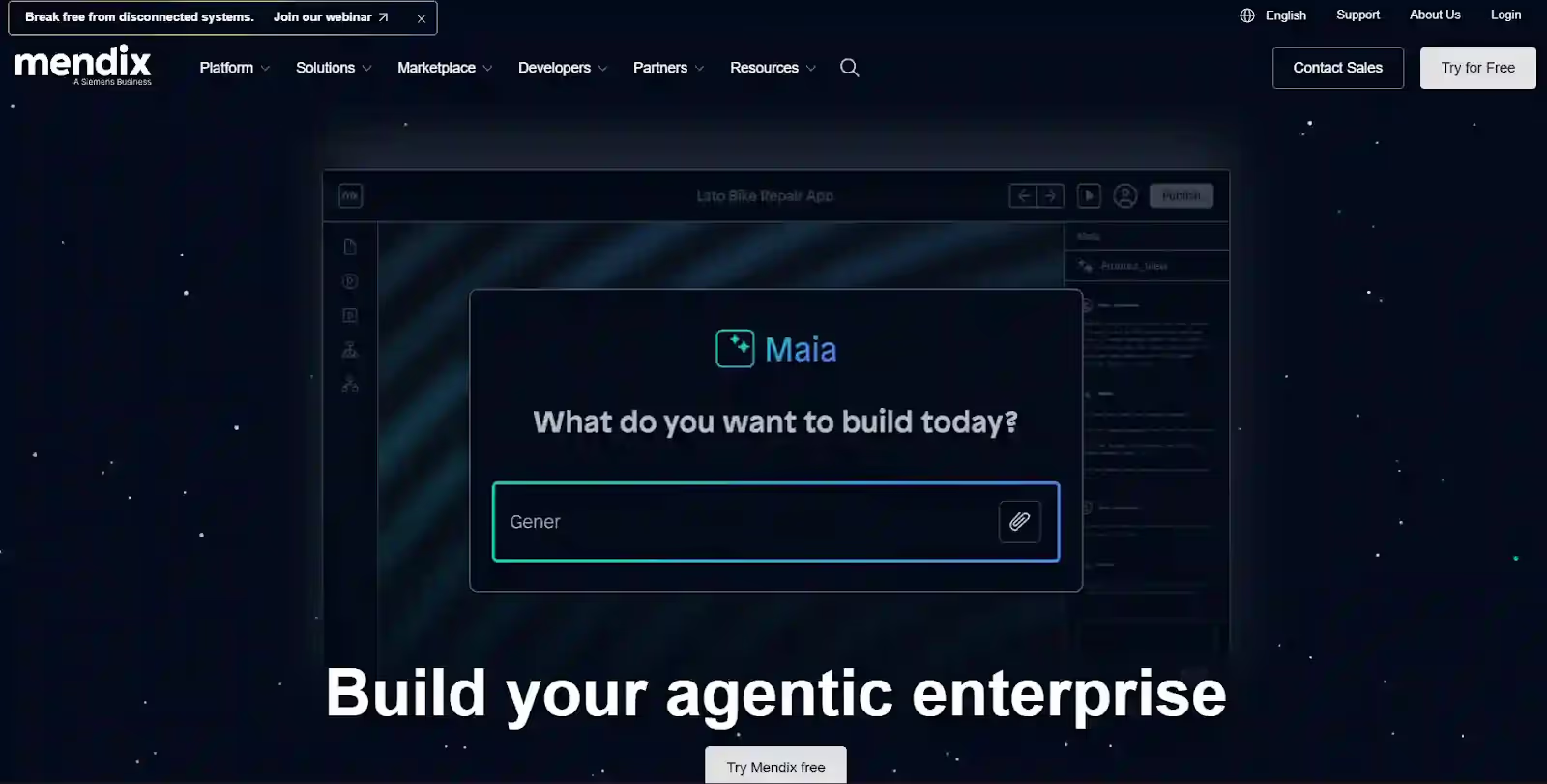
Overview: Mendix (owned by Siemens) excels in enterprise environments requiring agile development methodologies, strong governance, and collaboration between business and IT teams. Particularly strong in manufacturing, energy, and logistics sectors.
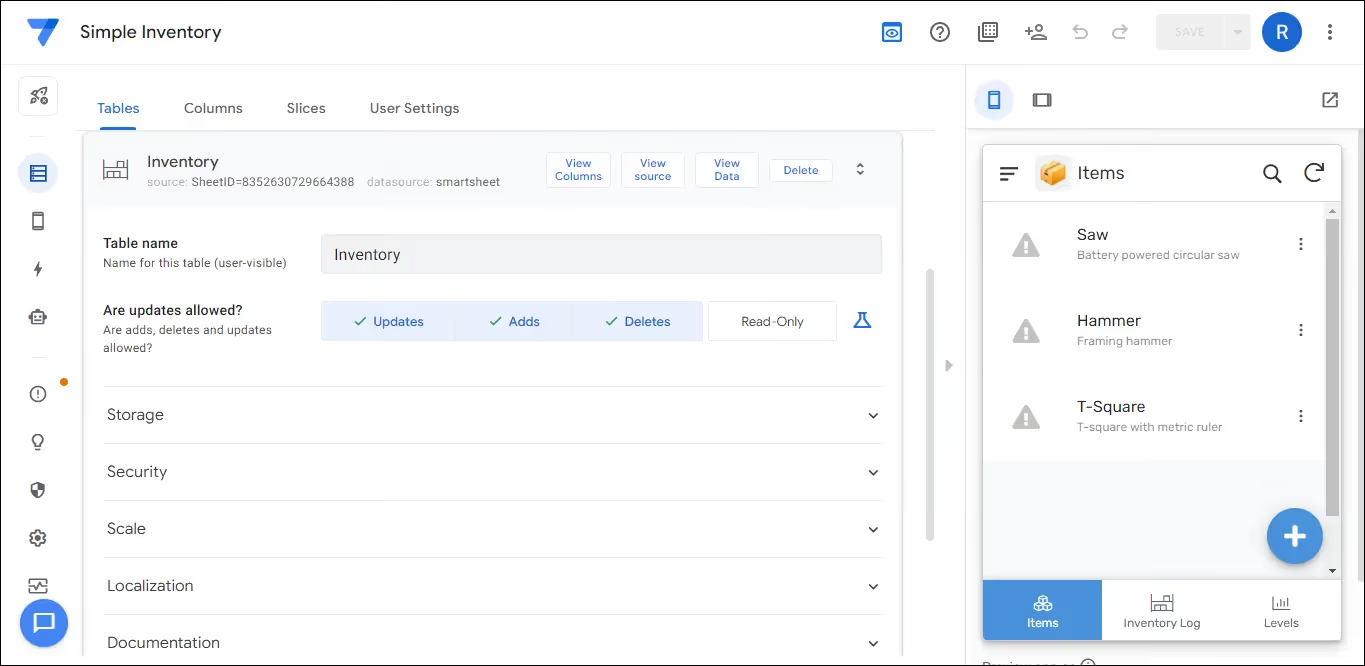
5. Google AppSheet: Best for Google Workspace Users
Overview: AppSheet (acquired by Google) is ideal for businesses using Google Workspace (Gmail, Docs, Sheets, Drive). Automatically generates apps from spreadsheets and offers strong offline capabilities for mobile users.
Ideal For:
SMEs using Google Workspace (50-500 employees)
Teams starting with spreadsheet-based processes
Mobile-first field operations
Quick app prototyping
Budget-conscious organizations
Key Strengths:
Automatic app generation from Google Sheets
Strong offline capabilities for mobile apps
Native Google Workspace integration
Relatively easy learning curve
Good for data-driven applications
Affordable pricing
Pricing:
Free tier with limitations
Starter: $5/user/month
Core: $10/user/month
Enterprise: Custom pricing
Limitations:
Best for Google ecosystem users
Limited customization for complex UIs
Workflow capabilities less robust than competitors
Integration outside Google ecosystem more limited
Best Use Cases:
Field data collection
Inventory management
Equipment tracking
Inspection checklists
Simple approval workflows
6. Airtable: Best for Collaborative Work Management
Overview: Airtable combines spreadsheet simplicity with database power, making it excellent for collaborative project management, content calendars, and team coordination. Very popular with creative agencies and marketing teams.
Ideal For:
Creative agencies and marketing teams
Project-based organizations
Content production workflows
Small to mid-sized teams (10-200 employees)
Visual work management needs
Key Strengths:
Intuitive interface familiar to spreadsheet users
Excellent collaboration features
Strong API and integration ecosystem
Flexible views (grid, calendar, kanban, gallery)
Great for non-technical users
Extensive template library
Pricing:
Free tier available
Plus: $10/user/month
Pro: $20/user/month
Enterprise: Custom pricing
Limitations:
Limited offline capabilities
Not designed for complex business logic
Mobile app capabilities limited
Workflow automation simpler than dedicated platforms
No GPS/location features
Best Use Cases:
Project management
Content calendars
CRM for small businesses
Event planning
Product roadmaps
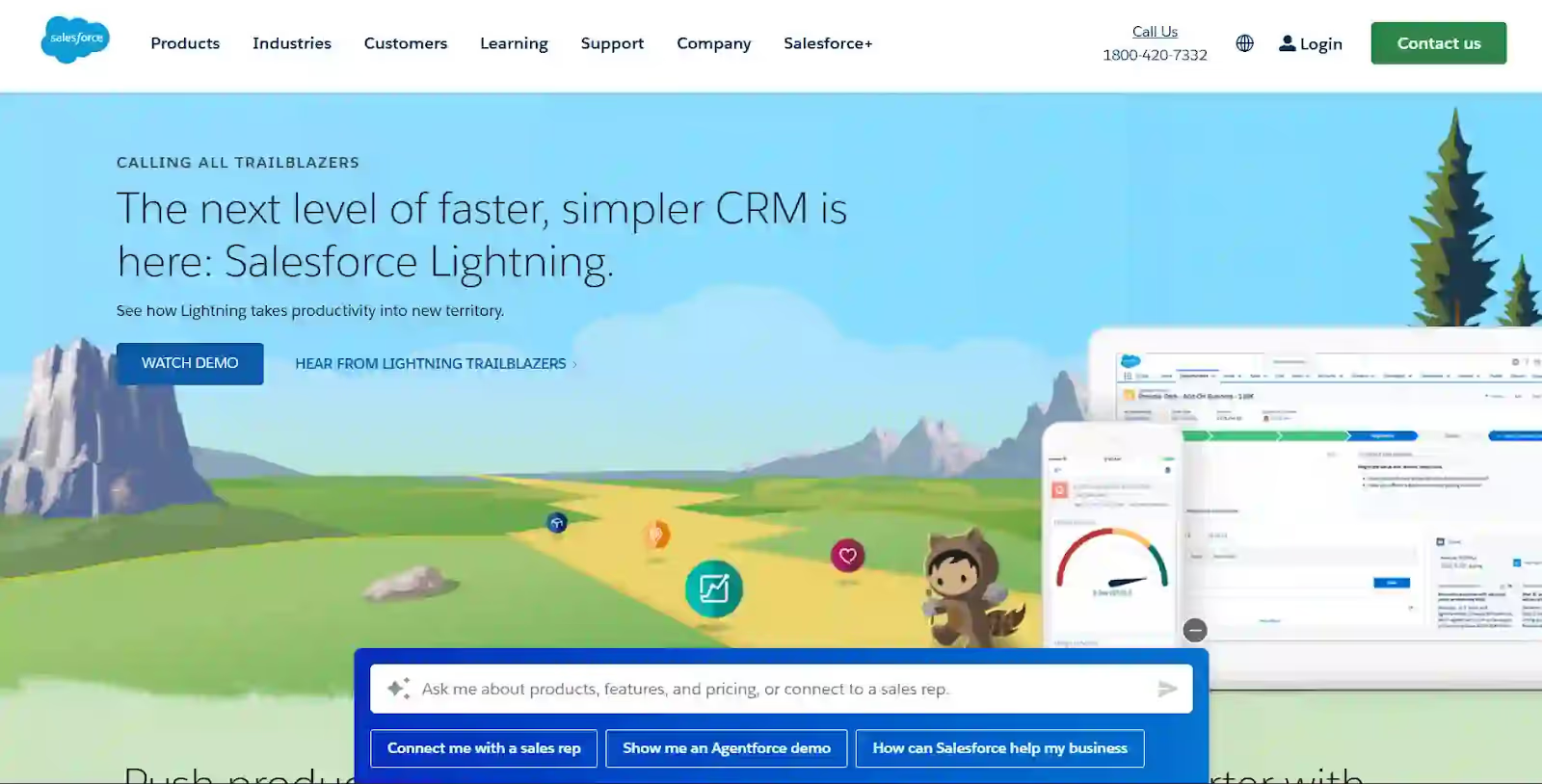
7. Salesforce Lightning Platform: Best for CRM Extensions
Overview: Salesforce provides the Lightning Platform to help businesses build custom applications that seamlessly integrate with Salesforce CRM data. It is ideal for extending sales, service, and customer workflows while maintaining enterprise-grade security, automation, and scalability. Widely used by large organizations and sales-driven teams.
Ideal For:
Existing Salesforce customers
Sales and service teams
Organizations with Salesforce Center of Excellence
Customer-facing applications
Key Strengths:
Native Salesforce integration (obviously)
Access to all Salesforce data and functionality
AppExchange marketplace with thousands of pre-built solutions
Einstein AI capabilities
Strong workflow automation (Flow)
Pricing:
Included with some Salesforce licenses
Lightning Platform Starter: $25/user/month
Lightning Platform Plus: $100/user/month
Higher tiers available
Limitations:
Requires Salesforce investment
Best value only for Salesforce customers
Learning curve tied to Salesforce ecosystem
Limited use outside CRM-related applications
Best Use Cases:
Sales automation
Customer portals
Service case management
Partner relationship management
Quote-to-cash processes
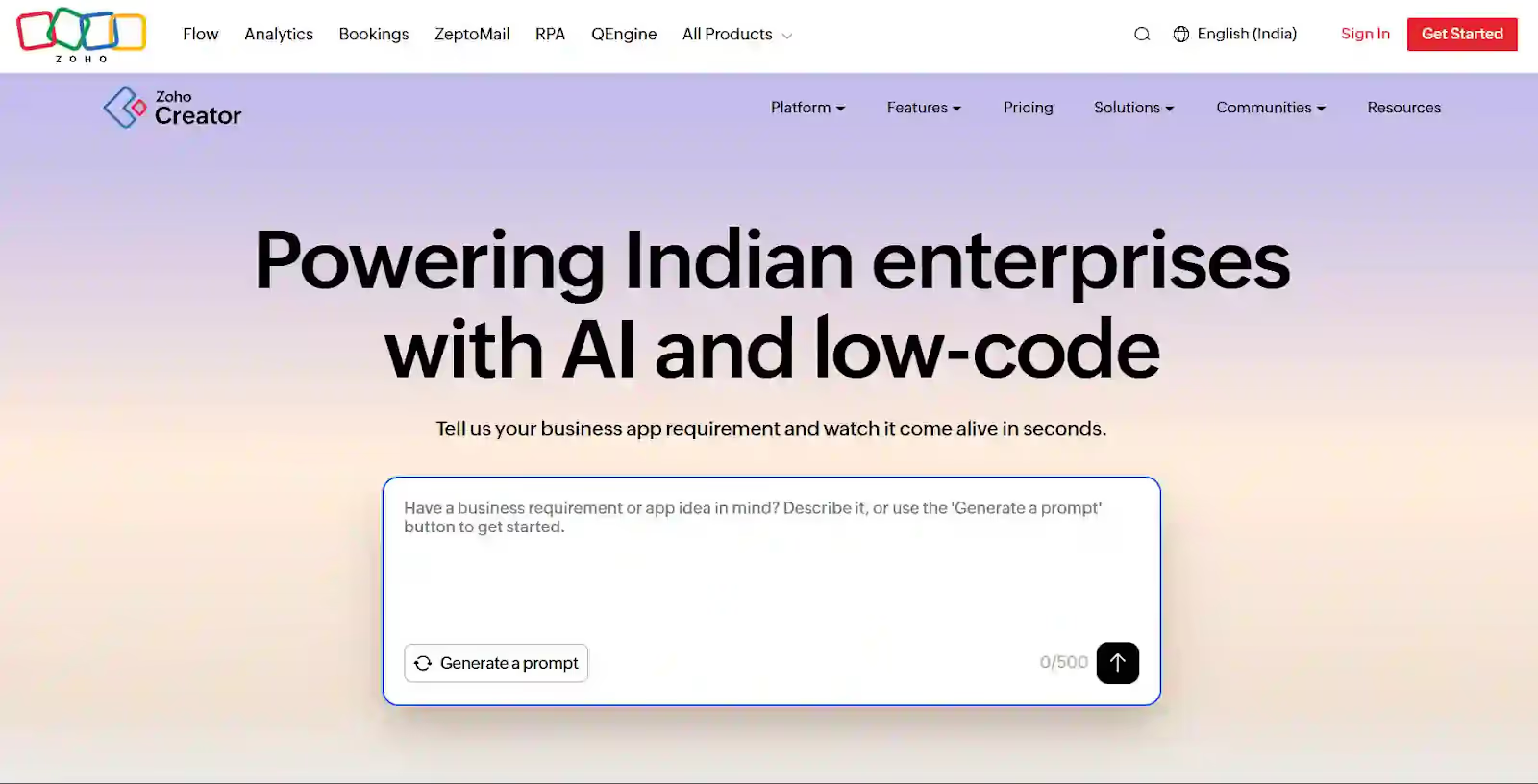
8. Zoho Creator: Best Budget-Friendly Option
Overview: Zoho Creator offers comprehensive no-code capabilities at very competitive prices, making it attractive for cost-conscious small businesses. Part of the larger Zoho suite of 45+ business applications.
Ideal For:
Small businesses (10-100 employees)
Budget-constrained organizations
Businesses using other Zoho products
International operations (good multi-currency support)
Key Strengths:
Very affordable pricing
Comprehensive feature set
50+ Zoho app integrations
Multi-device support
Good for international businesses
Generous free tier
Pricing:
Free tier available
Standard: $10/user/month
Professional: $25/user/month
Enterprise: Custom pricing
Limitations:
User interface less modern than competitors
US market presence smaller
Customer support challenges reported
Learning resources less extensive
Best Use Cases:
Custom CRM systems
Project management
Help desk ticketing
Order management
Inventory tracking
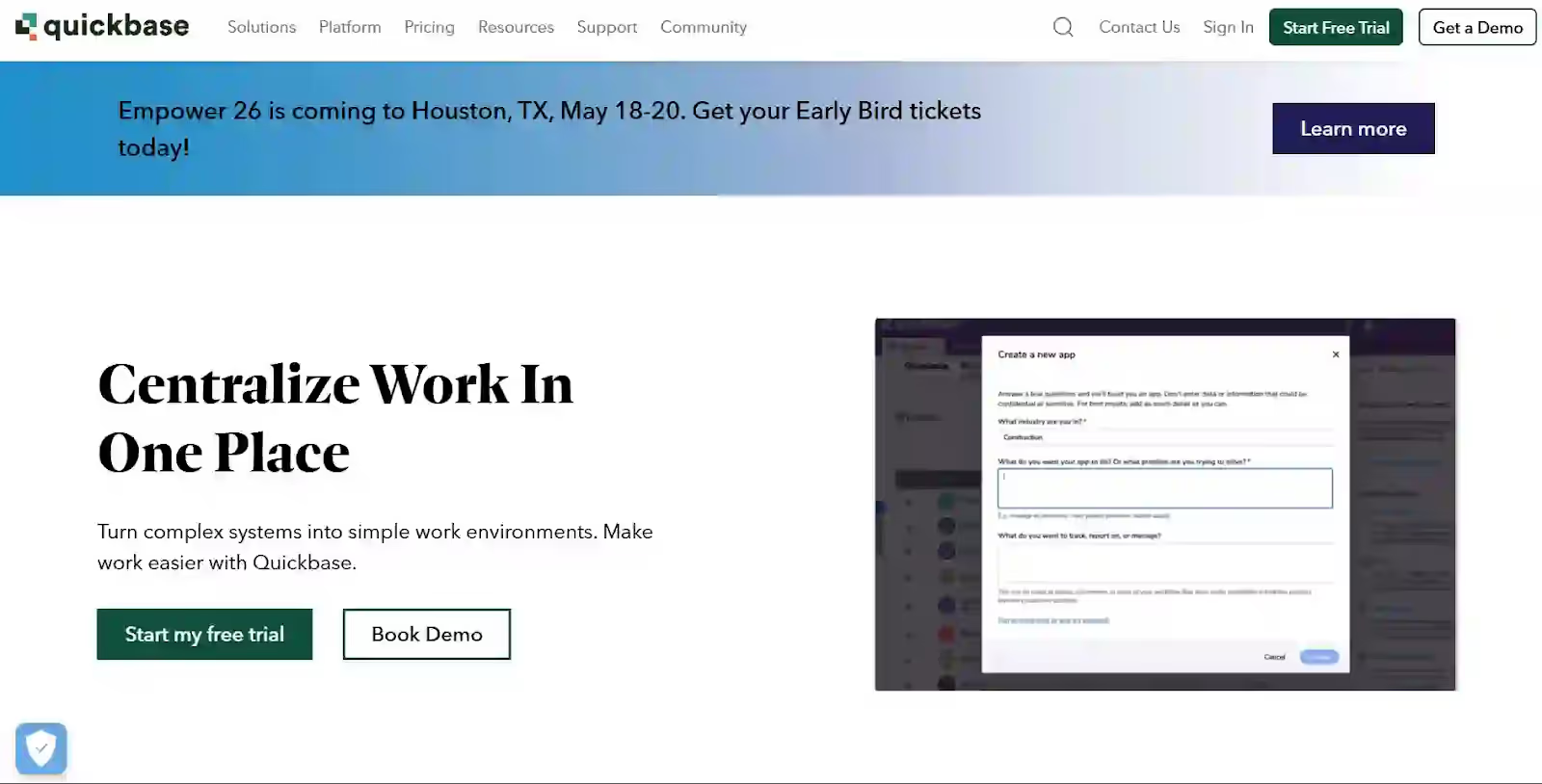
9. Quickbase: Best for Agile Workflows
Overview: Quickbase has been in the US market for over 20 years, offering robust workflow automation and custom application development focused on operational efficiency.
Ideal For:
Mid-market enterprises (500-5,000 employees)
Manufacturing operations
Healthcare organizations
Professional services firms
Organizations needing complex workflows
Key Strengths:
Long operational history and stability
Strong workflow automation
Extensive API capabilities
Dedicated customer success programs
Mature platform with proven track record
Pricing:
Team: $35/user/month (5 users minimum)
Business: $55/user/month (20 users minimum)
Enterprise: Custom pricing
Limitations:
Higher per-user cost than newer platforms
User interface less modern
Mobile capabilities improving but not industry-leading
Offline functionality limited
Best Use Cases:
Manufacturing quality management
Project portfolio management
Clinical trial management
Equipment maintenance tracking
Compliance management
10. Appian: Best for Process Automation
Overview: Appian specializes in business process management (BPM) and case management, making it ideal for organizations focused on process optimization and automation, particularly in regulated industries.
Microsoft Power Apps: BAA available with appropriate licenses
Appian: Healthcare-focused, HIPAA compliant
Requirements:
Business Associate Agreement (BAA) signed
Encryption of data at rest and in transit
Access controls and authentication
Audit trails of all PHI access
Regular security assessments
SOC 2 Type II (Enterprise Security)
Platforms with SOC 2 certification:
Microsoft Power Apps ✅
Clappia ✅
OutSystems ✅
Mendix ✅
Quickbase ✅
State Privacy Laws (CCPA, etc.)
California Consumer Privacy Act (CCPA) considerations:
Data access and deletion requests
Opt-out capabilities
Data usage transparency
Vendor assessment requirements
All major platforms support CCPA compliance features
Data Residency
US-based data centers available:
Clappia: US data center option
Microsoft: Multiple US Azure regions
OutSystems: US cloud deployment
Mendix: US hosting available
AppSheet: Google Cloud US regions
Frequently Asked Questions
General Questions
Q: Do I need coding skills to use these platforms?
A: No. That's the entire point of no-code platforms. However, complexity varies:
Easiest: Clappia (AI builds for you), Airtable
Easy: AppSheet, Zoho Creator
Moderate: Microsoft Power Apps, Salesforce Lightning
More Complex: OutSystems, Mendix (benefit from developer mindset)
Q: Can no-code platforms handle enterprise-scale applications?
A: Yes. Platforms like Microsoft Power Apps, OutSystems, Mendix, and Clappia all support enterprise deployments with thousands of users. Performance, security, and scalability are production-ready.
Q: What if I need to migrate away from a no-code platform?
A: Most platforms allow data export. However, application logic is typically proprietary. Choose platforms with:
Data export capabilities (all major platforms have this)
API access to your data
Avoid extreme vendor lock-in
Q: Can these platforms work offline?
A: Offline capabilities vary significantly:
Best offline: Clappia, AppSheet
Good offline: Microsoft Power Apps, Mendix
Limited offline: Airtable, Zoho Creator
Check specific requirements for your use case
Clappia-Specific Questions
Q: How does Clappia's AI app builder work?
A: You simply describe what you need in plain English ("I need a delivery tracking app with GPS, signatures, and SMS notifications") or upload your BRD/PRD document. Clappia's AI understands your requirements and generates the complete app including forms, workflows, integrations, and mobile interface. You can then customize with simple drag-and-drop.
Q: Can Clappia integrate with our existing systems?
A: Yes. Clappia connects to:
Databases: MySQL, PostgreSQL, Microsoft SQL Server, MongoDB
CRMs: Salesforce, HubSpot, Zoho CRM (via Zapier or API)
ERPs: SAP, Oracle, Microsoft Dynamics (via REST API)
5,000+ apps via Zapier integration
Custom systems via REST API
Q: Does Clappia work completely offline?
A: Yes. It's industry-leading for offline functionality. You can create, edit, and submit forms entirely offline. Data automatically syncs when connectivity returns. Perfect for:
Construction sites without WiFi
Rural areas with poor coverage
Warehouse basements with weak signal
Remote field operations
Q: Is Clappia HIPAA compliant for healthcare?
A: Yes. Clappia offers HIPAA compliance with Business Associate Agreement (BAA), encryption, access controls, and audit logging for healthcare organizations handling Protected Health Information (PHI).
Q: Can we customize the mobile app with our company branding?A: Yes. Clappia offers white-labeled mobile apps published to App Store and Google Play with:
Your company logo
Custom app name
Your brand colors
Custom splash screenAvailable on Enterprise plans.
Q: What's the pricing for Clappia?
A:
Free: Unlimited apps, 500 submissions/month, core features
Choosing a no-code platform for your US business depends on your specific needs, existing technology investments, team size, and budget. Here are the key takeaways:
Choose Clappia if you:
Want AI to build apps from simple descriptions or BRD uploads
Need industry-leading offline functionality for field teams
Require GPS tracking, live tracking, and geofencing
Want workflow automation with Gmail, WhatsApp, SMS, and Slack
Need to connect to external databases such as MySQL, PostgreSQL, or SQL Server
Want Salesforce, SAP, or Zapier integrations
Have field service, construction, healthcare, logistics, or mobile teams
Need real business apps, not just simple forms
Want the best value at $6 per user per month with enterprise-grade features
Are a small business or enterprise looking for fast deployment







.svg)





.jpg)


.jpg)