

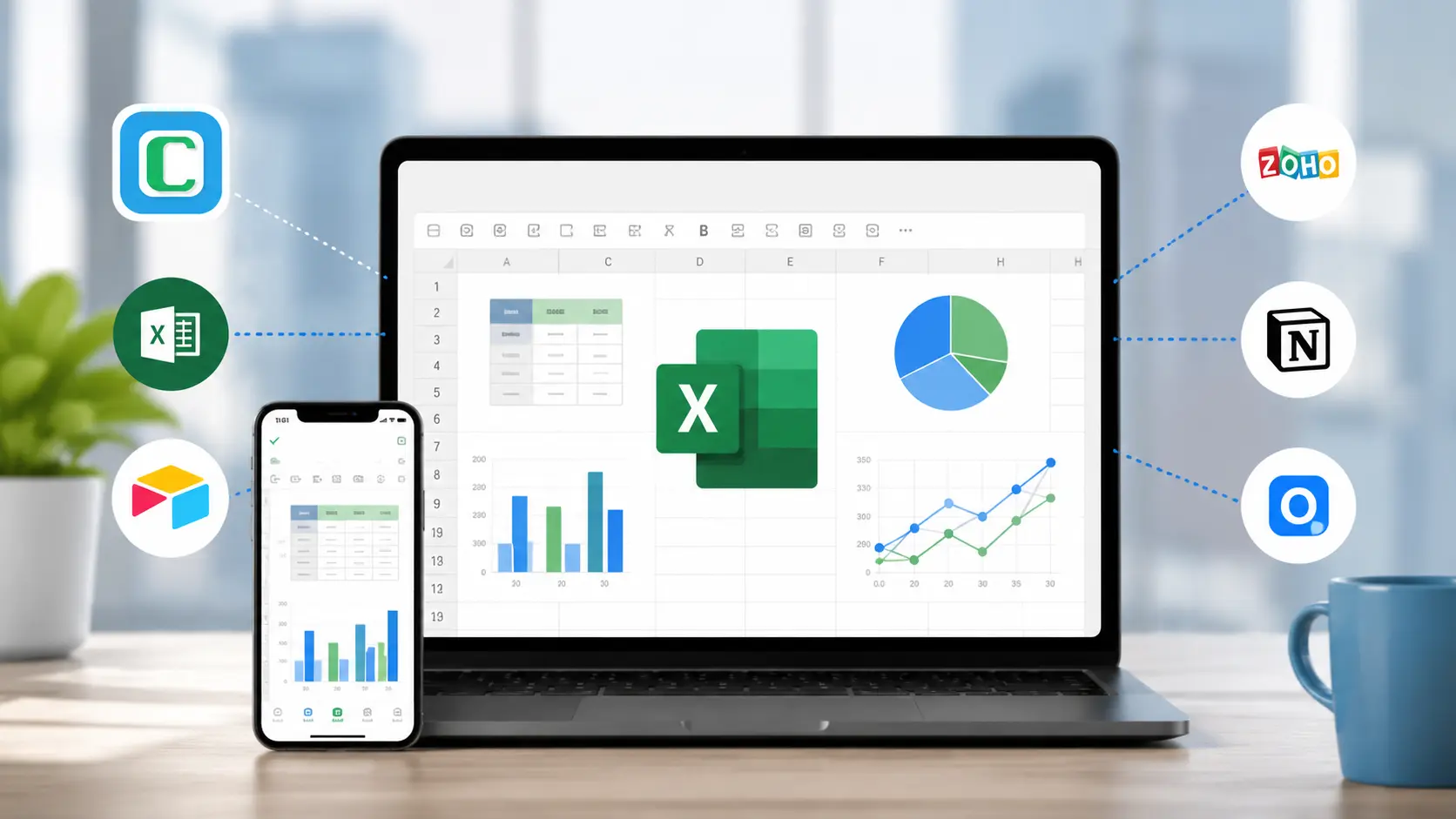
A shared Google Sheet is where most teams start — and, eventually, where they get stuck. The tab count creeps up, formulas break when someone drags a column, and there is no clean way to link a row in one sheet to a record in another. When a spreadsheet becomes the system that runs a real process, its cracks start to cost real time.
If your sheet has quietly turned into a database, a form, and a mini-app all at once, it is time to move to a tool built for that. The best Google Sheets alternatives in 2026 are Clappia, Airtable, Microsoft Excel, Zoho Creator, Smartsheet, Notion, Coda, and Baserow. Below is how each one compares, who it fits, and where it genuinely beats a spreadsheet.
| Tool | Best for | Free plan? | Paid from | Key advantage vs Google Sheets |
|---|---|---|---|---|
| Clappia | Turning data into a no-code app | Yes | $6/user/mo | Adds forms, workflows, dashboards & offline mobile |
| Airtable | Connected tables & views | Yes | ~$20/user/mo | Relational records replace lookup formulas |
| Microsoft Excel | Calculations & modeling | Yes (online) | ~$9.99/mo | Deeper formula & pivot power |
| Zoho Creator | Low-code app from data | Yes | ~$8/user/mo | Form-driven app with workflows |
| Smartsheet | Enterprise projects | Yes | ~$12/user/mo | Gantt, resources & approvals |
| Notion | Docs + databases | Yes | ~$10/user/mo | Docs and data in one workspace |
| Coda | Docs + tables + automation | Yes | ~$12/maker/mo | Interactive doc over your data |
| Baserow | Open-source self-hosted DB | Yes | self-host free | Own your data, no lock-in |
Google Sheets is excellent for quick lists and ad-hoc numbers. It starts to strain the moment data needs structure, rules, or people:
VLOOKUP chains or copy-paste, so the same value lives in five places and drifts out of sync.A true database keeps each fact in one place and links the rest to it. Vendors like IBM describe this relational model as the reason structured data stays consistent at scale — exactly what a flat grid can't guarantee.
Every tool below earns a spot by fixing at least one Google Sheets limitation. I weighed each on the criteria that decide whether a spreadsheet replacement actually sticks:
Clappia is a no-code platform that takes the job a spreadsheet was never built for — running a process — and gives it a proper home. Instead of a grid, you get a database, a form, an app, and an automation engine that non-developers can assemble by dragging fields onto a canvas. The same app works on web and on mobile, so office and field teams share one live source of truth.
Where it stands apart is the layer above the data. You can add multi-level approval workflows, send email, SMS, and WhatsApp notifications, auto-generate PDFs, and build live dashboards — none of which a sheet can do on its own.
And it keeps working where spreadsheets fail: on a phone, in a warehouse or a remote site, with full offline capture that syncs when signal returns. You can even keep your existing sheet in the loop and fetch data from Google Sheets or sync an external database so the move is gradual, not a rip-and-replace.
Where it beats Google Sheets:
Pros:
Cons:
Pricing: Free plan (free forever, not a trial); paid plans start at $6/user/month. G2 rating: 4.7/5. Best for: teams ready to turn a spreadsheet process into a real, mobile-ready app.
Airtable is the tool most people reach for first when a spreadsheet stops scaling. It keeps the familiar grid but adds linked records, so one base can connect projects, people, and tasks without duplicating data. Grid, kanban, calendar, gallery, and timeline views let each team see the same records the way they think.
It also ships a capable automation builder and a large template gallery, which makes it a strong step up for content calendars, CRMs, and inventory. The catch is cost and ceilings as you grow.
Where it beats Google Sheets:
Pros:
Cons:
Pricing: Free (record-capped); Team from about $20/user/month; Business higher. G2 rating: 4.6/5. Best for: office teams that want relational tables and flexible views.
If your real need is calculation rather than a shared operational system, Excel is still unmatched. Advanced formulas, pivot tables, Power Query, macros, and Copilot handle financial models and large one-off analyses that a browser spreadsheet struggles with, all within Excel's documented row and column limits.
What Excel is not is a relational database or a workflow tool. It stays a spreadsheet — a very powerful one — so the same structural limits that push teams off Google Sheets apply here too. If you already live in Excel, note that Clappia can pull data straight from your Excel files.
Where it beats Google Sheets:
Pros:
Cons:
Pricing: Free online version; Microsoft 365 Personal from about $9.99/month. G2 rating: 4.7/5. Best for: analysts who need spreadsheet horsepower, not a shared app.
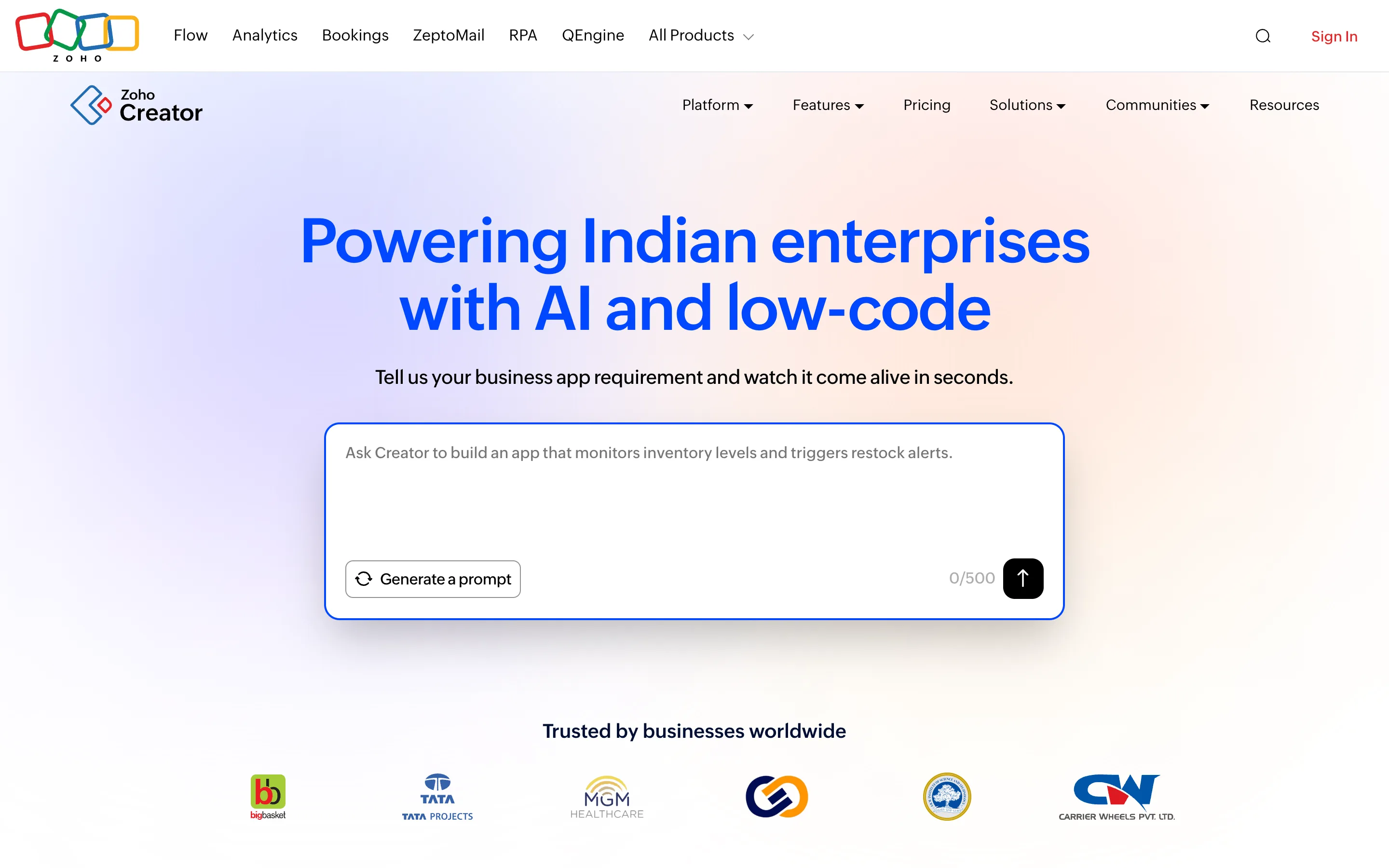
Zoho Creator sits between a spreadsheet and a developer platform. You model your data, generate forms, and add logic to produce a working web and mobile app, with tight links to the wider Zoho suite. For teams already invested in Zoho, it is a natural place to graduate from sheets.
It is more capable than a spreadsheet but also heavier to learn, and its Deluge scripting nudges you toward low-code rather than truly no-code when requirements get specific.
Where it beats Google Sheets:
Pros:
Cons:
Pricing: Free tier; paid from about $8/user/month (Standard). G2 rating: 4.3/5. Best for: Zoho-centric teams wanting a low-code app layer.
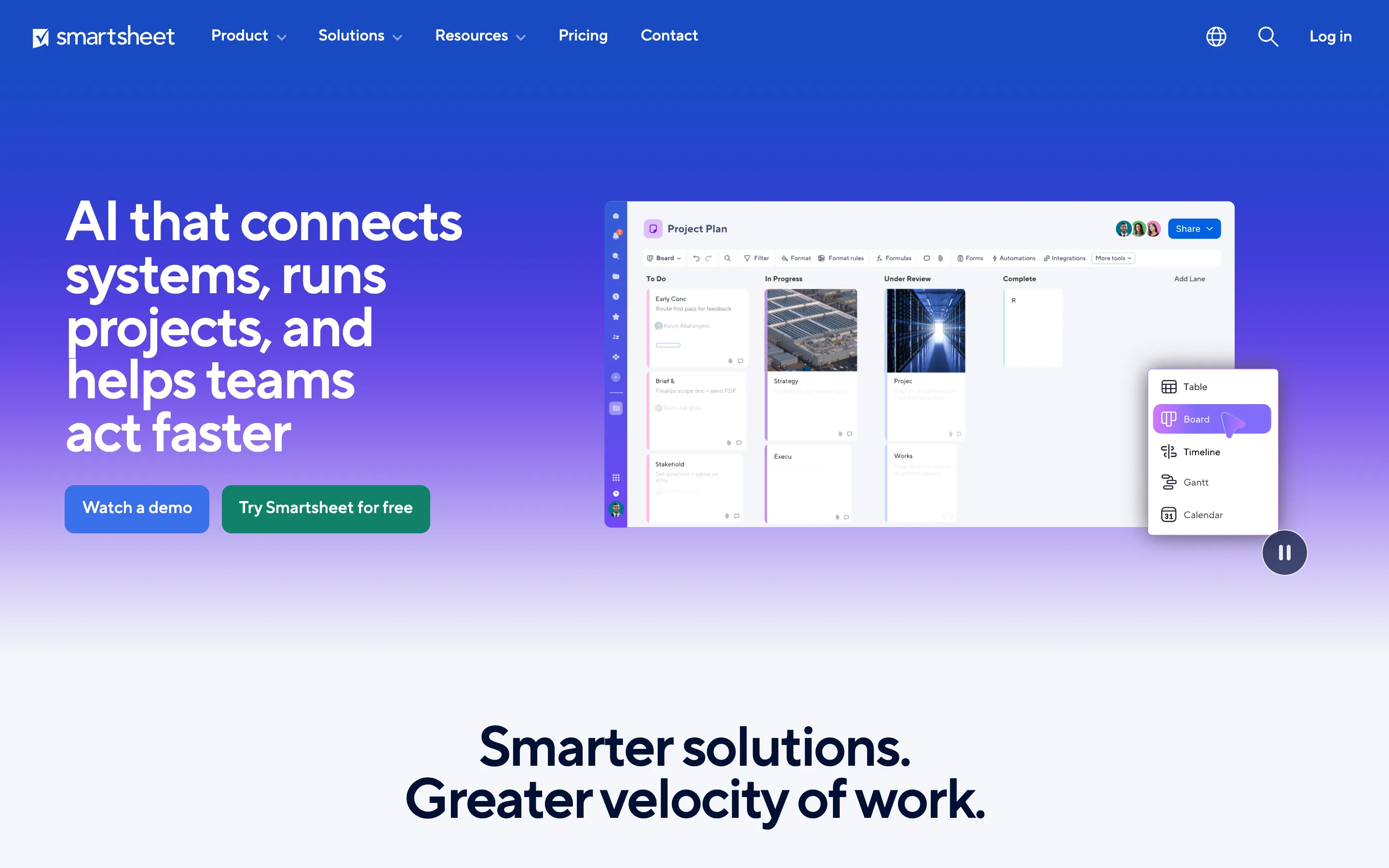
Smartsheet keeps a spreadsheet-like grid but wraps it in project and portfolio management — Gantt charts, resource views, approval flows, and Control Center for standardizing work across teams. Large organizations use it to run programs, not just store rows.
It is powerful but priced and structured for the enterprise, and it is a project tool with a grid rather than a true database. For a straight spreadsheet swap it can feel like a lot.
Where it beats Google Sheets:
Pros:
Cons:
Pricing: Free (limited); Pro from about $12/member/month; Business higher. G2 rating: 4.4/5. Best for: enterprises running projects at scale.
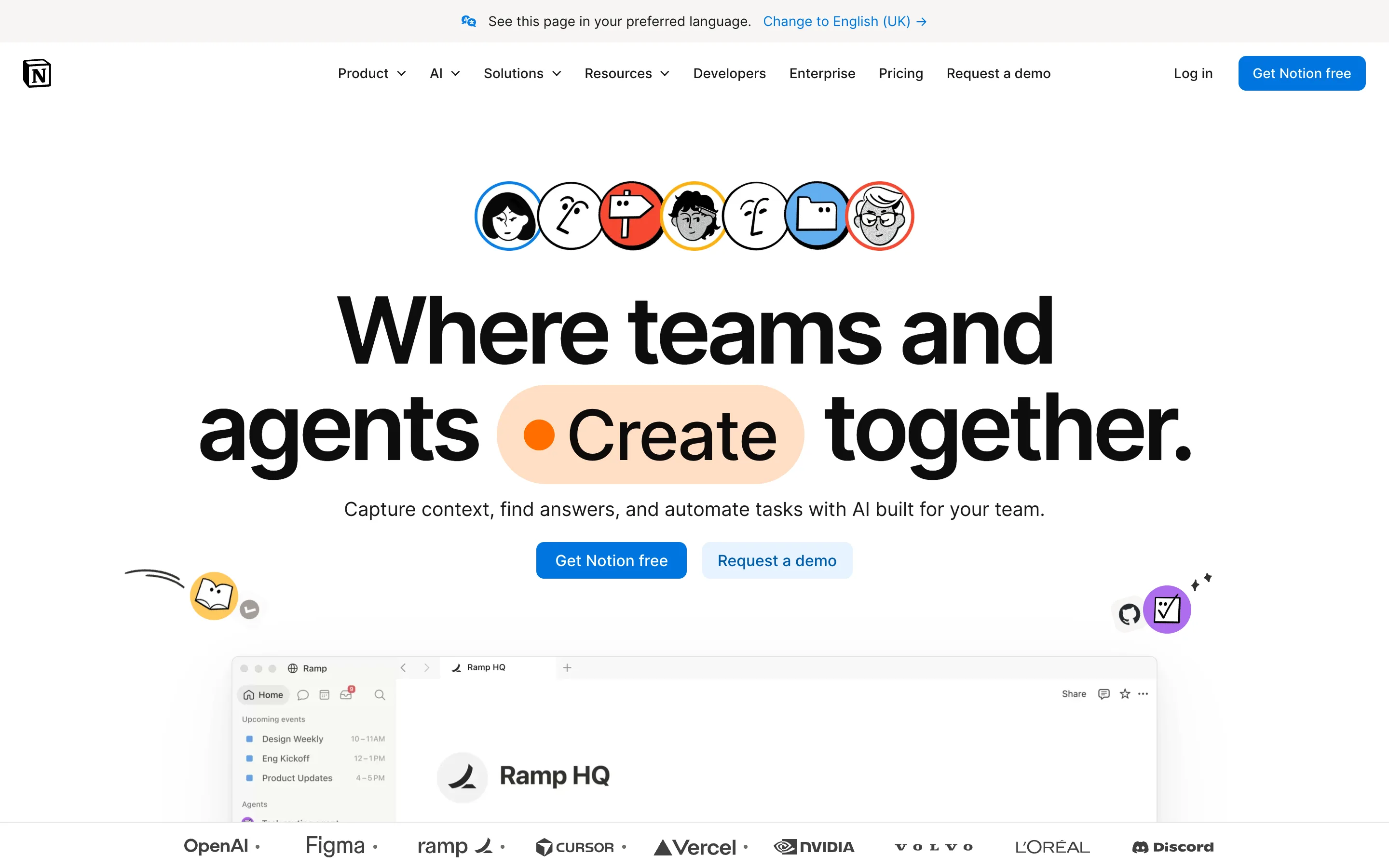
Notion blends documents, wikis, and databases, so a project brief and its task table live on the same page. Linked databases, multiple views, rollups, and Notion AI make it a flexible home for knowledge work and light operations.
It shines for content and internal knowledge, but database performance softens at scale, and it has no native way to drive external workflows or hard permissions.
Where it beats Google Sheets:
Pros:
Cons:
Pricing: Free; paid from about $10/user/month. G2 rating: 4.7/5. Best for: teams that want docs and data together.
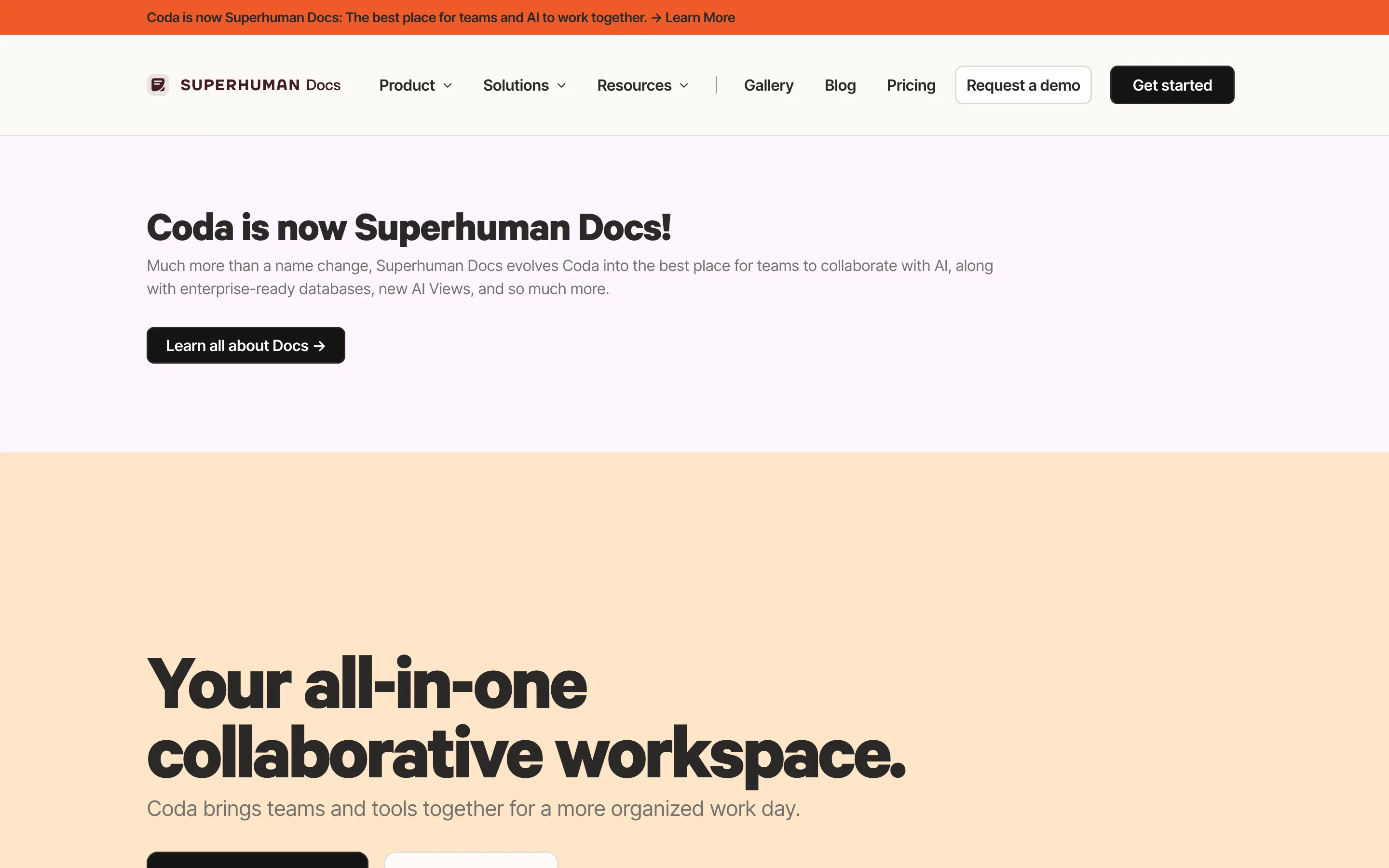
Coda packs rich documents, relational tables, buttons, and automation rules into one surface, with connectors to Slack, Jira, and Zapier. It is a favorite for teams that want a living document that can also act on data.
Like Notion, it trades some raw database performance for flexibility, and per-maker pricing can scale awkwardly as adoption spreads.
Where it beats Google Sheets:
Pros:
Cons:
Pricing: Free (limited); Pro from about $12/Doc Maker/month. G2 rating: 4.7/5. Best for: teams that want an interactive doc over their data.
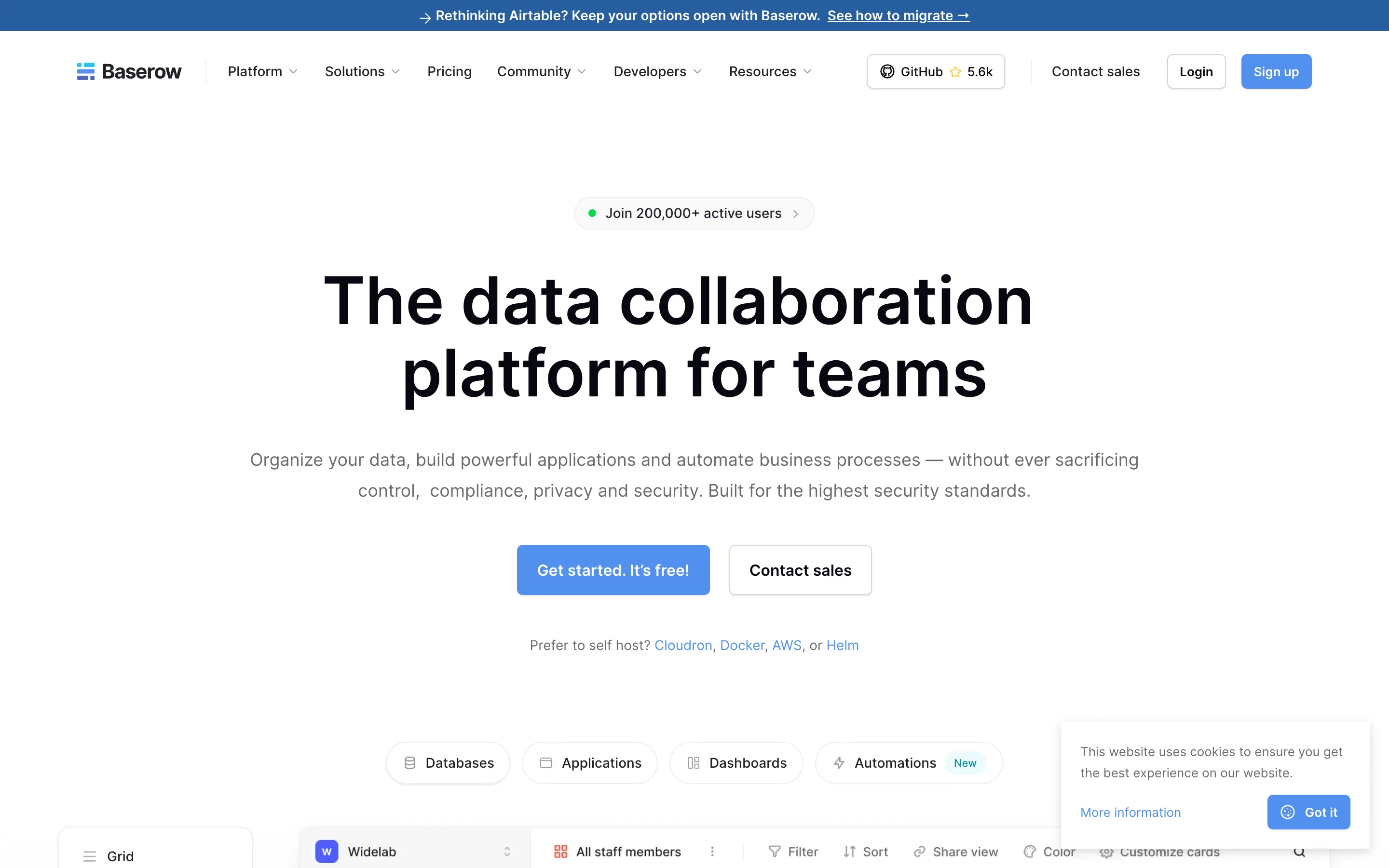
Baserow is an open-source, Airtable-style database you can self-host for full control of your data. It offers linked records, multiple views, and a spreadsheet-like feel, with compliance credentials that appeal to security-conscious teams.
The trade-off is ownership: self-hosting means you manage the infrastructure, and there is no built-in app layer beyond the database itself.
Where it beats Google Sheets:
Pros:
Cons:
Pricing: Free (open-source, self-hosted); paid cloud tiers from a few dollars per user/month. G2 rating: 4.5/5. Best for: technical teams that must control where data lives.
Most tools on this list give you a better table. Clappia gives you the thing a spreadsheet was standing in for: an app that runs the process end to end. Your data becomes structured records, your form becomes a mobile app, and your status column becomes a real approval workflow with notifications, PDFs, and dashboards attached.
That matters most where work leaves the office. Teams across construction, manufacturing, field service, logistics, retail, healthcare, and real estate use Clappia to run quality inspections, track field sales, and capture data offline — the exact jobs a shared sheet handles badly. And because you can connect your existing sheets and databases, you migrate at your own pace.
In practice, the teams that switch fastest aren't chasing a prettier grid — they're tired of chasing people. The moment an approval routes itself and the field app works offline, the spreadsheet stops being the bottleneck.
Your spreadsheet became the system that runs a process. Turn it into a real app — with approvals, dashboards, and offline mobile capture — on Clappia's free plan.
Get started freeMatch the tool to the job, not the other way around:
Airtable, Notion, and Coda are excellent if you mainly need a smarter table. But if your spreadsheet quietly became the system that runs a process — with people to notify, approvals to route, and field data to capture — a nicer grid won't fix it. Clappia is the strongest Google Sheets alternative for that shift, because it turns your data into a no-code app with workflows, dashboards, and offline mobile capture, and it starts free so you can prove it on one process first.
Ready to move beyond a flat sheet? Start building for free and turn your most painful spreadsheet into a working app — with approvals, dashboards, and offline mobile capture — before you pay a rupee. Your team gets a single source of truth that actually runs the process.
For a straight relational database, Airtable and Baserow are strong. But if your spreadsheet is really running a process, Clappia is the best pick — it turns the data into a no-code app with linked records, approval workflows, dashboards, and offline mobile capture.
Yes. Most tools import from CSV or Google Sheets directly. Clappia can also fetch live data from Google Sheets and sync external databases, so you can migrate gradually instead of all at once.
A spreadsheet stores values in a flat grid; a database stores structured records and links them, so each fact lives in one place. That relational model is what keeps data consistent as it grows — something a sheet can't guarantee.
Among the cheapest paid options, Smartsheet and Notion start around $10–$12/user/month, but they remain a project grid and a docs-database rather than a full app platform — no offline mobile capture or built-in field workflows. Clappia delivers those advanced capabilities from just $6/user/month, so you get an app layer, approvals, and offline capture for less, not more.
Clappia has a free plan where you can build unlimited apps, use almost every field, create workflows, try most features, share with your team, and test the whole thing — you only pay when it meets your requirements. Airtable, Notion, and Baserow also offer free tiers, though with record or feature limits.
 Get Started – It’s Free
L374, 1st Floor, 5th Main Rd, Sector 6, HSR Layout, Bengaluru, Karnataka 560102, India
3500 S DuPont Hwy, Dover,
Kent 19901, Delaware, USA


.svg)




3500 S DuPont Hwy, Dover,
Kent 19901, Delaware, USA
L374, 1st Floor, 5th Main Rd, Sector 6, HSR Layout, Bengaluru, Karnataka 560102, India



.avif)


.avif)