The way businesses build software is changing fast. By 2026, experts predict that 80% of technology products will be created by people who aren't professional developers. This shift isn't just a trend—it's a fundamental change in how companies solve problems and serve customers.
No-code platforms have made this possible. They let anyone with a business idea build functional mobile apps, web applications, and automated workflows without writing a single line of code. For businesses in the USA, this means faster launches, lower costs, and the ability to adapt quickly to market changes. Finding the right no-code app builder for Android and iOS development has become crucial for companies wanting to reach mobile users across both major platforms.
But with dozens of no-code platforms available, which one should you choose? The answer depends on what you're trying to build, your budget, and your specific business needs.
This guide breaks down the top 8 no-code platforms available in the USA for 2026. We'll examine their features, pricing, strengths, and ideal use cases. Whether you're building field service apps, internal tools, customer-facing products, or automated workflows, you'll find the right platform for your needs.
Before diving into specific platforms, let's establish what separates excellent no-code tools from mediocre ones.
A quality no-code platform needs more than just a drag-and-drop interface. Here's what matters:
Visual Development Environment: The platform should let you build by assembling pre-made components, not by writing configuration files or dealing with technical syntax. You should see what you're building as you build it.
Database and Data Management: Your app needs to store and retrieve information. Whether that's user accounts, inventory records, or customer feedback, the platform should handle data without requiring you to understand database architecture.
Multi-Platform Deployment: Business apps need to reach users wherever they are. The best platforms support web apps, mobile apps, or both—and they make deployment straightforward.
Integration Capabilities: Your new app won't exist in isolation. It needs to connect with email, payment processors, spreadsheets, CRMs, and other tools you already use. Strong API support and pre-built integrations save countless hours.
Workflow Automation: Building the interface is just the start. The platform should automate actions based on triggers—send emails when forms are submitted, update records when conditions are met, route approvals to the right people.
Security and Compliance: Business data needs protection. Look for platforms with proper encryption, access controls, and compliance certifications if you're in regulated industries.
Not all no-code platforms serve the same purpose. Understanding the categories helps you choose wisely:
Full-Stack Platforms like Clappia and Bubble let you build complete applications from scratch—front-end, back-end, database, and workflows all in one place. These work well when you need a custom solution that doesn't exist anywhere else.
Specialized Builders focus on specific use cases. Some excel at internal tools, others at client portals or automation workflows. They trade breadth for depth, offering excellent solutions within their niche.
Mobile-First vs Web-First: Some platforms prioritize mobile app creation, while others focus on web applications. A few excel at both. Your choice depends on how your users will access the app.
Enterprise vs SMB Focus: Platforms designed for large enterprises offer advanced security, compliance features, and scalability—but often with steeper learning curves and higher costs. Small business-focused platforms prioritize ease of use and affordability.
We evaluated over 30 no-code platforms using criteria that matter to real businesses:
Ease of Use: How quickly can a non-technical person build a working app? We tested each platform's onboarding, documentation, and learning curve.
Feature Richness: Does the platform offer enough functionality to build real business applications? We looked at available blocks, integrations, and customization options.
Pricing Value: We compared what you get at each price tier. The best platforms offer transparent pricing that scales with your usage, not arbitrary limitations.
Real-World Applicability: Can you actually build the apps businesses need? We tested common use cases like attendance tracking, inventory management, field service apps, and approval workflows.
Mobile App Support: We evaluated whether platforms create true native apps, progressive web apps, or responsive web interfaces—and how well they work on smartphones.
Offline Functionality: Critical for field work, remote operations, or areas with poor connectivity. Few platforms offer genuine offline mode with data sync.
Support and Community: When you're stuck, can you get help? We assessed documentation quality, support responsiveness, and community activity.
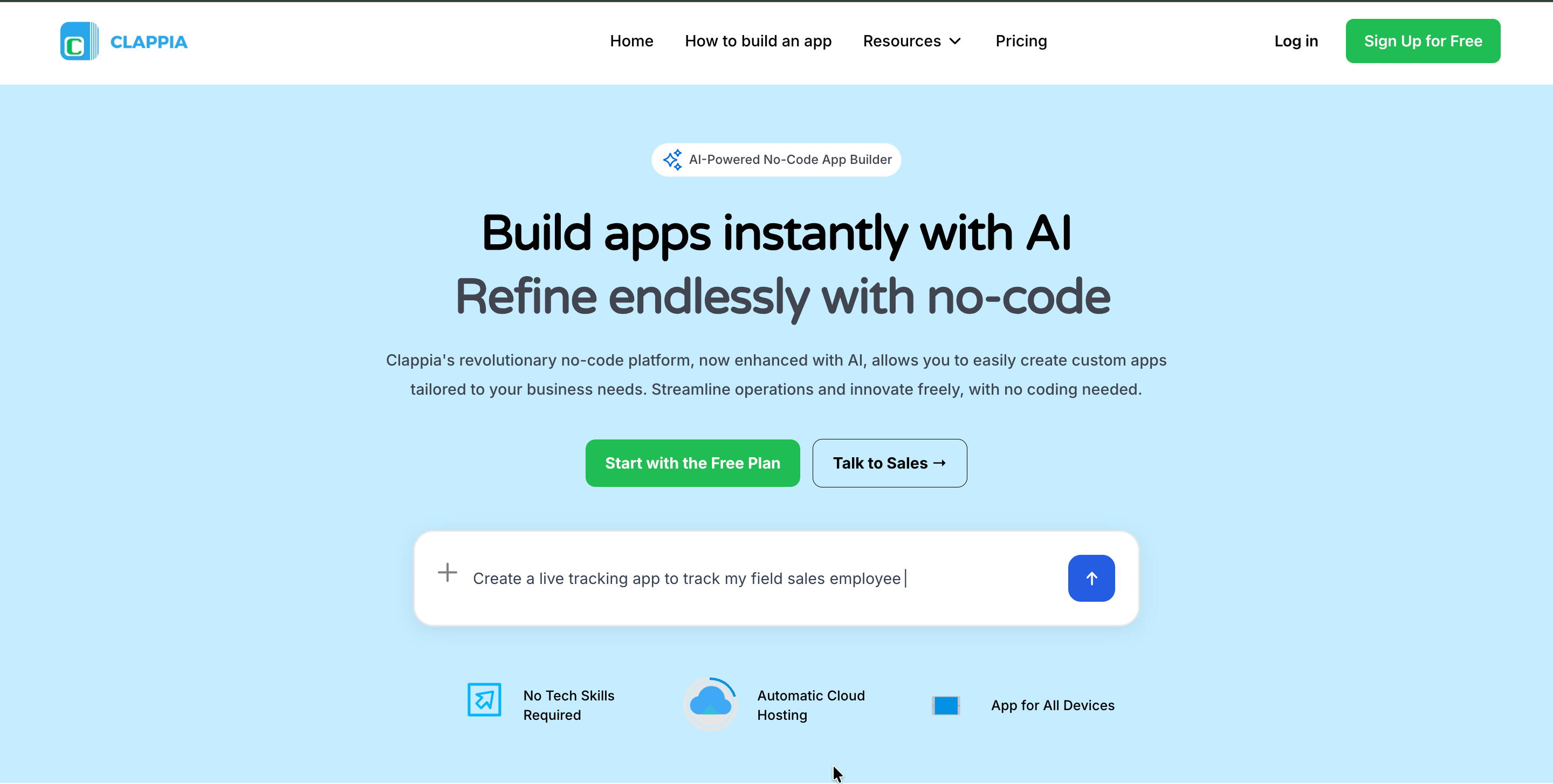
Clappia stands out as the most versatile no-code app builder for creating both Android and iOS applications. Unlike platforms that excel in narrow niches, Clappia handles nearly any real-world business use case—from field service management to healthcare scheduling, inventory tracking to expense approvals.
Clappia combines the simplicity of no-code with powerful capabilities traditionally reserved for low-code platforms. The platform's unique AI-powered app builder lets you create applications by describing what you need in plain English. Upload requirement documents or describe your workflow, and Clappia's AI generates a working app that you can then refine and customize.
For USA-based businesses, Clappia operates with data centers hosted on AWS in the United States, ensuring faster performance, lower latency, and compliance with US data residency requirements. This infrastructure advantage means American users experience quick load times and responsive applications, critical for field operations and real-time data capture.
But Clappia isn't just about AI convenience. It's the comprehensive feature set that makes it exceptional. While competitors might offer 30-50 pre-built blocks, Clappia provides over 100—each designed for specific business needs identified through years of working with enterprises across industries.
AI-Powered App Builder: Describe your need in natural language or upload requirement documents. Clappia's AI analyzes your input and creates a working application structure complete with fields, workflows, and logic. This isn't just generating code—it's understanding business processes and translating them into functional apps.
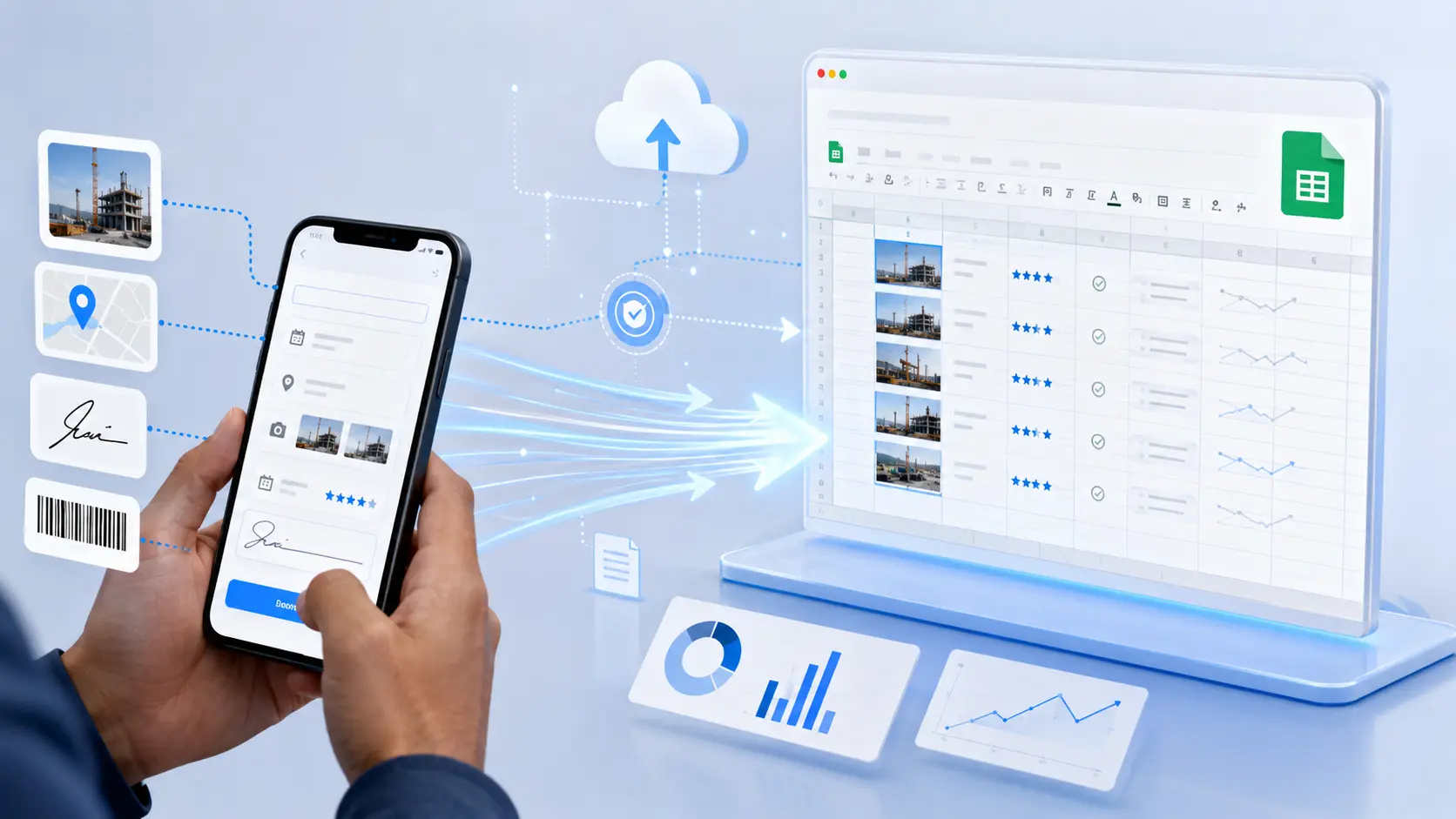
Advanced Data Capture: Beyond basic forms, Clappia handles complex data collection:
Mobile-First Design with Offline Mode: Clappia excels where many competitors fail—offline functionality. Field workers can capture data in remote areas with no connectivity. Once back online, everything syncs automatically. This capability transforms how industries like construction, healthcare, and field services operate.
The platform creates true native mobile apps for iOS and Android. Unlike progressive web apps that mimic native behavior, these apps integrate with device features like cameras, GPS, and sensors while delivering the performance users expect.
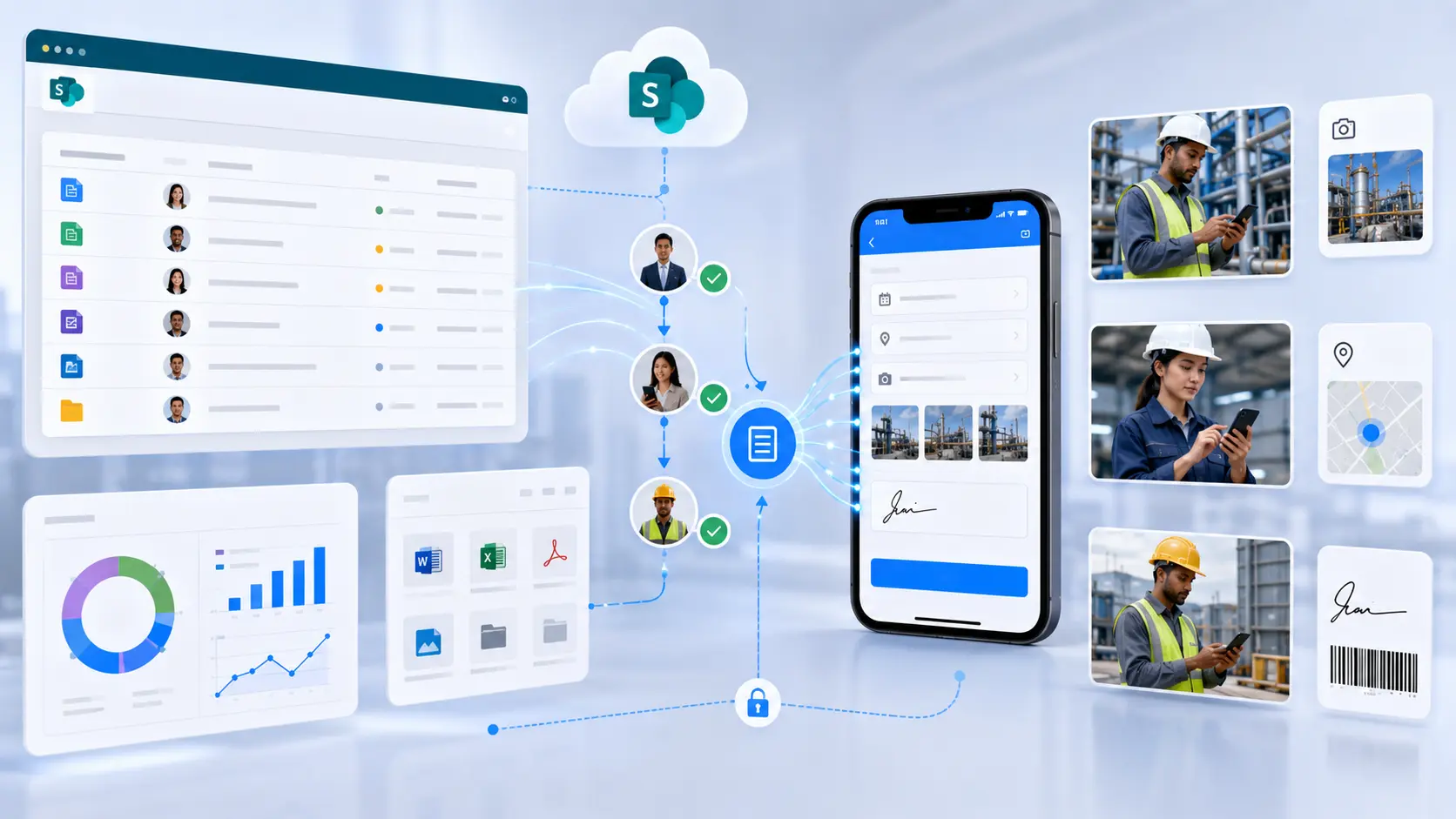
Workflow Automation That Actually Works: Clappia's workflow system handles complex business processes without the steep learning curve of traditional BPM tools. Set up multi-level approval hierarchies, conditional routing based on field values, automated notifications via email, SMS, WhatsApp, or Slack, and scheduled actions triggered by dates or events.
The JavaScript code block gives you unlimited customization without leaving the no-code environment. Need complex calculations or unique logic? Write custom code that integrates seamlessly with visual components.
Integration Ecosystem: Connect Clappia with:
Analytics and Reporting: Real-time dashboards visualize data as it comes in. Create bar charts, line graphs, pie charts, and location-based maps without writing formulas or pivot tables. Generate branded PDF reports automatically from form submissions—perfect for invoices, certificates, or inspection reports.
White-Labeled Mobile Apps: Unlike most no-code platforms, Clappia publishes your app to the Apple App Store and Google Play Store under your brand. Your logo, your name, your identity—no "Powered by Clappia" watermarks. This matters when building customer-facing or employee apps for large organizations.
Clappia isn't limited to a single industry or use case. Here's where businesses deploy it most successfully:
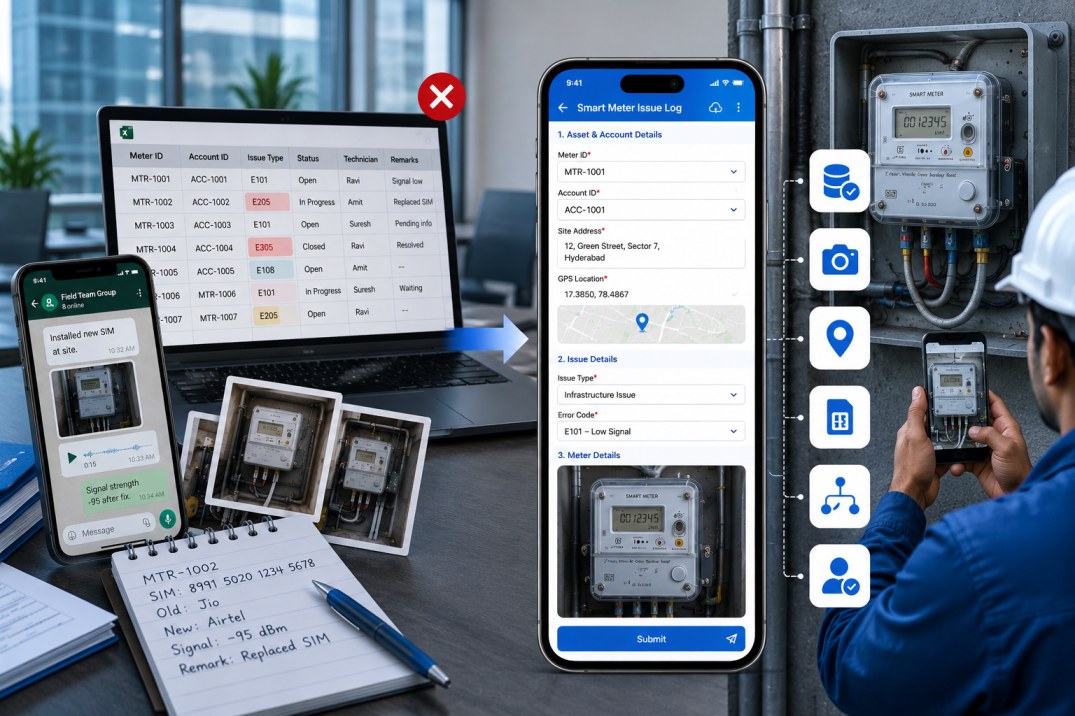
Field Force Management: Build GPS-based attendance apps with geofencing, ensuring employees check in from verified locations. Track field staff movements with live tracking, manage service tickets, and capture site visit details—all in one system.
Inventory and Asset Management: Use QR code scanning to track inventory movements, monitor stock levels with automated alerts, and maintain asset registers with maintenance schedules. Clappia handles everything from simple inventory logs to complex warehouse management.
Quality Inspections and Compliance: Create inspection checklist apps with photo evidence requirements, signature verification, and automated compliance reports. Industries from manufacturing to healthcare use Clappia for safety audits and quality control.
Employee Management: Beyond attendance, handle employee onboarding with document collection, training schedules, and approval workflows. Track leave requests, expense claims, and performance reviews in customized apps.
Delivery and Logistics: Build delivery tracking apps with real-time location updates, proof of delivery signatures, and customer notifications. Optimize routes, track vehicles, and manage dispatch operations.
Healthcare Operations: Manage patient appointments, track medical records, schedule staff shifts, and handle prescription tracking. Clappia's HIPAA-compliant infrastructure protects sensitive health data.
Financial Services: Create loan collection apps with GPS verification of field agent locations, digital payment collection, and automated reminder workflows.
Retail and FMCG: Deploy store audit apps for merchandising checks, inventory verification, and promotional compliance across multiple locations.
This versatility stems from Clappia's design philosophy: provide comprehensive building blocks that serve any industry rather than limiting the platform to predefined templates.
Clappia offers the most generous free tier of any no-code app builder: build unlimited apps with unlimited users. The free plan includes core features like forms, workflows, and basic integrations—enough to validate ideas, build internal tools, and complete all your testing before committing to any payment. This is incredibly beneficial for businesses that want to thoroughly evaluate the platform and finalize their applications risk-free.
Starter plans begin at just $6 per user per month, making Clappia one of the most affordable no-code platforms available. What makes this pricing even more attractive is how it scales—as your team grows, the per-user cost reduces to as low as $2.8 per user per month at scale.
When compared to competitors:
Clappia stands as the cheapest no-code app builder for Android and iOS that doesn't compromise on advanced features. You get GPS tracking, offline mode, QR scanning, workflow automation, white-labeled apps, and unlimited applications—capabilities that competitors either lack entirely or charge premium prices for.
Professional plans unlock:
For enterprise customers, custom pricing includes dedicated account management, SLA guarantees, on-premise deployment options, advanced security features, and unlimited scalability.
This pricing model differs fundamentally from competitors who charge per app, per workflow run, or based on database size. Clappia's transparent per-user pricing makes costs predictable as you scale, with no surprise bills or hidden charges. The ability to test everything for free before paying removes all risk from your decision.
What Clappia Does Exceptionally Well:
Where to Exercise Caution:
Ideal Users:
Start building with Clappia and see why businesses across industries choose it for mission-critical applications.
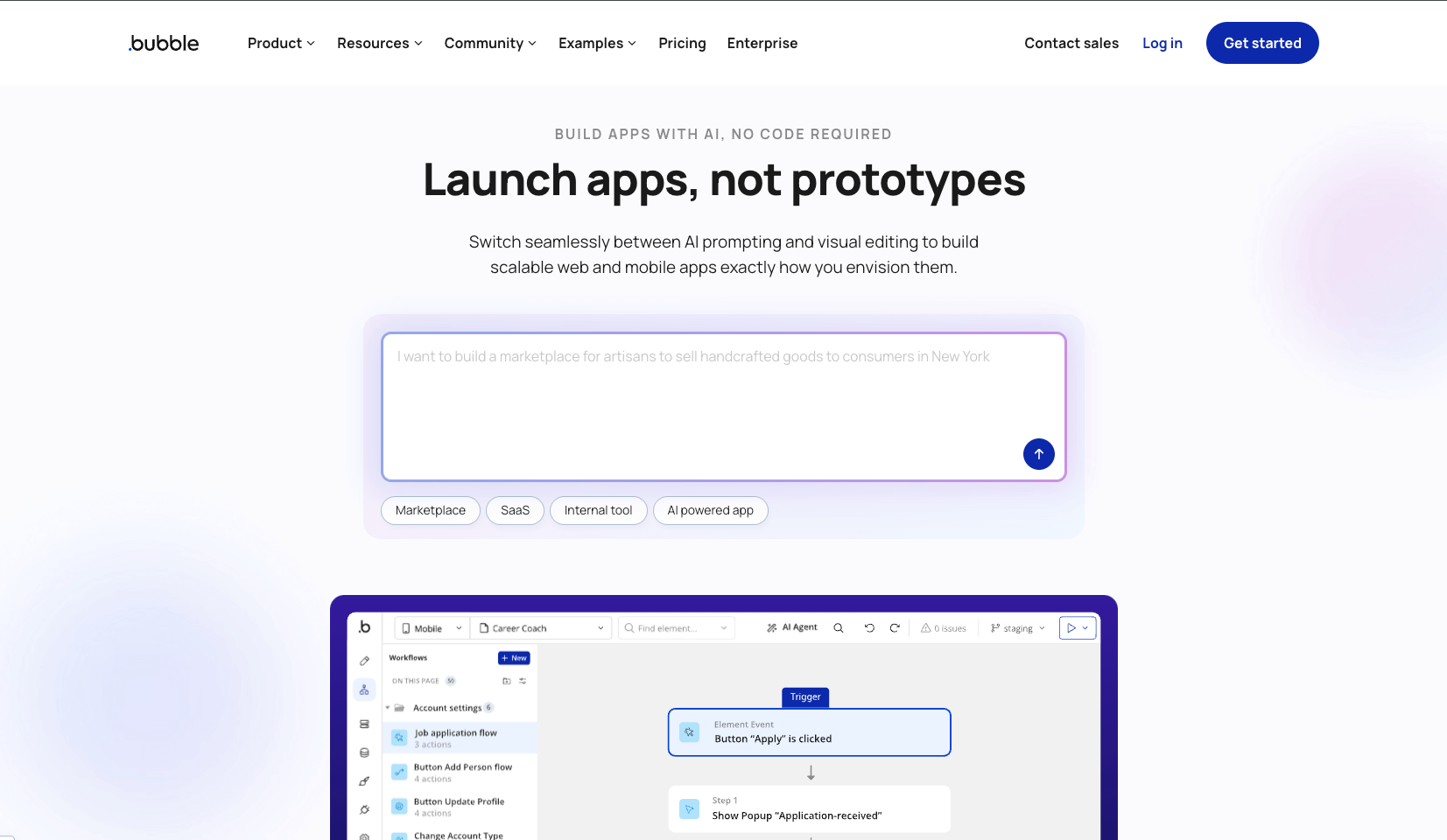
Bubble built its reputation as the platform for building web applications with no coding limits. If you can imagine a web app, you can probably build it in Bubble—though it'll take patience and dedication.
Bubble offers a visual programming language that mirrors traditional development. You work with databases, APIs, workflows, and conditions just like a developer would—but through a visual interface instead of code. This gives you tremendous power but demands a corresponding investment in learning.
The platform's plugin marketplace contains thousands of pre-built integrations and components. Need payment processing? Drag in Stripe. Want user authentication? Multiple plugins handle it. This ecosystem accelerates development once you understand the basics.
Visual Database Designer: Create custom databases with relationships between tables, privacy rules for data access, and complex queries. Bubble's database rivals what you'd build with traditional SQL databases.
Responsive Design Editor: Build layouts that adapt to different screen sizes. Bubble gives you pixel-level control over appearance while maintaining responsiveness.
API Integration: Connect to any REST API, both consuming external data and exposing your app's data to other services. Build custom API endpoints for other apps to access.
Complex Workflows: Set up multi-step processes with conditional logic, loops, and error handling. Bubble workflows can handle sophisticated business logic.
Plugin Ecosystem: Access thousands of plugins for everything from analytics to video players, with new ones added constantly by Bubble and third-party developers.
Bubble excels when building:
Bubble's free plan lets you build and test. Paid plans start at $29/month (billed annually) for the Starter plan, moving up to Growth ($119/month) and Team ($349/month). Enterprise pricing varies based on needs.
The catch: Bubble charges based on "workload units"—server processing power your app consumes. Complex apps with many users can see costs increase significantly. Budget carefully.
Strengths:
Limitations:
How It Compares to Clappia: Choose Bubble if you're building a web-first SaaS product and have time to learn. Choose Clappia if you need mobile apps, offline functionality, or want to start building immediately across diverse use cases. Bubble offers more web design flexibility; Clappia offers broader business functionality out of the box.
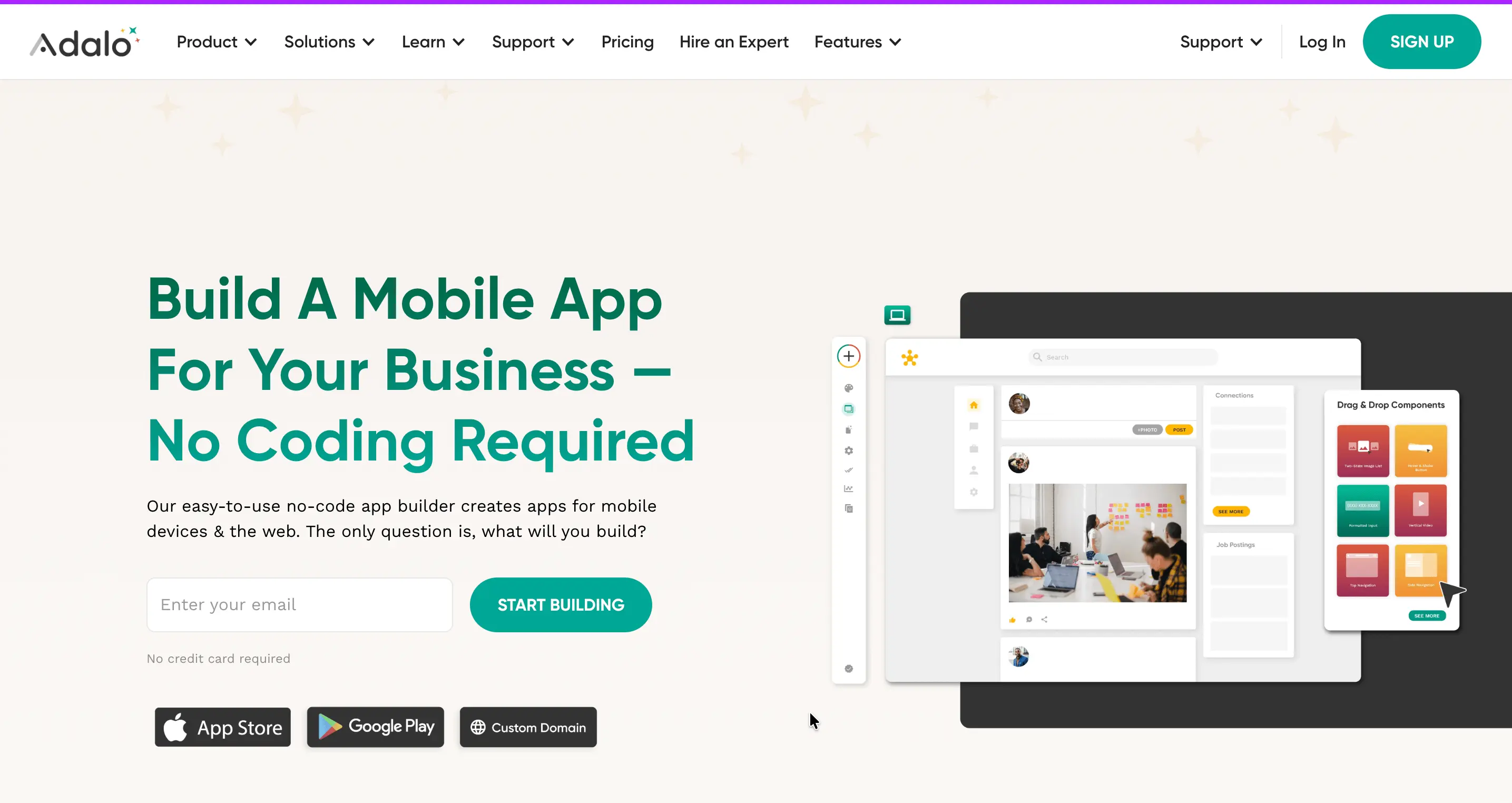
Adalo focuses exclusively on building mobile apps that work on both iOS and Android. It strikes a balance between ease of use and sufficient power to create functional applications.
Adalo publishes true native mobile apps to the App Store and Google Play. This differs from progressive web apps—your users download a real app that integrates with their device's features and delivers expected mobile performance.
The platform's component library includes mobile-specific elements like swipeable cards, bottom navigation bars, and mobile-optimized forms. Templates for common app types help you start quickly.
Native Mobile Publishing: One-click publishing to both iOS and Android app stores (though you still need developer accounts).
Component Marketplace: Access pre-built components from Adalo and third-party developers for maps, chat interfaces, payment processing, and more.
Custom Actions: Set up interactions like button taps, swipe gestures, and form submissions with visual workflow builders.
Database Builder: Create custom databases or connect to external data sources, with relationships between data types.
Magic Text: Reference data from anywhere in your app using dynamic placeholders that update in real-time.
Adalo works well for:
Free plan for testing. Paid plans start at $45/month for Starter (1 app, 50 submissions daily), $65/month for Professional (3 apps, 200 submissions daily), up to $200/month for Team (10 apps, 500 submissions daily) and $250/month for Business.
Strengths:
Limitations:
How It Compares to Clappia: Adalo focuses narrowly on mobile apps, while Clappia builds both mobile and web apps. Adalo suits consumer-facing apps; Clappia handles enterprise use cases with features like GPS tracking, offline mode, and barcode scanning that Adalo lacks. If you only need a simple mobile app, Adalo works. For comprehensive business applications, Clappia delivers more value.
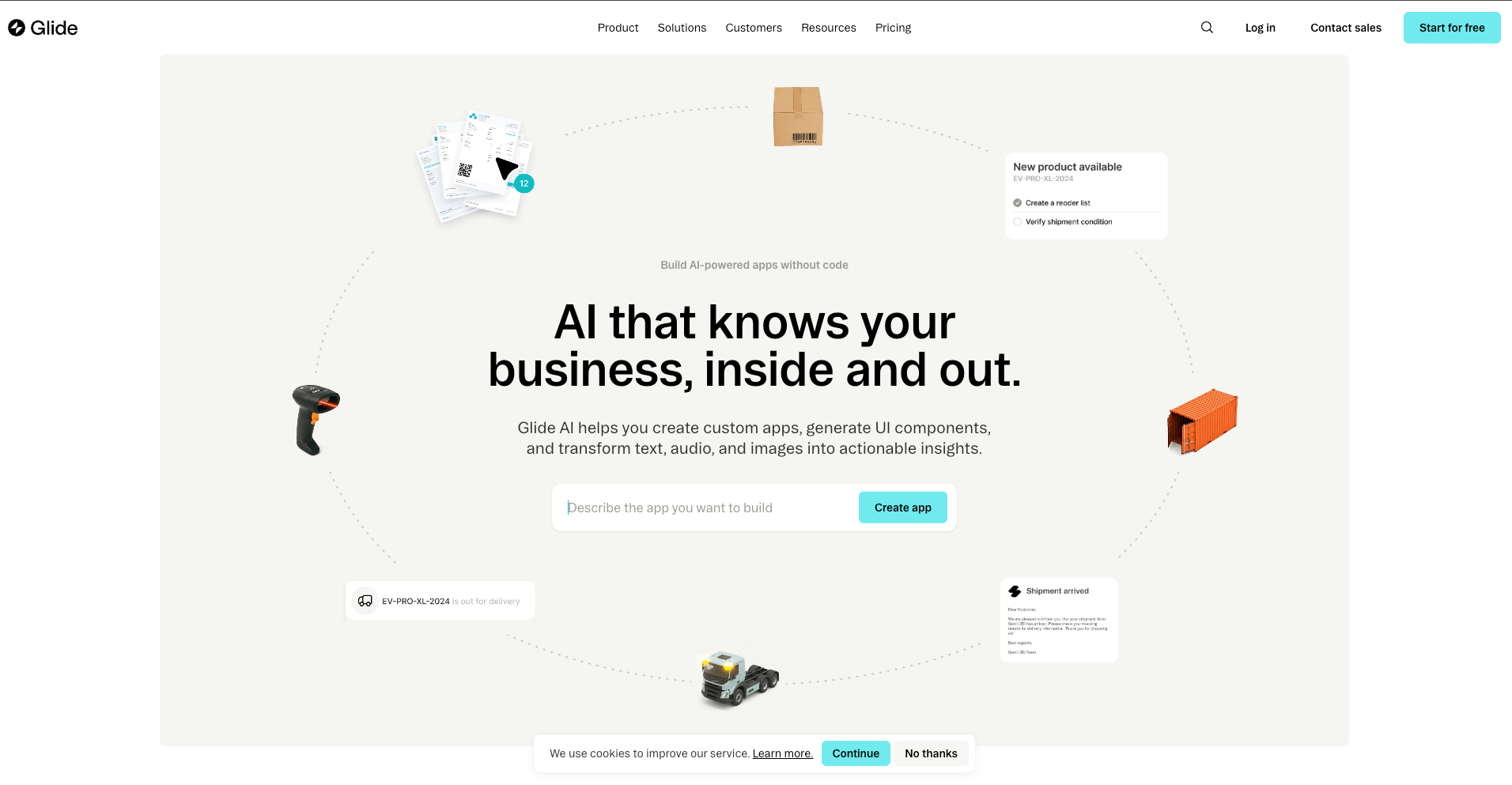
Glide transformed from a simple spreadsheet-to-app converter into a platform for building sophisticated business applications. It remains accessible while offering enough power for serious internal tools.
Glide creates progressive web apps that look and feel native on mobile while also working perfectly on desktop. You don't build separate mobile and desktop versions—Glide handles the responsive design automatically.
The platform's AI features stand out. Extract text from images, generate content, analyze data, and create dynamic responses—all with built-in AI blocks that don't require separate API keys or configurations.
Spreadsheet Integration: Start from Google Sheets or Glide Tables (their native database). Data syncs in real-time between your app and the source.
AI-Powered Components: Built-in AI for text extraction from images, content generation, data analysis, and smart recommendations.
Collections and Layouts: Pre-designed layouts for lists, cards, calendars, maps, and more. Drag in a layout type and connect it to your data.
Computed Columns: Create formulas in your data tables that calculate values, format text, or make decisions based on other columns.
Access Controls: Set visibility rules for screens, components, and data based on user roles or conditions.
Glide excels at:
Free plan includes basic features with Glide branding. Paid plans start at $25/month per Maker (person who builds) plus $4/month per end user. Business plan costs more but includes advanced features and greater capacity.
Strengths:
Limitations:
How It Compares to Clappia: Glide works well for internal business tools with moderate complexity. Clappia's workflow automation and field data collection features make it stronger for operations-focused applications. Glide's AI features are convenient; Clappia's comprehensive AI block offers more customization. Choose Glide for elegant internal tools; choose Clappia for apps that require GPS tracking, offline mode, or complex approvals.
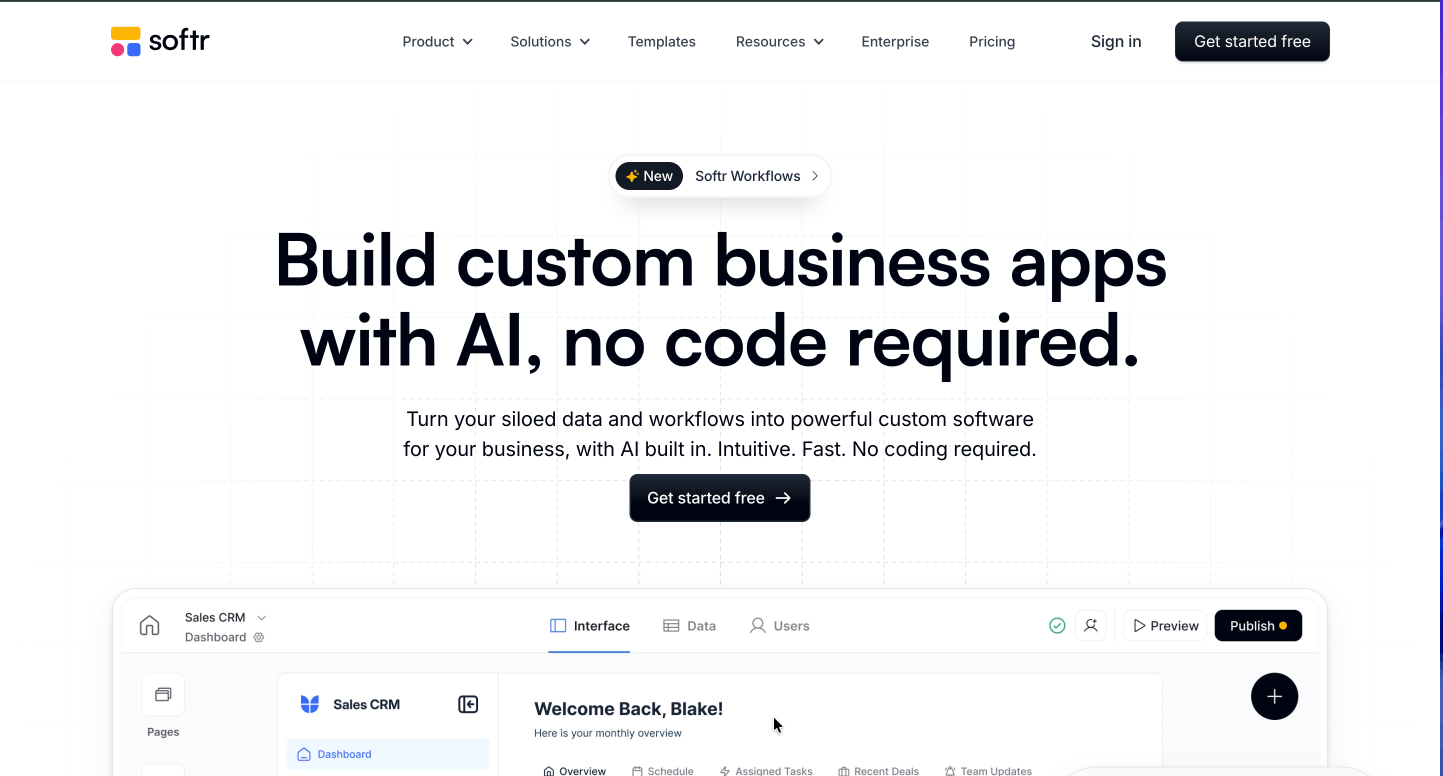
Softr specializes in building web apps and client portals from data you already have in Airtable or Google Sheets. It prioritizes simplicity and speed over comprehensive features.
Softr uses a "block" system where you drag pre-designed sections onto pages—lists, forms, charts, user profiles—then connect them to your data source. No database design, no workflow programming. Just assemble and configure.
The platform excels at public-facing websites that also have logged-in functionality. Create a public marketing site with a members-only portal behind login—all in one platform with consistent design.
Data Source Integration: Connect to Airtable bases or Google Sheets. Softr reads your data structure and creates interfaces automatically.
Pre-Built Blocks: Drag in tables, lists, forms, charts, calendars, and more. Each block type handles a specific function with minimal configuration.
User Authentication: Add logins, user profiles, and access controls without technical setup. Different user types can see different content.
SEO Tools: Unlike many no-code platforms, Softr includes built-in SEO settings, meta tags, and clean URLs for each page.
Custom Domains: Connect your own domain easily, with SSL certificates included.
Softr works best for:
Free plan limited to one published site with Softr branding. Paid plans start at $49/month (Starter), $119/month (Professional), up to $399/month (Business) with increasing features and capacity.
Strengths:
Limitations:
How It Compares to Clappia: Softr solves different problems than Clappia. Choose Softr for quick client portals and content-driven sites. Choose Clappia for building comprehensive business applications with mobile apps, offline data collection, and automated workflows. If your needs include field operations, approvals, or data capture beyond simple forms, Clappia provides the necessary capabilities.
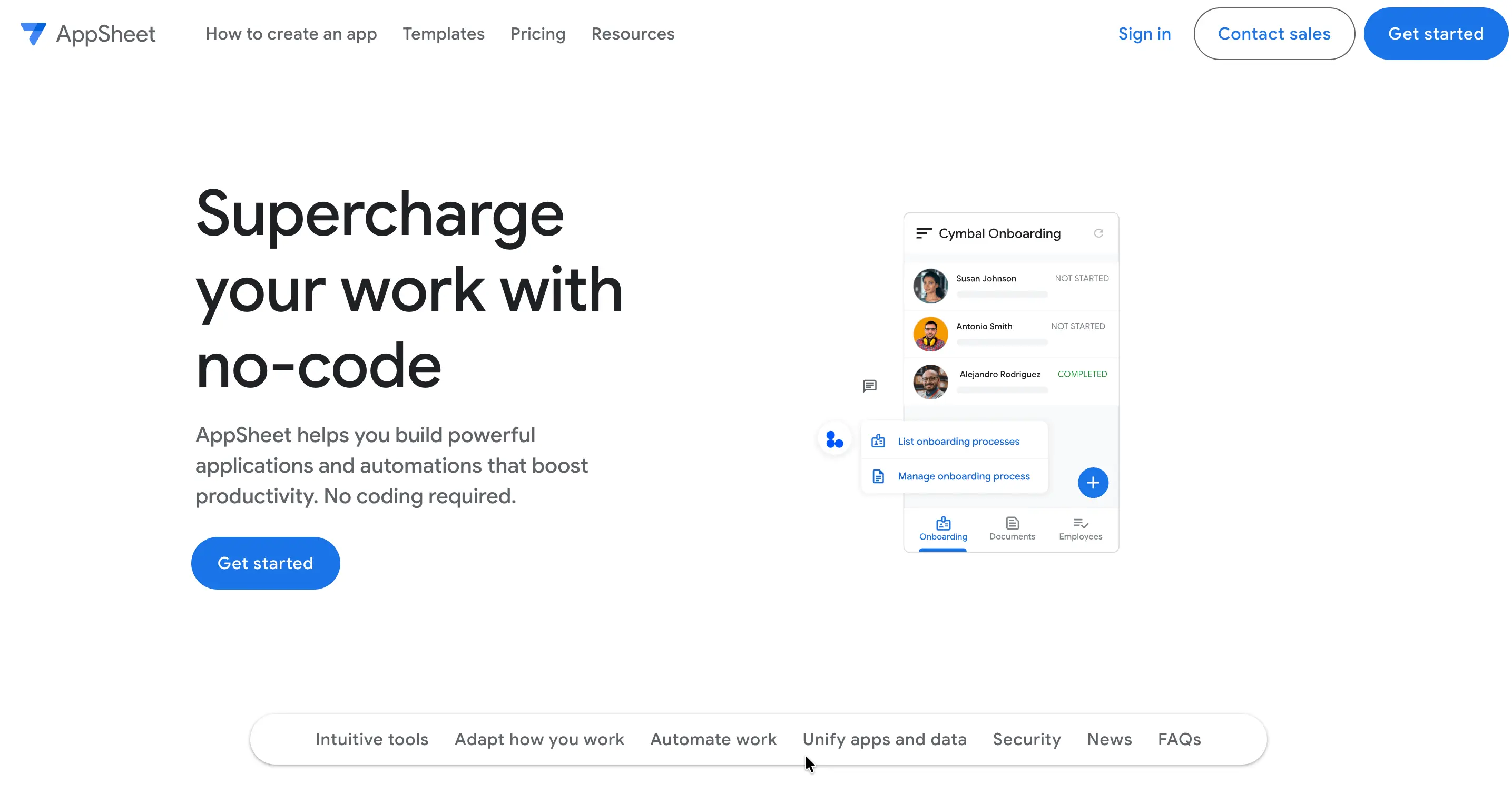
Google's AppSheet creates apps from spreadsheets, with deep integration into the Google ecosystem. If your company runs on Google Workspace, AppSheet offers compelling advantages.
AppSheet examines your spreadsheet structure—columns, data types, relationships—and generates a working app automatically. You then customize the generated app, adding logic, workflows, and design touches.
The platform connects seamlessly with Google Sheets, Forms, Drive, Calendar, and Gmail. Apps can trigger emails, create calendar events, or save files to Drive without external integrations.
Intelligent App Generation: Point AppSheet at your Google Sheet and it creates an app interface based on your data structure.
Native Mobile Apps: Publish to iOS and Android, though with some limitations compared to fully native development.
Offline Sync: Apps work offline and sync when connectivity returns—critical for field work.
Workflow Automation: Send emails, notifications, update records, and trigger actions based on events or schedules.
Google Workspace Integration: Deep connections to all Google services make it powerful for Google-centric organizations.
AppSheet suits:
AppSheet pricing starts at $5/user/month (Starter), $10/user/month (Core), with Enterprise Standard and Plus at custom pricing. Google Workspace customers may access AppSheet at preferred rates.
Strengths:
Limitations:
How It Compares to Clappia: Both platforms handle field data collection and offline work well. Clappia offers more pre-built components like QR scanners, GPS tracking, and signatures without requiring additional setup. AppSheet works well within Google ecosystems; Clappia provides platform-agnostic solutions with broader integration options. Choose AppSheet if Google-centricity matters most; choose Clappia for richer functionality and multi-platform deployment.
Zapier built its reputation connecting apps together. With Canvas, Zapier now creates simple interfaces and forms that trigger these automations, expanding into the no-code application space.
Zapier connects with over 7,000 applications—more than any other platform. If you need to move data between tools, send notifications, or trigger actions across systems, Zapier makes it possible.
Canvas provides forms, pages, and interfaces that act as triggers for your automations. Build a form that, when submitted, creates Salesforce leads, sends Slack notifications, adds rows to Google Sheets, and sends confirmation emails—all automatically.
Massive Integration Library: Connect to virtually any business software through pre-built Zaps (automated workflows).
Multi-Step Workflows: Chain multiple actions together, with conditional logic, delays, and data transformation.
AI-Powered Tools: Canvas includes AI chatbots and agents that can interact with users and take actions based on conversations.
Templates: Thousands of pre-built workflow templates for common tasks across industries and functions.
Error Handling: Monitor workflow runs, catch errors, and set up notifications when things fail.
Zapier excels at:
Free plan includes 100 tasks/month. Paid plans start at $19.99/month (Starter with 750 tasks), $49/month (Professional with 2,000 tasks), up to $399/month (Team with 50,000 tasks). Enterprise pricing available.
Strengths:
Limitations:
How It Compares to Clappia: Zapier and Clappia serve different primary purposes. Use Zapier to connect and automate existing tools. Use Clappia to build complete applications with user interfaces, databases, and workflows. Clappia includes workflow automation similar to Zapier but within purpose-built apps. For comprehensive business applications, Clappia provides more value; for pure integration and automation, Zapier excels.

Retool targets developers and technical teams building internal tools. It provides powerful components and customization options while reducing the code you need to write.
Retool assumes technical knowledge. You'll write SQL queries, JavaScript functions, and API configurations. In return, you get deep control over functionality and appearance—more than most no-code platforms provide.
The platform specializes in data-heavy applications—admin panels, dashboards, CRUD interfaces, and tools for operations teams. If your use case involves displaying data from databases and APIs in tables, charts, and forms, Retool excels.
Rich Component Library: Dozens of pre-built components like tables, charts, forms, and buttons that handle complex interactions.
Direct Database Connections: Connect to PostgreSQL, MySQL, MongoDB, and many others. Write SQL directly or use visual query builders.
API Integration: Call REST and GraphQL APIs, with built-in handling for authentication, error states, and data transformation.
JavaScript Everywhere: Add custom JavaScript to components, queries, and workflows for unlimited flexibility.
Self-Hosting Option: Deploy Retool on your own infrastructure for complete data control.
Retool works well for:
Free plan for small teams. Paid plans start at $10/month per standard user (those who build) plus $5/month per end user. Business plans start at $50/month per standard user with volume discounts. Enterprise pricing available.
Strengths:
Limitations:
How It Compares to Clappia: Retool targets technical teams building internal tools. Clappia serves non-technical users building both internal and external applications. Choose Retool if your team codes and needs data dashboards. Choose Clappia for broader use cases including mobile field operations, customer-facing apps, and offline data collection. Clappia's advantage: non-developers can build and modify applications without technical dependencies.
| Platform | Starting Price | Mobile Apps | Offline Mode | Best For | Key Strength | Learning Curve |
|---|---|---|---|---|---|---|
| Clappia | Free, then $6/user/mo* | Native iOS/Android | Yes | Any business operation | Most affordable + comprehensive features | Very Easy |
| Bubble | $29/mo | PWA only | No | Complex web apps | Unlimited web flexibility | Steep |
| Adalo | $45/mo | Native iOS/Android | No | Mobile-first apps | Native mobile publishing | Easy |
| Glide | $25/mo + $4/user | PWA only | Limited | Internal business tools | Beautiful design + AI | Medium |
| Softr | $49/mo | Web only | No | Client portals | Speed and simplicity | Easy |
| AppSheet | $5/user/mo | Native iOS/Android | Yes | Google Workspace users | Google integration | Medium |
| Zapier Canvas | $19.99/mo | Web only | No | Workflow automation | Integration ecosystem | Easy |
| Retool | $10/user/mo | Web only | No | Internal tools for technical teams | Database/API power | Medium-Steep |
*Clappia pricing scales down to $2.8/user/month for larger teams, making it the most cost-effective solution at scale.
GPS and Location: Clappia, AppSheet
Barcode/QR Scanning: Clappia
NFC Reading: Clappia
True Offline Sync: Clappia, AppSheet
White-Label Apps: Clappia
AI Capabilities: Clappia, Glide, Zapier
Workflow Automation: Clappia, Bubble, Zapier, Retool
Payment Processing: Clappia, Bubble, Adalo
Custom Branding: Clappia, Bubble, Adalo, Retool
Selecting a no-code platform isn't about finding the "best" one—it's about matching capabilities to your specific needs.
What Type of Application Do You Need?
If you're building mobile apps for field workers who need offline access, Clappia or AppSheet should top your list. For web-only internal tools accessed from office computers, platforms like Softr or Retool work well.
Progressive web apps split the difference—they work on mobile browsers but can't access all device features or appear in app stores. True native apps deliver better performance and user experience but require platforms like Clappia or Adalo.
Does Your Team Need Offline Functionality?
Many businesses overlook this until field operations fail in areas with spotty connectivity. Construction sites, rural healthcare, underground facilities, and remote inspections all demand offline capability.
Clappia's offline mode lets users capture data without any connection. When they're back online, everything syncs automatically. Few platforms offer genuine offline functionality—most require constant connectivity.
What's Your Budget and Expected User Count?
No-code platforms charge in different ways:
For building multiple applications across your organization, Clappia's unlimited app model at a flat per-user rate offers the best value. Starting at just $6/user/month (scaling down to $2.8/user/month for larger teams), you won't hit arbitrary limits or face surprise bills when usage increases.
Cost Comparison Reality Check:
Clappia's free plan advantage: Test and finalize everything before payment. Build unlimited apps, train your team, validate your workflows—all at zero cost. This risk-free approach means you only pay once you're completely confident the platform meets your needs.
Do You Need GPS Tracking or Location Verification?
Field service businesses, delivery operations, attendance tracking, and asset management often require location data. Clappia's GPS block includes:
This functionality comes built-in, not as an expensive add-on or complex integration.
What Integrations Are Essential?
List the software you already use—CRM, accounting, email marketing, payment processing, spreadsheets. Check which platforms offer native integrations versus requiring Zapier or custom API work.
Clappia provides direct integrations for Google Sheets, databases, payment gateways, and REST APIs. For everything else, use Zapier or Make to connect additional tools.
Do You Need Workflow Automation?
Simple forms don't require workflow tools. But if your process includes approvals, notifications, status updates, or conditional routing, automation becomes essential.
Look for platforms with visual workflow builders, not those requiring code. Clappia's workflow nodes handle email, SMS, WhatsApp, approvals, data updates, and complex conditional logic without programming.
What's Your Team's Technical Skill Level?
Be honest about technical capabilities. Some platforms reward technical knowledge with greater flexibility. Others prioritize ease of use but limit what's possible.
Clappia strikes a balance—accessible to non-technical users for straightforward apps, with advanced options for those who want them. The code block lets developers add custom JavaScript when needed, while visual components handle 90% of requirements.
For Field Operations and Mobile Workforce
Priority: Mobile apps, offline mode, GPS tracking, barcode scanning
Best Choice: Clappia
Why: Native mobile apps with offline sync, comprehensive field data capture (GPS, QR codes, signatures, photos), geofencing, and live tracking. Real-world proven in construction, healthcare, retail, and logistics. AWS USA data centers ensure fast performance for American businesses. At $6/user/month (scaling to $2.8/user/month), it's the most affordable no-code app builder for Android and iOS with enterprise-grade features.
Alternative: AppSheet (if locked into Google Workspace)
For Web-First SaaS Products
Priority: Web application flexibility, complex workflows, API access
Best Choice: Bubble
Why: Unlimited flexibility for web applications, strong plugin ecosystem, can build sophisticated logic and user experiences. Be prepared for a learning investment.
Alternative: Consider Clappia if you need faster development and don't mind some design constraints
For Simple Internal Tools and Dashboards
Priority: Quick setup, easy maintenance, data visualization
Best Choice: Glide or Softr
Why: Both offer fast development with minimal learning curve. Glide for spreadsheet-based apps with AI features; Softr for client portals and content-driven sites.
Alternative: Clappia provides more comprehensive features if internal tools need offline access or complex approvals
For Complex Workflow Automation
Priority: Connecting multiple systems, automated processes, conditional routing
Best Choice: Clappia (for complete applications) or Zapier (for pure integration)
Why: Clappia includes comprehensive workflow automation within purpose-built apps. Zapier excels at connecting existing software without building new interfaces.
For Organizations with Technical Teams
Priority: Database control, custom code, API flexibility
Best Choice: Retool (for internal tools) or Bubble (for customer products)
Why: Both offer technical users greater control and customization. Retool specializes in database-heavy admin interfaces; Bubble handles complex customer-facing applications.
The no-code revolution has matured. These platforms aren't toys or proof-of-concept tools—they're production-ready development environments powering real businesses across every industry.
Your choice depends on specific needs, not abstract "best" rankings:
For most organizations building business operations apps—field service, inventory management, attendance tracking, inspections, approvals, or workflow automation—Clappia delivers the most value. The combination of mobile apps, offline functionality, comprehensive data capture, workflow automation, and unlimited-app pricing creates exceptional ROI.
Don't spend months evaluating. Sign up for Clappia's free plan, spend a few hours building a simple version of an app you need, and experience the platform firsthand. Compare it to alternatives through similar hands-on testing.
The best no-code platform is the one you'll actually use to solve real problems. Start building today.
L374, 1st Floor, 5th Main Rd, Sector 6, HSR Layout, Bengaluru, Karnataka 560102, India
3500 S DuPont Hwy, Dover,
Kent 19901, Delaware, USA


.svg)




3500 S DuPont Hwy, Dover,
Kent 19901, Delaware, USA
L374, 1st Floor, 5th Main Rd, Sector 6, HSR Layout, Bengaluru, Karnataka 560102, India