Grab Clappia’s 50% OFF Black Friday Deal before it’s gone! Ends 05 Dec 2025.
View offer →
#bf-banner-text { text-transform: none !important; }
How to Build an AI App for Meter and Gauge Reading Using Clappia

How to Build an AI App for Meter and Gauge Reading Using Clappia

By
Vidhyut Arumugam
February 28, 2026
|
10 Mins
Table of Contents

Tired of manually recording meter readings from analog gauges?

Manual meter reading is time-consuming, error-prone, and inefficient. Field technicians spend hours documenting pressure gauges, temperature meters, utility meters, and odometer readings by hand. Human errors in transcription lead to billing disputes, maintenance delays, and compliance issues.

But there's a better way forward.

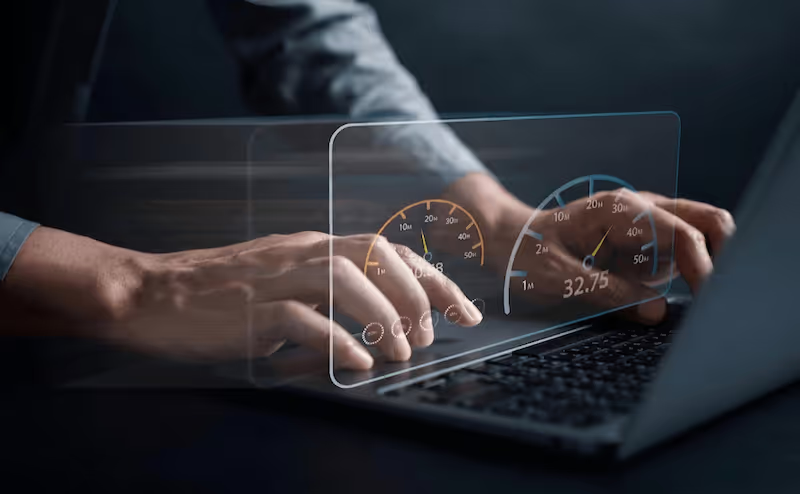
With AI-powered image OCR (Optical Character Recognition) and numeric extraction capabilities, you can now automate the entire meter reading process. No more squinting at analog dials, no more data entry errors, and no more wasted hours on manual documentation.

In this guide, you'll learn how to build a custom AI app that reads meters and gauges automatically using just a smartphone camera. Whether you're managing utilities, industrial equipment, vehicle fleets, or facility maintenance, this solution will transform your operations.

Prerequisites for Building Your AI Meter Reading App

Before we start, here's what you need:

  • Basic understanding of your meter reading workflow and data requirements
  • No coding or technical development skills required
  • A smartphone or tablet with camera access
  • Basic computer literacy is sufficient
  • We'll build everything from scratch, so anyone can follow along

What Does This AI Meter Reading App Do?

An AI-powered meter reading app uses image recognition and OCR technology to automatically extract numeric values from analog and digital meters. The system processes images captured by field workers and converts them into structured digital data. Key capabilities include:

  • Capture meter photos using mobile device cameras
  • Use AI to extract numeric readings from images automatically
  • Handle analog gauges, digital displays, and odometer readings
  • Store readings with timestamps and GPS locations
  • Generate automated reports and trend analysis
  • Integrate with billing systems and maintenance platforms
  • Work offline in areas with poor connectivity

Why Choose an AI-Powered Meter Reading Solution?

Traditional manual meter reading creates bottlenecks, increases operational costs, and introduces human error. Automating this process through AI delivers significant advantages:

  • Faster Data Collection: Capture hundreds of readings in the time it takes to manually record dozens
  • Higher Accuracy: Reduce human transcription errors by up to 95%
  • Better Compliance: Maintain audit trails with photo evidence and timestamps
  • Lower Costs: Reduce labor hours spent on manual data entry
  • Real-Time Insights: Access meter data instantly instead of waiting for manual uploads

Benefits of Automating Meter Reading

  • Instant Numeric Extraction: AI reads numbers from images in seconds
  • Multi-Format Support: Handle analog dials, digital displays, and LCD screens
  • Offline Capability: Continue working without internet connectivity
  • Audit Trail: Maintain photo evidence for every reading
  • Automated Validation: Detect anomalies and outliers automatically
  • Integration Ready: Connect to existing systems via APIs

What Tool We Are Going to Use

To build this AI-powered meter reading app, we'll use Clappia, a no-code platform that lets anyone create powerful business applications without writing code.

With Clappia's AI Block, you can build custom apps that automatically extract numeric values from meter images, validate readings, and integrate with your existing workflows.

Key Features of Your AI Meter Reading App

To ensure your app delivers professional results, we'll include these essential capabilities:

  • Offline Functionality: Field workers can capture readings without internet access
  • Mobile-First Design: Optimized forms for quick data capture on smartphones
  • AI-Powered Extraction: Automatically reads numbers from analog and digital meters
  • Camera Integration: Capture high-quality images with guided photo assistance
  • GPS Tagging: Record exact location of each meter reading
  • Timestamp Logging: Automatic date and time stamps for compliance
  • Validation Rules: Flag unusual readings for manual review
  • Bulk Operations: Process multiple readings efficiently
  • Custom Workflows: Route readings for approval or investigation
  • API Integration: Connect with billing and maintenance systems
  • Automated Reporting: Generate consumption reports and trend analysis
  • Role-Based Access: Different permissions for field workers and supervisors

App Flow

Field Worker Side
  1. Open the Meter Reading App on mobile device
  2. Select meter type: Utility Meter, Pressure Gauge, Temperature Gauge, Odometer, etc.
  3. Capture photo of the meter display
  4. AI Block automatically extracts the numeric reading
  5. Verify extracted value or manually correct if needed
  6. Add optional notes about meter condition
  7. Submit reading with photo evidence and GPS location
  8. Continue to next meter or sync data when back online
Supervisor Side
  1. View all submitted meter readings in dashboard
  2. Review AI-extracted values and photo evidence
  3. Check readings flagged for unusual consumption patterns
  4. Approve readings or request re-verification
  5. Generate consumption reports and analytics
  6. Export data to billing or maintenance systems
  7. Monitor field worker productivity and route efficiency

This streamlined flow eliminates manual data entry while maintaining quality control and compliance documentation.

Automating Meter Reading Workflows with API Integration

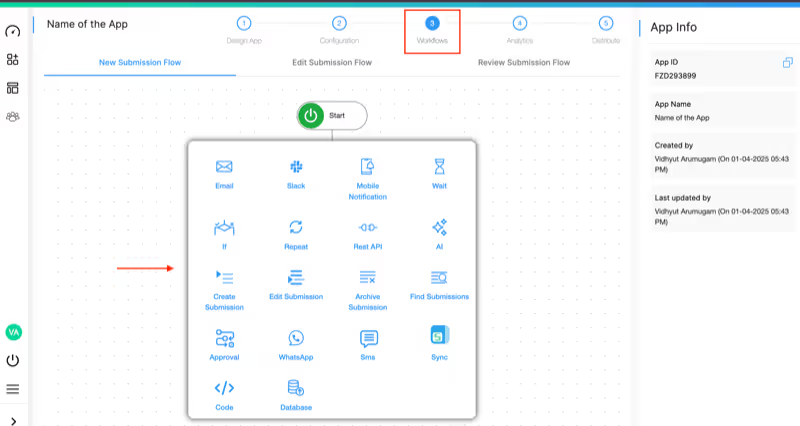
Instead of manually transferring meter readings to multiple systems, Clappia enables complete automation using REST API integration and workflow automation. Here's how it works:
  • Image Capture: Field worker photographs the meter
  • AI Analysis: AI Block extracts numeric value from image
  • Validation Check: System flags readings outside normal range
  • Auto-Routing: High-priority readings route to supervisors
  • API Trigger: Validated readings automatically sync to billing system
  • Data Storage: Information stores in centralized database
  • Report Generation: Automated consumption reports generate daily
  • Billing Integration: Data flows directly to customer billing platform

Why This Approach Works Better

  • No Manual Data Transfer: Readings automatically flow to all systems
  • Real-Time Updates: Billing and maintenance systems stay current
  • Error Prevention: Validation catches issues before they reach billing
  • Universal Compatibility: Works with any system that supports APIs
  • Audit Trail: Complete documentation of who captured what and when

Step-by-Step Guide to Building the AI Meter Reading App

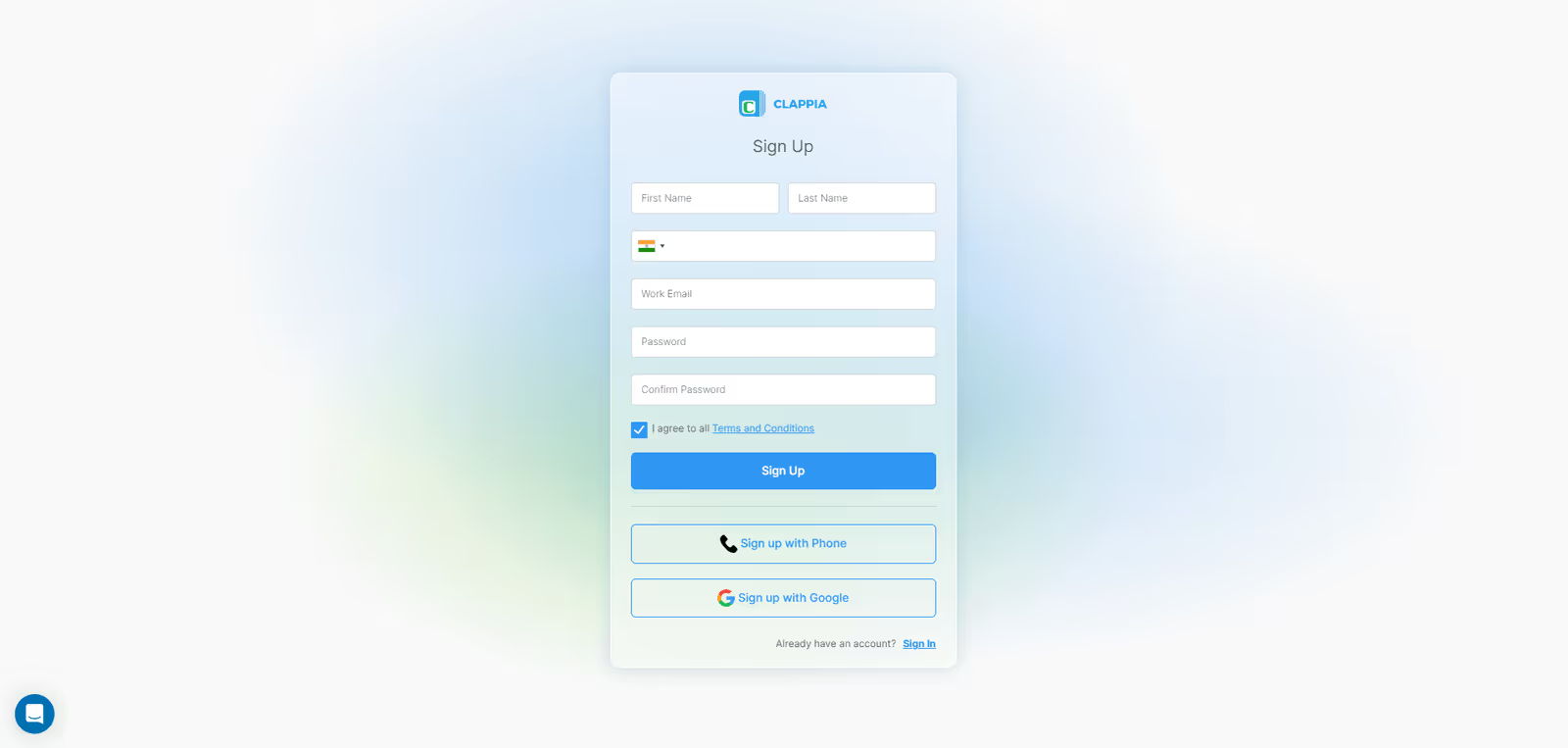
Step 1: Create Your Workspace in Clappia
clappia sign up
  • Sign up for Clappia and create your organization workspace
  • Name your workspace after your company or department
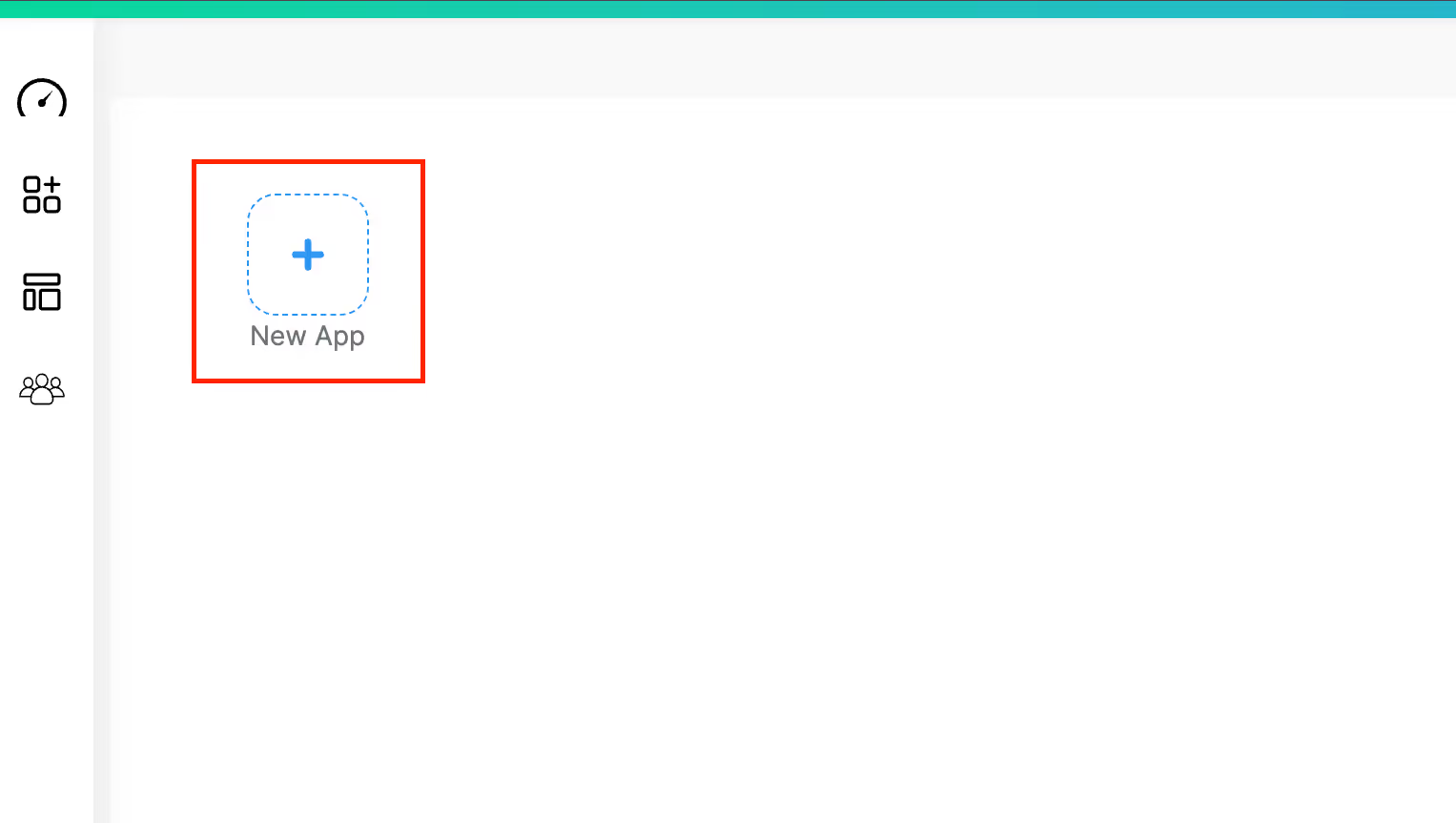
Step 2: Create a New App
create new app
  • Click "Create App" and name it "Meter Reading Tracker" or similar
Step 3: Add Form Components
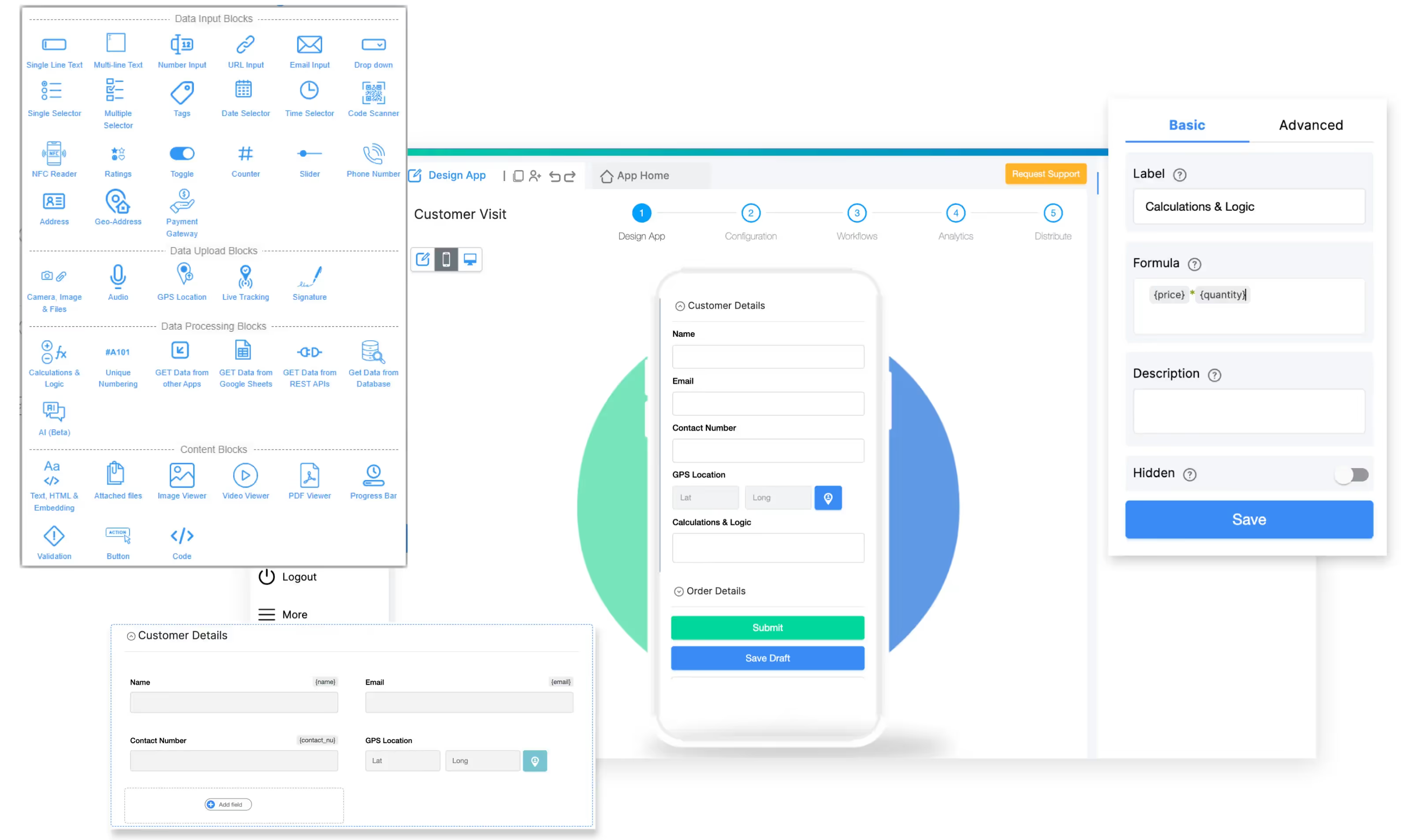
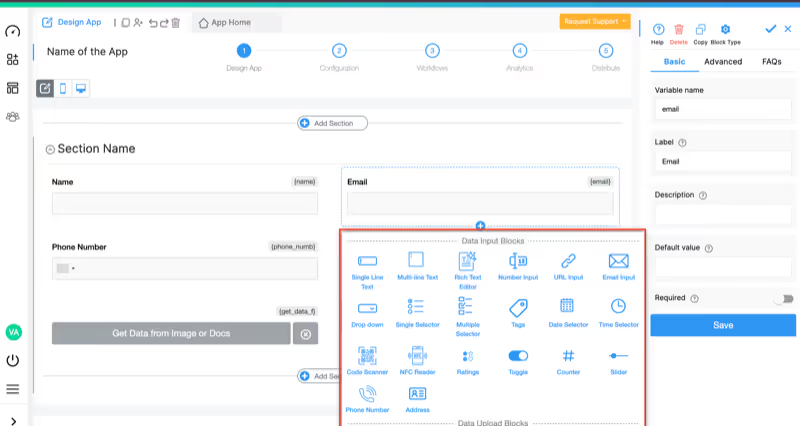
add field

Add these blocks to your form:

Step 4: Implement AI-Powered Numeric Extraction
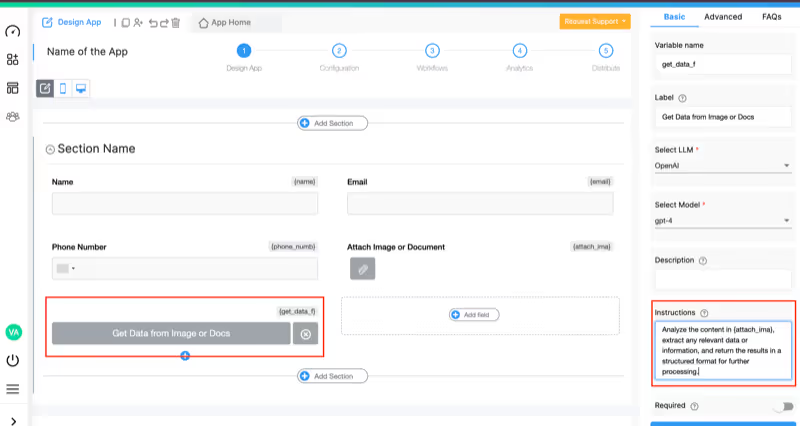
add ai block

This is the critical component that makes automatic meter reading possible:

  • Add an AI Block to your form
  • Configure it to analyze the captured meter image
  • Set the instruction prompt based on meter type

Example AI Instructions:

For Water/Electric/Gas Meters:

Check the numeric reading shown in {meter_image}. Extract only the numeric value displayed on the meter. If the reading shows decimal places, include them. Display only the final numeric value without any additional text.

For Analog Pressure/Temperature Gauges:

Analyze the gauge in {meter_image} and determine where the pointer needle is positioned on the scale. Read the exact value the needle is pointing to. Return only the numeric reading with the appropriate unit shown on the gauge face.

For Odometers (with partial digit transitions):

In {meter_image}, read the trip distance or odometer value. If a digit is transitioning between numbers, provide the reading that the meter is approaching. Display only the distance value.

The AI Block will process the image and extract the numeric reading automatically, handling:

  • Digital LCD/LED displays
  • Analog dial gauges with pointer needles
  • Mechanical counter wheels
  • Odometer readings with rolling digits
  • Low-quality or angled images
Step 5: Add Validation and Quality Control
Formula Block
  • Add a Formula Block to validate readings against expected ranges
  • Add a Validation Block to enforce data quality rules
  • Set acceptable range based on meter type and historical readings
  • Add conditional logic to flag unusual readings for supervisor review
  • Include a manual override field for corrections if AI misreads

Example Validation Formula:

IF({ai_extracted_reading} > {previous_reading} * 1.5, "Unusually high consumption - verify",
  IF({ai_extracted_reading} < {previous_reading} * 0.5, "Unusually low consumption - verify",
     "Reading validated"))

Validation Block Configuration:
  • Set rule to prevent submission if reading is blank or zero
  • Require photo evidence for all readings
  • Flag readings that differ significantly from historical average
  • Ensure meter ID matches the assigned route
Step 6: Set Up Workflow Automation
setup workflow automation

Use Workflow Automation to handle readings automatically:

  • Normal Readings: Auto-approve and sync to billing system
  • Flagged Readings: Route to supervisor for manual review
  • Damaged Meters: Create maintenance ticket automatically
  • High Consumption: Send alert notifications via email, SMS, or WhatsApp
Step 7: Configure API Integration
Get Data From REST APIs
Step 8: Design Reports and Analytics
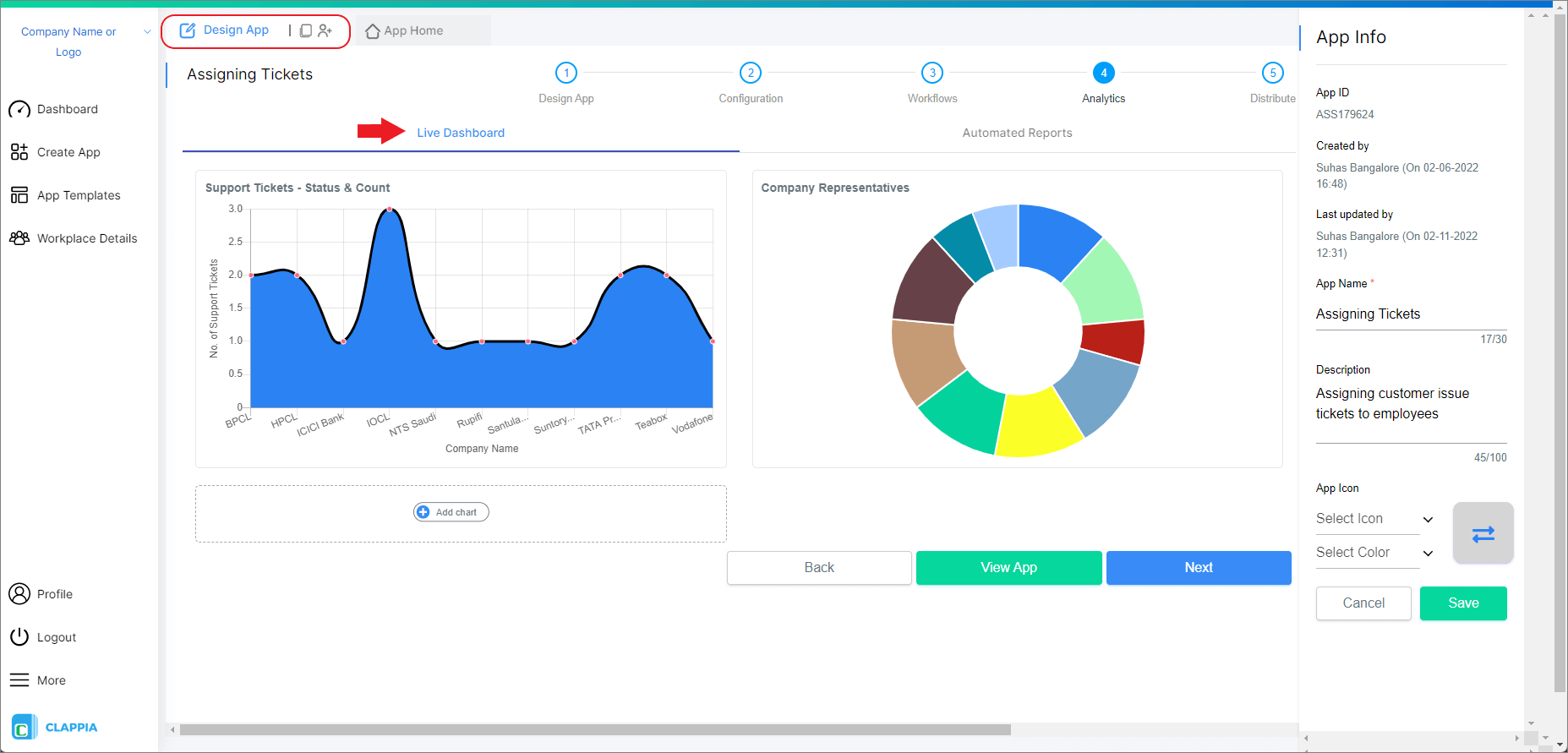
Analytics: Automated Reports
  • Create dashboard views for:
    • Daily reading completion rates
    • Consumption trends by customer/asset
    • Meter condition tracking
    • Field worker productivity metrics
  • Set up automated reports to email stakeholders
  • Build visual analytics charts for management
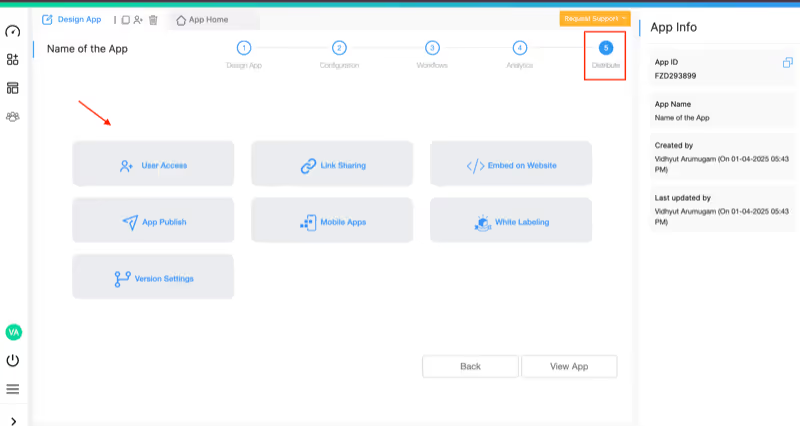
Step 9: Test and Deploy the App
share the app
  • Test with various meter types and image conditions
  • Verify AI extraction accuracy across different lighting
  • Check workflow routing and validation rules
  • Test offline mode and data synchronization
  • Train field workers on proper photo capture techniques
  • Roll out to pilot group before full deployment
  • Gather feedback and refine the app
  • Deploy to all field workers and monitor adoption

Real-World Use Cases for AI Meter Reading

Utility Companies

Challenge: Reading thousands of water, gas, and electric meters across dispersed locations monthly.

Solution: Field workers photograph meters using the app. AI extracts readings automatically, eliminating manual data entry. System flags anomalies for investigation. Data syncs directly to billing systems.

Results: 70% reduction in reading time, 95% fewer transcription errors, faster billing cycles.

Industrial Facilities

Challenge: Monitoring hundreds of pressure gauges, temperature meters, and flow meters across manufacturing plants.

Solution: Maintenance technicians capture gauge images during rounds. AI reads analog dials and digital displays. System tracks trends and alerts on abnormal readings for preventive maintenance.

Results: Earlier detection of equipment issues, reduced downtime, comprehensive documentation for compliance audits.

Vehicle Fleet Management

Challenge: Recording odometer readings for thousands of vehicles during inspections and maintenance.

Solution: Mechanics photograph odometers and vehicle IDs. AI extracts mileage automatically. System calculates service intervals and schedules preventive maintenance.

Results: Accurate mileage tracking, automated service scheduling, reduced administrative burden.

Facility Management

Challenge: Tracking utility consumption across multiple buildings for cost allocation and energy management.

Solution: Facilities staff capture meter photos during monthly rounds. AI extracts readings and calculates consumption by building. System generates departmental cost allocation reports automatically.

Results: Accurate utility billing, identification of energy waste, improved budgeting accuracy.

Technical Considerations for Optimal Performance

Image Quality Tips for Field Workers

  • Lighting: Capture images in good lighting conditions; avoid direct glare
  • Distance: Position camera 12-18 inches from meter for optimal focus
  • Angle: Photograph meter face-on; avoid extreme angles
  • Stability: Hold device steady or use stabilization to prevent blur
  • Zoom: Use digital zoom sparingly; prefer moving closer physically
  • Multiple Shots: Capture 2-3 images if initial extraction seems inaccurate

AI Model Selection

Clappia's AI Block supports multiple AI models:

  • OpenAI (GPT-4o): Excellent for complex analog gauges with needle pointers
  • Claude (Anthropic): Strong performance on digital displays and mixed formats
  • Google Gemini: Good balance of speed and accuracy for high-volume operations
  • Mistral/Grok: Alternative options for specific use cases

Test different models with your specific meter types to find optimal performance.

Handling Edge Cases

  • Partially Visible Digits: Instruct AI to estimate transitioning numbers
  • Damaged Displays: Route to manual entry with photo documentation
  • Extreme Angles: Request re-capture with proper positioning
  • Dirty/Obscured Meters: Flag for cleaning before reading
  • Multiple Meters in Image: Use cropping or multiple captures

Pricing That Makes Sense

Clappia offers transparent pricing designed for businesses of all sizes:

Free Plan (Lifetime):

  • Build unlimited apps for testing and proof of concept
  • Up to 100 users
  • 400 submissions per month
  • 100 AI usage credits included
  • Perfect for pilot programs and small-scale implementations

Starter Plan: From $6/month per user

Unlike expensive enterprise meter reading systems, Clappia lets you start with a free plan to validate the solution. Scale up only when you're ready, with predictable per-user pricing that fits any budget.

Integration Capabilities

Connect your meter reading app with existing systems through Clappia's integration options:

  • Billing Systems: Sync readings directly via REST API
  • Database Integration: Connect to MySQL, PostgreSQL, SQL Server
  • Google Sheets: Automatic backup and reporting
  • Microsoft Teams: Notifications and collaboration
  • Zapier: Connect to 1000+ apps without coding
  • Power BI: Advanced analytics and dashboards
  • SharePoint: Document management integration
  • SAP/Oracle: Enterprise system connectivity

Security and Compliance

Clappia ensures your meter reading data stays secure:

  • Data Encryption: 256-bit SSL encryption in transit and at rest
  • Role-Based Access: Granular permissions control
  • Audit Logs: Complete tracking of all data access
  • GDPR Compliant: Meets European data protection standards
  • ISO Certified: International security standards
  • Regular Backups: Automated data backup and recovery
  • Photo Storage: Secure cloud storage with access controls

Getting Started: Your Next Steps

Ready to transform your meter reading operations? Here's how to begin:

  1. Sign up for free and explore Clappia's platform
  2. Build a pilot app using this guide for your specific meter types
  3. Test with a small team on a limited route or facility
  4. Gather feedback and refine your app design
  5. Scale deployment across all field workers and locations
  6. Monitor results and continuously optimize

The best part? You can start with the free plan and test everything before committing. No credit card required, no technical skills needed.

Frequently Asked Questions

Can the AI read any type of meter or gauge?

Yes, Clappia's AI Block handles analog gauges with pointer needles, digital LCD/LED displays, mechanical counter wheels, and odometer readings. Performance is excellent across water, electric, gas, pressure, temperature, and various industrial meters.

What happens if the AI misreads a value?

Field workers can manually verify and correct any reading before submission. The system learns from corrections. You can also set validation rules to flag suspicious readings for review.

Does it work without internet connectivity?

Absolutely. Enable offline mode so field workers can capture readings in remote areas. Data syncs automatically when connectivity returns.

How accurate is the AI extraction?

With good image quality, accuracy exceeds 95%. Performance varies based on image quality, lighting conditions, and meter legibility. Testing multiple AI models helps optimize accuracy for your specific meters.

Can I use my own AI API key?

Yes, Clappia allows you to connect your own AI API key from OpenAI, Anthropic Claude, Google Gemini, or Mistral. This removes usage limits and gives you full control over AI costs.

How long does it take to build the app?

Most organizations complete a basic meter reading app in 2-4 hours following this guide. Factor in additional time for testing, workflow customization, and integration setup.

What about training field workers?

Training is minimal since the app is intuitive. Focus on proper photo capture techniques (lighting, distance, angle). Most workers become proficient after reading 10-20 meters.

Can it integrate with our existing billing system?

Yes, through REST API integration, database connections, or Zapier. Clappia connects to virtually any system with an API or database interface.

Conclusion

Manual meter reading is outdated, inefficient, and costly. With AI-powered image OCR and numeric extraction, you can automate this critical process using just a smartphone camera and a no-code app builder.

Clappia makes it possible to build professional meter reading applications without writing a single line of code. The AI Block handles the complex image analysis while you focus on designing the perfect workflow for your organization.

Whether you're reading utility meters, industrial gauges, vehicle odometers, or facility equipment, this approach delivers faster operations, higher accuracy, and better compliance documentation.

Start building your AI-powered meter reading app with Clappia today—because every minute spent on manual readings is a minute that could be better spent elsewhere.

FAQ

Start Building Your AI-Powered Meter Reading App Today

Start Building Your AI-Powered Meter Reading App TodayGet Started – It’s Free

Start Building Your AI-Powered Meter Reading App Today

Summary

Close